
- Catalogs
- Emdoor Information Co., Ltd.
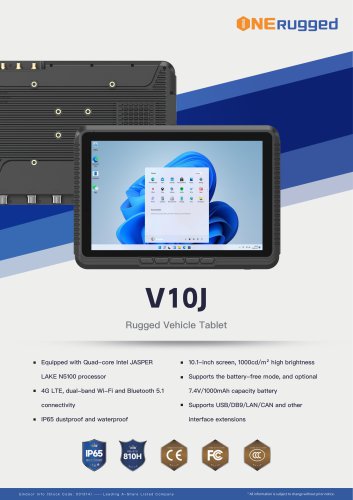
- EM-V10J 10 inch Windows Vehicle PC


- Company
- Products
- Catalogs
- News & Trends
- Exhibitions
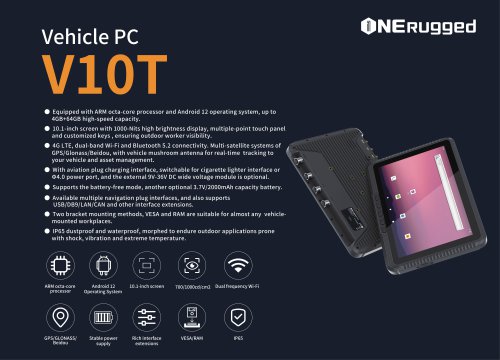
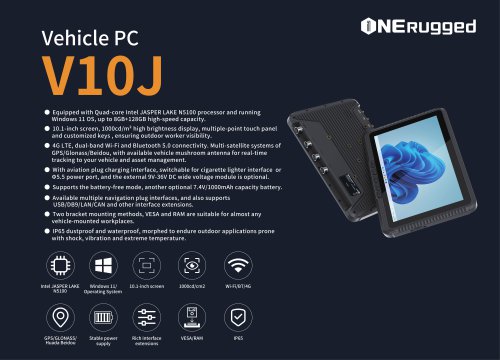
EM-V10J 10 inch Windows Vehicle PC

EM-V10J 10 inch Windows Vehicle PC
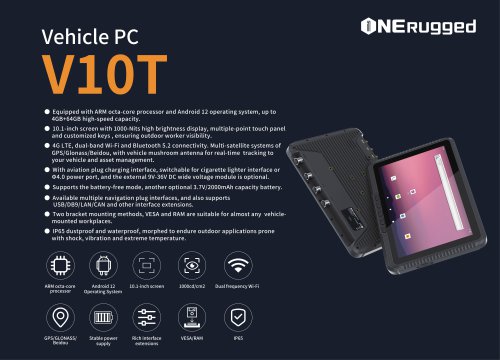
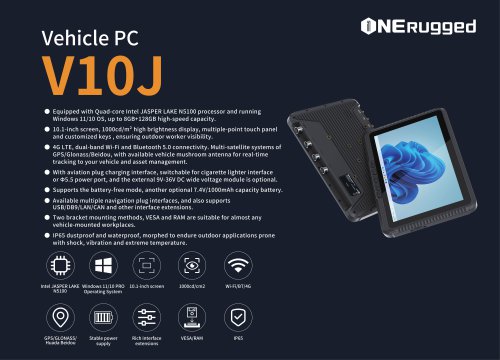
The document is a user manual for the V10J Vehicle PC, a rugged computing solution provided by Shenzhen Emdoor Information Co., Ltd. It includes details on product specifications, warranty information, and operational guidance.
Warranty Information
The warranty covers a 12-month period for the entire machine, batteries, power adapters, and data cables. Free repairs are provided for non-human damage under normal use conditions. Cosmetic issues are not covered. Conditions not covered include damage during transport, unauthorized modifications, accidental damage, improper use, and natural disasters. A warranty card is required for service.
Getting Started
The manual provides step-by-step instructions for setting up the device, including connecting the power supply and starting the device. It emphasizes using only the provided power adapter to avoid damage.
Device Components
The manual details the external components of the V10J, including various ports and interfaces for GPS, 4G, WiFi, and power connections. It also describes the function of buttons and indicators on the device.
Troubleshooting
Guidance is provided for addressing common hardware and software issues. Preliminary checks include verifying power connections, BIOS settings, and driver installations. Users are advised to contact authorized dealers if problems persist.
Power Adapter Usage
The power adapter converts AC to DC power and charges the battery. Users are instructed on proper disconnection procedures to prevent damage.
SIM Card Installation
The SIM card slot is optional and instructions are provided for inserting a SIM card if applicable.
Catalog excerpts

FACTORY CODE: Maintenance record list 维修员 EQUIPMENT MAINTENANCE DETAIL MAINTENANCE DATE YOUR ONE-STOP RUGGED C O M P U T I N G S O L U T I O N P R O V I D E R USER MANUAL (1) Before sending for repair, please back up your personal data in advance. Your personal data may be lost during the maintenance process. We will protect your personal privacy, but we will not be responsible for the damage or loss of personal data during the maintenance process. (2) When sending for repair, the product must be professionally inspected by an authorized service center. After confirming the fault, the service center will determine the corresponding maintenance plan. For detected non-faulty products, it will be returned as is. (3) If a fee is charged because the product does not meet the warranty conditions, the authorized service center will charge the consumer for maintenance. Address: Emdoor Building, No. 8, Guangke 1st Road, Pingshan District, Shenzhen, Guangdong Province,China Post code: 518122 邮箱:[email protected] 设备形态:车载平板电脑 EQUIPMENT FORM: Vehicle PC SERIAL NUMBER: Note: Use only the power adapter provided with this product. Using other power adapters may damage your device. It must be connected to the AC power supply when it is turned on. 电源插口 (Power Outlet) 1. Insert the power cord of the power adapter into the power port of the device. 2. Plug the female end of the AC power cord into the power adapter and the male end into the power outlet. 3. The power outlet supplies power to the device through an adapter. 4. After connecting to the power supply, the power indicator light will be on. 接上电源后,等待设备开机, 操作系统Microsoft Windows 将在 40 秒后启动,请耐心等待。 After connecting to the power supply, and wait for the device to power on. The operating system Microsoft ・V10J车载平板电脑 ・电源转接线 ・WIFI 棒状天线 ・GPS 天线 连接电源/CONNECT THE POWER SUPPLY After unpacking, you should see the following standard items: ·V10J Vehicle PC ·Power Adapter Cable·WiFi Rod Antenna ·GPS Rod Antenna Mail: [email protected] Repair Service Guide This chapter first tells you step by step how to get the computer up and running. Then, you will find a section briefly introducing the external components of the computer. Shenzhen Emdoor Information Co., Ltd. *The contents of this page shall not be altered without authorization, and please keep the product packaging box to protect your legal rights. Windows will start in 40 seconds. Please wait patiently. DC Voltage: 3.0~5.0V 1.The following are covered by the warranty and can be repaired free of charge: (1) A 12-month warranty for the whole machine, batteries, power adapters,
Open the catalog to page 1
iS^'^Mfflfi'^n/EQUIPMENT APPEARANCE INTRODUCTION ISfflft/FRONT components WSIM/rear components Note: 1. Depending on the special model you purchased, the look of the device may be different from the graphics shown in this manual. *®SSS/POWER ADAPTER ffl^#SIffi/PRELIMINARY CHECKLIST Note:The SIM card slot module is optional. If the standard module you purchased is not equipped with this function, this chapter can be ignored. Remove the waterproof plug and insert the SIM card £f!IIIft/LEFT-SIDE COMPONENTS jagBUft/TOP COMPONENTS Notice: ■When you disconnect the power adapter, disconnect from the...
Open the catalog to page 2All Emdoor Information Co., Ltd. catalogs and technical brochures
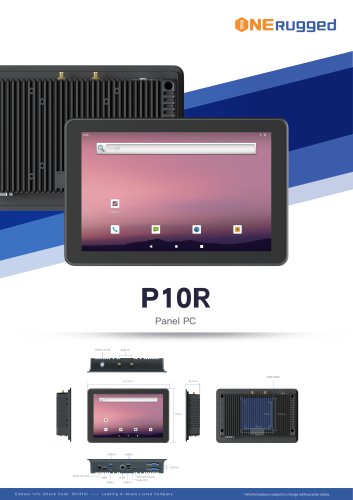 EM-P10R Specification
3 Pages
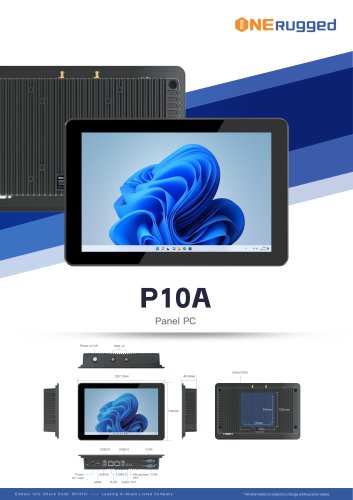 EM-P10A Specification
3 Pages
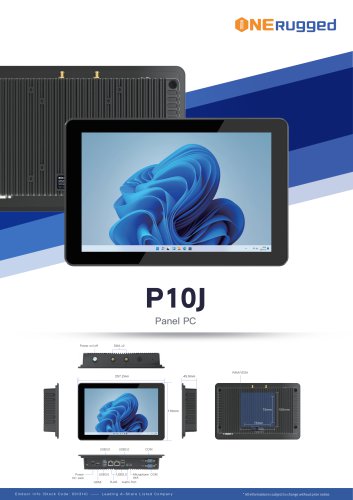 EM-P10J Specification
3 Pages
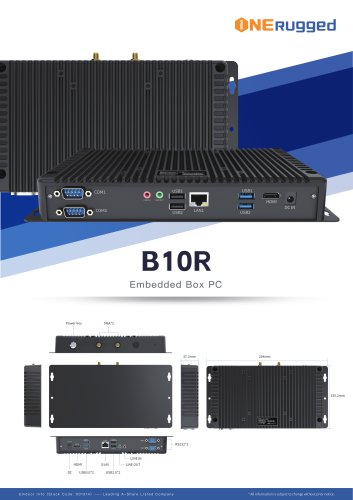 EM-B10R Specification
3 Pages
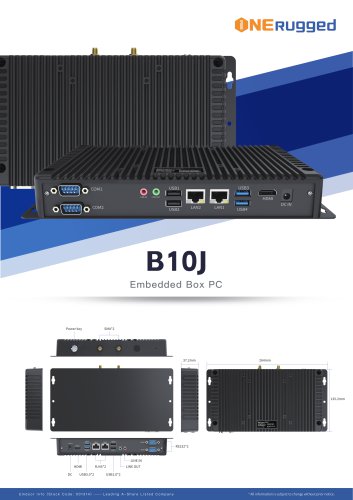 EM-B10J Specification
3 Pages
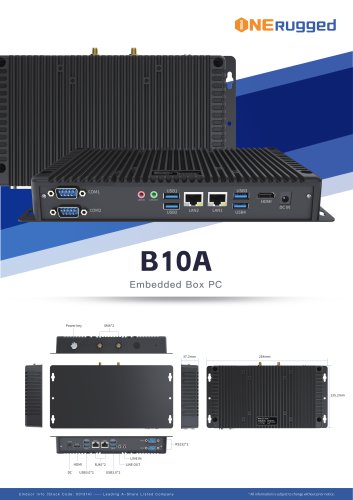 EM-B10A Specification
3 Pages
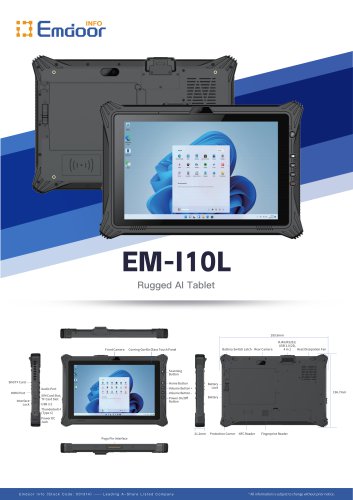 EM-I10L Specification
3 Pages
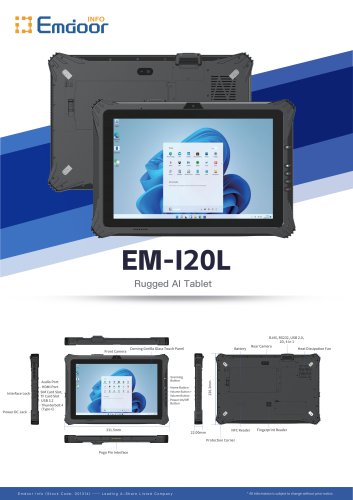 EM-I20L Specification
3 Pages
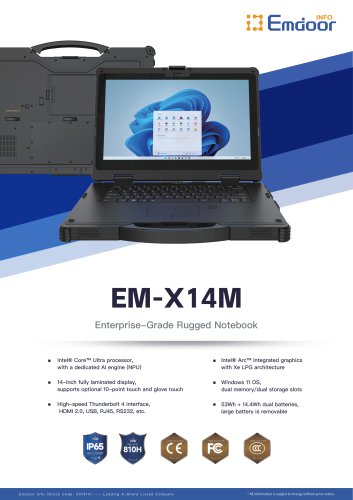
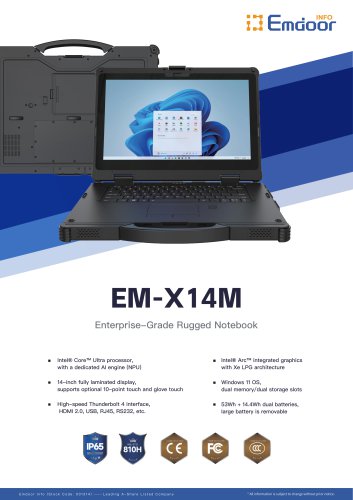 EM-X14M Specification
2 Pages
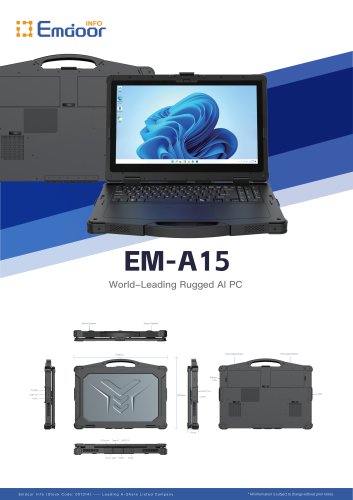 EM-A15 Specification
3 Pages
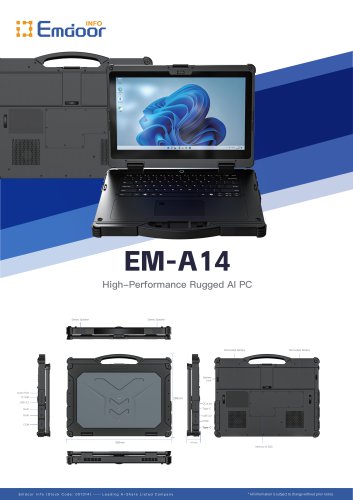 EM-A14 Specification
3 Pages
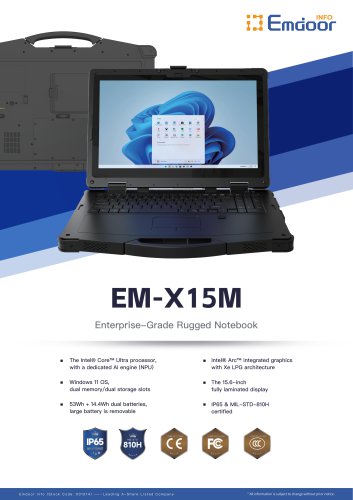
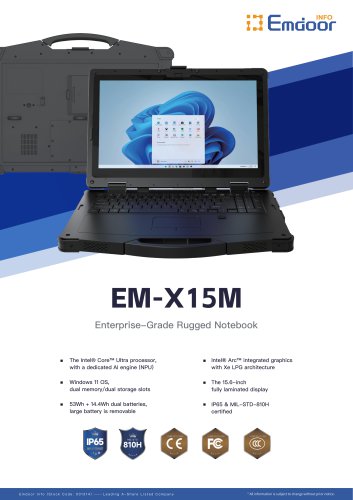 EM-X15M Specification
2 Pages
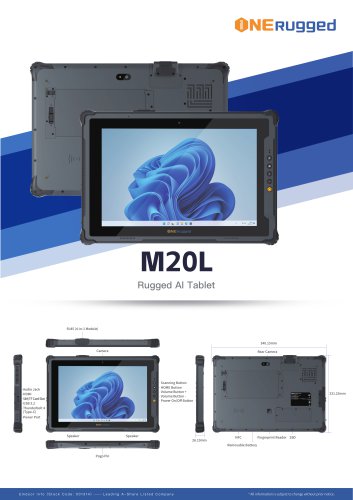 M20L-specification
3 Pages
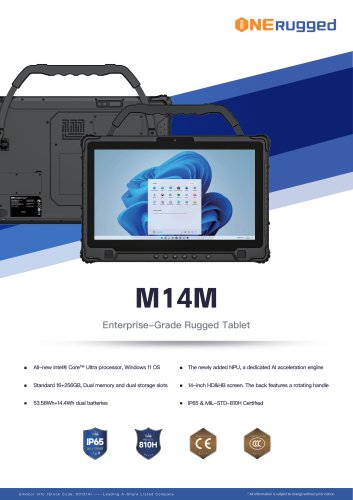 M14M-specification
2 Pages
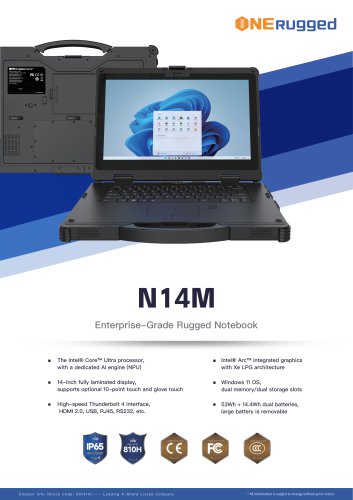 N14M-specification
2 Pages
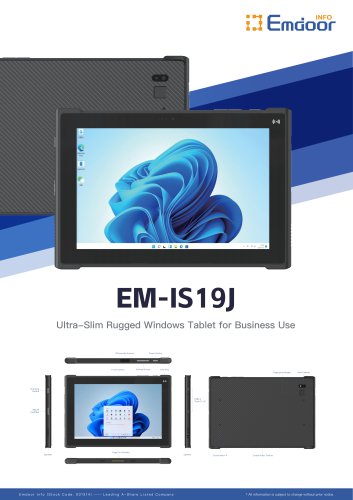 EM-IS19J specification
3 Pages
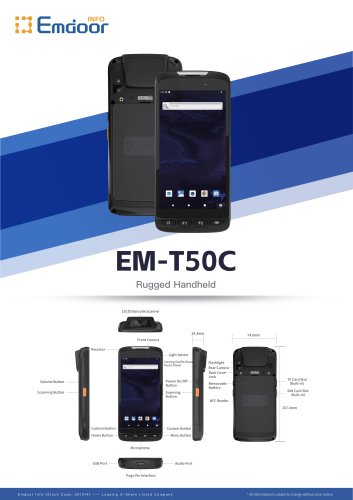 EM-T50C
3 Pages
 EM-D10R successful case
3 Pages
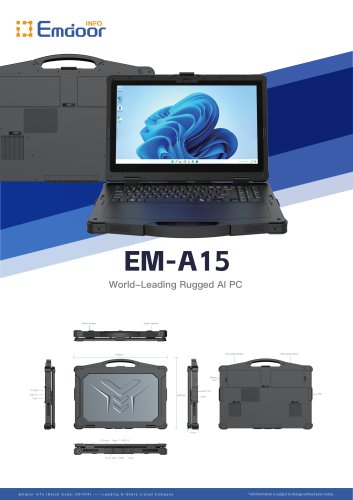 EM-A15
3 Pages
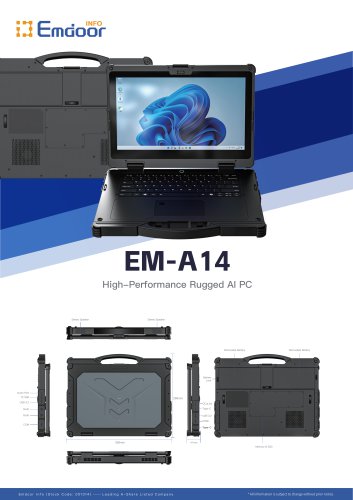 EM-A14
3 Pages
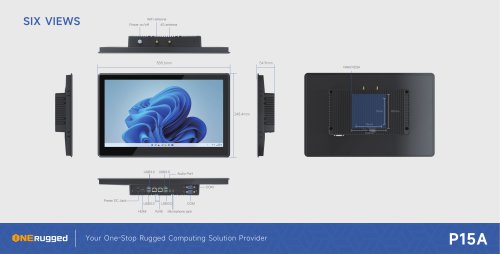 EM-P15A six views
1 Page
 EM-V12R USER MANUAL
2 Pages
 EM-P15A USER
2 Pages
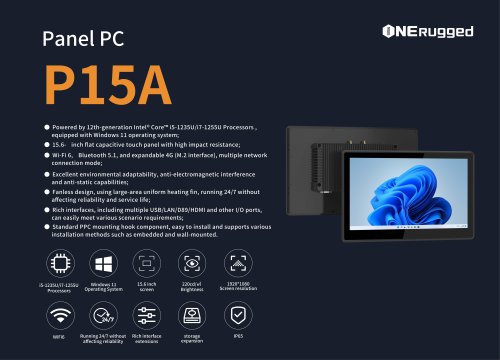 EM-P15A SPE
2 Pages
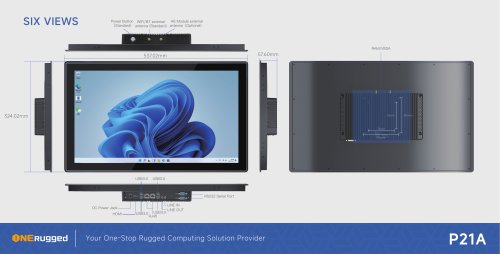 EM-P21A six views
1 Page
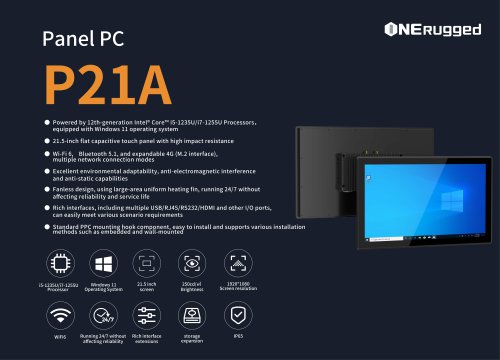 EM-P21A SPE
2 Pages
 EM-P21A user
2 Pages
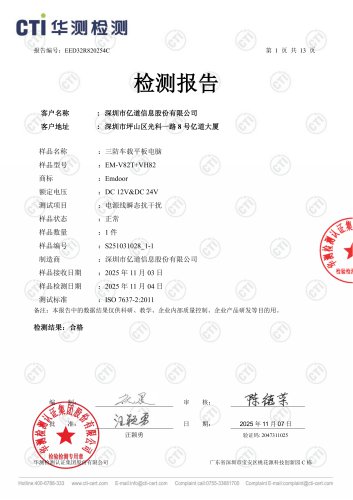 EM-V82T-EMC
13 Pages
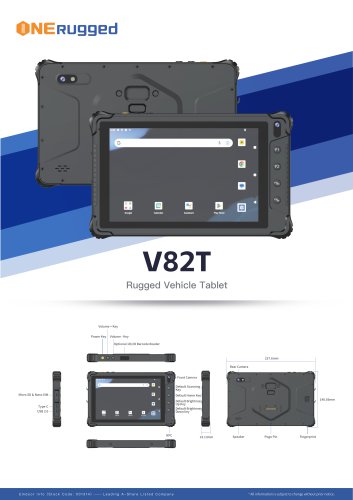 EM-V82T spe
4 Pages
 P2 PRO
2 Pages
 P2 PRO-SPE
2 Pages
 M82A- USER MANUAL
60 Pages
 M82A-spe
2 Pages
 EM-X15A User Manual
76 Pages
 EM-X15M Rugged AI PC uesr manual
76 Pages
 Emdoor Info. EM-I16J User Manual
57 Pages
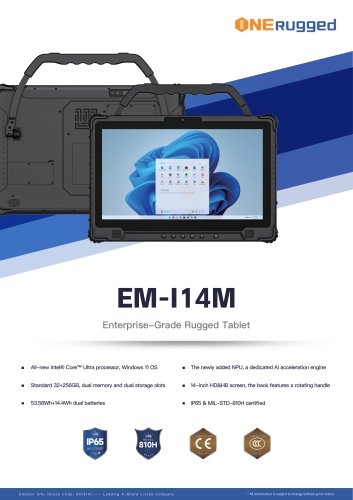 EM-I14M 14Inch Rugged AI PC
2 Pages
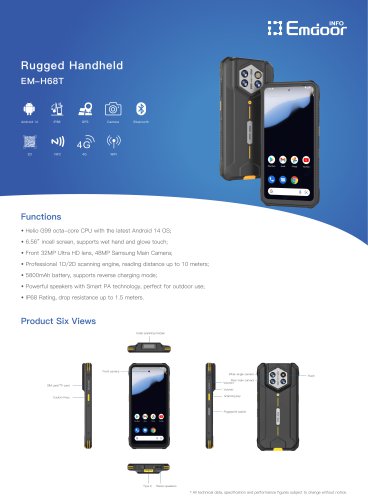 EM-H68T: Android 14 rugged PDA
2 Pages
 EM -I61J Rugged Handheld
19 Pages
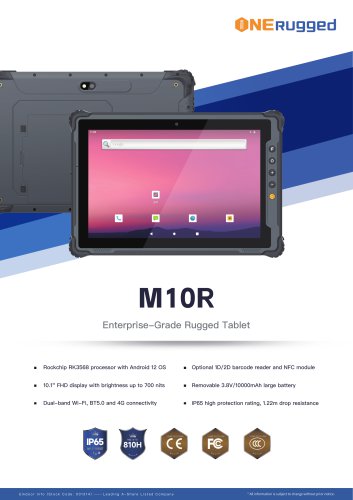 M10R Rugged Tablet RK3588
2 Pages
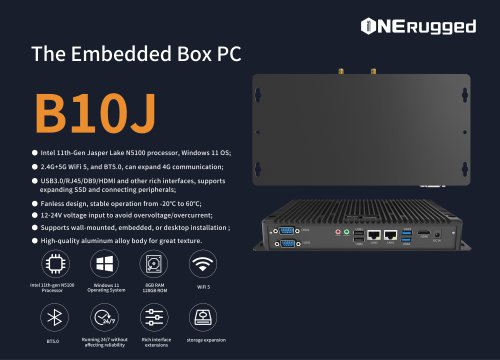 EM-B10J embedded box PC
3 Pages
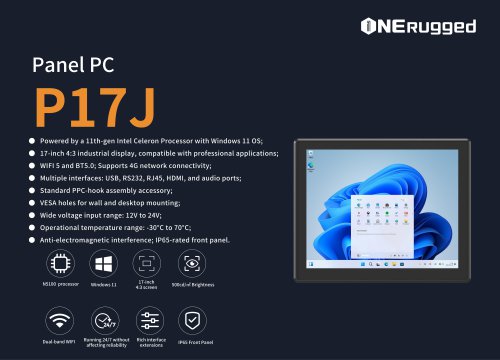 EM-P17J Panel PC
3 Pages
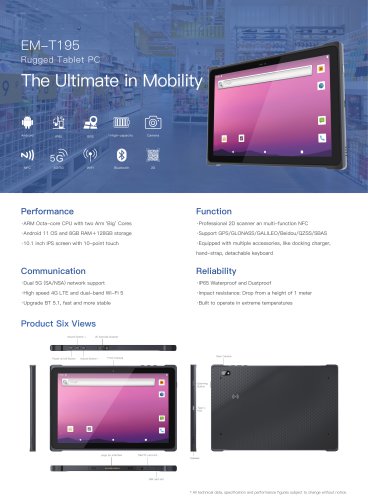 EM-T195 5G Rugged Tablet
2 Pages
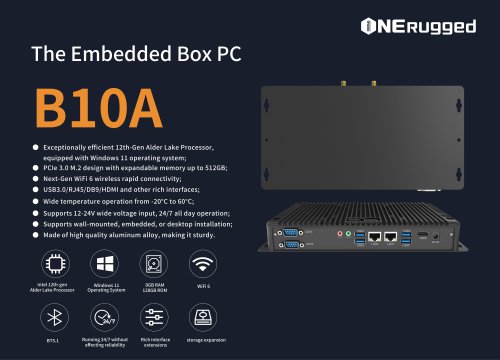 The Embedded Box PC-B10A
3 Pages
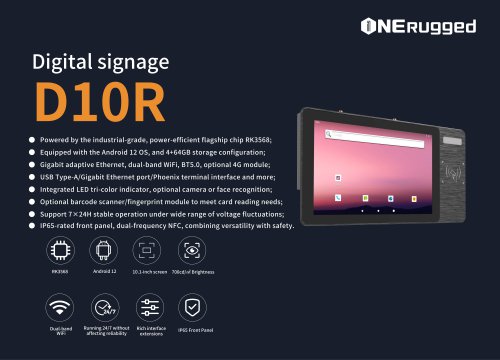 EM-D10R Digital signage
3 Pages
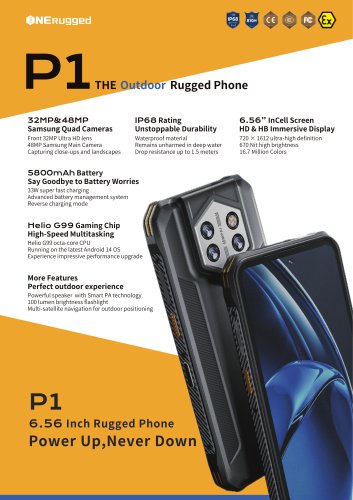 EM-P1The Outdoor Rugged Phone
2 Pages
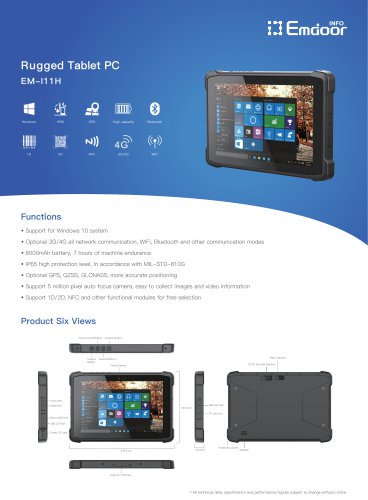 EM-I11H Rugged Tablet PC
2 Pages
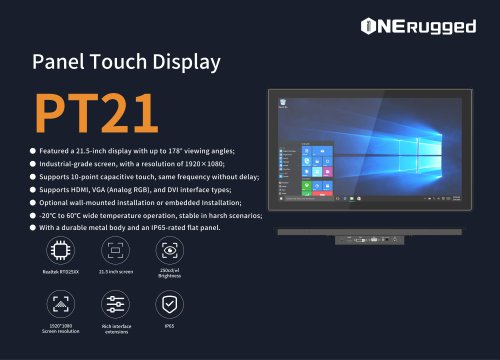 EM-PT21 Panel Touch Display
3 Pages
 Rugged Handheld H60T
2 Pages


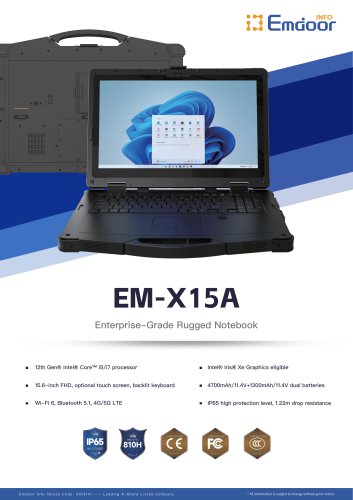

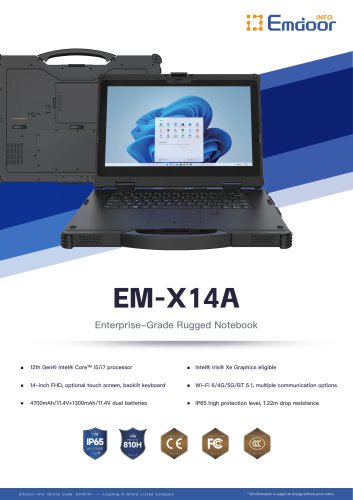











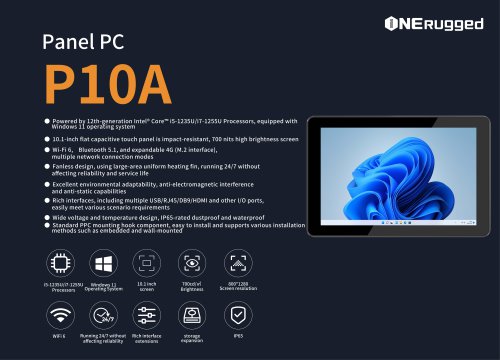
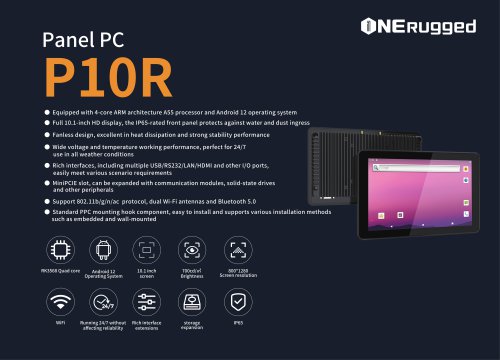

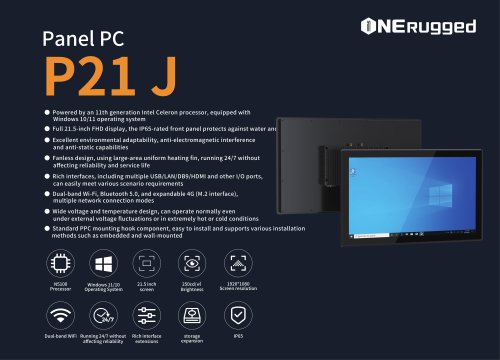
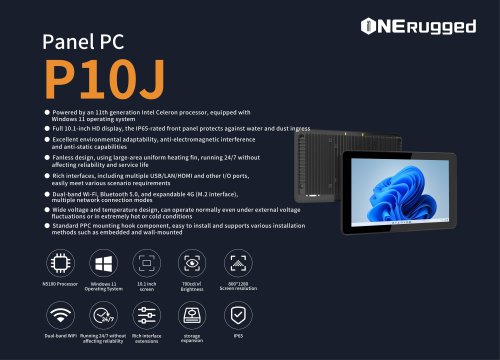



















































- Display module
- Emdoor panel PC
- Emdoor industrial panel PC
- Emdoor panel PC with touch screen
- LCD display panel
- Emdoor fanless panel PC
- Emdoor LCD panel PC
- Industrial display panel
- Intel® Core™ PC
- Fanless PC
- Emdoor IP65 panel PC
- Intel® Core™ panel PC
- VESA mounting panel PC
- Housed panel PC
- HDMI PC
- Embedded PC
- Box PC
- RS-232 PC
- USB 2.0 PC
- Windows PC