
- Catalogs
- Emdoor Information Co., Ltd.
- EM-T17X Rugged Tablet PC:Android 12/GMS OS User Manual


- Company
- Products
- Catalogs
- News & Trends
- Exhibitions
EM-T17X Rugged Tablet PC:Android 12/GMS OS User Manual
EM-T17X Rugged Tablet PC:Android 12/GMS OS User Manual
The user manual for the EM-T17X rugged tablet provides detailed instructions on interface and system usage, troubleshooting common issues, and technical support contact information.
This is the first issue of the T17X Android 12.0 System User Manual, version V1.0, dated August 2, 2023.
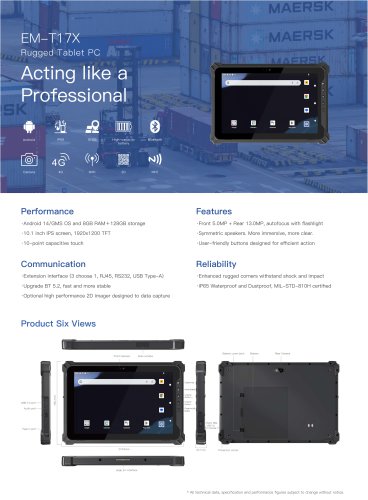
The tablet includes a power button, volume controls, TF/SIM card slot, optional scanning module, cameras, speaker, pogo pin, and various ports (Type C, audio, power). Optional modules include an RJ45 network port, DB9 serial port, and USB 2.0 port.
The initial display allows users to swipe up to access all applications quickly.
This section covers:
- Network and Internet: Configure WLAN, mobile networks, Ethernet, and VPN.
- Connected Devices: Manage Bluetooth, NFC, and other connections.
- Applications and Notifications: Manage app settings and permissions.
- Battery: Monitor usage and power-saving modes.
- Display: Adjust brightness, themes, and screen settings.
- Volume: Set media, call, and notification volumes.
- Memory: Check usage.
- Privacy and Security: Manage permissions, screen locks, and encryption.
- Accounts: Manage user accounts.
- Accessibility: Customize settings for accessibility.
- System: Update software, set language, and manage settings.
Instructions on using the Hardware Decoder app, including settings and Kiosk Mode, which restricts device usage to specified applications.
Guidance on installing SIM cards in the designated slot.
The manual ensures users can fully utilize the EM-T17X tablet's features and troubleshoot issues.
Users can manage the notification bar, filter notifications, and enable heads-up alerts.
Customization of system and Kiosk wallpapers, logo image, and height.
Admin Mode access with a password, and options to disable external storage and USB connections for security.
Options to reset settings, clear recent apps, view software information, exit Kiosk Mode, and check for updates.
Restricts usage to programs allowed by the administrator, with Admin Mode accessible via password for additional settings.
Usage Restrictions: Restrict applications and shortcuts in Kiosk Mode.
Security Protection: Set passwords for Admin Mode and restrict data transfer.
Display Settings: Customize Kiosk Mode home screen through Admin Mode.
Instructions for installing SIM and TF cards by accessing the battery compartment.
Catalog excerpts
Android System User Manual Thank you for using our products! To help you get familiar with the product faster, please refer to the user manual if you have any problems during use. This document mainly introduces the interface and system usage instructions of the T17X rugged tablet and helps you quickly understand the use of the product through the picture instruction. If you have any insoluble problems during use, please contact our technical personnel to deal with them. Thank you for your trust.
Open the catalog to page 1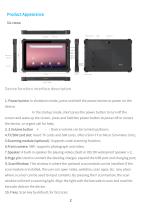
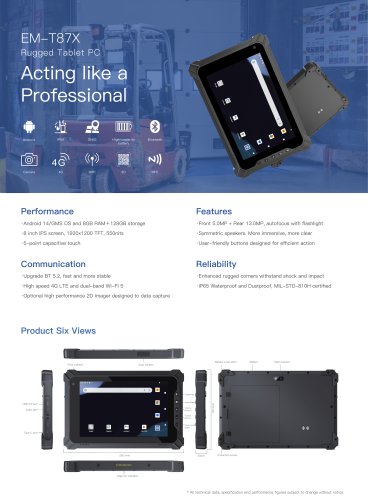
Product Appearance Six views: Device function interface description 1. Power button: In shutdown mode, press and hold the power button to power on the device; In the startup mode, short press the power button to turn off the screen and wake up the screen, press and hold the power button to power off or restart the device, or urgent call for help; 2. 3.Volume button “+””-”: Device volume can be turned up/down; 4.TF/SIM card slot: Insert TF cards and SIM cards. (Micro Sim+TF or Micro Sim+Nano Sim); 5.Scanning module (optional) : Supports code-scanning function; 6.Front camera: 5MP, supports photograph...
Open the catalog to page 3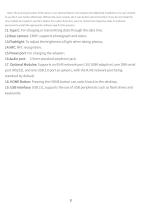
(Note: The scanning function of this device is an optional feature and requires the additional installation of a scan module to use the F scan button effectively. Without the scan module, the F scan button will not function. If you do not install the scan module but needs to use the F button for custom functions, you can contact the respective sales or technical personnel to install the appropriate software app for this purpose.) 11.Type C: For charging or transmitting data through the data line; 12.Rear camera: 13MP, supports photograph and video; 13.Flashlight: To adjust the brightness of light...
Open the catalog to page 4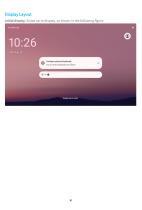
Display Layout Initial display: Swipe up to display, as shown in the following figure.
Open the catalog to page 5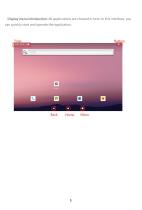
Display menu introduction: All applications are showed in here. In this interface, you can quickly start and operate the application.
Open the catalog to page 6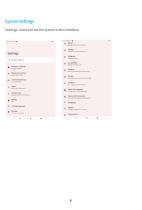
Volume, vibration, Oo Not Disturb Dark theme, rout Size, brightness Home, lock screen Display, interaction, audio screen lock, Find My device, app security Permissions, account activity, personal data Emergency SOS, medical Info, alerts Passwords & accounts Saved passwords, autofill. synced accounts Languages, gestures, time, backup About phone
Open the catalog to page 7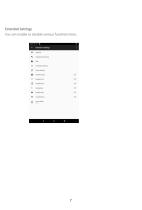
Extended Settings You can enable or disable various functions here.
Open the catalog to page 8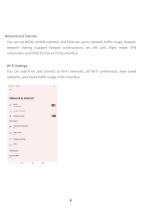
Networkand Internet You can set WLAN, mobile network, and Ethernet, query network traffic usage, hotspot, network sharing (support hotspot continuation), set SIM card, flight mode, VPN connection, and otherfunctions in this interface. Wi-Fi Settings You can search for and connect to Wi-Fi networks, set Wi-Fi preferences, view saved networks, and check traffic usage in this interface. Network & internet « Data Saver Mobile plan Private DNS
Open the catalog to page 9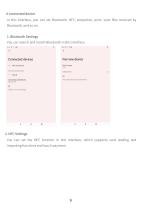
In this interface, you can set Bluetooth, NFC, projection, print, view files received by Bluetooth, and so on. You can search and match Bluetooth in this interface. Previously connected devices Connection preferences Visible as "T11X” to other devices Device name Phone's Bluetooth address; 00:£0:04 SF:B4:?1 You can set the NFC function in this interface, which supports card reading and importingfunctionsand touch payment.
Open the catalog to page 10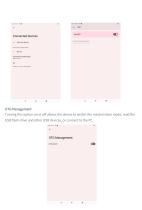
Turning this option on or off allows the device to switch the master/slave mode, read the USB flash drive and other USB devices, or connect to the PC.
Open the catalog to page 11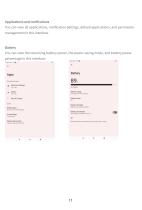
You can view all applications, notification Settings, default applications, and permission management in this interface. Battery You can view the remaining battery power, the power saving mode, and battery power percentage in this interface.
Open the catalog to page 12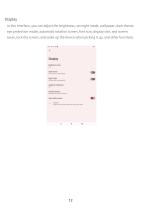
In this interface, you can adjust the brightness, set night mode, wallpaper, dark theme, eye protection mode, automatic rotation screen, font size, display size, and screen saver, lock the screen, and wake up the device when picking it up, and other functions.
Open the catalog to page 13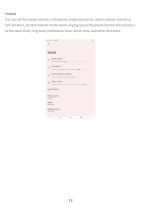
You can set the media volume, call volume, ringtone volume, alarm volume, incoming call vibration, Do-Not-Disturb mode, block ringing (press the power button and volume + at the same time), ring tone, notification tone, alarm tone, and other functions.
Open the catalog to page 14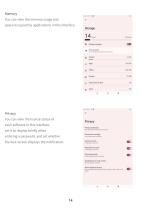
You can view the memory usage and space occupied by applications in this interface. Go u Files app to manage and liee up space g System ;t; AppS ^ Videos !□ Images ^ Documents & other m Trash You can view the license status of each software in this interface, set it to display briefly when entering a password, and set whether the lock screen displays the notification. Privacy dashboard Show which apps recently used permissions Permission manager Control app access io your data Camera access Microphone access Show passwords Display characters briefly as you type Notifications on lock screen Show...
Open the catalog to page 15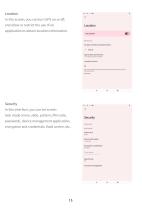
No apps recently accessed location > See all 1 of 4 apps has access to location Location services Apps with the Nearby devices permission con determine the relative position at connected devices Loam more In this interface, you can set screen lock mode (none, slide, pattern, PIN code, password), device management application, encryption and credentials, fixed screen, etc. Device security Screen lock Device admin apps Encryption & credentials Trust agents Auto-start management
Open the catalog to page 16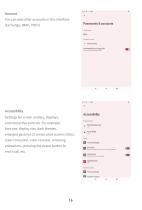
You can add other accounts in this interface. (Exchange, IMAP, POP3) Settings for screen readers, displays, and interactive controls. For example: font size, display size, dark themes, enlarged gestures (3 consecutive screen clicks), color correction, color reversal, removing animations, pressing the power button to end a call, etc.
Open the catalog to page 17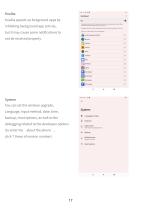
Kuaiba speeds up foreground apps by inhibiting background app activity, but it may cause some notifications to not be received properly. Language, input method, date, time, backup, reset options, as well as the debugging related to the developer options (to enter the “about the phone” , click 7 times of version number). ® Languages & input E Gestures q Date & time GMT«0S:00 China Standard Time
Open the catalog to page 18All Emdoor Information Co., Ltd. catalogs and technical brochures
 EM-P10R Specification
3 Pages
 EM-P10A Specification
3 Pages
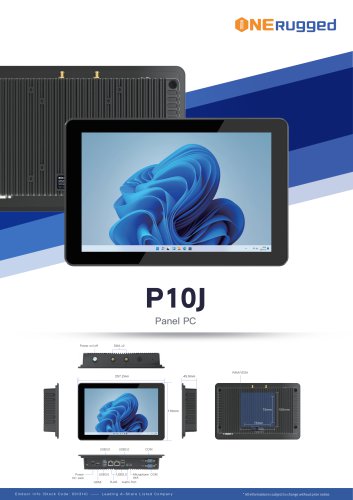 EM-P10J Specification
3 Pages
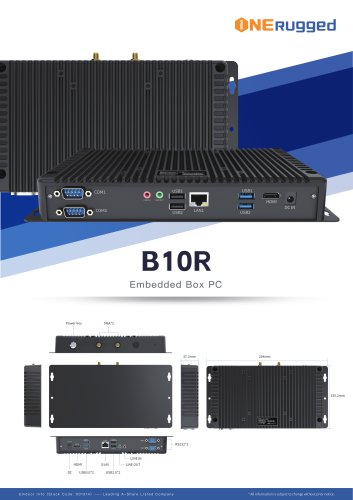 EM-B10R Specification
3 Pages
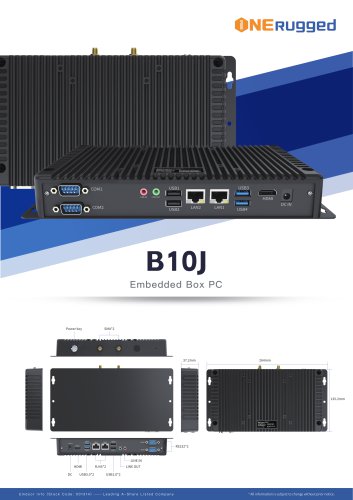 EM-B10J Specification
3 Pages
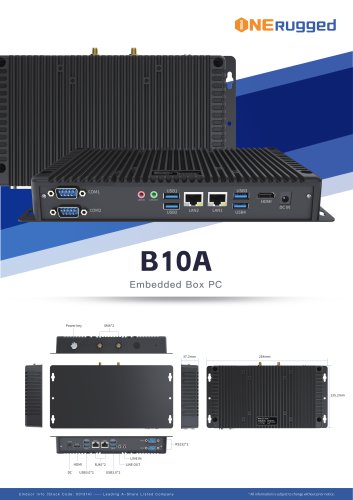 EM-B10A Specification
3 Pages
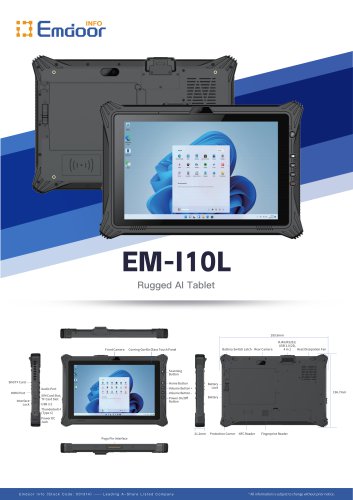 EM-I10L Specification
3 Pages
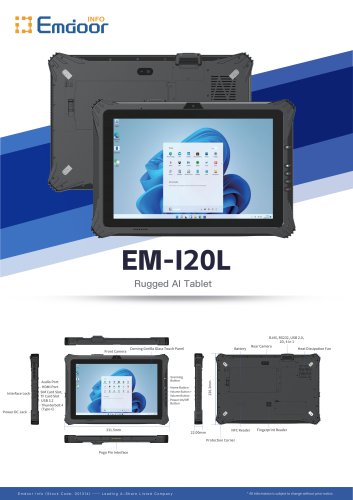 EM-I20L Specification
3 Pages
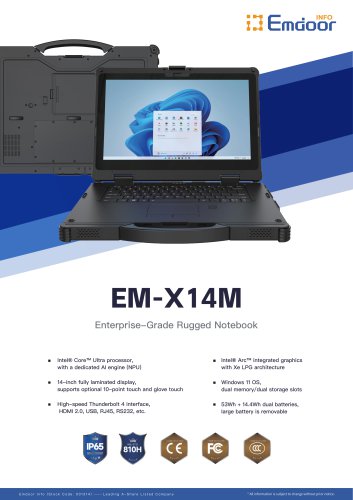 EM-X14M Specification
2 Pages
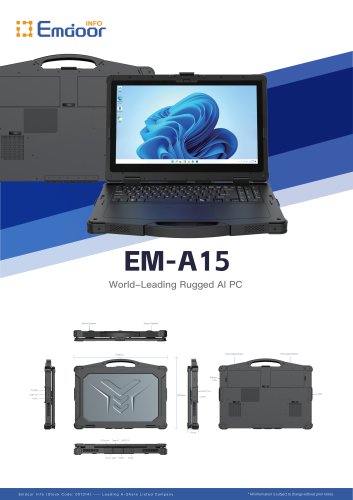 EM-A15 Specification
3 Pages
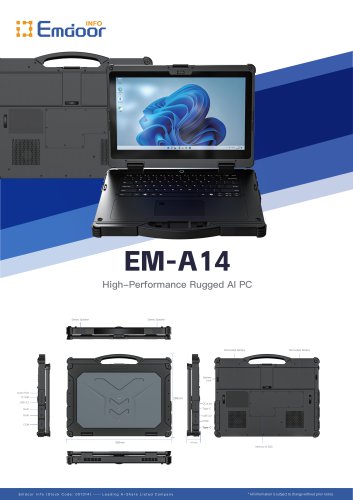 EM-A14 Specification
3 Pages
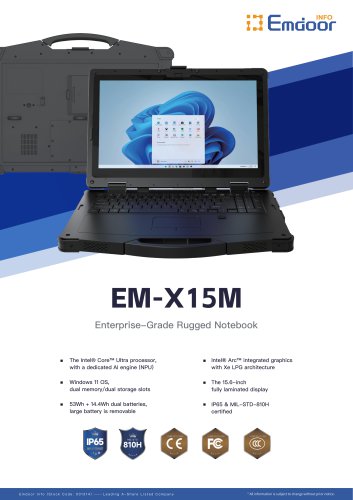 EM-X15M Specification
2 Pages
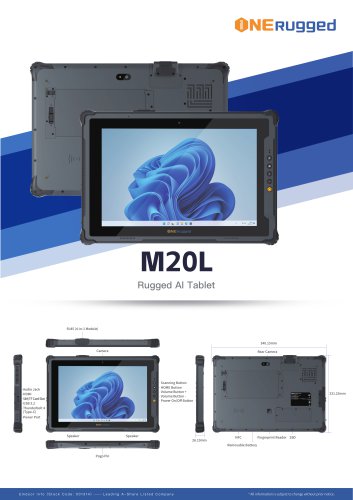 M20L-specification
3 Pages
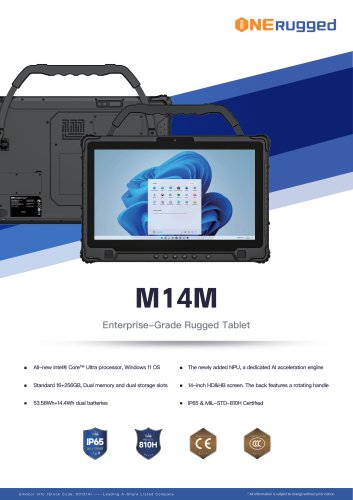 M14M-specification
2 Pages
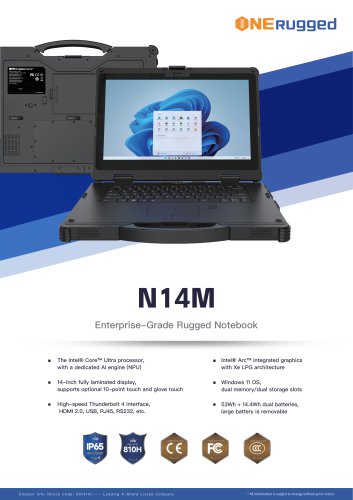 N14M-specification
2 Pages
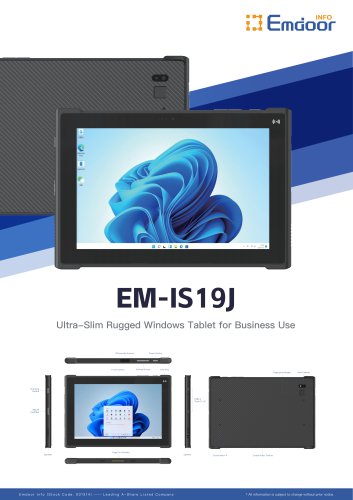 EM-IS19J specification
3 Pages
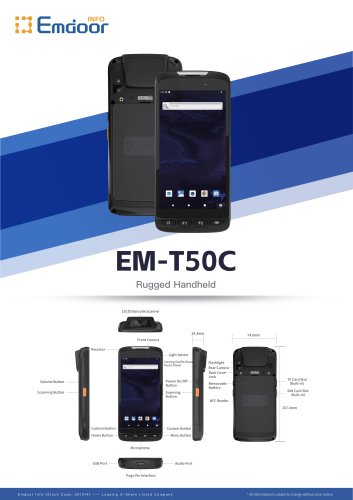 EM-T50C
3 Pages
 EM-D10R successful case
3 Pages
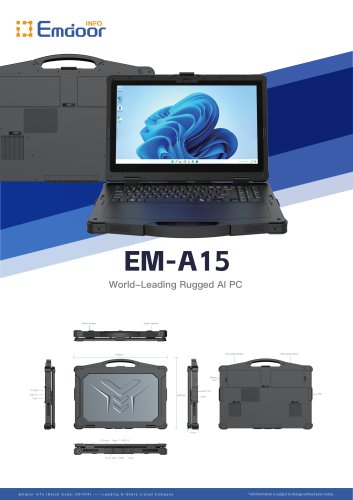 EM-A15
3 Pages
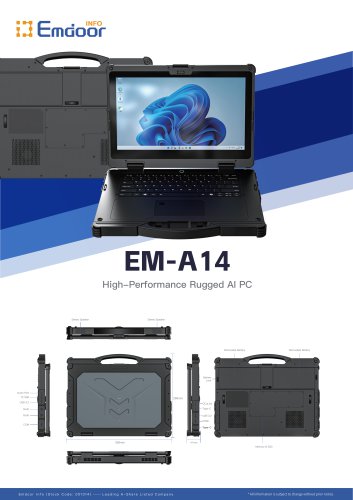 EM-A14
3 Pages
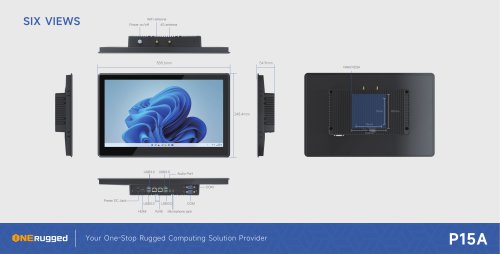 EM-P15A six views
1 Page
 EM-V12R USER MANUAL
2 Pages
 EM-P15A USER
2 Pages
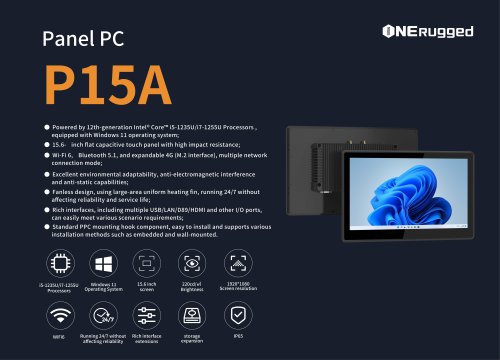 EM-P15A SPE
2 Pages
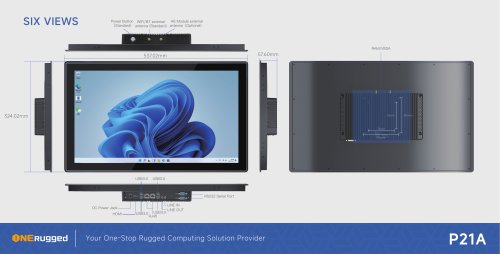 EM-P21A six views
1 Page
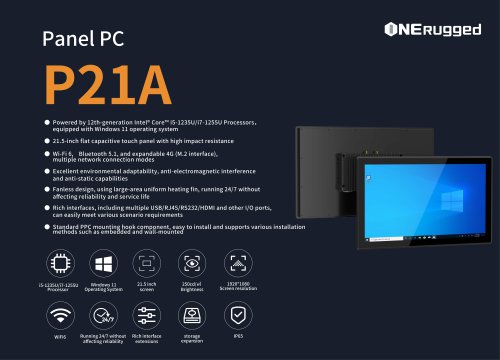 EM-P21A SPE
2 Pages
 EM-P21A user
2 Pages
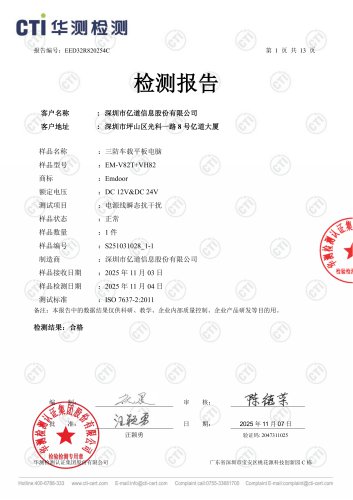 EM-V82T-EMC
13 Pages
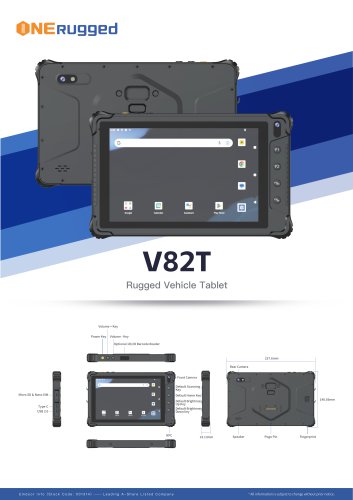 EM-V82T spe
4 Pages
 P2 PRO
2 Pages
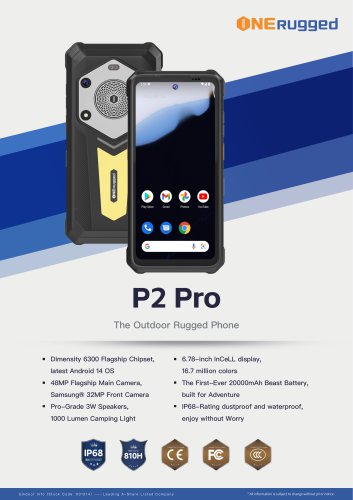 P2 PRO-SPE
2 Pages
 M82A- USER MANUAL
60 Pages
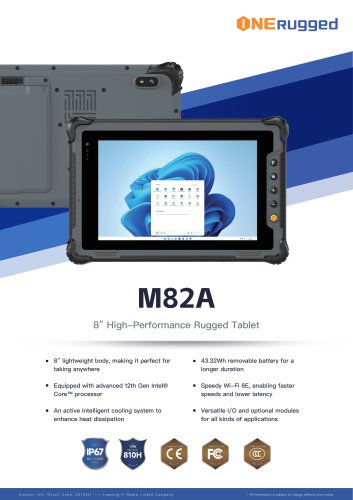 M82A-spe
2 Pages
 EM-X15A User Manual
76 Pages
 EM-X15M Rugged AI PC uesr manual
76 Pages
 Emdoor Info. EM-I16J User Manual
57 Pages
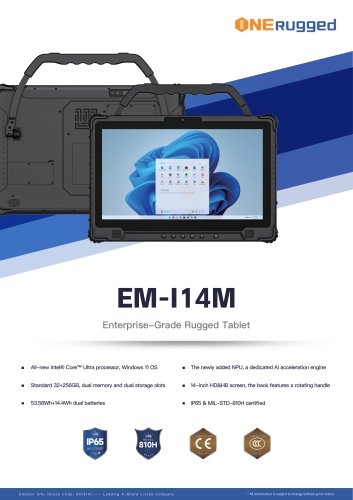 EM-I14M 14Inch Rugged AI PC
2 Pages
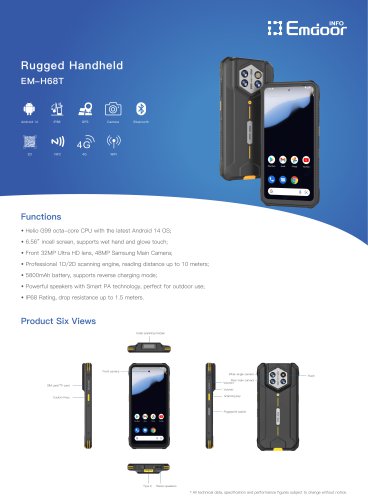 EM-H68T: Android 14 rugged PDA
2 Pages
 EM -I61J Rugged Handheld
19 Pages
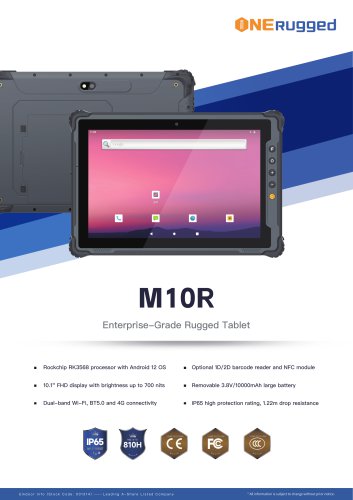 M10R Rugged Tablet RK3588
2 Pages
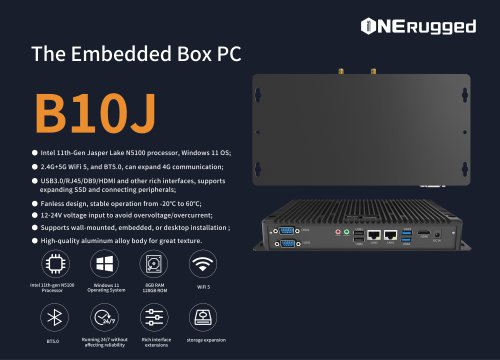 EM-B10J embedded box PC
3 Pages
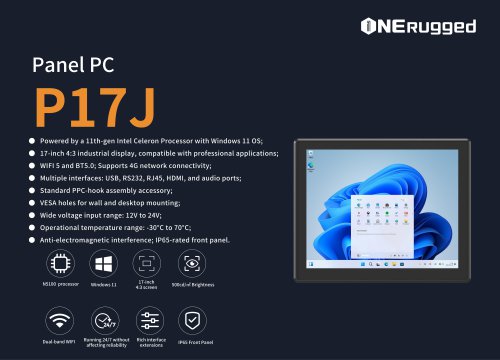 EM-P17J Panel PC
3 Pages
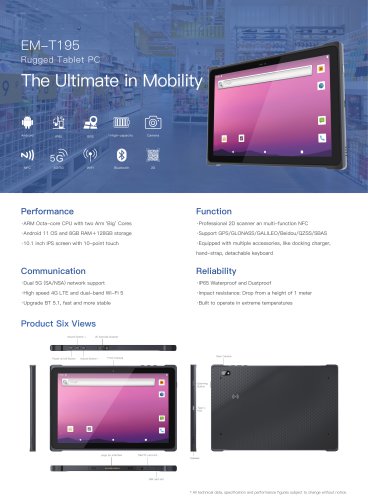 EM-T195 5G Rugged Tablet
2 Pages
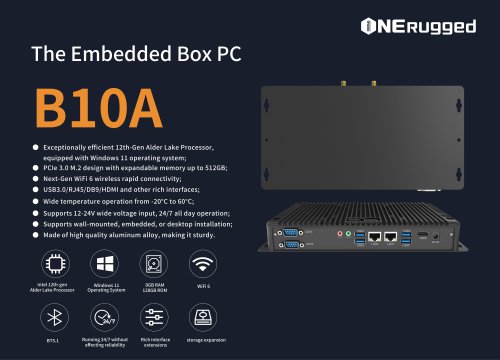 The Embedded Box PC-B10A
3 Pages
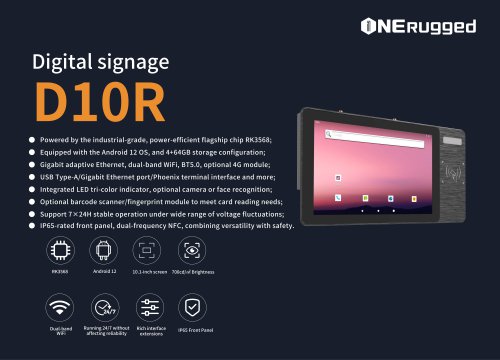 EM-D10R Digital signage
3 Pages
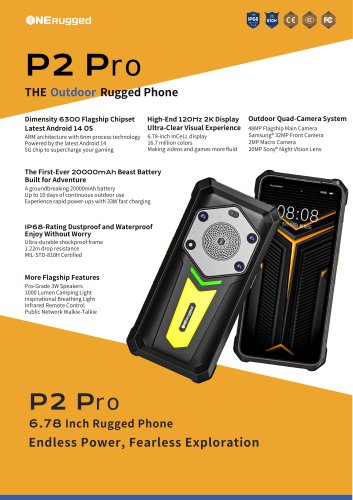
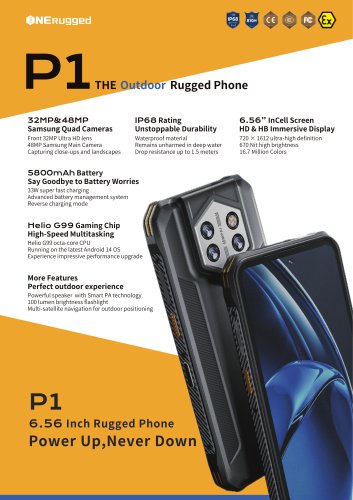 EM-P1The Outdoor Rugged Phone
2 Pages
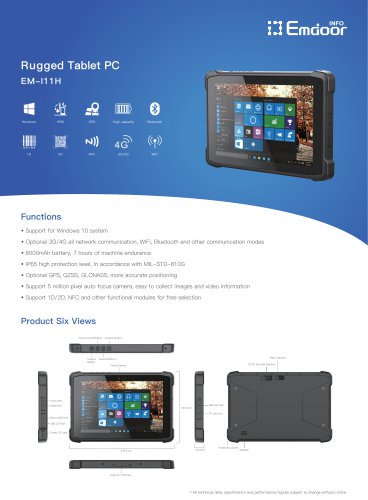 EM-I11H Rugged Tablet PC
2 Pages
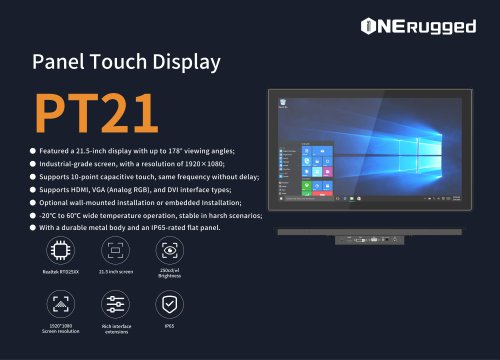 EM-PT21 Panel Touch Display
3 Pages
 Rugged Handheld H60T
2 Pages











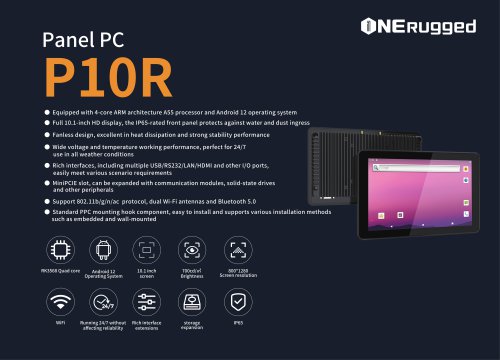

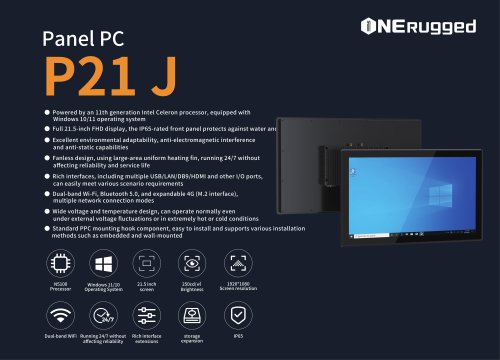
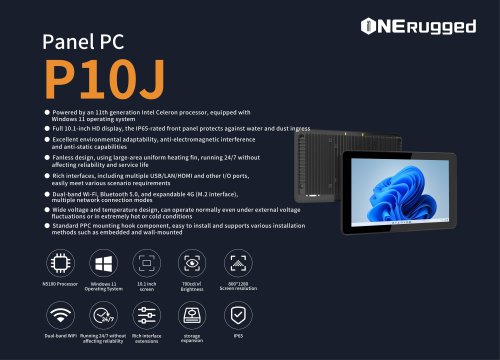
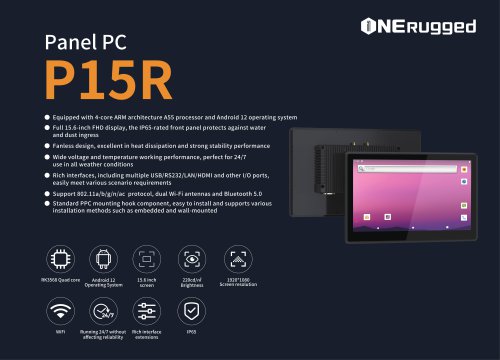






































- Emdoor panel PC
- Emdoor industrial panel PC
- Emdoor panel PC with touch screen
- LCD display panel
- Emdoor fanless panel PC
- Emdoor LCD panel PC
- Industrial display panel
- Intel® Core™ PC
- Fanless PC
- Emdoor IP65 panel PC
- Intel® Core™ panel PC
- VESA mounting panel PC
- Housed panel PC
- HDMI PC
- Embedded PC
- Box PC
- RS-232 PC
- USB 2.0 PC
- Windows PC