- Catalogs
- Emdoor Information Co., Ltd.
- EM-P21A user


- Company
- Products
- Catalogs
- News & Trends
- Exhibitions
EM-P21A user

EM-P21A user
This section addresses potential device issues, which may stem from hardware, software, or both. It provides troubleshooting steps for common problems, emphasizing the importance of using the correct power adapter to avoid damage. The adapter converts AC to DC power, necessary for the device's operation, and supports a voltage range of 100V to 240V AC.
Device Setup and Components
The document outlines the initial setup process for the P21A Industrial Panel PC, including connecting the power supply and starting the device. It highlights the components included in the package, such as the power cord, adapter, and WiFi antenna. The device automatically powers on when connected to the power supply.
Power Management
Instructions for turning the device on and off are provided, with a note to use only the supplied power adapter. The document explains how to shut down, sleep, or hibernate the device, with specific steps for each mode.
Component Descriptions
The manual details the device's physical components, including VESA mounting holes, power buttons, and various ports (USB, HDMI, RJ45, etc.). It specifies the functions of each component, such as data transfer and audio input/output.
Preliminary Checklist for Problem Solving
A checklist is provided for initial problem-solving, encouraging users to identify the problem's source, ensure correct connections, verify BIOS settings, and confirm driver installations. Users are advised to provide detailed information when seeking technical support.
For further assistance, contact information for the authorized dealer is provided.
Catalog excerpts

VESA ?L:fflAKA VESA £^@£l£ffl,o >±j!:Mg^ffl*AnDnMdA)%ii^KSo^fflM^^ieSAi£A:?KF/eA§^o £-&Amft&^a&Ac E^^o -MsaattittsB iif£ ■tt£ BIOS^eASBRAltt
Open the catalog to page 1
REAR COMPONENTS BOTTOM COMPONENTS POWER ADAPTER This chapter first tells you step by step how to get the computer up and running. Then, you will find a section briefly introducing the external components of the computer. After unpacking, you should see the following standard items: ■P21A Panel PC Terminal - Power Cord - Power Adapter - Hook -WIFI antenna l.After the power is connected, the Industrial Panel PC will start automatically. The operating system Microsoft Windows will start without manually pressing the power on button. SHUT DOWN After completing your work, you can power it off or leaving...
Open the catalog to page 2All Emdoor Information Co., Ltd. catalogs and technical brochures
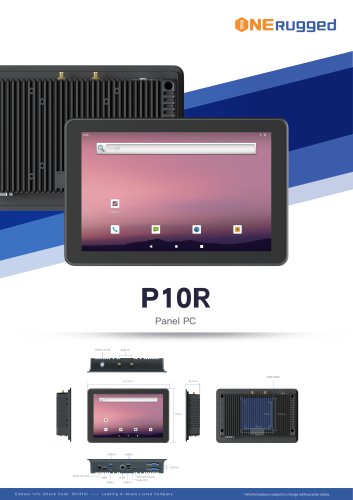 EM-P10R Specification
3 Pages
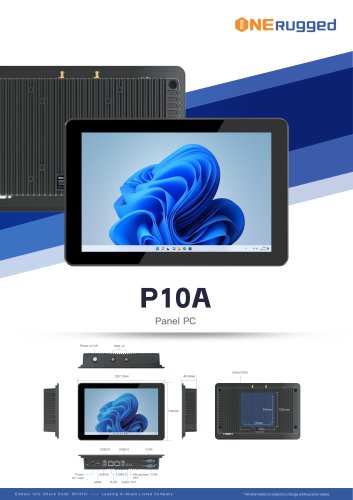 EM-P10A Specification
3 Pages
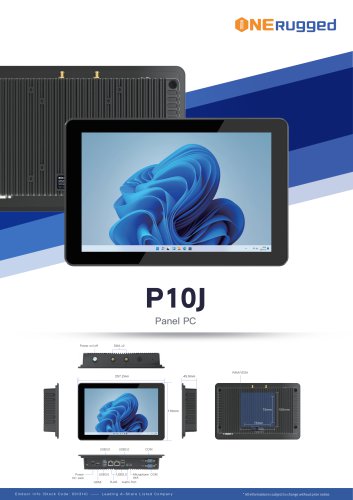 EM-P10J Specification
3 Pages
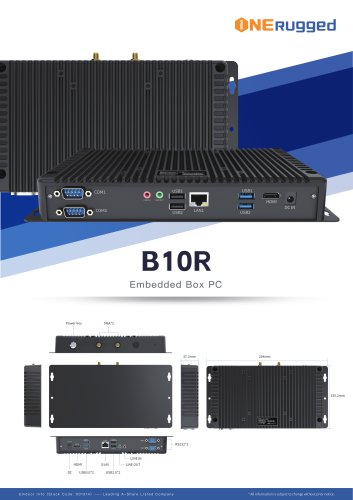 EM-B10R Specification
3 Pages
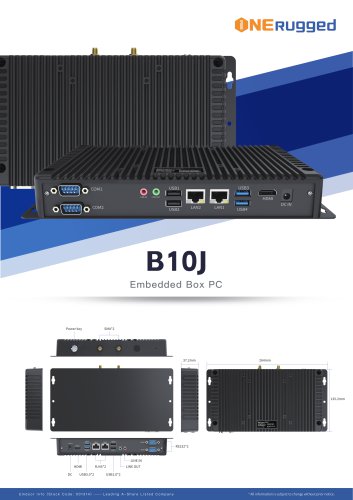 EM-B10J Specification
3 Pages
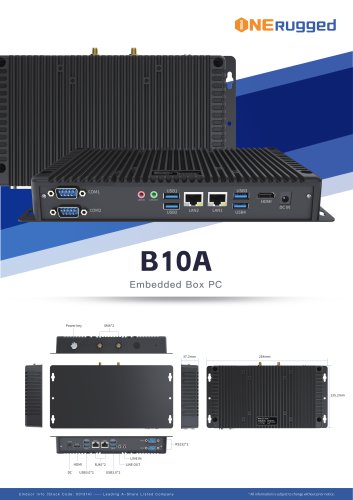 EM-B10A Specification
3 Pages
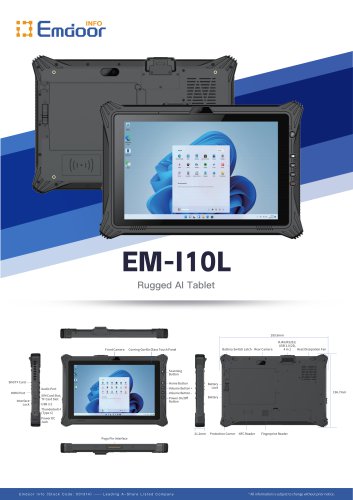 EM-I10L Specification
3 Pages
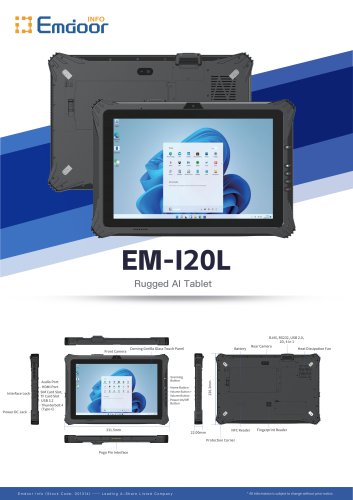 EM-I20L Specification
3 Pages
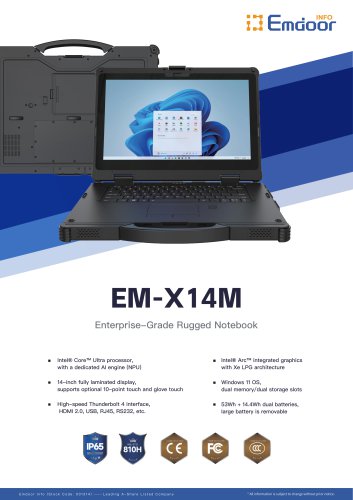 EM-X14M Specification
2 Pages
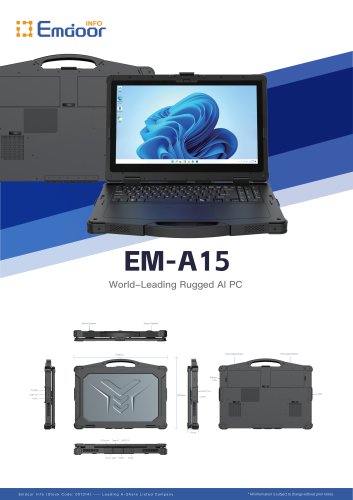 EM-A15 Specification
3 Pages
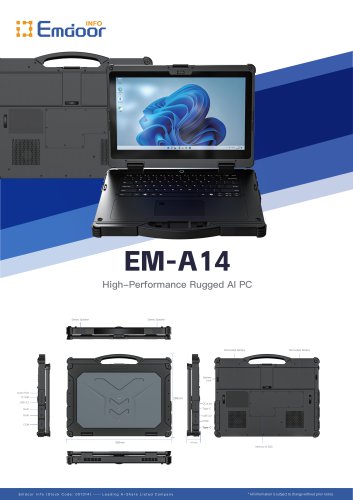 EM-A14 Specification
3 Pages
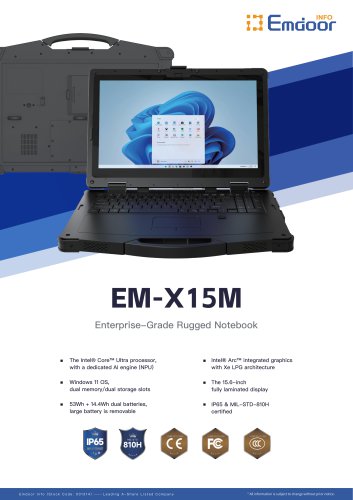 EM-X15M Specification
2 Pages
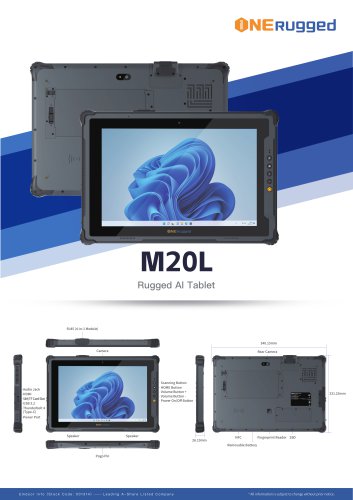 M20L-specification
3 Pages
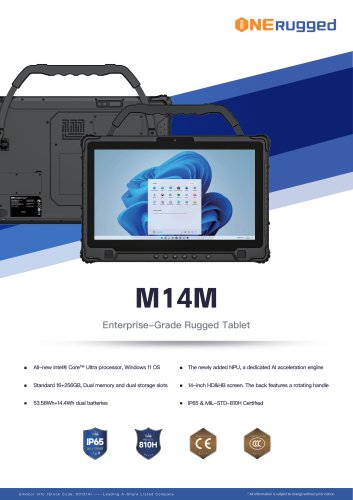 M14M-specification
2 Pages
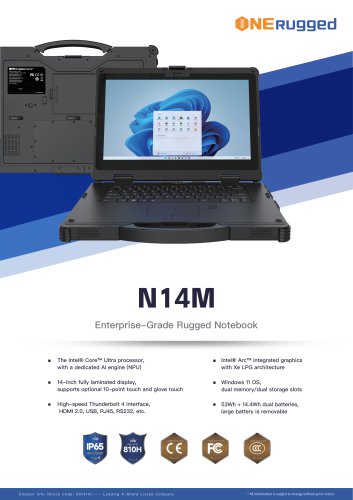 N14M-specification
2 Pages
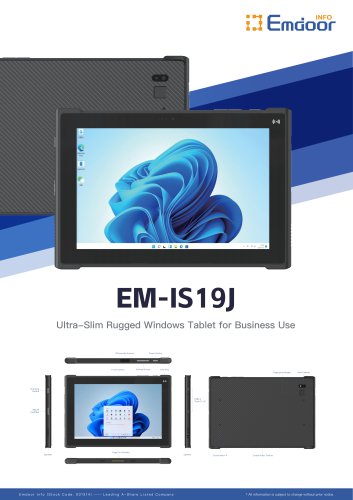 EM-IS19J specification
3 Pages
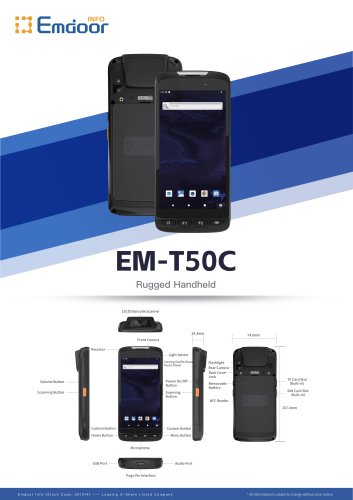 EM-T50C
3 Pages
 EM-D10R successful case
3 Pages
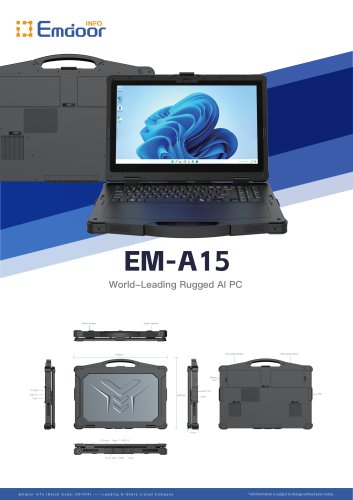 EM-A15
3 Pages
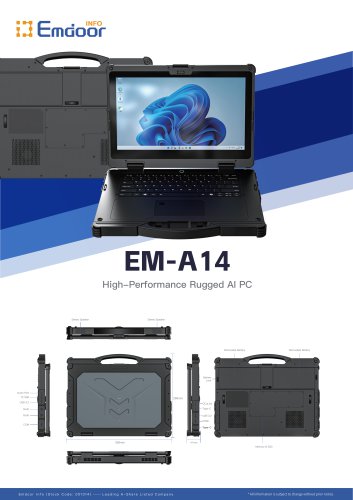 EM-A14
3 Pages
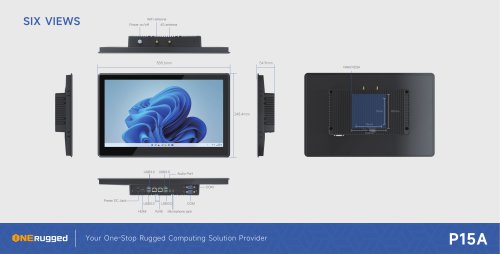 EM-P15A six views
1 Page
 EM-V12R USER MANUAL
2 Pages
 EM-P15A USER
2 Pages
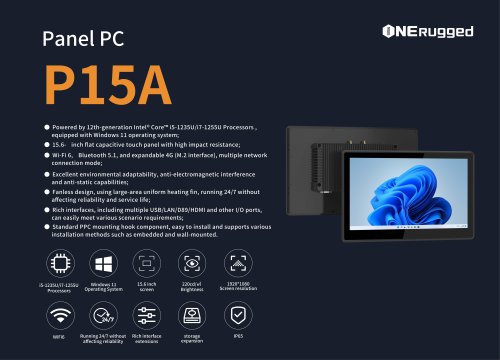 EM-P15A SPE
2 Pages
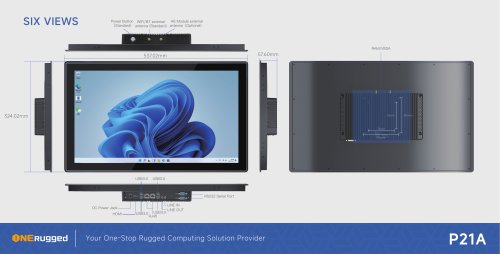 EM-P21A six views
1 Page
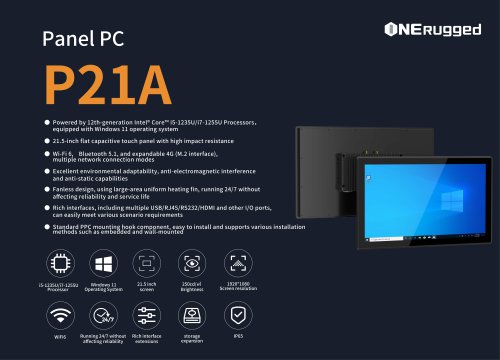 EM-P21A SPE
2 Pages
 EM-V82T-EMC
13 Pages
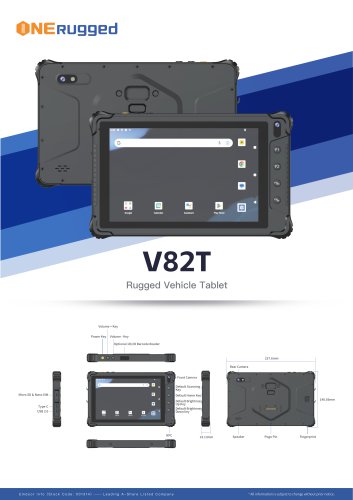 EM-V82T spe
4 Pages
 P2 PRO
2 Pages
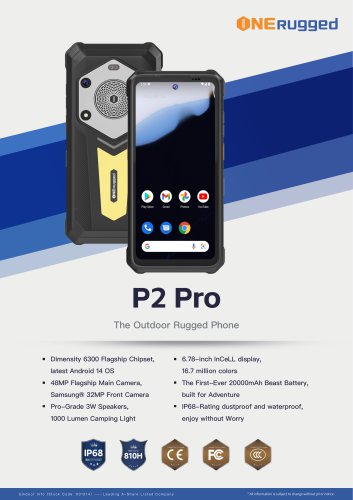 P2 PRO-SPE
2 Pages
 M82A- USER MANUAL
60 Pages
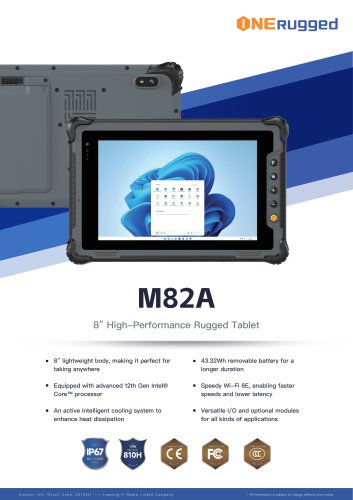 M82A-spe
2 Pages
 EM-X15A User Manual
76 Pages
 EM-X15M Rugged AI PC uesr manual
76 Pages
 Emdoor Info. EM-I16J User Manual
57 Pages
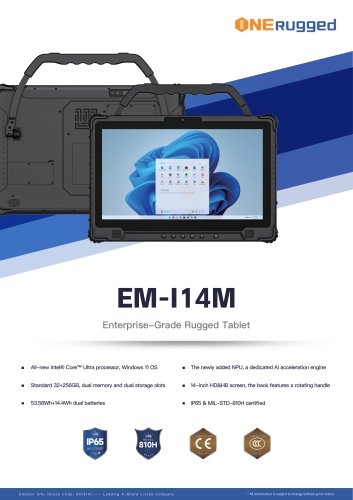 EM-I14M 14Inch Rugged AI PC
2 Pages
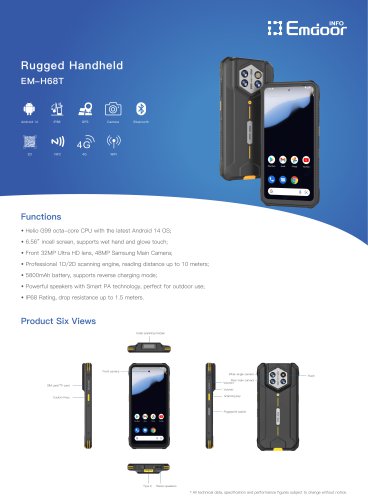 EM-H68T: Android 14 rugged PDA
2 Pages
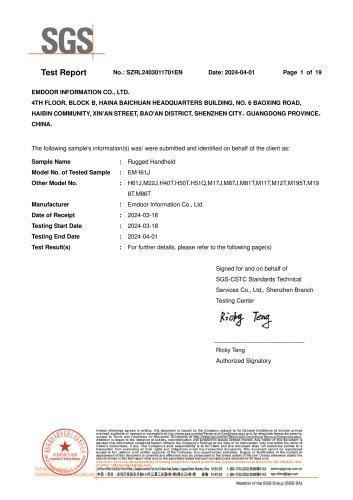 EM -I61J Rugged Handheld
19 Pages
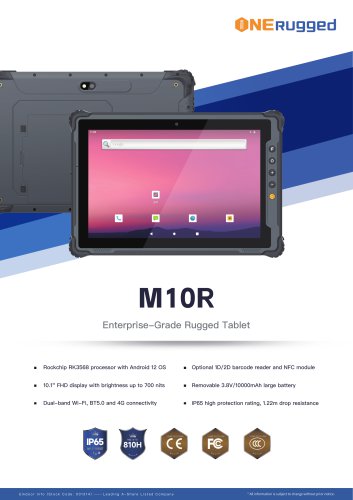 M10R Rugged Tablet RK3588
2 Pages
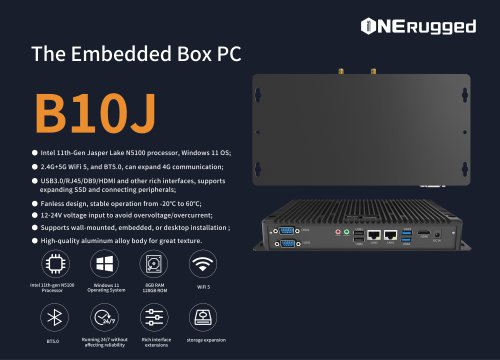 EM-B10J embedded box PC
3 Pages
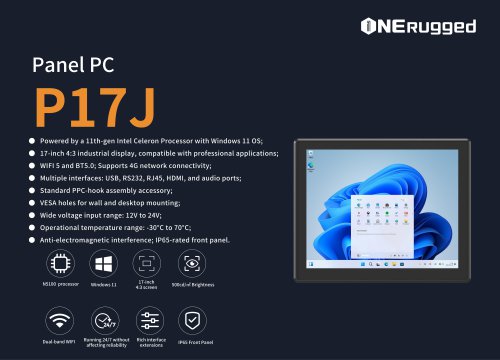 EM-P17J Panel PC
3 Pages
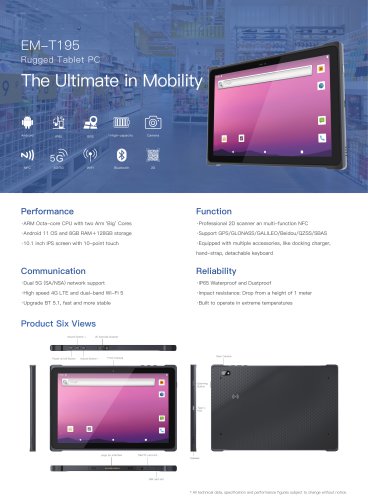 EM-T195 5G Rugged Tablet
2 Pages
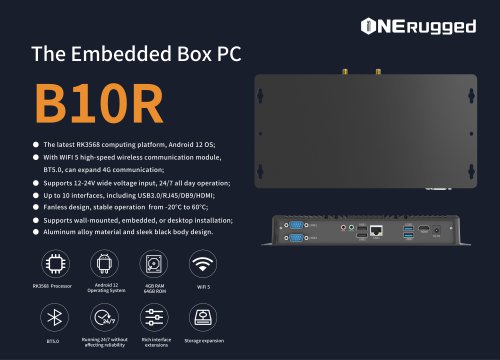
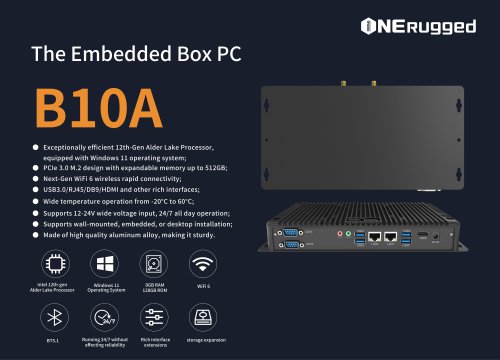 The Embedded Box PC-B10A
3 Pages
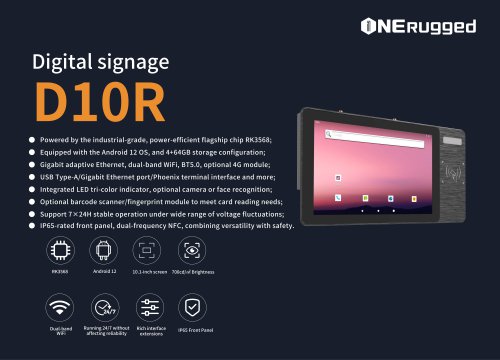 EM-D10R Digital signage
3 Pages
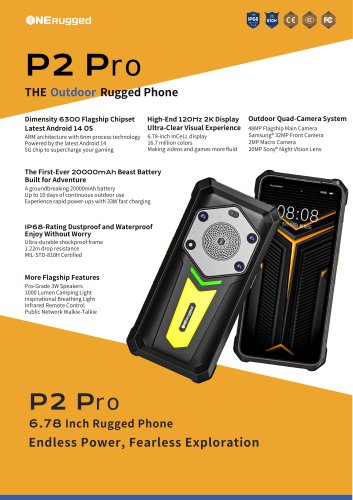
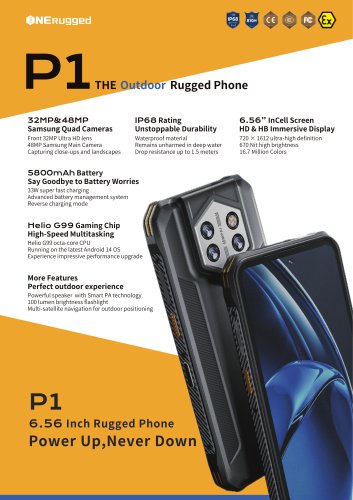 EM-P1The Outdoor Rugged Phone
2 Pages
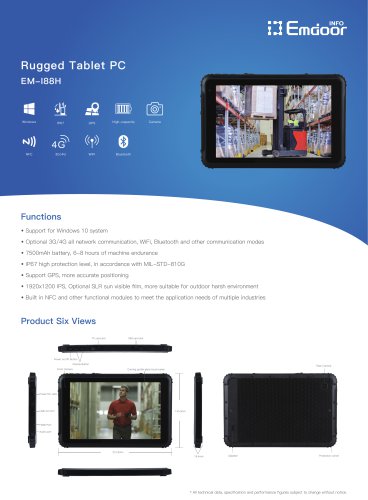
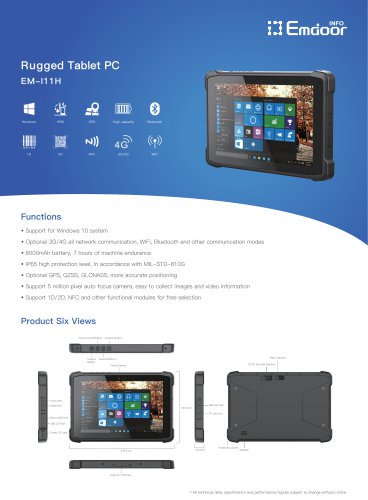 EM-I11H Rugged Tablet PC
2 Pages
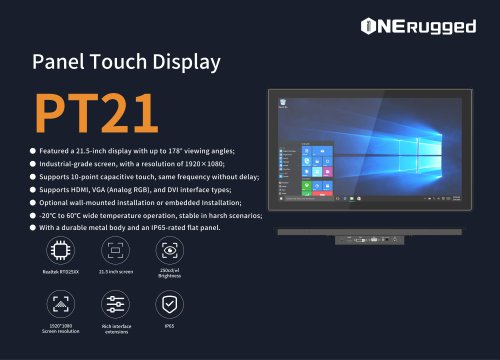 EM-PT21 Panel Touch Display
3 Pages
 Rugged Handheld H60T
2 Pages