


- Products
- Catalogs
- News & Trends
- Exhibitions
Energy Braln Personal Report
Energy Braln Personal Report
Energy Brain Personal Report is a feature of the Energy Brain software designed for automating energy reporting. It is particularly useful for energy consultants who need to send periodic reports (daily, weekly, monthly, annual) based on data from the Energy Brain database. Reports can be exported as Excel/CSV files and customized with templates including logos and graphics. These reports can be emailed or saved to an FTP location.
Users can configure which channels and measures are included in the report, modify column titles, insert unit labels, and define decimal precision. Mathematical formulas can be applied to measurements, and data from different locations can be integrated. Customized templates can be used to automatically populate reports with relevant data for different end users.
Reports can be generated in XLS or CSV formats. File names can be automatically edited to include the period-date reference, which can be positioned before or after the file name.
To enable automatic email sending of reports, users must configure the email server settings, including SMTP port and SSL protection. The configuration window allows selection of data sets, templates, email recipients, and saving locations.
The Energy Brain software scheduler automates data download into the PostgreSQL database, while the Personal Report scheduler manages report generation and distribution. Reports can also be manually generated and exported for use in third-party applications.
Examples include reports with graphs and energy consumption per tariff, water consumption, monthly cost center analysis, energy balance of a CHP, and analysis of a painting department.
Minimum hardware requirements include a 2 GHz processor, 4GB RAM, 500GB HD, USB port, network interface card, and VGA monitor. Software requirements include various Windows operating systems and Windows Server versions. Virtual servers require the same specifications, and a physical USB port is needed for versions using a hardware protection dongle.
The Personal Report option can be activated post-installation of the Energy Brain software. The process involves generating an "ordering file – c2v" and a "remote activation file – v2c".
Catalog excerpts
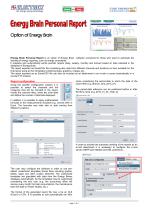
Option of Energy Brain Energy Brain Personal Report is an option of Energy Brain software conceived for those who want to automate the sending of energy reporting, such as energy consultants. It prepares and automatically sends periodic reports (daily, weekly, monthly and annual) based on data collected in the database of Energy Brain. The report exported as Excel/CSV file (containing also data from different channels and locations) is then available for the final layout using ad hoc templates containing logos, graphics, images, etc. The report exported as an Excel/CSV file can also be included as an attachment in an e-mail or saved automatically in a remote FTP location. name considering the period-date to which the data of the report refer (e.g. Branch_One_2015_01). Report configuration Using the specific configuration window it is possible to select the channels and the measures that will be included in the report, modify the columns titles, insert the units label and define the number of decimals displayed. The period-date reference can be positioned before or after the file’s name (e.g. 2015_01_24_Trafo_2). In addition it is possible to apply mathematical formulas to the measurements included (e.g. convert kWh in Euro). The formulas may refer also to data coming from different Locations. In order to activate the automatic sending of the reports as an e-mail attachment it is necessary to configure the e-mail server (SMTP port editable and SSL protection). The user may configure the software in order to use preedited, customized templates (Excel files) including graphs, tables, logos and other custom elements. The customized templates are populated with data from the Energy Brains database automatically. So the templates may be customized considering the end user (e.g. the accounting office will receive every month the total consumptions, the maintenance team the data on Power Quality, etc.). The format of the generated report file may a be an XLS (Excel) or CSV. It is possible to edit automatically the file’s
Open the catalog to page 1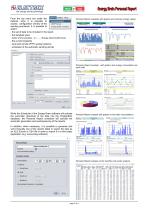
From the top menu bar under the Options voice it is possible to access configuration window of the sending procedure. It is possible to select: - the set of data to be included in the report - the template used Personal Report examples with graphs and summary energy values: - the e-mail recipients - local and remote (FTP) saving locations - scheduler of the automatic sending activity Personal Report example with graphs and energy consumption per each tariff: While the Scheduler of the Energy Brain software will activate the automatic download of the data into the PostgreSQL database, the Personal...
Open the catalog to page 2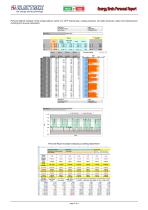
Engineered and manufactured in Italy Pensato. progettato e prodotto in Italia iupfl Hd^Ido Pmm 1 IppG: Personal Report example of the energy balance report of a CHP (natural gas, energy produced, hot water produced, steam and maintenance) including the revenue calculation:
Open the catalog to page 3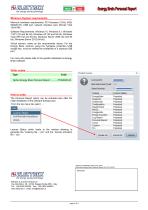
iupfl Bmk tali IppG: Minimum System requirements_ Minimum hardware requirements: PC Processor 2 GHz, 4GB, 500GB HD, USB port, network interface card, Monitor VGA 1024x768. Software Requirements: Windows 10, Windows 8.1, Windows 7 SP1 (32 and 64 bit), Windows XP (32 and 64 bit), Windows Vista SP2 (32 and 64 bit), Windows Server 2008 (32 and 64 bit), Windows Server 2012 (64 bit). Virtual servers: same as the requirements above. For the Energy Brain versions using the hardware protection USB dongle key, must be verified the availability of a physical USB port. For more info please refer to the specific...
Open the catalog to page 4All ELECTREX catalogs and technical brochures
 Company Profile
12 Pages
 Electrex Catalog 2026
82 Pages
 KILO NET D6 PQ & KILO NET 96 PQ
12 Pages
 EXA NET D6 H and EXA NET 96 H
12 Pages
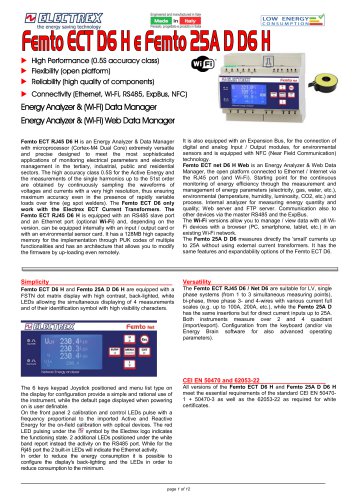 FEMTO ECT NET D6
12 Pages
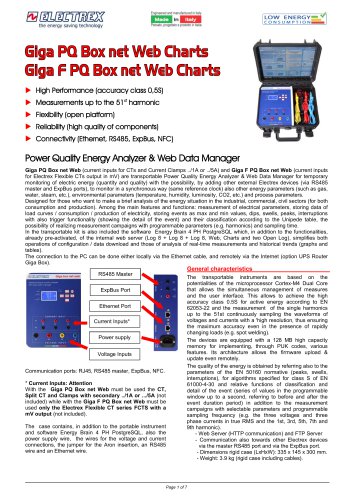 Glga PQ Box net Web Charts
7 Pages
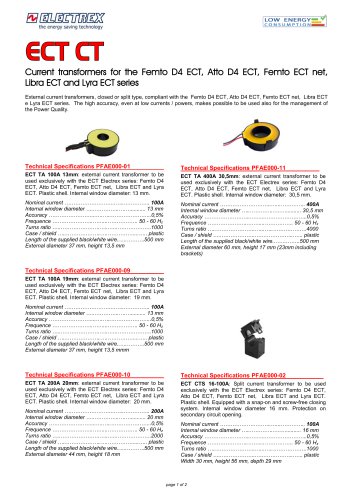 ECT CT
2 Pages
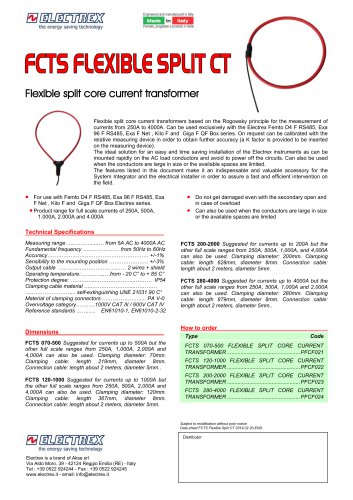 FCTS FLEXIBLE SPLIT CT
1 Page
 Split CT
2 Pages
 CTS SPLIT CT MINI Type
1 Page
 CTS DC HALL SPLIT CT MINI
1 Page
 Energy Brain Type
12 Pages
 Energy Brain Counters
1 Page
 Energy Brain Cloud
4 Pages
 Libra Energy Automation Panel
12 Pages
 Libra CCI CEI 0-16 UPS
12 Pages
 Environmental Sensors & Deca
4 Pages
 RS485 CABLES
1 Page
 RS 485 MODULE
2 Pages
 Pico Pro R548S
4 Pages
 Yocto net
4 Pages
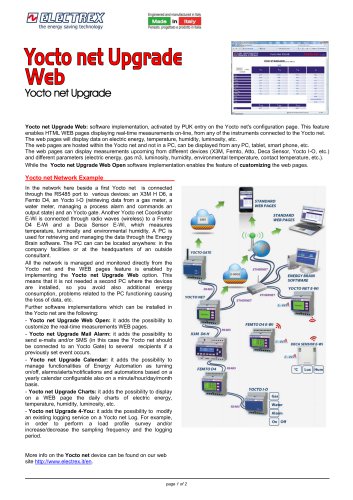 Yocto net Upgrade Web
2 Pages
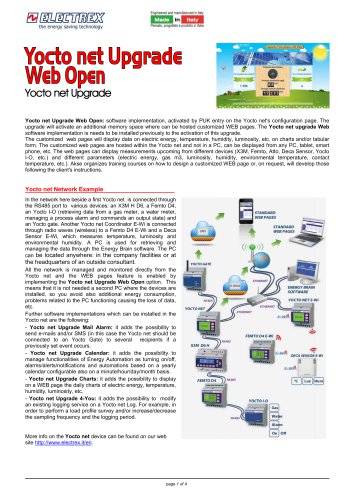 Yocto net Upgrade Web Open
4 Pages
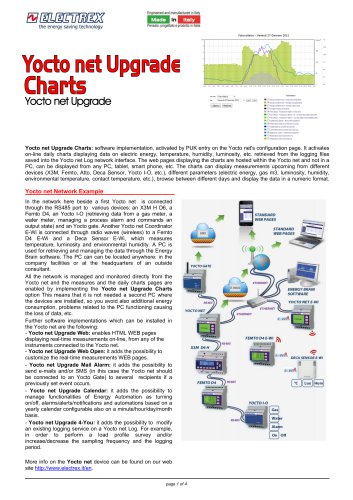 Yocto net Upgrade Charts
4 Pages
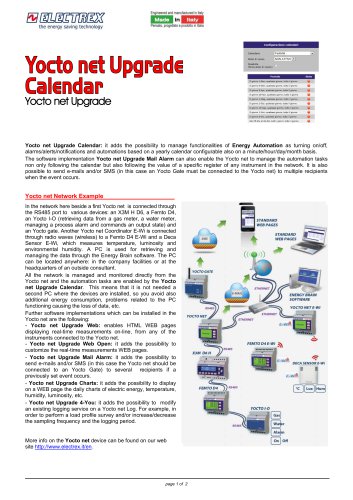 Yocto net Upgrade Calendar
2 Pages
 Yocto net Upgrade 4You
2 Pages
 Yocto net Upgrade Mail Alarm
3 Pages
 Yocto net E-Wi
6 Pages
 Yocto net D6 Web
8 Pages
 Atto and Atto
4 Pages
 FEMTO D4 DC & Hall
4 Pages
 Femto D4 & Atto D4
4 Pages
 Femto E Femto
4 Pages
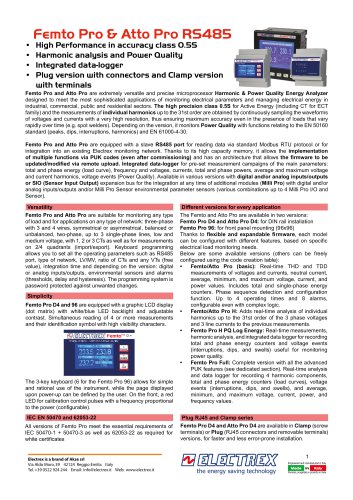 Femto Pro & Atto Pro RS485
8 Pages
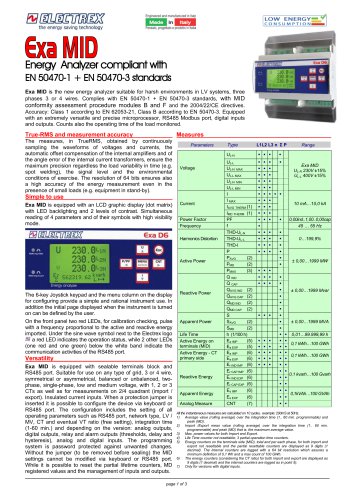 EXA MID D6
3 Pages
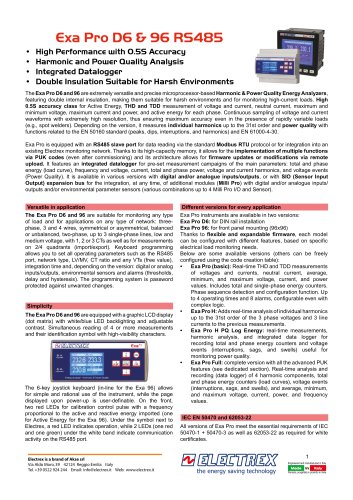 EXA PRO
8 Pages
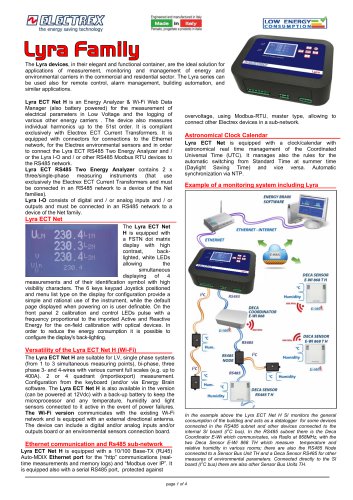 LYRA
4 Pages
 Catalogue 2023 - 01
66 Pages
 Multifunction Sensors
8 Pages
 Company Profile
12 Pages


Archived catalogs
 Flash D6
4 Pages
 X3M-96
8 Pages
 X3M
8 Pages
 Leaflet X3M and Flash
4 Pages
 Leaflet FEMTO ATTO ZEPTO
4 Pages

- Power supply unit
- DC power supply
- Temperature probe
- AC/DC power supply
- Electrical cable
- Monitoring analyzer
- Management software solution
- Analysis software solution
- Digital I/O
- Process software
- Real-time software
- Automatic analyser
- IO module
- Cloud-based software
- Single-output power supply
- Analog I/O
- Monitoring software solution
- Digital IO module
- Switched-mode power supply
- Portable analyzer