


- Products
- Catalogs
- News & Trends
- Exhibitions
Energy Brain Type
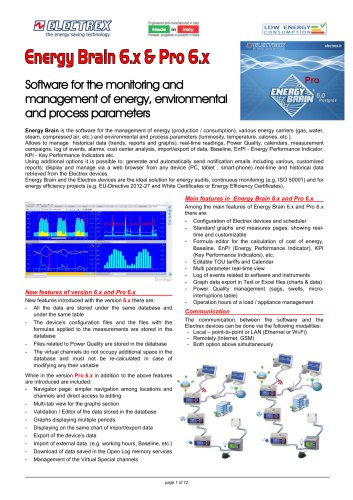
Energy Brain Type
Key Features:
- Data Management: Centralized database for data, device configurations, and Power Quality files.
- Real-Time and Historical Data: Accessible via web browsers, supporting energy audits and efficiency projects.
- Graphical Analysis: Offers standard and customizable graphs for energy trends and Power Quality.
- Communication: Supports communication with Electrex devices via Ethernet, Wi-Fi, or GSM.
New Features in Version 6.x and Pro 6.x:
- Unified Database: Single database and table for all data.
- Navigator Page: Simplified navigation and editing access.
- Multi-Tab Graphs: View multiple graphs simultaneously.
- Data Validation and Editing: Edit and validate stored data.
Advanced Features in Pro 6.x:
- Multi-Period Graphs: Extended period graphs for comprehensive analysis.
- Import/Export Capabilities: Import external data and export device data with filters.
- Virtual Special Channels: Create advanced graphs using custom formulas.
System Requirements:
- Hardware: Minimum 2 GHz processor, 4GB RAM, 500GB HD, USB port, and network interface card.
- Software: Compatible with Windows 10, 8.1, 7 SP1, Vista SP2, XP, and Windows Server 2008/2012.
Version and Licensing: Available in various versions based on the number of channels managed, with options for hardware or software protection. Upgradable from previous versions with database conversion.
Automatic Email Reports: The software can automatically send emails with reports on download failures, user-set threshold values, and energy consumption/production.
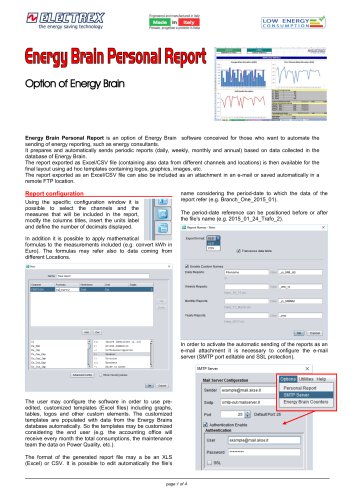
Energy Brain Personal Report Option: Automates energy reporting, allowing for periodic reports based on data collected in the Energy Brain database. Reports can be exported as Excel/CSV files and customized with templates.
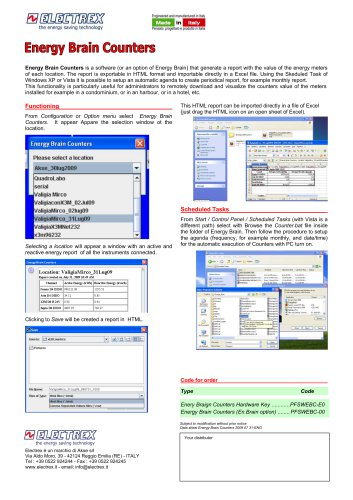
Standalone Software Option: Generates and sends reports with energy counter values from all network instruments. Reports can be exported in HTML or CSV format.
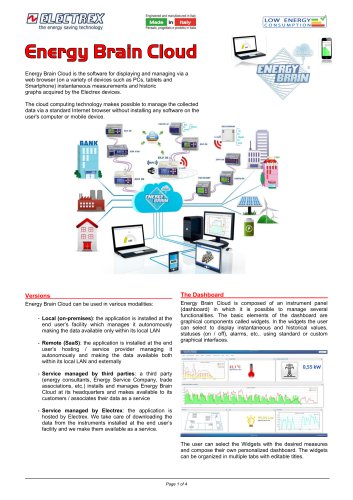
Energy Brain Cloud: A browser-based software for viewing and managing data from Electrex instruments on various devices.
Ordering Information: Provides product codes for ordering various configurations and upgrades of Energy Brain and Energy Brain Pro software.
Contact Information: Electrex is a brand of Akse srl, located in Reggio Emilia, Italy, with contact details provided.
Catalog excerpts
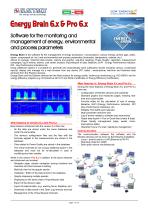
Engineered and manufactured in Italy Software for the monitoring and management of energy, environmental and process parameters Energy Brain is the software for the management of energy (production / consumption), various energy carriers (gas, water, steam, compressed air, etc.) and environmental and process parameters (luminosity, temperature, calories, etc.). Allows to manage historical data (trends, reports and graphs), real-time readings, Power Quality, calendars, measurement campaigns, log of events, alarms, cost center analysis, import/export of data, Baseline, EnPI - Energy Performance Indicator, KPI - Key Performance Indicators etc. Using additional options it is possible to: generate and automatically send notification emails including various, customized reports; display and manage via a web browser from any device (PC, tablet , smart-phone) real-time and historical data retrieved from the Electrex devices. Energy Brain and the Electrex devices are the ideal solution for energy audits, continuous monitoring (e.g. ISO 50001) and for energy efficiency projects (e.g. EU-Directive 2012-27 and White Certificates or Energy Efficiency Certificates). New features introduced with the version 6.x there are: - All the data are stored under the same database and under the same table - The device's configuration files and the files with the formulas applied to the measurements are stored in the database - Files related to Power Quality are stored in the database - The virtual channels do not occupy additional space in the database and must not be re-calculated in case of modifying any their variable While in the version Pro 6.x in addition to the above features - Navigator page: simpler navigation among locations and channels and direct access to editing - Multi-tab view for the graphs section - Validation / Editor of the data stored in the database - Graphs displaying multiple periods - Displaying on the same chart of import/export data - Export of the device's data - Import of external data (e.g. working hours, Baseline, etc.) - Download of data saved in the Open Log memory services - Management of the Virtual Special channels Main features in Energy Brain 6.x and Pro 6.x Among the main features of Energy Brain 6.x and Pro 6.x - Configuration of Electrex devices and scheduler - Standard graphs and measures pages, showing realtime and customizable - Formula editor for the calculation of cost of energy, Baseline, EnPI (Energy Performance Indicator), KPI (Key Performance Indicators), etc. - Editable TOU tariffs and Calendar - Multi parameter real-time view - Log of events related to software and instruments - Graph data export in Text or Excel files (charts & data) - Power Quality management (sags, swells, microinterruptions table) - Operation hours of a load / appliance management The communication between the software and the Electrex devices can be done via the following modalities: - Local - point-to-point or LAN (Ethernet or Wi-Fi) - Both option above simultaneously
Open the catalog to page 1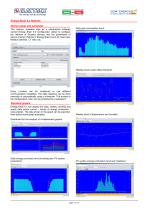
Energy Brain 6.x features Device setup and scheduler This feature, available also as a stand-alone software named Energy Brain 6.0 Configurator, allows to configure the network of Electrex devices and the parameters of device (named channel in Energy Brain) such as: baud rate, Modbus address, CT ratio, etc. Daily gas consumption trend: Weekly power peaks (Max Demand): Every Location can be configured to use different communication modalities. The data collection can be done manually or automatically using a scheduler. The access to the configuration menu can be protected by a password. Standard...
Open the catalog to page 2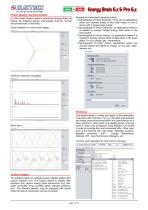
Power Quality real-time graphs For the Power Quality enabled instruments Energy Brain can display the following graphs (instruments must be “on-line” and provide data in real-time): Vector diagram for current and voltage: Example of customized channels/ graphs: - Channel/graph of Pulse Electricity / 3i for use in applications where are counted pulses of the utility meter or from a device with 3 single phase inputs; - Channel/graph of Virtual Electricity: for applications where it is needed to overlap multiple energy data series in the same graph; - Channel/graph of Virtual Generic: for applications...
Open the catalog to page 3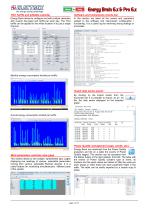
TOU Tariffs and editable calendarSoftware and instruments events log Energy Brain allows to configure and edit multiple calendars with custom day-types and tariffs per each day. The TOU tariffs can be applied to the whole location of to just a single channel. This section allows to set multiple, spreadsheet type, pages displaying live readings of various, selectable parameters coming from various, selectable Electrex devices. It is a useful feature for monitoring simultaneously different parts of the system. In this section are listed all the events and operations related to the software and...
Open the catalog to page 4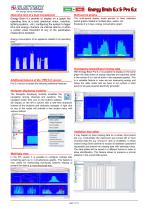
Operating time of a load management Energy Brain 6.x permits to display on a graph the operating time of a load (electrical motor, machine, lighting systems, etc.) configuring the system to tigger time and energy counters via internal alarms or when a certain value threshold of any of the parameters measured is exeeded. Multi-period graphs The multi-period display mode permits to have extended period graphs related to multiple days, weeks, etc. Example of a 3 days, energy consumption graph: Energy consumption of an appliance related to its operating time: Overlapping Import/Export energy data...
Open the catalog to page 5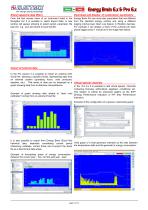
Export applying data filters Download and display of customized parameters From the fast access menu of an instrument listed in the Navigator bar it is possible to select Export Data. A new window will appear allowing to select period, parameter, file type (for e.g. .csv) and where to save that file. Energy Brain Pro can store also parameters that are different from the standard energy carriers and using a different logging interval (see Open Log feature in Electrex devices). For example it can display a chart of the currents per each phase logged every 1 minute as in the image here below: Import...
Open the catalog to page 6All ELECTREX catalogs and technical brochures
 Company Profile
12 Pages
 Electrex Catalog 2026
82 Pages
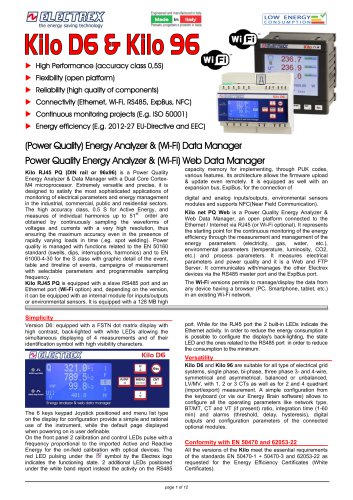 KILO NET D6 PQ & KILO NET 96 PQ
12 Pages
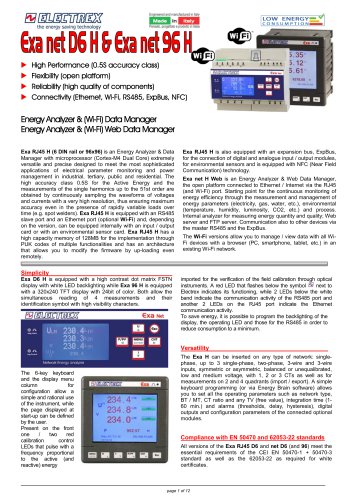 EXA NET D6 H and EXA NET 96 H
12 Pages
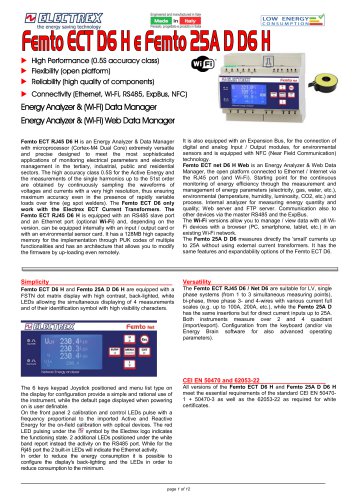 FEMTO ECT NET D6
12 Pages
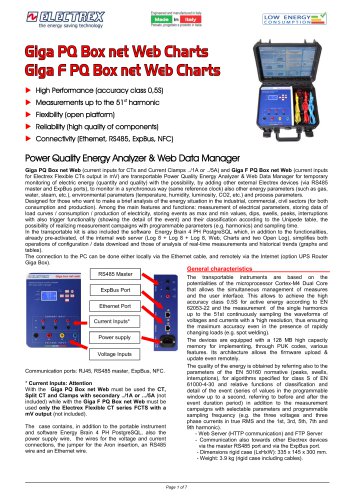
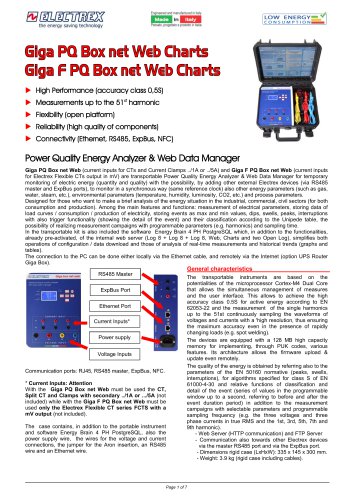 Glga PQ Box net Web Charts
7 Pages
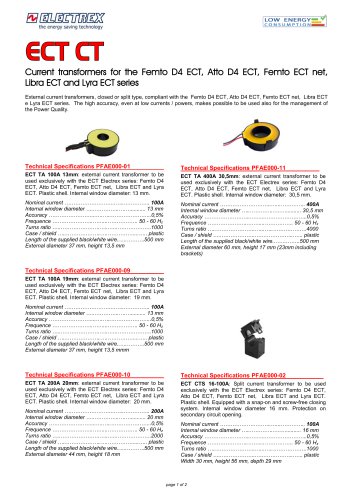 ECT CT
2 Pages
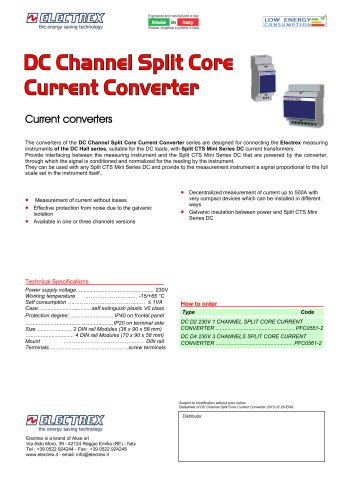
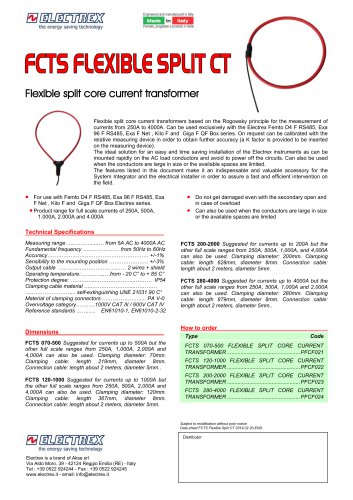 FCTS FLEXIBLE SPLIT CT
1 Page
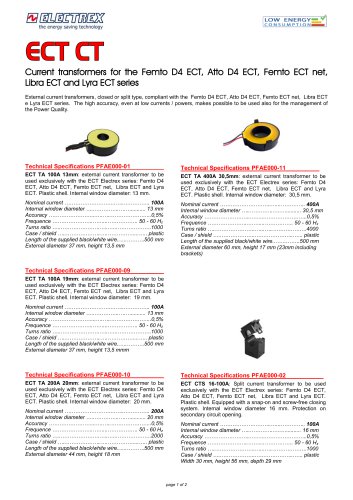 Split CT
2 Pages
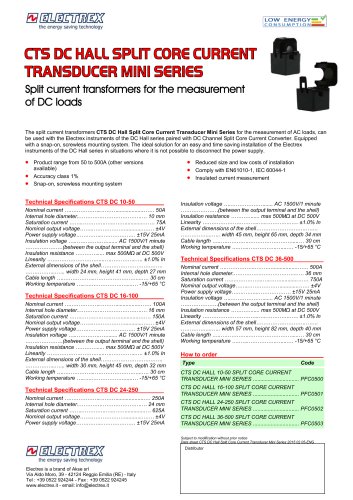 CTS SPLIT CT MINI Type
1 Page
 CTS DC HALL SPLIT CT MINI
1 Page
 Energy Braln Personal Report
4 Pages
 Energy Brain Counters
1 Page
 Energy Brain Cloud
4 Pages
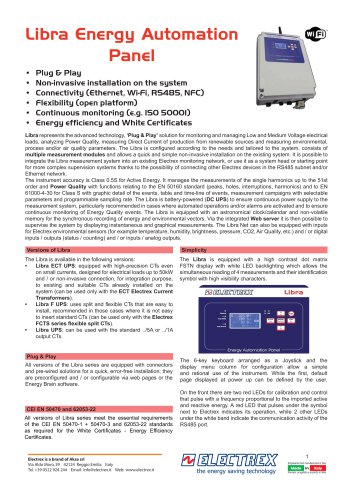 Libra Energy Automation Panel
12 Pages
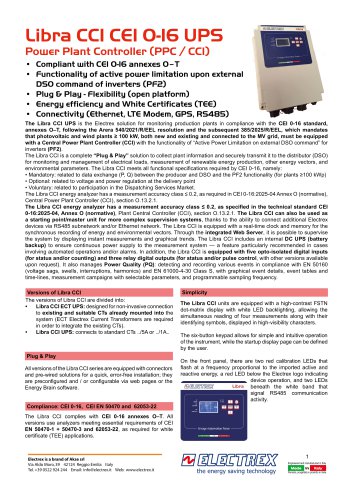 Libra CCI CEI 0-16 UPS
12 Pages
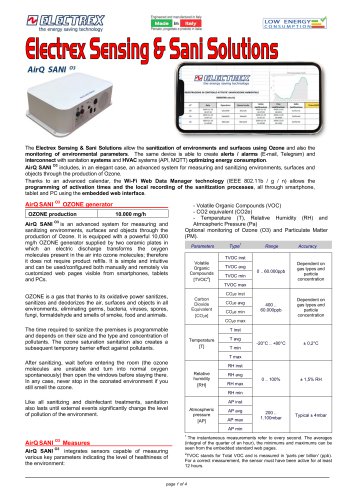 Environmental Sensors & Deca
4 Pages
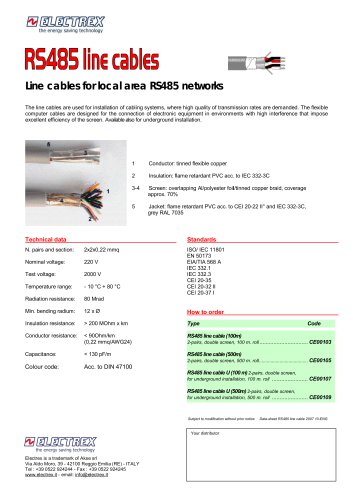 RS485 CABLES
1 Page
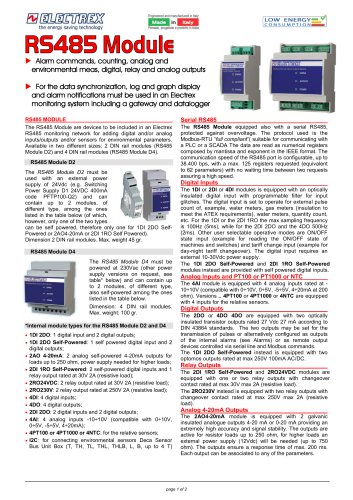 RS 485 MODULE
2 Pages
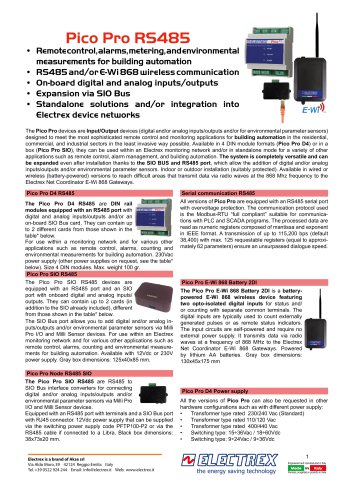 Pico Pro R548S
4 Pages
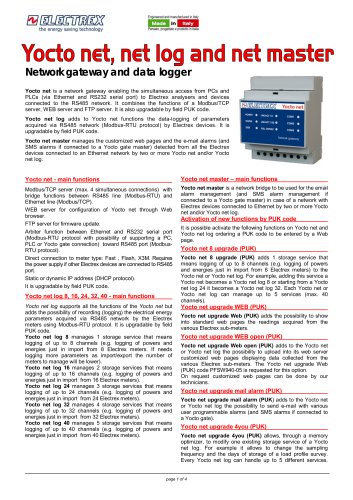 Yocto net
4 Pages
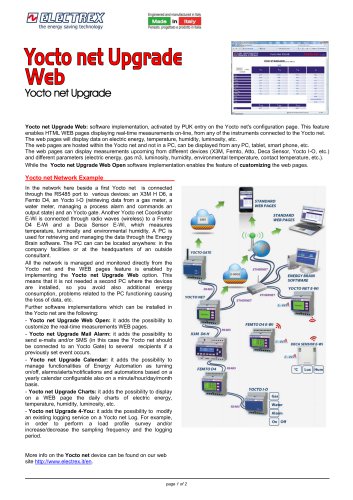 Yocto net Upgrade Web
2 Pages
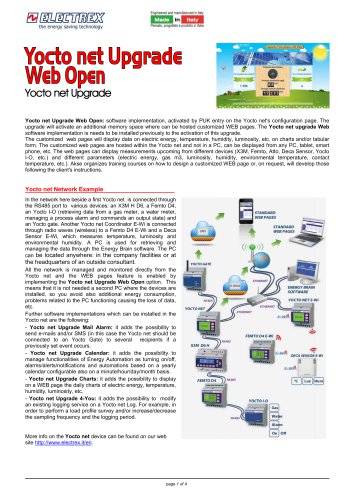 Yocto net Upgrade Web Open
4 Pages
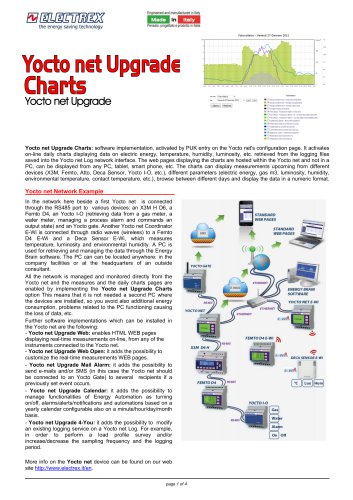 Yocto net Upgrade Charts
4 Pages
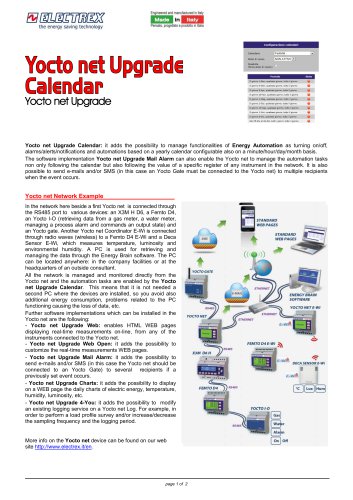 Yocto net Upgrade Calendar
2 Pages
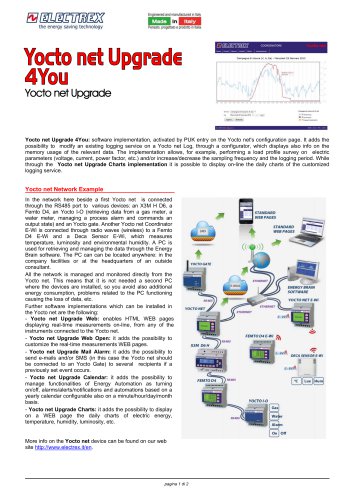 Yocto net Upgrade 4You
2 Pages
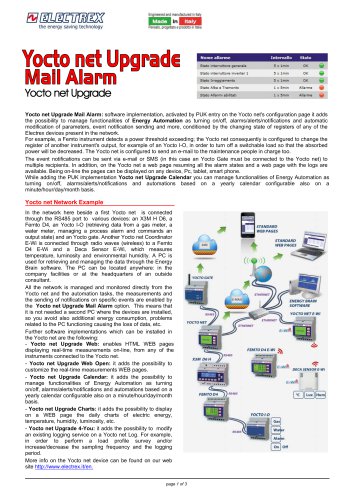 Yocto net Upgrade Mail Alarm
3 Pages
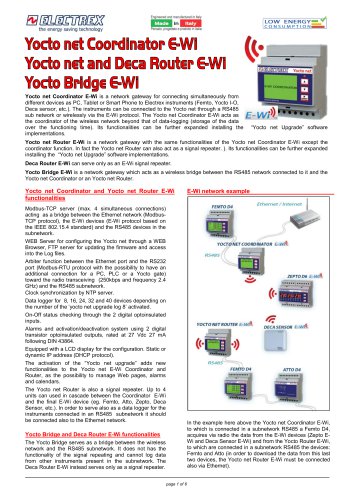 Yocto net E-Wi
6 Pages
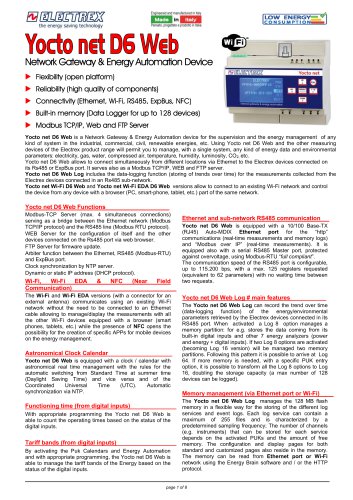 Yocto net D6 Web
8 Pages
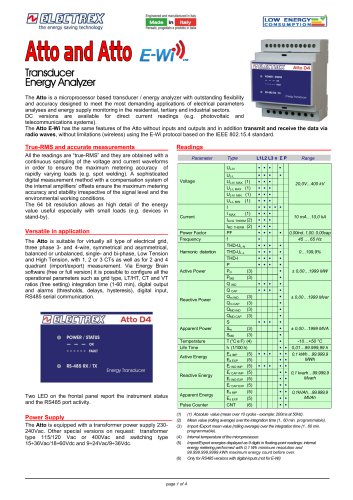 Atto and Atto
4 Pages
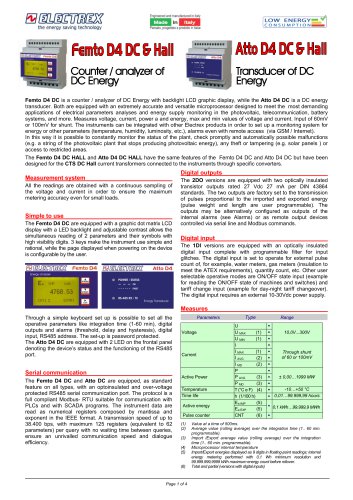 FEMTO D4 DC & Hall
4 Pages
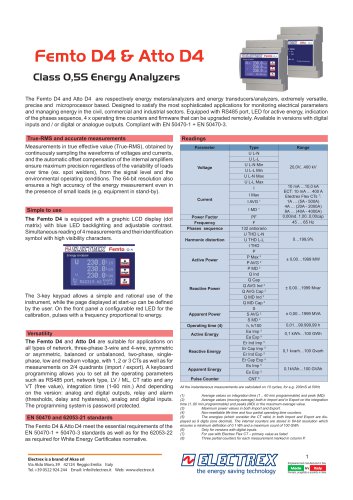 Femto D4 & Atto D4
4 Pages
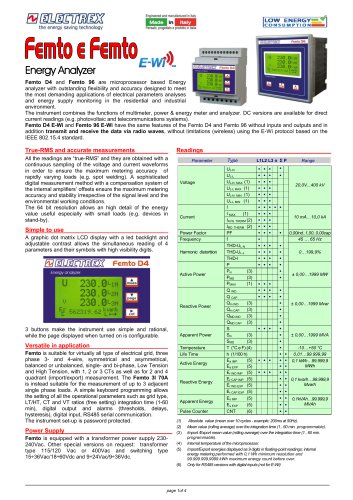 Femto E Femto
4 Pages
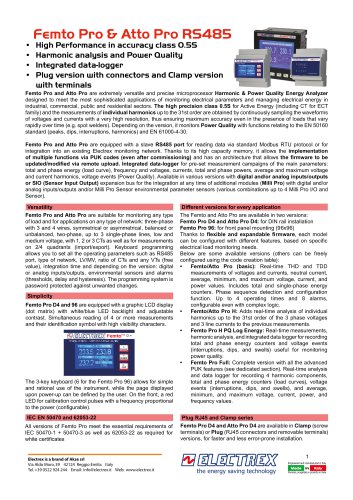 Femto Pro & Atto Pro RS485
8 Pages
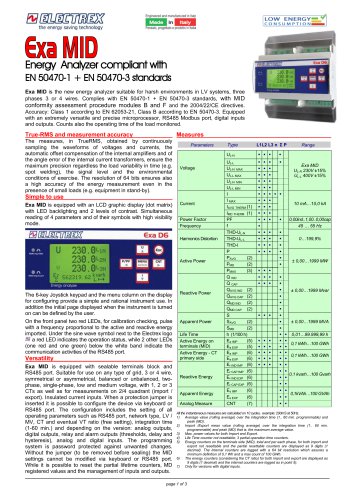 EXA MID D6
3 Pages
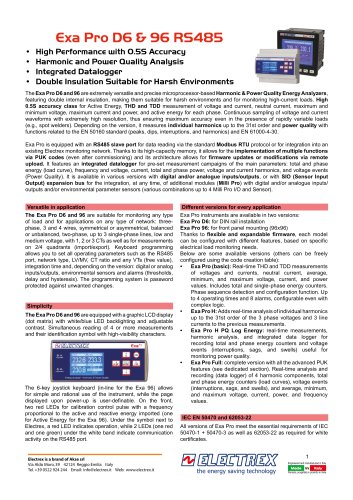 EXA PRO
8 Pages
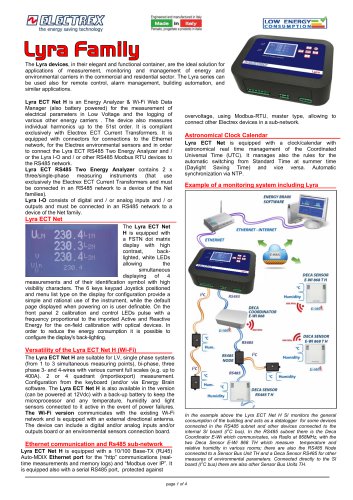 LYRA
4 Pages
 Catalogue 2023 - 01
66 Pages
 Multifunction Sensors
8 Pages
 Company Profile
12 Pages

Archived catalogs
 Flash D6
4 Pages
 X3M-96
8 Pages
 X3M
8 Pages
 Leaflet X3M and Flash
4 Pages
 Leaflet FEMTO ATTO ZEPTO
4 Pages

- Power supply unit
- DC power supply
- Temperature probe
- AC/DC power supply
- Electrical cable
- Monitoring analyzer
- Management software solution
- Analysis software solution
- Digital I/O
- Process software
- Real-time software
- Automatic analyser
- IO module
- Cloud-based software
- Single-output power supply
- Analog I/O
- Monitoring software solution
- Digital IO module
- Switched-mode power supply
- Portable analyzer