


Energy Brain Counters
Energy Brain Counters
Overview:
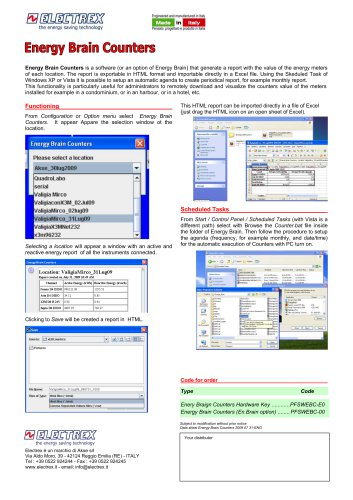
Energy Brain Counters is a software tool designed to generate reports on energy meter readings for various locations. The reports can be exported in HTML format and easily imported into Excel. This feature is particularly beneficial for administrators who need to remotely access and visualize energy meter data from locations such as condominiums, harbors, or hotels.
Functionality:
To use Energy Brain Counters, navigate to the Configuration or Option menu and select the Energy Brain Counters option. This will open a selection window for the location. Upon selecting a location, a report displaying active and reactive energy data from all connected instruments will appear. Users can save this report in HTML format, which can then be imported into Excel by dragging the HTML icon onto an open Excel sheet.
Scheduled Tasks:
Users can automate report generation using Windows XP or Vista's Scheduled Tasks feature. By selecting the Counter.bat file from the Energy Brain folder, users can set up a schedule (e.g., monthly) for automatic report generation, provided the PC is turned on.
Ordering Information:
There are two types of codes for ordering:
- Energy Brain Counters Hardware Key: PFSWEBC-E0
- Energy Brain Counters (En.Brain option): PFSWEBC-00
Additional Information:
The document notes that specifications are subject to change without prior notice. The data sheet is dated July 31, 2009.
Catalog excerpts
Energy Brain Counters is a software (or an option of Energy Brain) that generate a report with the value of the energy meters of each location. The report is exportable in HTML format and importable directly in a Excel file. Using the Skeduled Task of Windows XP or Vista it is possible to setup an automatic agenda to create periodical report, for example monthly report. This functionality is particularly useful for administrators to remotely download and visualize the counters value of the meters installed for example in a condominium, or in an harbour, or in a hotel, etc. Functioning From Configuration or Option menu select Energy Brain Counters. It appear Appare the selection window ot the location. This HTML report can be imported directly in a file of Excel (just drag the HTML icon on an open sheet of Excel). Scheduled Tasks Selecting a location will appear a window with an active and reactive energy report of all the instruments connected. From Start / Control Panel / Scheduled Tasks (with Vista is a different path) select with Browse the Counter.bat file inside the folder of Energy Brain. Then follow the procedure to setup the agenda (frequency, for example monthly, and date/time) for the automatic execution of Counters with PC turn on. Clicking to Save will be created a report in HTML. Code for order Type Your distributor Electrex è un marchio di Akse srl Via Aldo Moro, 39 - 42124 Reggio Emilia (RE) - ITALY Tel : +39 0522 924244 - Fax : +39 0522 924245 www.electrex.it - email: [email protected]
Open the catalog to page 1All ELECTREX catalogs and technical brochures
 Company Profile
12 Pages
 Split CT
2 Pages
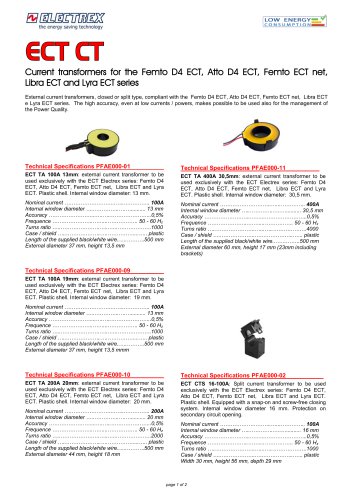 ECT CT
2 Pages
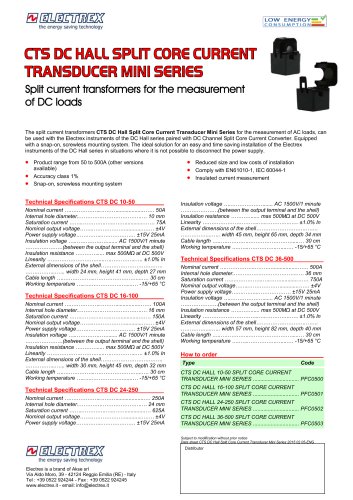 CTS SPLIT CT MINI Type
1 Page
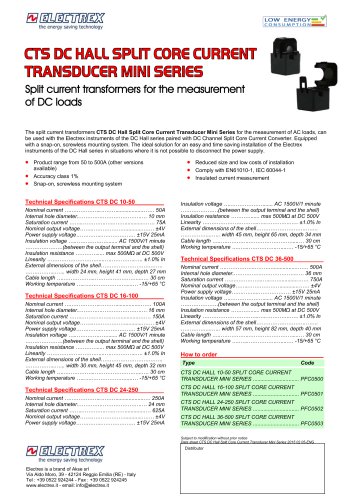 CTS DC HALL SPLIT CT MINI
1 Page
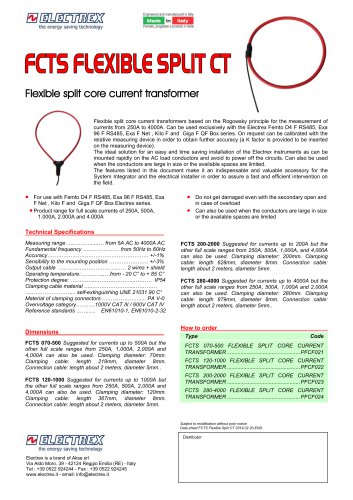 FCTS FLEXIBLE SPLIT CT
1 Page
 Energy Brain Type
12 Pages
 Energy Braln Personal Report
4 Pages
 Energy Brain Cloud
4 Pages
 Libra Energy Automation Panel
12 Pages
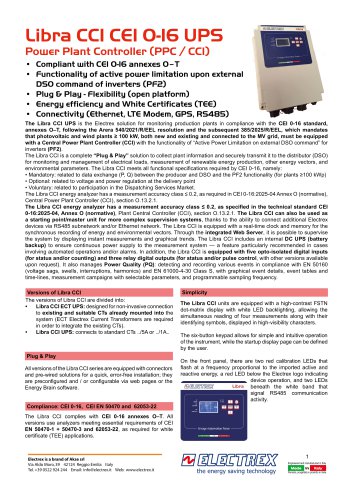 Libra CCI CEI 0-16 UPS
12 Pages
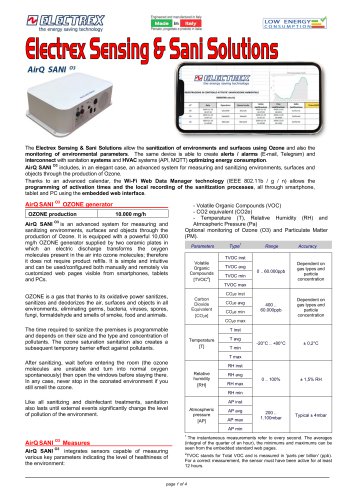 Environmental Sensors & Deca
4 Pages
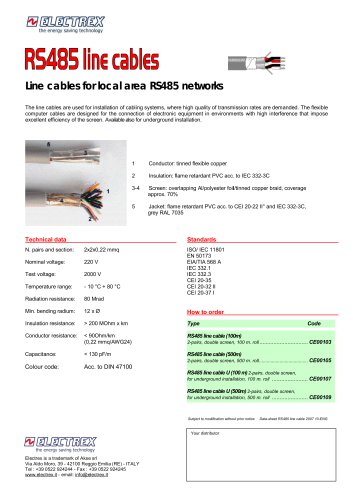 RS485 CABLES
1 Page
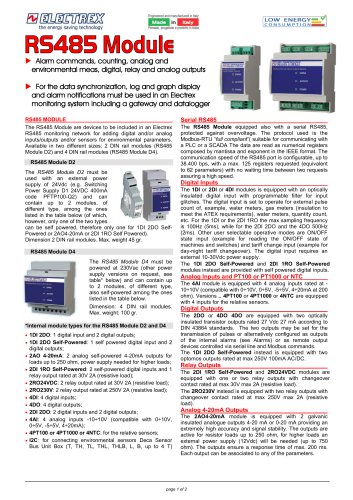 RS 485 MODULE
2 Pages
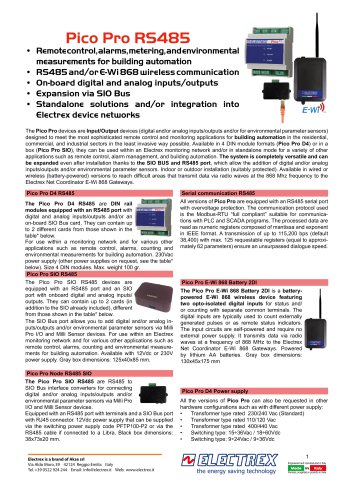 Pico Pro R548S
4 Pages
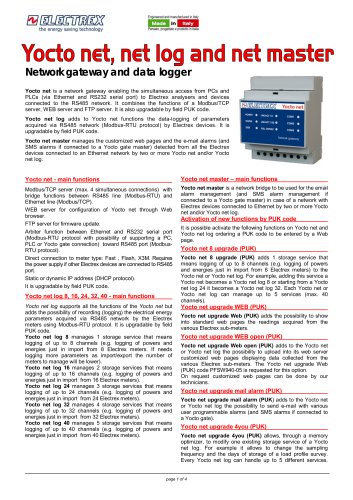 Yocto net
4 Pages
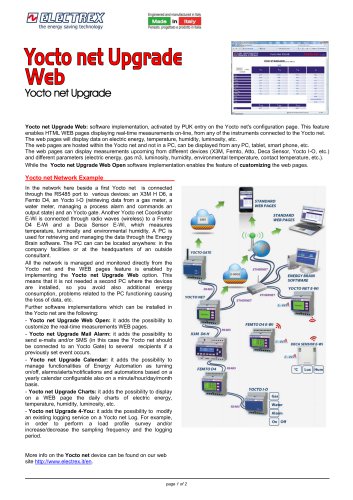 Yocto net Upgrade Web
2 Pages
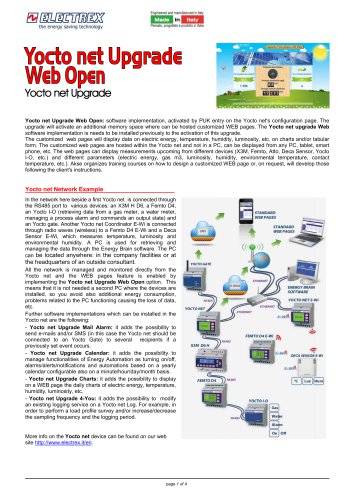 Yocto net Upgrade Web Open
4 Pages
 Yocto net Upgrade Charts
4 Pages
 Yocto net Upgrade Calendar
2 Pages
 Yocto net Upgrade 4You
2 Pages
 Yocto net Upgrade Mail Alarm
3 Pages
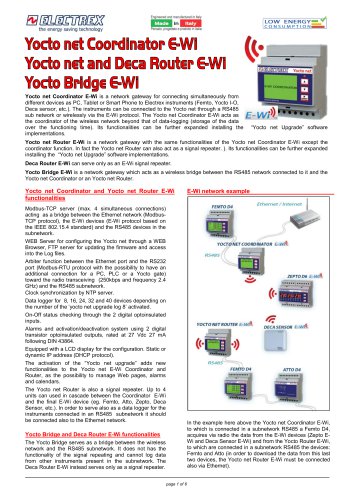 Yocto net E-Wi
6 Pages
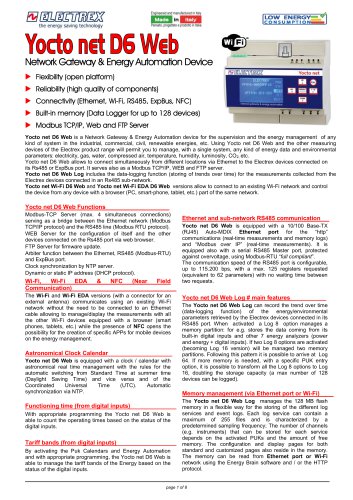 Yocto net D6 Web
8 Pages
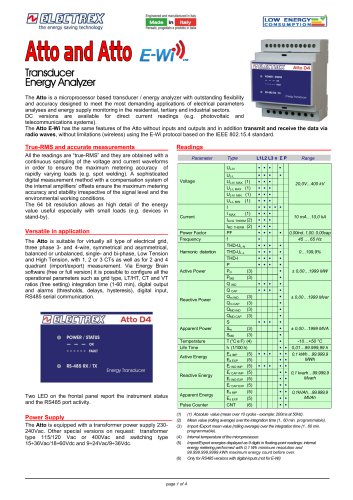 Atto and Atto
4 Pages
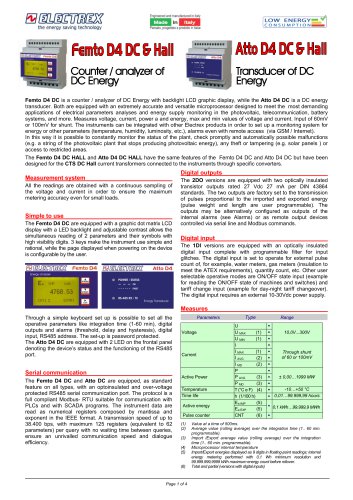 FEMTO D4 DC & Hall
4 Pages
 Femto E Femto
4 Pages
 Femto D4 & Atto D4
4 Pages
 EXA MID D6
3 Pages
 Femto Pro & Atto Pro RS485
8 Pages
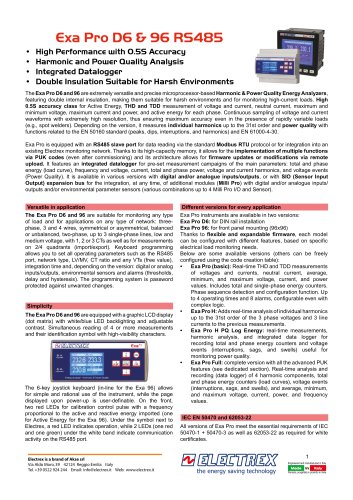 EXA PRO
8 Pages
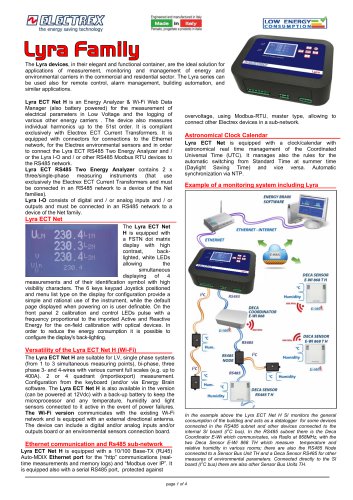 LYRA
4 Pages
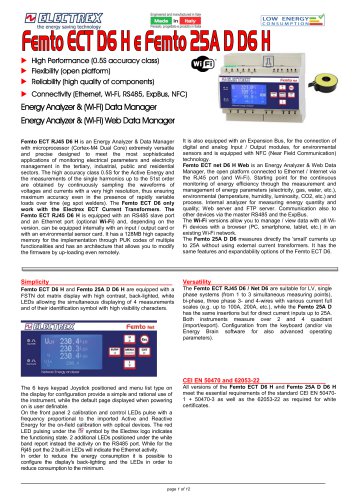 FEMTO ECT NET D6
12 Pages
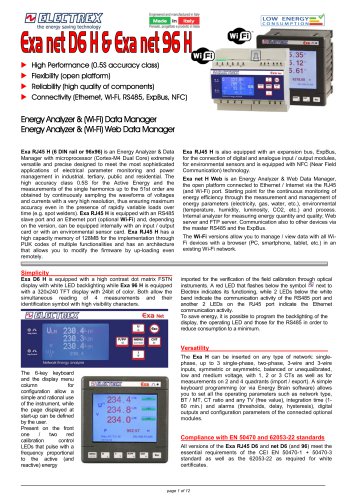 EXA D6 and EXA 96
12 Pages
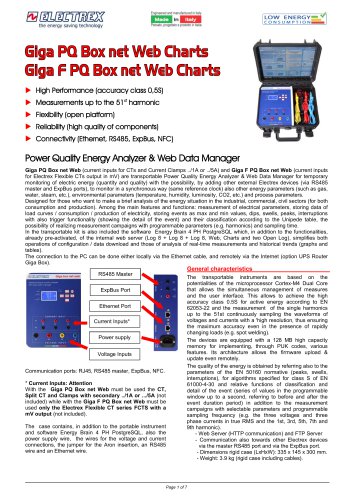 Glga PQ Box net Web Charts
7 Pages
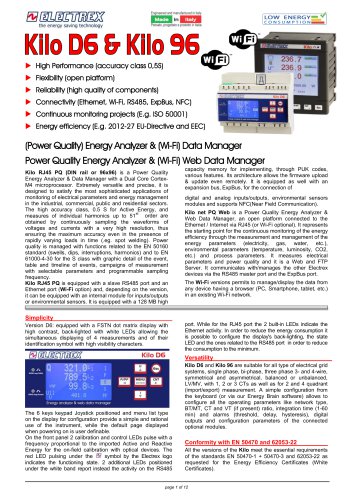 kilo D6 & Kilo 96
12 Pages
 Catalogue 2023 - 01
66 Pages
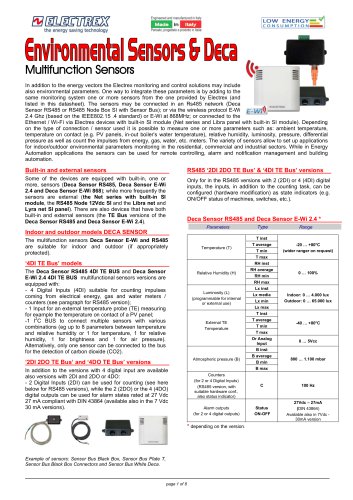 Multifunction Sensors
8 Pages
 Company Profile
12 Pages

Archived catalogs
 Flash D6
4 Pages
 X3M-96
8 Pages
 X3M
8 Pages
 Leaflet X3M and Flash
4 Pages
 Leaflet FEMTO ATTO ZEPTO
4 Pages

- Power supply unit
- DC power supply
- Temperature probe
- AC/DC power supply
- Electrical cable
- Monitoring analyzer
- Management software solution
- Analysis software solution
- Digital I/O
- Process software
- Real-time software
- Automatic analyser
- IO module
- Cloud-based software
- Single-output power supply
- Analog I/O
- Monitoring software solution
- Digital IO module
- Switched-mode power supply
- Portable analyzer