
- Catalogs
- E+E ELEKTRONIK
- Datasheet TEE501


Datasheet TEE501
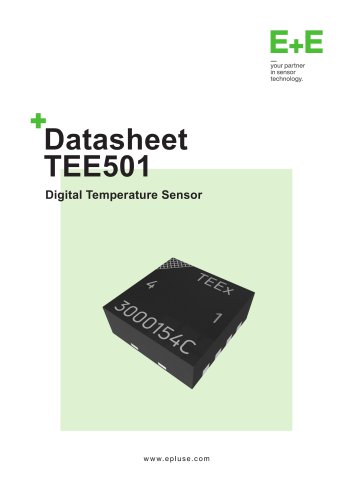
Datasheet TEE501
The TEE501 is a high-accuracy digital temperature sensor suitable for industrial, medical, and consumer applications. It features a compact design with integrated pull-up resistors, operating within a temperature range of -40 to 135°C with an accuracy of ±0.2°C.
- Accuracy: ±0.2°C
- Supply voltage: 2.35 - 3.60 V
- 8-pin DFN package
- I2C interface with selectable addresses and glitch suppression
- 16-bit integer output
- Automotive
- Building automation
- Consumer electronics
- Medical devices
- Smart home and wearables
The sensor uses an 8-pin DFN package with key pins for I2C communication and power supply, including SDA, SCL, and VDD.
- High accuracy and repeatability
- Optimal performance within recommended conditions
- Absolute Maximum Ratings: Safe operation limits
- Operational parameters detailed
- Power supply via VDD and GND
- I2C protocol details and address pins
- Command Overview: Sensor operation commands
- Measurement Modes: Single shot and periodic options
Includes additional documentation and quality assurance for reliable performance.
- Operating Range: -40°C to 135°C
- Accuracy: 0.2°C
- Resolution: 13-bit, 0.01°C
- Repeatability: 13-bit, 0.03°C
- Response Time: 2 seconds at 25°C and 1m/s airflow
- Long Term Drift: <0.03°C per year
Use within -40°C to +135°C.
- Absolute Maximum Ratings: VDD -0.3 to 3.6 V, I/O pins -0.3 to 5.0 V, Storage -55 to 150°C
- Electrical Specifications: Supply voltage 2.35 to 3.6 V, detailed current consumption modes
- Supply Pins: Requires a 100 nF bypass capacitor
- I2C Communication: Supports standard, fast, and fast mode plus, operates as a slave device
- I2C Address Pins: Base address 0x40, configurable pins A1 to A3
- HI Pin: Validity indicator for recent temperature measurement
- Command Overview: Commands for measurement, reset, and status
- Measurement Modes: Single Shot and Periodic modes with specific commands
- Figure 3: Temperature sensor accuracy illustration
- Figure 4: Measurement duration based on resolution
- Tables: Detailed parameters for sensor, electrical characteristics, I2C communication, and resolutions
Catalog excerpts
DatasheetTEE501 Digital Temperature Sensor
Open the catalog to page 1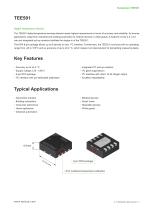
TEE501 Digital Temperature Sensor The TEE501 digital temperature sensing element meets highest requirements in terms of accuracy and reliability. Its diverse applications range from industrial and building automation to medical devices or white goods. A footprint of only 2.5 x 2.5 mm and integrated pull-up resistors facilitate the design-in of the TEE501. The DFN 8-pin package allows up to 8 devices on one I2C interface. Furthermore, the TEE501 convinces with an operating range from -40 to 135°C and an accuracy of up to ±0.2 °C, which makes it an ideal solution for demanding measuring tasks....
Open the catalog to page 2
www.epluse.com v1.5 / Modification rights reserved | 3
Open the catalog to page 3
www.epluse.com v1.5 / Modification rights reserved | 4
Open the catalog to page 4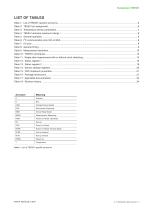
Table 1: List of TEE501 specific acronyms v1.5 / Modification rights reserved | 5
Open the catalog to page 5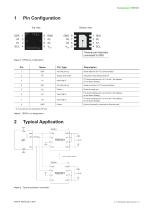
Bottom view Thermal pad internally connected to GND Figure 1: DFN8 pin configuration www.epluse.com v1.5 / Modification rights reserved | 6
Open the catalog to page 6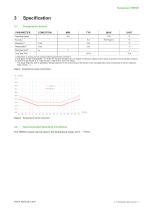
Temperature Sensor Operating Range Long Term Drift 1) Resolution is chosen by the corresponding measurement command. 2) The stated “Noise / Repeatability” is 3 times the standard deviation (3σ) of multiple consecutive measurement values at constant environmental conditions. 3) Time for achieving 63 % of a step function, valid at 25°C and 1m/s airflow. The actual response time in application strongly depends on the surrounding of the sensor in the final application (heat conductivity of sensor substrate, dead volume, …). Table 3: Temperature sensor parameters Figure 3: Temperature sensor accuracy...
Open the catalog to page 7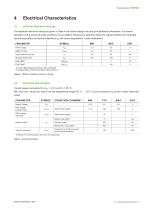
4.1 Absolute Maximum Ratings 1) Without I2C communication and when not measuring. Table 5: General operation v1.5 / Modification rights reserved | 8
Open the catalog to page 8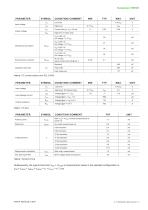
Table 8: General timing tRDY= tPWRU + tMEAS = tPWRU + tT + tCALC = H.3 ms v1.5 / Modification rights reserved | 9
Open the catalog to page 9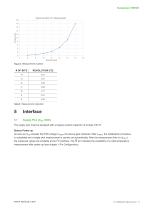
Figure 4: Measurement duration Table 9: Measurement resolution The supply pins must be equipped with a bypass ceramic capacitor of at least 100 nF. Sensor Power-up As soon as VDD exceeds the POR voltage VPORP, the device gets initialized. After tPWRU, the initialization procedure is completed and a single shot measurement is carried out automatically. After the measurement time (tT+tCALC) the measured values are available at the I2C interface. The HI pin indicates the availability of a valid temperature measurement after power-up (see chapter 1 Pin Configuration). www.epluse.com v1.5 / Modification...
Open the catalog to page 10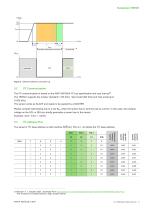
Datasheet TEE501 F:\proj\P\2016\P201607_EuE_ASIC_ASTRID1\04_DOC\Berechnungen\PWRup_HIpin_Modi Voltage VDD 3.3V VPORP tCALC tMEAS Automatic measurement at power-up IDLE MODE Figure 5: Sensor behaviour at power-up 20.09.2021 The I²C communication is based on the NXP UM10204 I²C bus specification and user manual1). The TEE501 supports the modes “standard“ (100 kHz), “fast mode“(400 kHz) and “fast mode plus” (1 000 kHz). The sensor works as SLAVE and needs to be queried by a MASTER. Please consider self-heating due to a low RPU when the sensor has to sink the pull-up current. In this case, the residual...
Open the catalog to page 11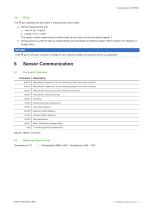
The HI pin indicates that the recent T measurement was invalid: The status of each measurement (valid/invalid) can be read out from the status register 2. b. During power-up until the start-up measurement and calculation is finished (please refer to Figure 5 in chapter 5.1 Supply Pins.) If the HI pin is not used, connect it to GND or use a pull-up resistor to connect it to the VDD potential. Temperature [°C] = (Temperature MSB x 256 + Temperature LSB) /100 www.epluse.com v1.5 / Modification rights reserved | 12
Open the catalog to page 12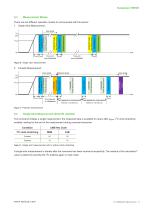
Measurement Modes There are two different operation modes to communicate with the sensor: 1.shotSingle Single mode Shot Measurement G:\Produkte\HTEx01\501\Archive_Diagrams&Drawings\PWRup_HIpin_Modi tPWRU tMEAS Time depends on COMMAND Time depends on COMMAND time time IDLE MODE COMMAND COMMAND Break Break Measurement Measurement IDLE MODE tMEAS tMEAS tMEAS Time depends on measurement Time depends on measurement interval, 1 s at start‐up interval, 1 s at start‐up tMEAS tMEAS tMEAS Time depends on measurement Time depends on measurement interval, 1 s at start‐up interval, 1 s at start‐up time time...
Open the catalog to page 13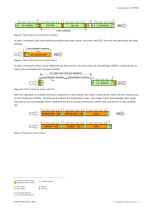
MEASUREMENT ONGOING tMEAS N Psingle shot 1 8: Start Figure 1 Without clock stretching MEASUREMENT FINISHED 16 BIT COMMAND measurement readout 16 BIT COMMAND Without clock stretching W FREE A A FOR OTHER CMD MSBBUS MEMBERS I2C-ADDRESS SCL S 0 0 0 SCL FREE FOR OTHER BUS MEMBERS A 4 3LSB 2 1 0 7 6 5 CMD W A A Figure Clock stretching during measurement CMD MSB S 9:I2C-ADDRESS CMD LSB MEASUREMENT ONGOING 0 0 0 16 BIT COMMAND MEASUREMENT FINISHED MEASUREMENT ONGOING tMEAS In case a command with clock stretching enabled has been issued, the slave holds SCL low until the calculation has been With clock...
Open the catalog to page 14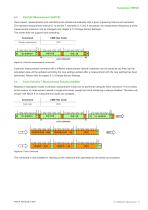
Once issued, measurements and calculations are started automatically with a given measuring interval and resolution. The standard measurement interval is 1s and the T resolution is 13 bit. If necessary, the measurement frequency and the measurement resolution can be changed (see chapter 6.13 Change Sensor Settings). This mode does not support clock stretching. Figure 13: Fetch command This command is also suitable for reading out the measured data generated by the power-up procedure. www.epluse.com v1.5 / Modification rights reserved | 15
Open the catalog to page 15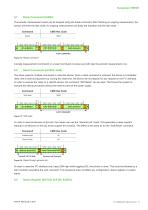
The periodic measurement mode can be stopped using the break command. After finishing an ongoing measurement, the sensor will enter the idle mode. An ongoing measurement can delay the transition into the idle mode. General call 1st byte General call 2nd byte Figure 16: Reset through general call In order to reset the I2C interface only, keep SDA high while toggling SCL nine times or more. This must be followed by a start condition preceding the next command. This sequence does not affect any configuration, status register or system status. www.epluse.com v1.5 / Modification rights reserved |...
Open the catalog to page 16All E+E ELEKTRONIK catalogs and technical brochures
 E+E Product Catalog 2026
19 Pages
 ISO9001 Calibration Services
7 Pages
 Datasheet Humor 20
8 Pages
 Datasheet TEE301
22 Pages
 Datasheet EE461
8 Pages
 Datasheet EE462
7 Pages
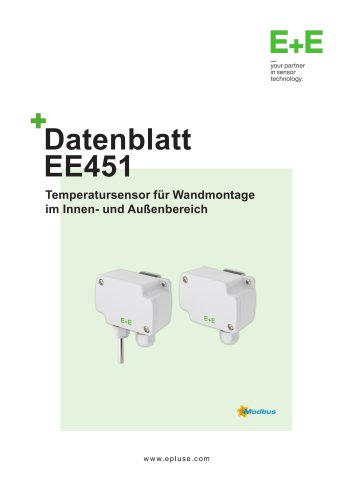 Datasheet EE451
10 Pages
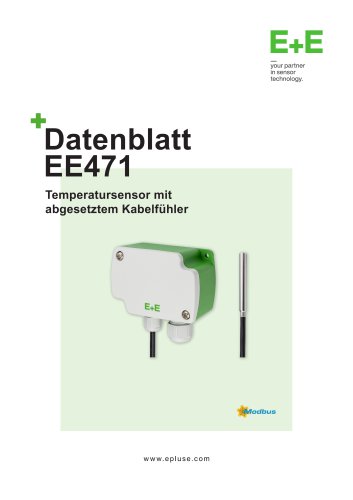 Datasheet EE471
10 Pages
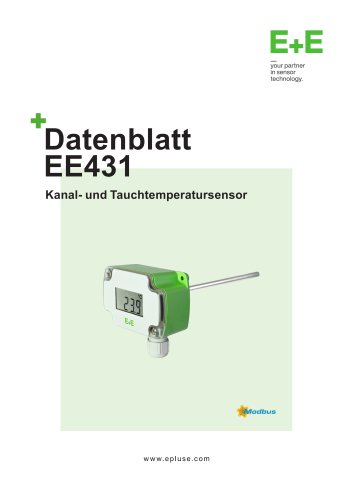 Datasheet EE431
11 Pages
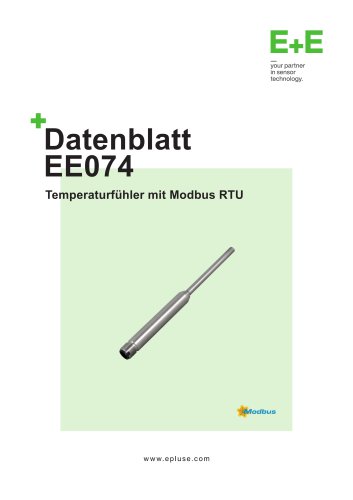 Datasheet EE074
8 Pages
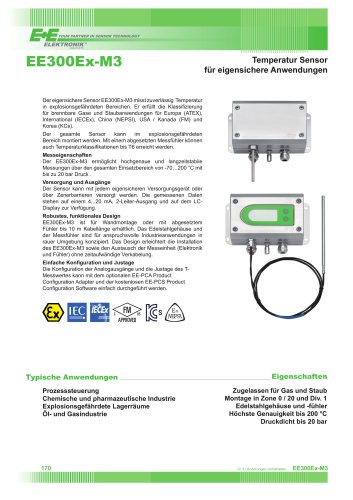 Datasheet EE300Ex-M3
5 Pages
 Datasheet EE600
9 Pages
 Datasheet EE610
9 Pages
 Datasheet EE741
13 Pages
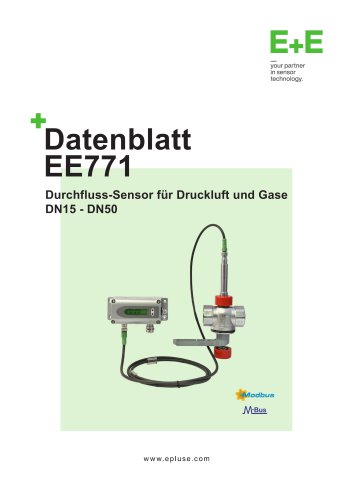 Datasheet EE771
13 Pages
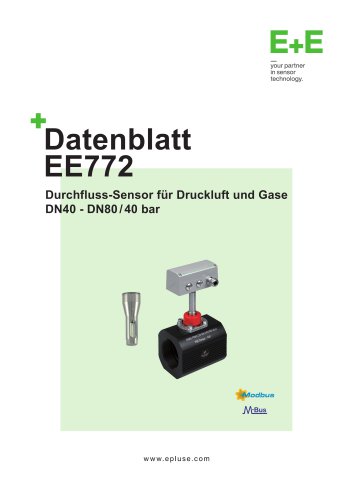 Datasheet EE772
13 Pages
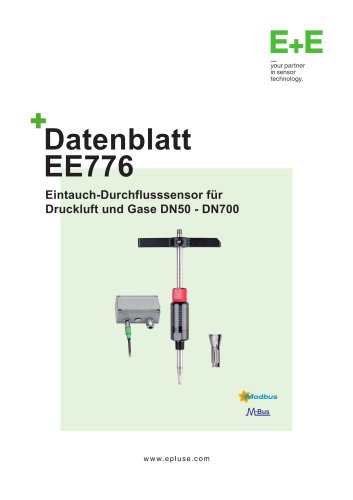 Datasheet EE776
13 Pages
 Datasheet EE671
8 Pages
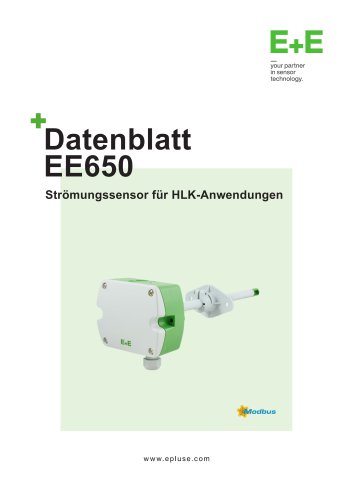 Datasheet EE650
9 Pages
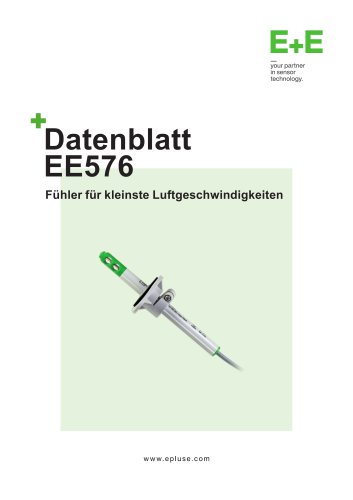 Datasheet EE576
7 Pages
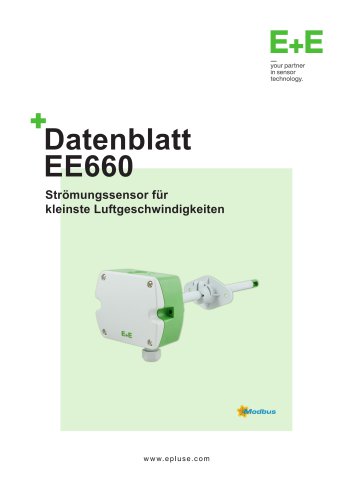 Datasheet EE660
10 Pages
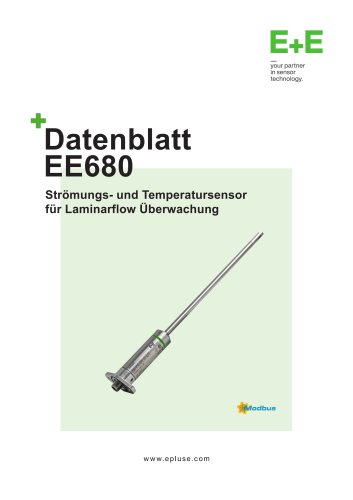 Datasheet EE680
10 Pages
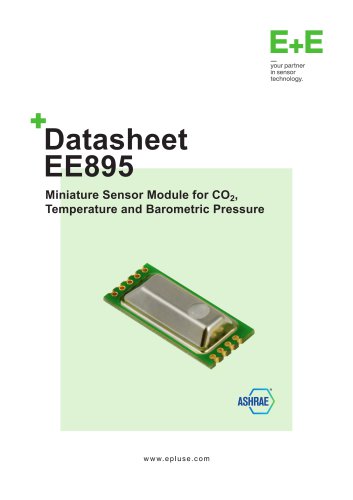 Datasheet EE895
7 Pages
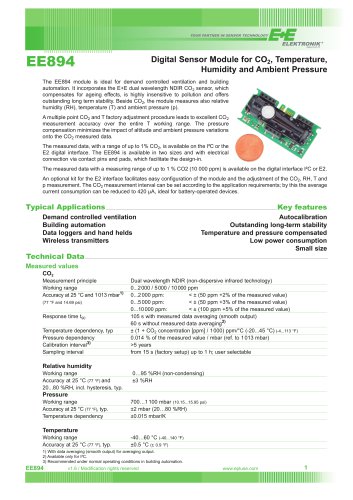 Datasheet EE894
3 Pages
 CDS201
9 Pages
 Datasheet EE850
9 Pages
 Datasheet EE820
7 Pages
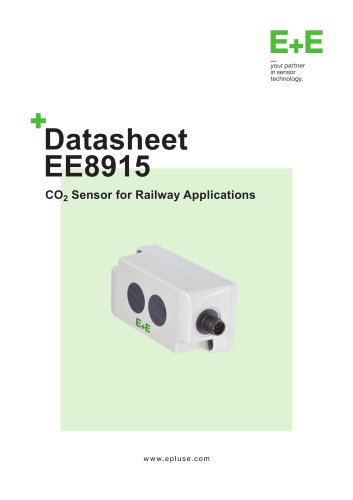 Datasheet EE8915
9 Pages
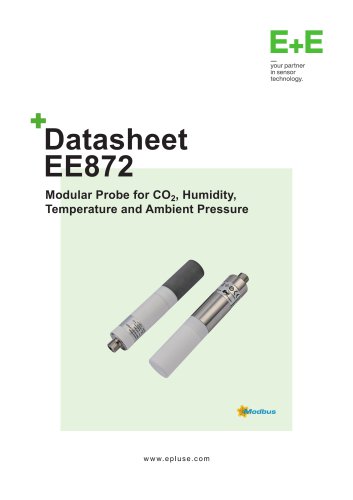 Datasheet EE872
10 Pages
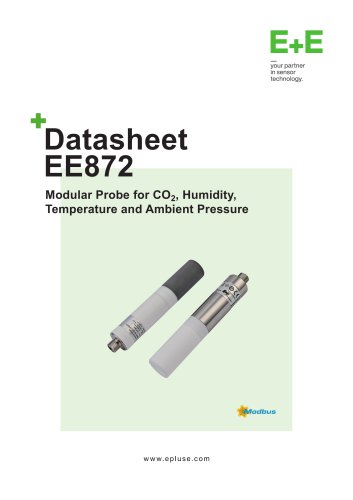 Datasheet EE372
10 Pages
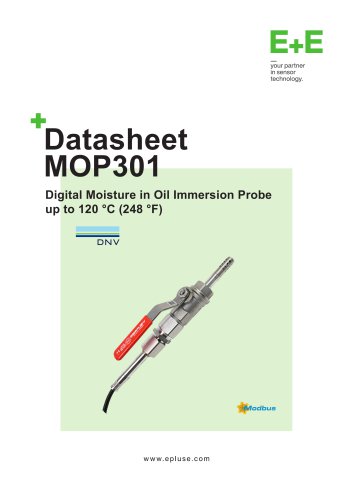 Datasheet MOP301
10 Pages
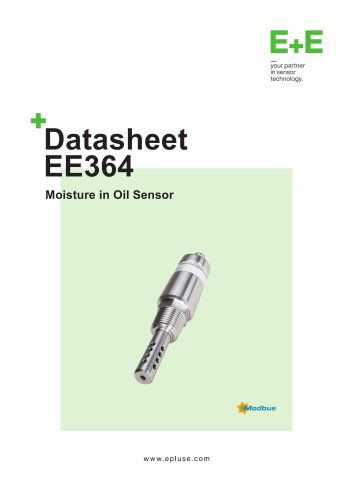 Datasheet EE364
9 Pages
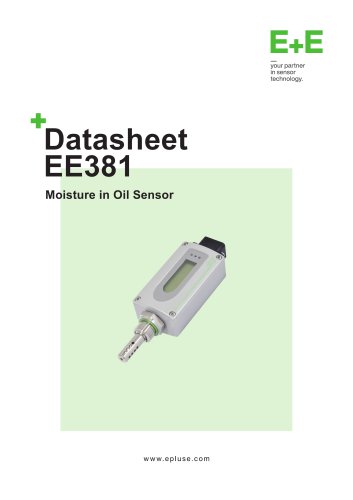 Datasheet EE381
9 Pages
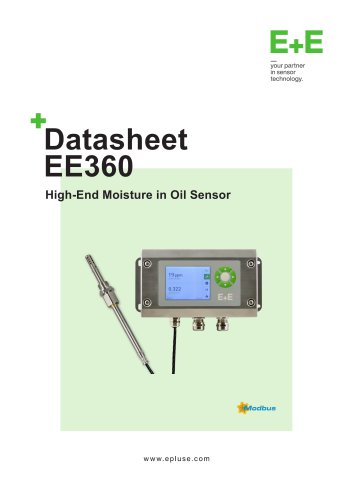 Datasheet EE360
12 Pages
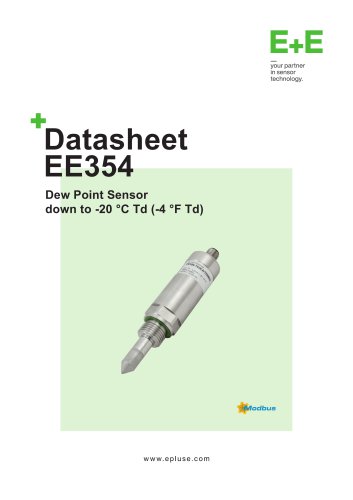 Datasheet EE354
9 Pages
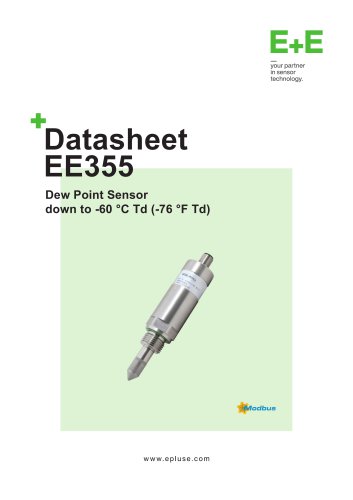 Datasheet EE355
9 Pages
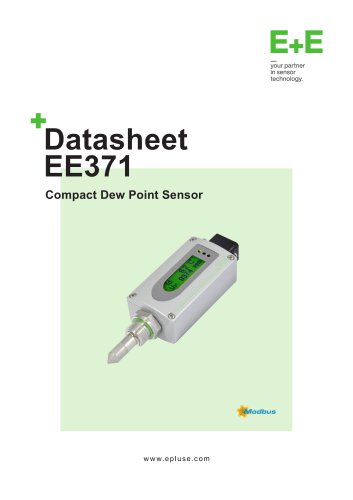 Datasheet EE371
10 Pages
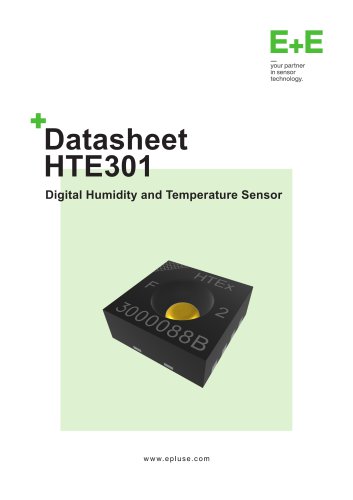 Datasheet HTE301
25 Pages
 Datasheet HTE501
27 Pages
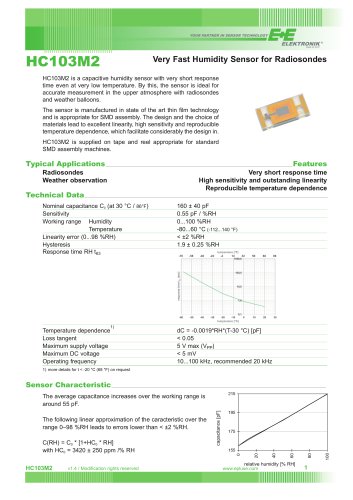 HC103M2
2 Pages
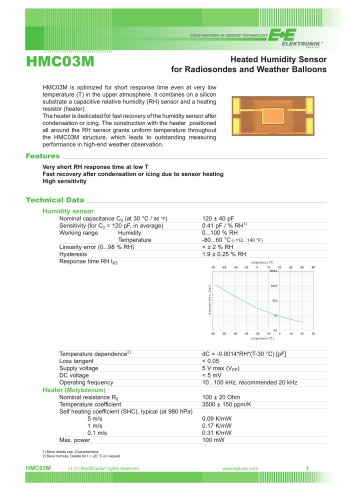 Datasheet HMC03M
2 Pages
 Datasheet EE03
6 Pages
 Datasheet EE046
8 Pages
 Datasheet EE040
7 Pages
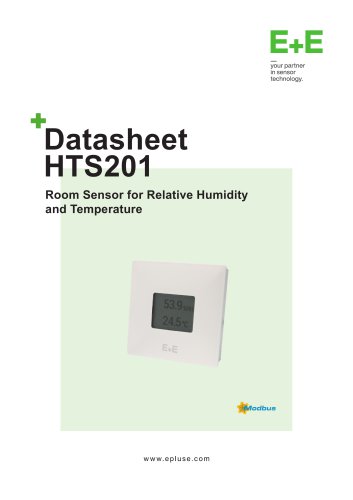 Datasheet HTS201
9 Pages
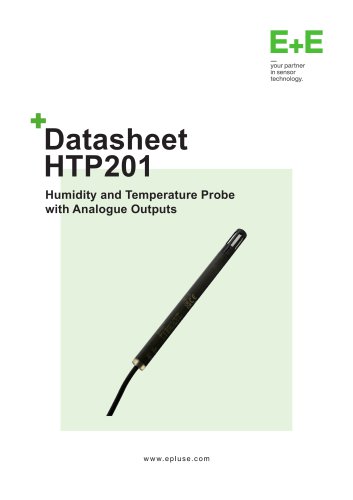 Datasheet HTP201
10 Pages
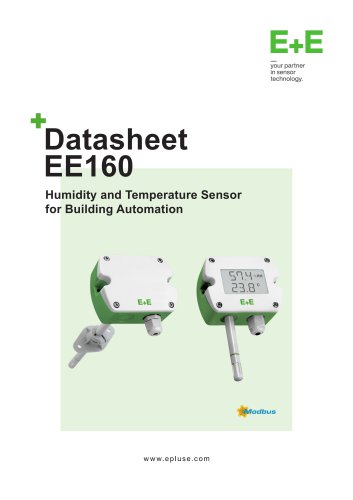 Datasheet EE160
9 Pages
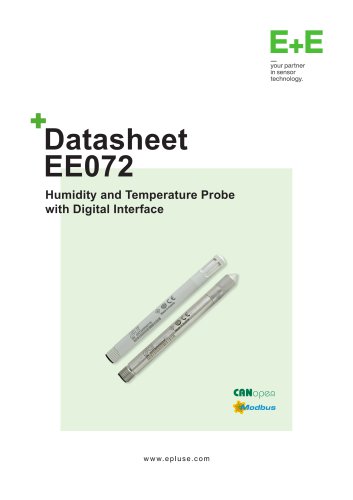 Datasheet EE072
10 Pages
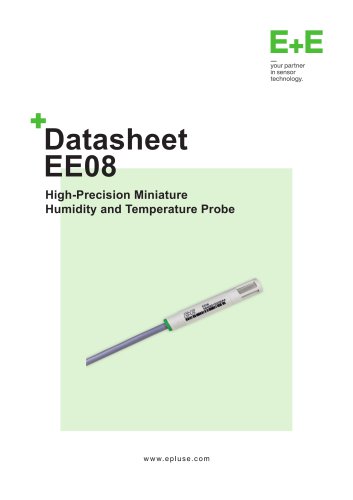 Datasheet EE08
9 Pages
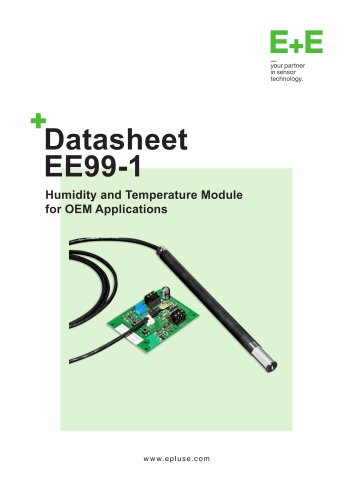 Datasheet EE99-1
7 Pages
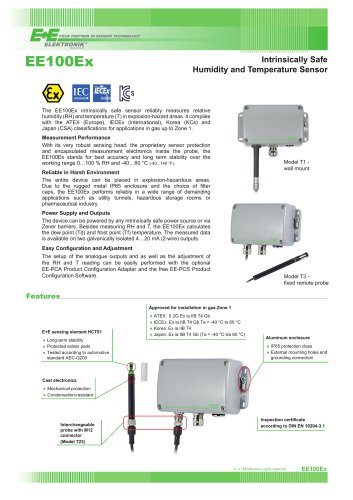 Datasheet EE100Ex
5 Pages
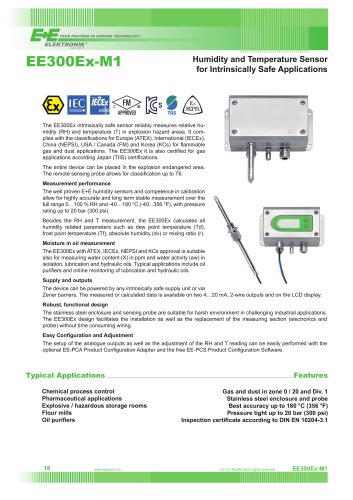 Datasheet EE300Ex
7 Pages
 Datasheet TES201
8 Pages
 Datasheet HTS401
15 Pages
 AVS701 Datasheet
12 Pages
 Accessories
34 Pages
 Omniport 40 Datasheet
21 Pages
 Sigma05 Datasheet
8 Pages
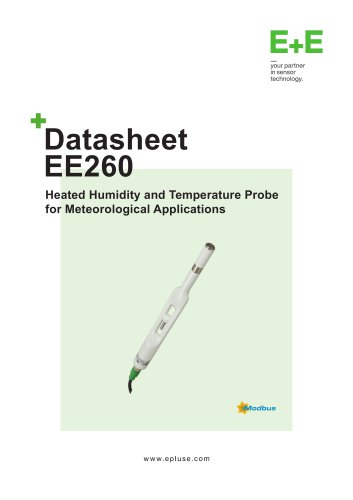 EE260 Datasheet
8 Pages
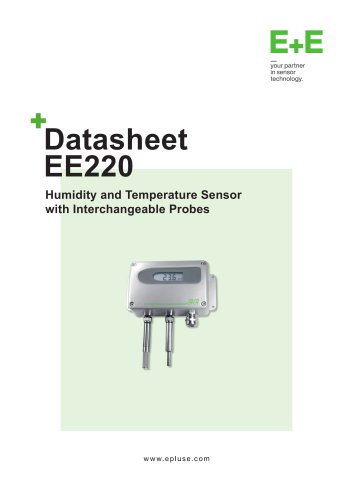 EE220 Datasheet
10 Pages
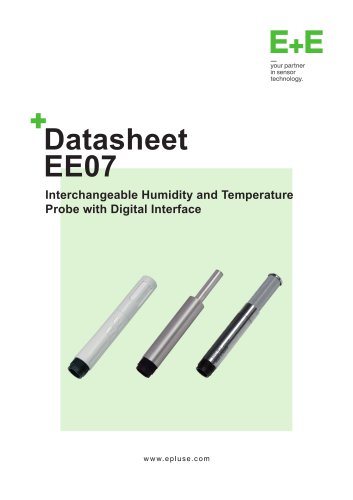 EE07 Datasheet
8 Pages
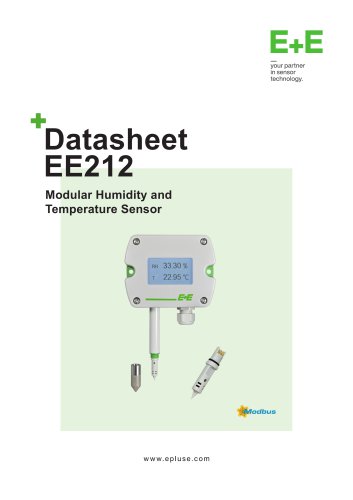 EE212 Datasheet
11 Pages
 EE211 Datasheet
9 Pages
 EE210 Datasheet
13 Pages
 EE23 Datasheet
9 Pages
 EE310 Datasheet
10 Pages
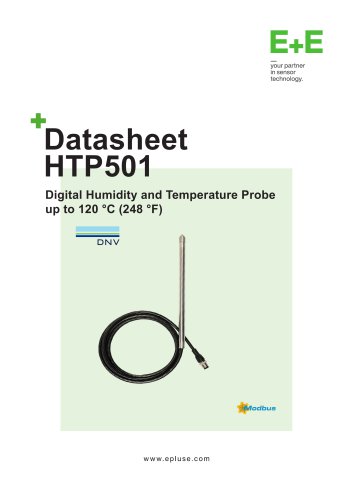 HTP501 Datasheet
9 Pages
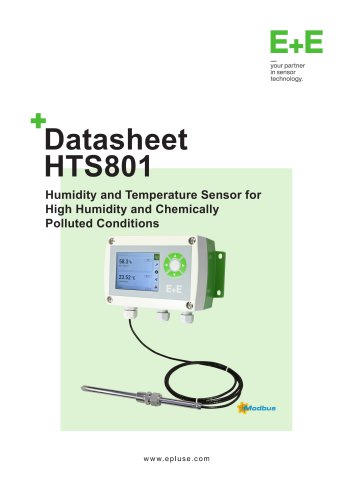 HTS801 Datasheet
12 Pages






- Flowmeter
- Volume flow monitor
- Measuring device
- E+E resistance temperature sensor
- Calibration system
- Waterproof flow meter
- Gas flow monitor
- Industrial flow monitor
- Pressure probe
- Precision flow meter
- Waterproof temperature sensor
- In-line flow meter
- Pt100 temperature transducer
- E+E humidity and temperature sensor
- Stainless steel temperature transducer
- DC flow monitor
- RS485 flow monitor
- Mass flow monitor
- Flow meter with display