

I-Key Security Electronic Access Switch

I-Key Security Electronic Access Switch
The Dewhurst I-KEY Security Access Switch is a versatile security module utilizing iButton touch memories for key identification. When a recognized key contacts the stainless steel probe, the relay contacts close for five seconds, accompanied by visual and auditory alerts via an on-board beeper and LED ring. Users can program the module and create a MASTER KEY for recording new keys.
Installing the Module
Connect a 24V d.c. power supply to the module's POWER terminal. The operational voltage range is 18-28V d.c. Exceeding this range may damage the unit.
Memory Management
- Clearing Memory: Hold REC + DEL buttons for 3 seconds.
- Recording New Key: Press REC, then touch new keys to the probe within five seconds.
- Creating a MASTER KEY: Power on, hold REC, touch I-KEY-FOB, and release REC to create a MASTER RECORD FOB.
- Deleting a Key: Press DEL, then touch keys to be removed within five seconds.
Technical Specifications
- Power Supply: 18 - 28V d.c., 50mA max
- Dimensions: 48 x 73 x 27mm
- Features: Stainless steel probe, PVC isolation, LED status ring, programmable via pushbuttons and MASTER KEY, relay contact output, on-board beeper, non-volatile memory for 512 keys, latching capability.
Important Notes
Exceeding voltage or current ratings will void the warranty. The module can store up to 512 keys, and a long beep indicates full memory.
Catalog excerpts
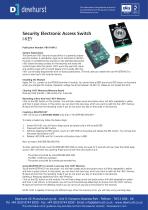
This information is for guidance only and is not intended to form the basis for contract. All dimensions in mm. Security Electronic Access Switch I-KEY Publication Number: PB191/0412 System Explanation The Dewhurst I-KEY Security Access Switch is a general purpose security module. It uses iButton type touch memories to identify the keys. If a predefined key touches on the stainless steel probe, I-KEY shorts the relay contacts for five seconds and leaves the contacts open after this period. I-KEY warns the user with visual and auditory ways with on-board beeper and in-probe LED ring. I-KEY can be easily programmed with on-board pushbuttons. The end users can create their own MASTER KEY to record a new key to the module memory. Installing the Module Apply 24V d.c. current on the POWER terminal of module. You should hear a BEEP sound and RED colour on the probe when you energise the module. Operation voltage has to be between 18-28V d.c. Please do not exceed this limit. Clearing I-KEY Memory (Memory Reset) Press and hold the REC + DEL buttons for 3 seconds. Recording a New Key into I-KEY Memory Click on the REC button on the module. You will hear a beep sound and probe colour will blink repeatedly in yellow and then in green colours. In this period, you can touch the new keys, which you want to add into the I-KEY memory. Module will exit from the recording mode if you do not touch any key on the probe in five seconds. Creating a MASTER KEY I-KEY can be put in LATCHING MODE only with a “MASTER RECORD KEY” To create a master key, follow the below steps: 1. Power ON I-KEY; you will hear a beep sound and probe colour will be solid RED 2. Press and hold the REC button 3. Without releasing the REC button, touch an I-KEY-FOB on the probe and release the REC button. You will see that the probe illumination is OFF 4. Release I-KEY-FOB; wait for 5 seconds until probe colour is RED Now we have a MASTER RECORD FOB To enter Latching Mode, touch MASTER RECORD FOB on probe and wait for 5 seconds until you hear the LONG beep sound. I-KEY will enter into Latching Mode and will exit from this mode only if: - The probe is touched by a MASTER RECORD FOB - The REC or DEL key is pressed - The probe is touched by a previously recorded key Using MASTER KEY to record a new key into I-KEY Memory Touch the MASTER KEY into the probe. You will hear a beep sound and probe colour will blink repeatedly in yellow and then in green colours. In this period, you can touch the new keys, which you want to add into the I-KEY memory. Module will exit from the recording mode if you do not touch any key on the probe in five seconds. Deleting a Previously added Key from I-KEY Memory Click on the DEL button on the module. You will hear a beep sound and probe colour will blink repeatedly in yellow and then in red colours. In this period, you can touch the previously added keys to remove from the I-KEY memory. Module will exit from the deleting mode if you do not touch any key on the probe for five seconds. NOTE: I-KEY is capable of storing 512 different keys. When the memory is full, you will hear a long warning beep. Dewhurst UK Manufacturing Ltd - Unit 9, Hampton Business Park - Feltham - TW13 6DB - UK Tel: +44 (0)20 8744 8200 - Fax: +44 (0)20 8744 8299 - Email: [email protected] - www.dewhurst.co.uk This information is for guidance only and does not form the basis for contract - Dimensions in mm
Open the catalog to page 1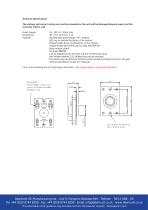
Technical Specifications The voltage and current rating must not be exceeded as the unit will be damaged beyond repair and the warranty will be void. Power Supply: Dimensions: Features: 18 - 28V d.c. 50mA max 48 x 73 x 27mm (X, Y, Z) Stainless steel probe design, PVC isolation LED ring to indicate the status of the module Programmable by two pushbuttons on the module Programmable by the end user by using MASTER KEY Relay contact output On-board BEEPER Can be disabled by the end user without removing the cover Non-volatile memory, 512 different keys can be recorded The device may be latched to...
Open the catalog to page 2All Dewhurst catalogs and technical brochures
 M-20 RSB
4 Pages
 M-10 series
2 Pages
 US90-EN Compact 2
4 Pages
 US95-EN Compact 2
4 Pages
 US91-EN Compact 2
4 Pages
 US96-EN C3-C3P Pushbutton
4 Pages
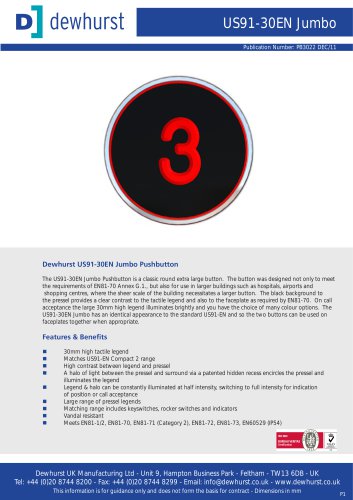 US91-30EN Jumbo Pushbutton
4 Pages
 US90-30 Jumbo Pushbutton
4 Pages
 SL019 - Classic Blade ID
2 Pages
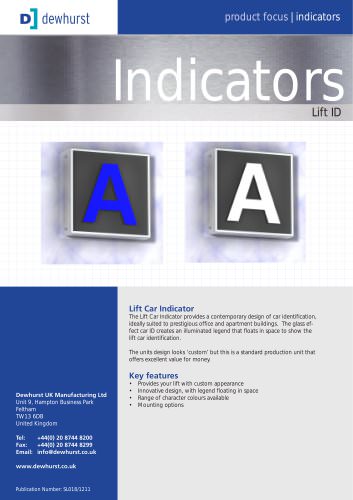 SL018 - Lift ID
2 Pages
 LD-33 LCD Mono Display 3.3"
2 Pages
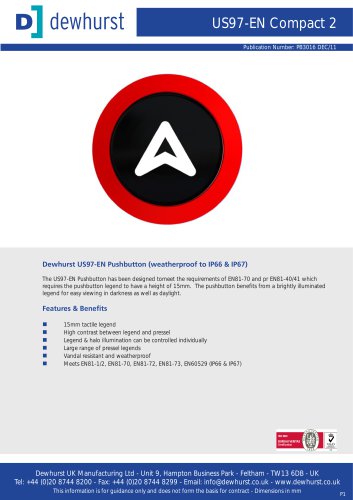 US97-EN Pushbutton
4 Pages
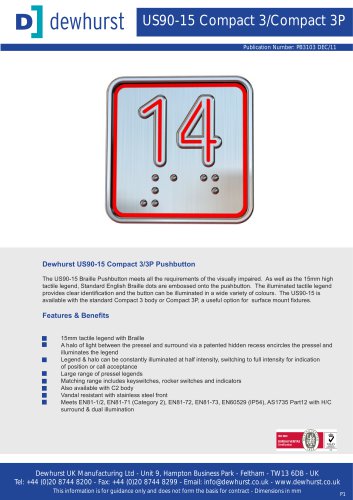 US90-15 C3-C3P Pushbutton
4 Pages
 US95-AB Compact 2 Pushbutton
4 Pages
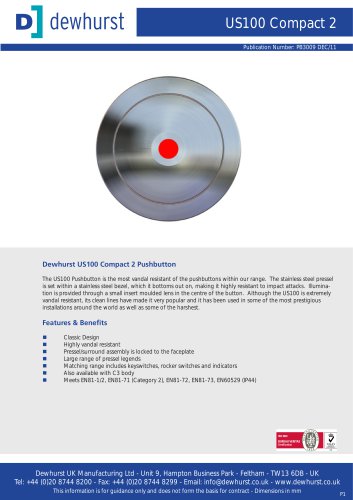 US100 Compact 2 Pushbutton
4 Pages
 US91-15 Compact 2 Pushbutton
4 Pages
 US89 Compact 2 Pushbutton
4 Pages
 Gatelocks
1 Page
 M-20 Key Switch (Standard)
4 Pages
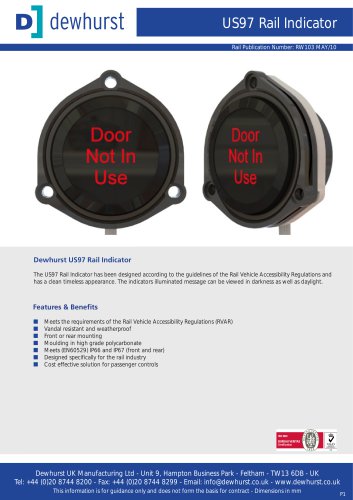 US97 Rail Indicator
4 Pages






Archived catalogs
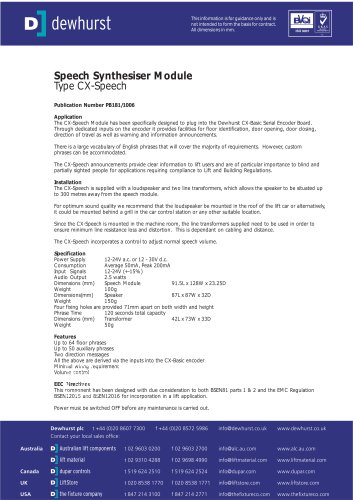 CX-Speech Board
2 Pages
 keypad 16 keys
3 Pages
 PA51 Indicator
2 Pages
 Car Operating Panel
1 Page

- Display module
- LCD display panel
- TFT display module
- Proximity switch
- Single-pole switch
- Color display panel
- Push-button switch
- Mechanical lock
- Touch screen display panel
- Control display system
- Electronic display panel
- Backlit display panel
- Door lock
- LED-backlit display panel
- Safety electric switch
- Information display
- Rotary electric switch
- Limit switch
- Panel-mount keypad
- Illuminated push-button switch