
- Catalogs
- Delta Controls Germany GmbH
- Alarmmonitor 2

Alarmmonitor 2
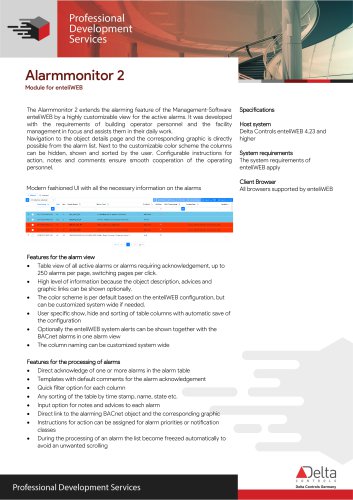
Alarmmonitor 2
The Alarmmonitor 2 is an extension module for the enteliWEB management software, designed to enhance the alarming features with a customizable view for active alarms. It is tailored for building operators and facility management personnel to assist in their daily operations.
Navigation and Customization
Users can navigate directly to object details and corresponding graphics from the alarm list. The module allows for a customizable color scheme, and users can show, hide, and sort columns according to their preferences. Configurable instructions, notes, and comments facilitate smooth cooperation among operating personnel.
Specifications
- Host System: Delta Controls enteliWEB 4.23 and higher
- System Requirements: Follows enteliWEB system requirements
- Client Browser: Compatible with all browsers supported by enteliWEB
Alarm View Features
- Displays up to 250 alarms per page with page switching capabilities.
- Optional display of object descriptions, advice, and graphic links for enhanced information.
- Customizable color scheme based on enteliWEB configuration.
- User-specific column display and sorting with automatic configuration saving.
- Option to display enteliWEB system alerts alongside BACnet alarms.
- Customizable column naming system-wide.
Alarm Processing Features
- Direct acknowledgment of one or more alarms from the table.
- Templates with default comments for alarm acknowledgment.
- Quick filter options for each column.
- Sorting options by timestamp, name, state, etc.
- Input options for notes and advice for each alarm.
- Direct links to alarming BACnet objects and corresponding graphics.
- Instructions for action can be assigned based on alarm priorities or notification classes.
- Automatic freezing of the list during alarm processing to prevent unwanted scrolling.
Editor for Instructions for Action
Includes an editor for creating and managing instructions for action related to alarms.
Ordering Information
The module can be ordered using specific product data, with the possibility of customer-specific changes and extensions upon request. Subscription renewal for software updates is available for 12 months.
Version Information
Version 1.0, released on February 15th, 2024.
Catalog excerpts
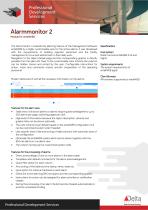
Alarmmonitor 2 Module for enteliWEB The Alarmmonitor 2 extends the alarming feature of the Management-Software enteliWEB by a highly customizable view for the active alarms. It was developed with the requirements of building operator personnel and the facility management in focus and assists them in their daily work. Navigation to the object details page and the corresponding graphic is directly possible from the alarm list. Next to the customizable color scheme the columns can be hidden, shown and sorted by the user. Configurable instructions for action, notes and comments ensure smooth cooperation of the operating personnel. Specifications Host system Delta Controls enteliWEB 4.23 and higher System requirements The system requirements of enteliWEB apply Client Browser All browsers supported by enteliWEB Features for the alarm view • Table view of all active alarms or alarms requiring acknowledgement, up to 250 alarms per page, switching pages per click. • High level of information because the object description, advices and graphic links can be shown optionally. • The color scheme is per default based on the enteliWEB configuration, but can be customized system wide if needed. • User specific show, hide and sorting of table columns with automatic save of the configuration • Optionally the enteliWEB system alerts can be shown together with the BACnet alarms in one alarm view • The column naming can be customized system wide • Direct acknowledge of one or more alarms in the alarm table • Templates with default comments for the alarm acknowledgement • Quick filter option for each column • Any sorting of the table by time stamp, name, state etc. • Input option for notes and advices to each alarm • Direct link to the alarming BACnet object and the corresponding graphic • Instructions for action can be assigned for alarm priorities or notification classes • During the processing of an alarm the list become freezed automatically to avoid an unwanted scrolling Professional Development Services
Open the catalog to page 1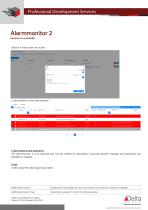
Alarmmonitor 2Module for enteliWEBEditor for instructions for action : E5 Acknowledge Ej Export as PD-F 0 Export C02 level in the office exceeded 1000 ppm Urgent: Call the stand-by service team unde. Urgent: Call the stand-by service team unde. Delta Controls Germany Subject to change without notice. Version 1.0 from February 15th, 2024 Copyright © 2024 Delta Controls. All rights reserved.
Open the catalog to page 2All Delta Controls Germany GmbH catalogs and technical brochures
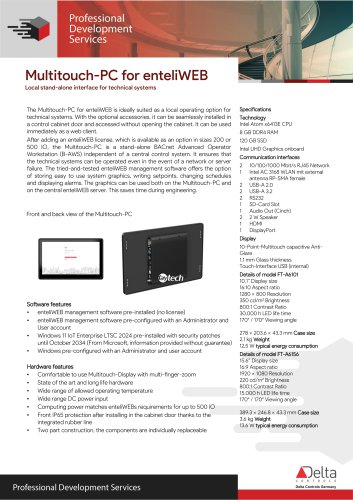 Multitouch-PC for enteliWEB
2 Pages
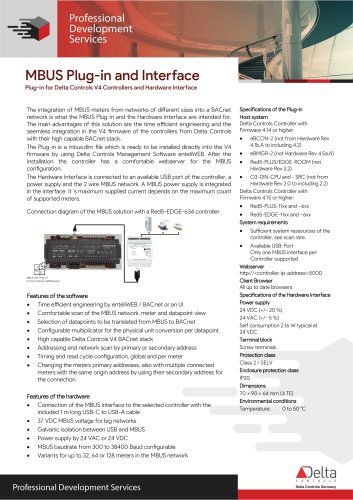 MBUS Plug-in and Interface
2 Pages
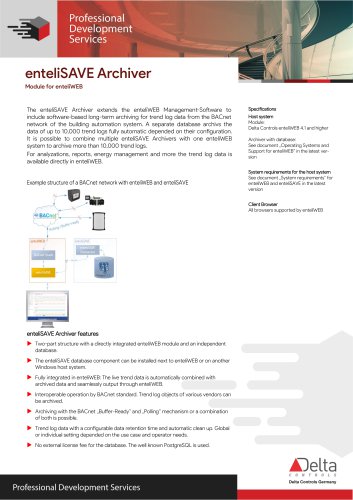 enteliSAVE Archiver
2 Pages
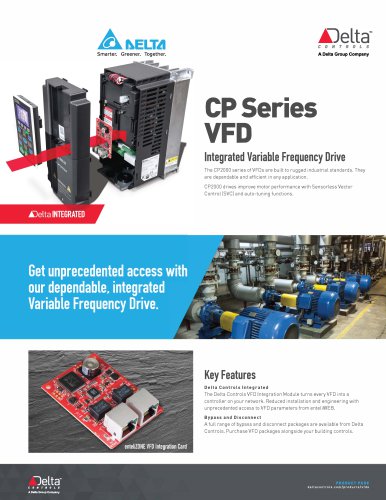 CPSeries VFD
2 Pages
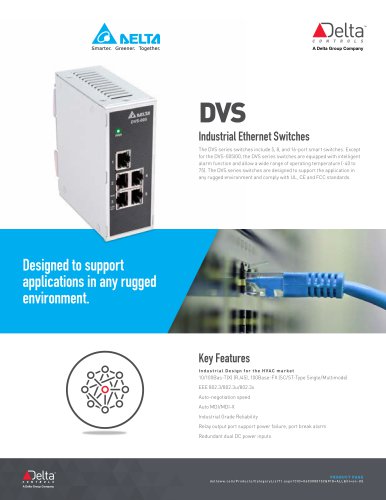 DVS
DVS2 Pages
 DRC
DRC2 Pages
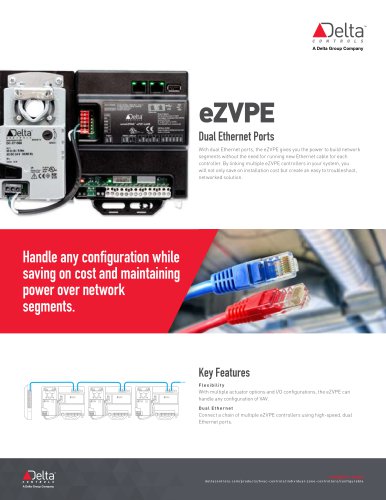 eZVPE
eZVPE2 Pages
 enteliZONE
2 Pages
- Power supply unit
- Ethernet switch
- Automation software solution
- Industrial network switch
- Real-time software
- Control software
- RJ45 network switch
- Interface software
- Unmanaged switch
- Compact power supply
- Programmable logic controller
- Programming software solution
- DIN rail power supply
- Network software
- Engineering software
- Frequency inverter
- 8 ports network switch
- 5 ports network switch
- AC/AC power supply