
- Catalogs
- The Comus Group
- AOPD Series


AOPD Series
AOPD Series
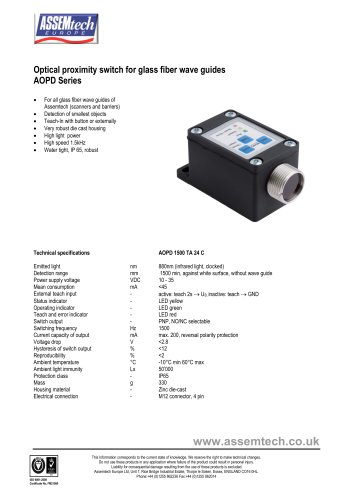
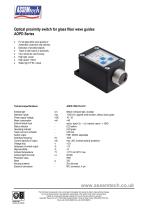
The AOPD 1500 TA 24 C optical proximity switch emits infrared light at 880nm and has a detection range of at least 1500mm against a white surface without a wave guide. It operates on a power supply voltage of 10-35 VDC with a mean consumption of less than 45mA. The device features a PNP switch output with selectable NO/NC, a switching frequency of 1500 Hz, and a current capacity of up to 200mA. It is protected against reverse polarity and has a voltage drop of less than 2.8V. The switch output has a hysteresis of less than 12% and reproducibility of less than 2%. The device operates within an ambient temperature range of -10°C to 60°C and is immune to ambient light up to 50,000 Lx. It is housed in a zinc die-cast material with an IP65 protection class and weighs 330g. Electrical connection is via a 4-pin M12 connector.
The AOPD series serves as the basic electronics for Assemtech's fiber-optic cables, suitable for both scanners (AFOY) and barriers (AFOI). It can function independently as an optical proximity switch, offering high detection distances and robustness due to its clocked infrared light and metal housing. The device is designed for detecting small parts under challenging conditions, with teach-in capabilities for adjusting the switching distance.
Optical wave guide sensors are ideal for detecting objects in confined spaces. The AOPD sensor is compatible with Assemtech's glass fiber wave guides, providing a robust and long-lasting solution compared to plastic guides. The sensor can function as a reflection scanner or a light barrier, with the output status indicated by a yellow LED. The output function can be toggled between NO and NC.
The sensor is mounted using two M4 screws and connected electrically via a 3 or 4-wire cable with an M12 connector. The teach-in wire must be grounded to prevent interference.
The device supports external teach-in via a PLC or manual teach-in using a key. The teaching sequence involves setting the background or closed barrier first, followed by the object or open barrier. Manual adjustment of the switching distance is possible after a teach-in, using the Man+ and Man- keys. The output function can be reversed by pressing both keys simultaneously.
Available accessories include PUR cables with M12 connectors in 3-wire and 4-wire configurations.
Catalog excerpts
Optical proximity switch for glass fiber wave guides AOPD Series • For all glass fiber wave guides of Assemtech (scanners and barriers) • Detection of smallest objects • Teach-In with button or externally • Very robust die cast housing • High light power • Water tight, IP 65, robust Teach and error indicator Switch output Technical specifications Power supply voltage VDC External teach input - Status indicator - Operating indicator - Current capacity of output mA Hysteresis of switch output % Ambient light immunity Lx Protection class - Housing material - Electrical connection - 880nm (infrared light, clocked) 1500 min, against white surface, without wave guide active: teach 2s ^ Ub, inactive: teach ^ GND LED yellow LED green LED red max. 200, reversal polarity protection Zinc die-cast M12 connector, 4 pin This Information corresponds to the current state of knowledge. We reserve the right to make technical changes. Do not use these products in any application where failure of the product could result in personal injury. Liability for consequential damage resulting from the use of these products is excluded. Assemtech Europe Ltd, Unit 7, Rice Bridge Industrial Estate, Thorpe le Soken, Essex, ENGLAND CO16 0HL. Phone:+44 (0)1255 862236 Fax:+44 (0)1255 862014
Open the catalog to page 1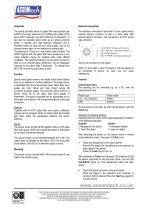
Teach input Properties The optical proximity switch for glass fiber wave guides type AOPD is the basic electronics for all fiber-optic cables of the type's AFOY (scanner) and AFOI (barriers) of Assemtech. It can also be operated stand alone as an optical proximity switch. It reaches very high detection distances and is therefore suited for long and thin wave guides. Due to it's clocked infrared light it is non sensitive to ambient light. The electronics is built in a very robust metal housing. The AOPD together with the glass fiber wave guides are a very robust detection device for smallest parts...
Open the catalog to page 2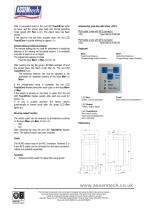
After a successful teach-in the red LED Teach/Error lights up twice, and the sensor goes back into normal operating mode (green LED Run is on). The object value has been stored. If the teach-in has not been properly done, the red LED Teach/Error is quickly blinking for approx. 5 s. Manual setting of switching distance: The manual setting can be used for adjustment of switching distance or for varying the functional reserve. It is available only after a teach-in on an object. The adjustment happens in steps. Push the keys Man+ or Man- for min. 2s. Accessories (see also data sheet ‚ACC’) PUR cable...
Open the catalog to page 3All The Comus Group catalogs and technical brochures
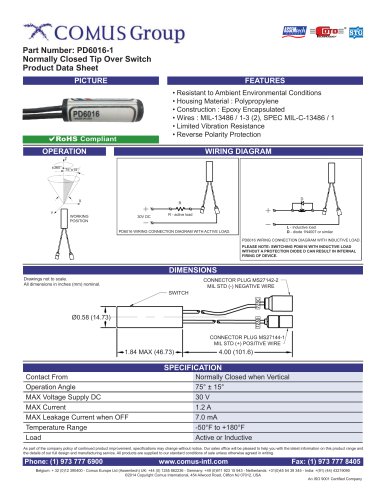 PD6016-1
1 Page
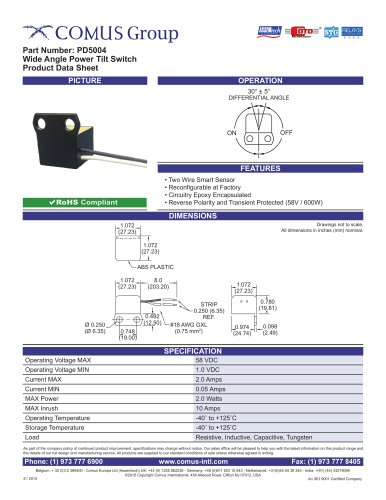 PD5004
1 Page
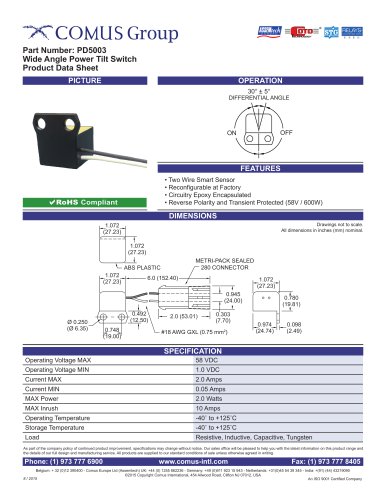 PD5003
1 Page
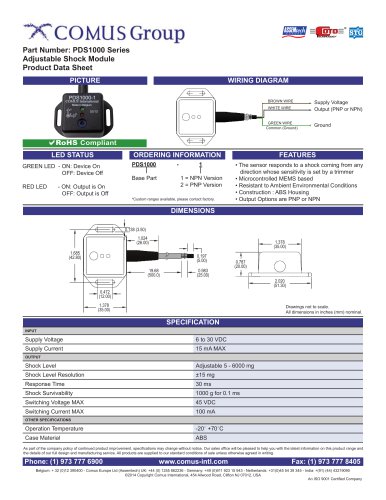 PDS1000 Series
2 Pages
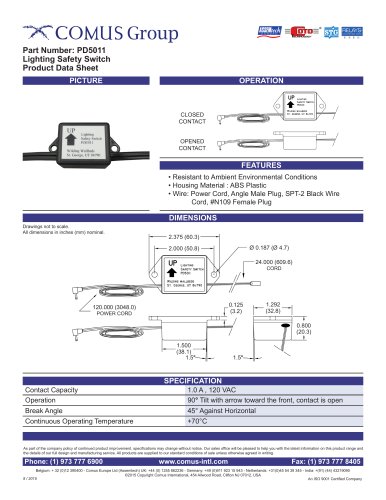 PD5011
1 Page
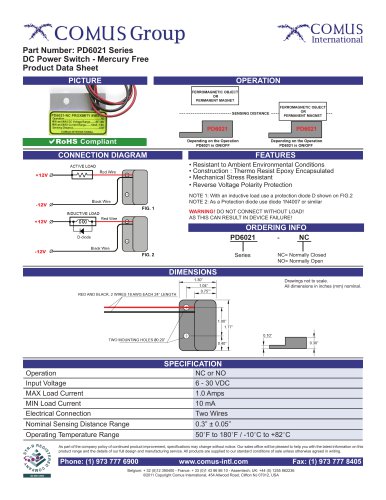 PD6021 Series
1 Page
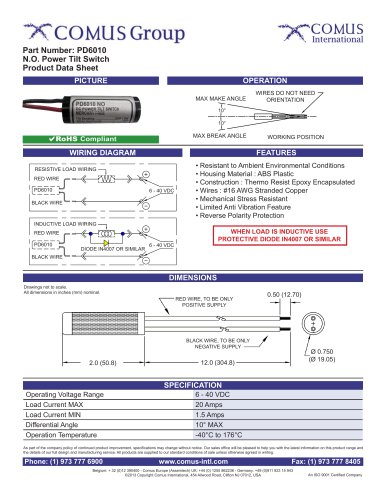 PD6010
1 Page
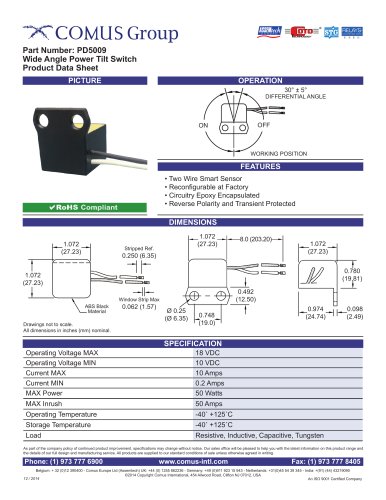 PD5009
1 Page
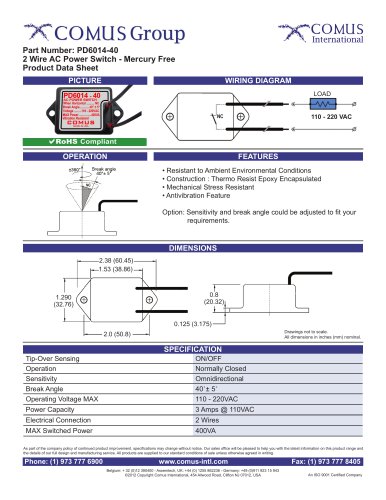 PD6014-40
1 Page
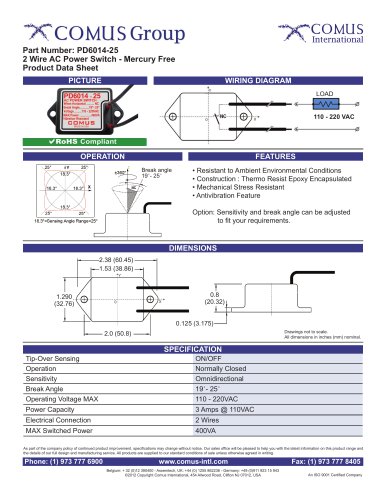 PD6014-25
1 Page
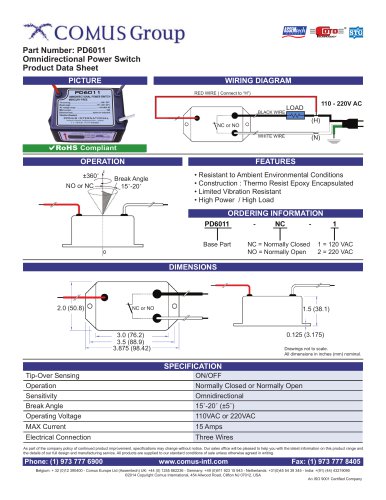 PD6011
1 Page
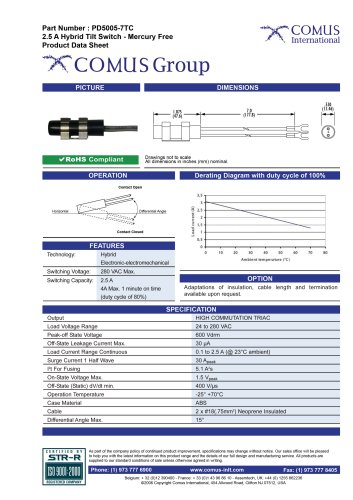 PD5005-7TC
1 Page
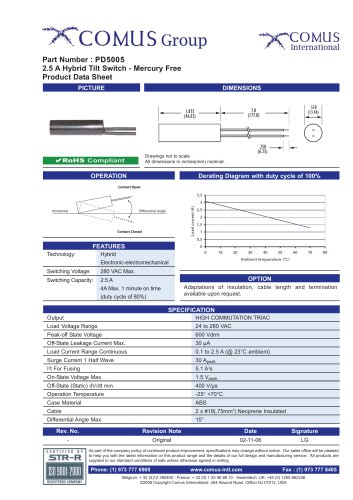 PD5005
1 Page
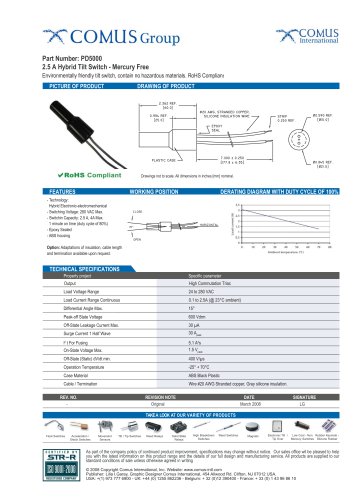 PD5000
1 Page
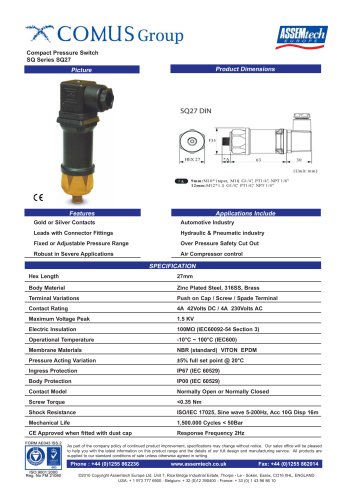 SQ Series SQ27
2 Pages
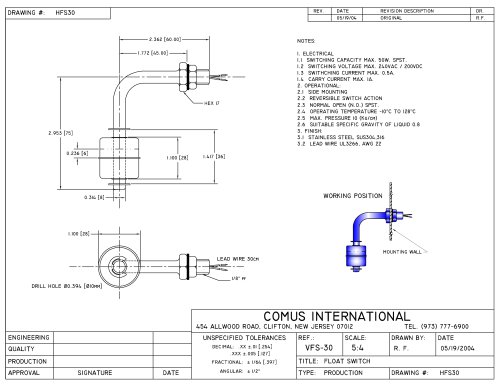 HFS30
HFS301 Page
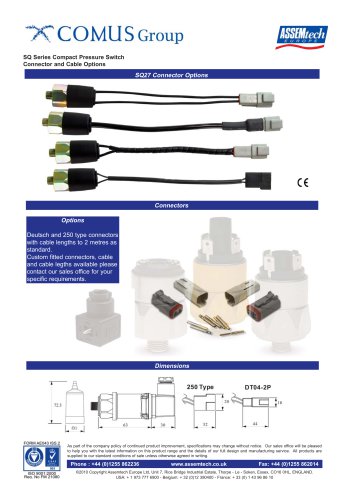 SQ Series
1 Page
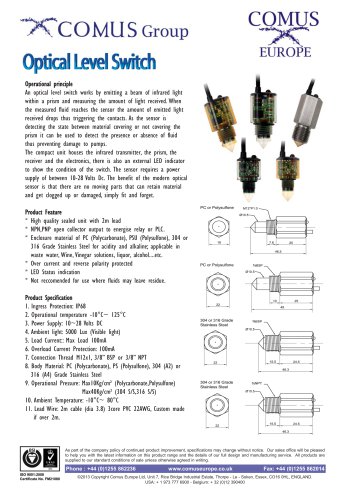 optical level switch
2 Pages
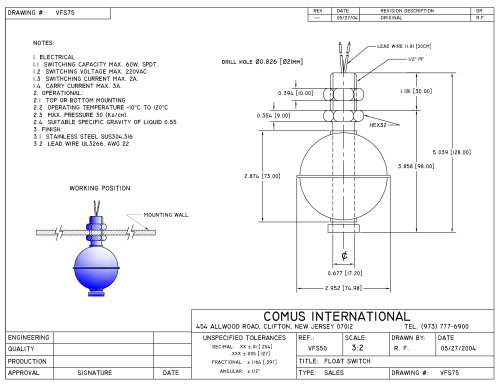 VFS75
VFS751 Page
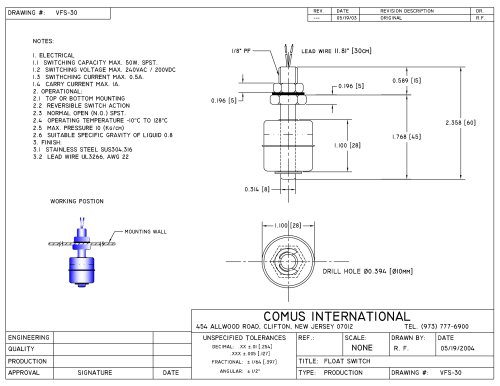 VFS30
VFS301 Page
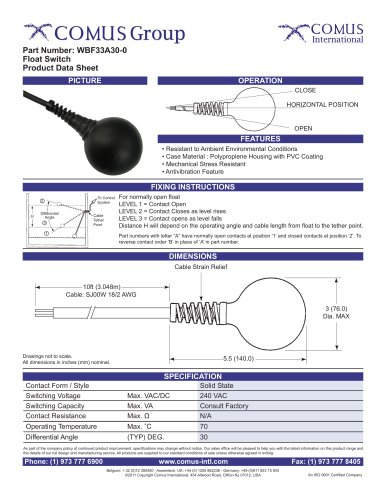 WBF33A30-0
1 Page
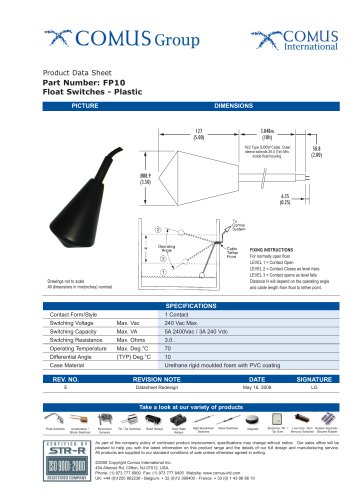 FP10
FP101 Page
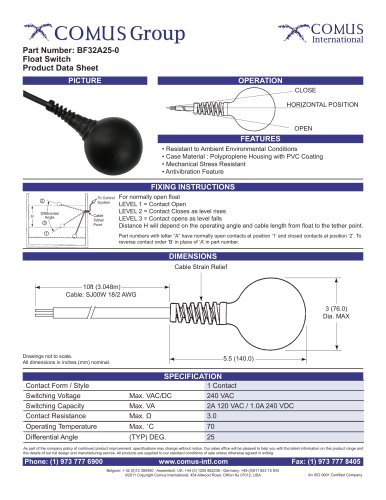 BF32A25-0
1 Page
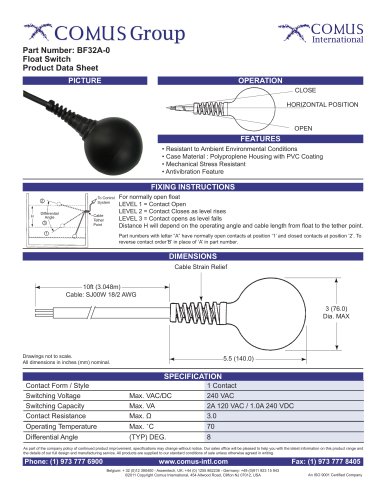 BF32A-0
1 Page
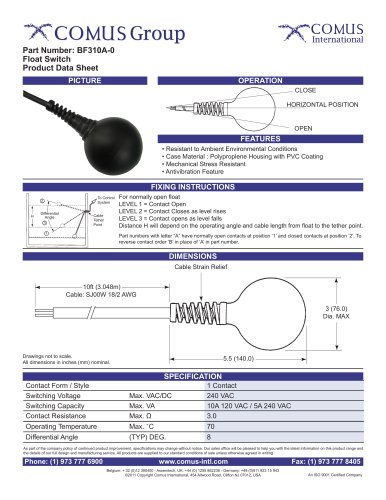 BF310A-0
1 Page
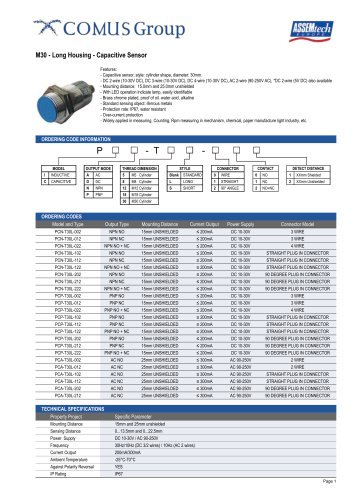 M30
M302 Pages
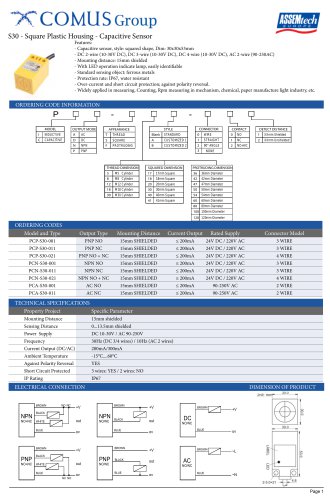 S30
S302 Pages
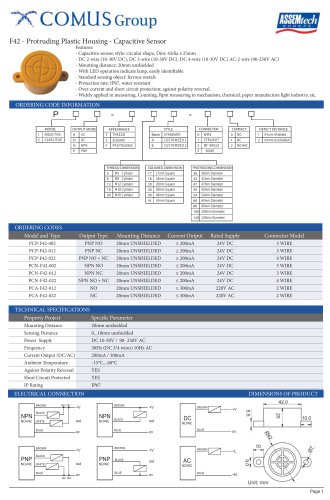 F42
F422 Pages
 F36
F362 Pages
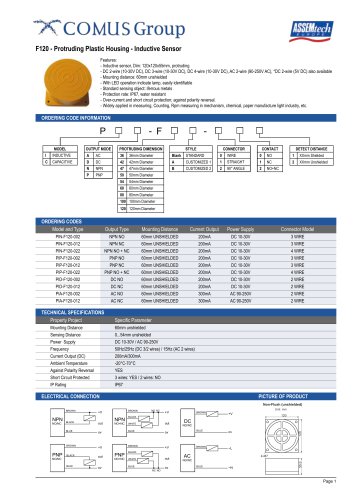 F120
F1202 Pages
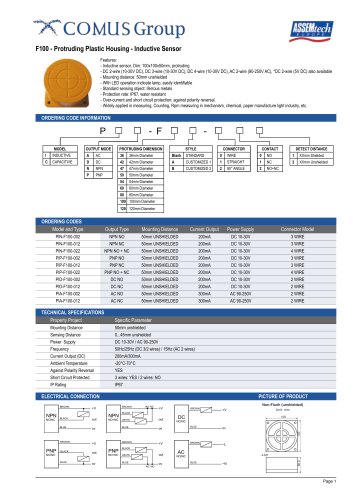 F100
F1002 Pages
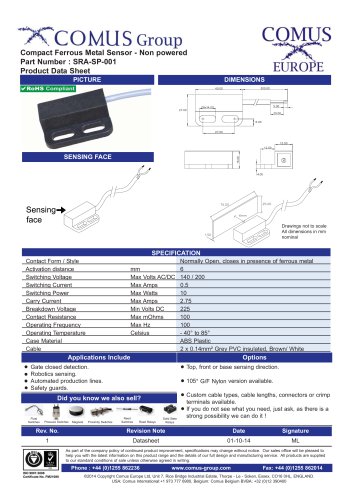 SRA-SP-001
1 Page
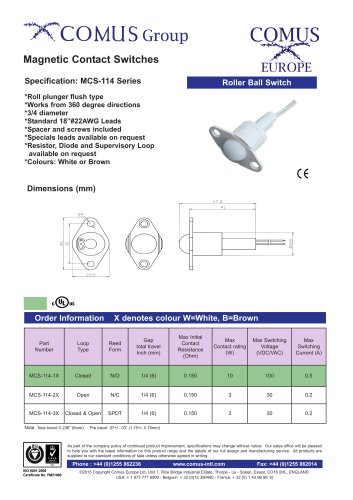 MCS-114 Series
1 Page
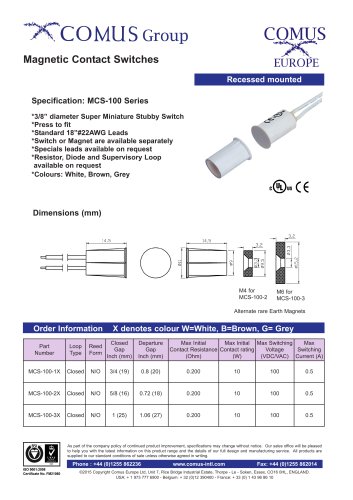 MCS-100
1 Page
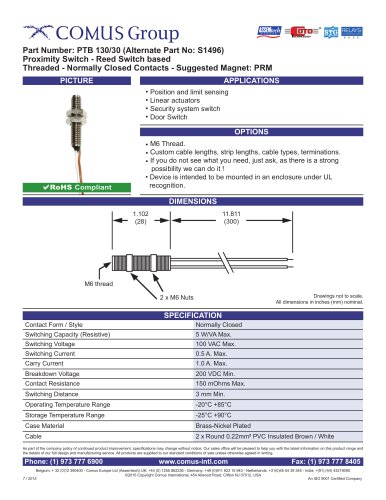 PTB 130/30
1 Page
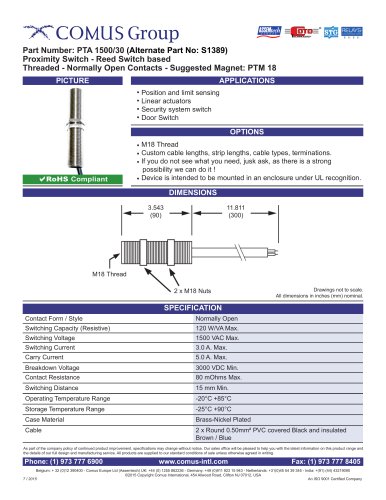 PTA 1500/30
1 Page
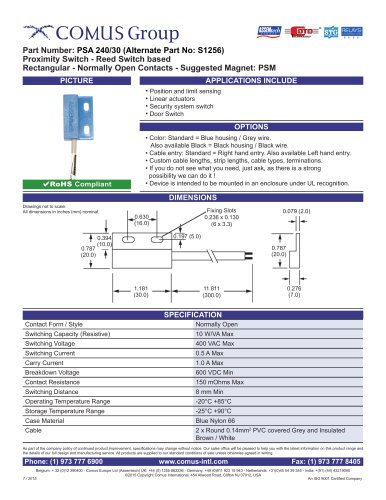 PSA 240/30
1 Page
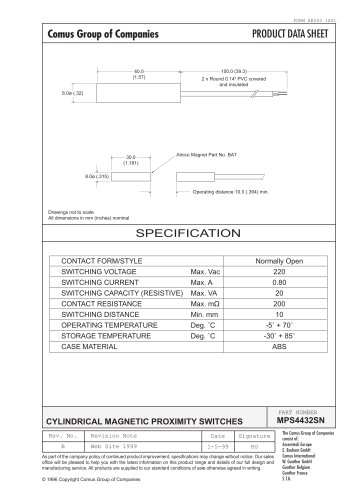 MPS4432SN
1 Page
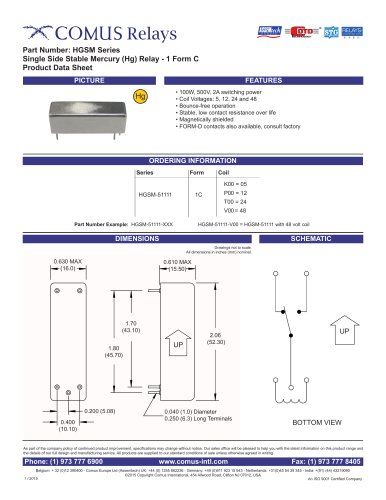 HGSM Series
2 Pages
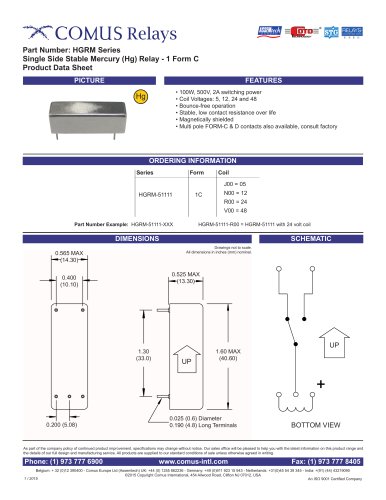 HGRM Series
2 Pages
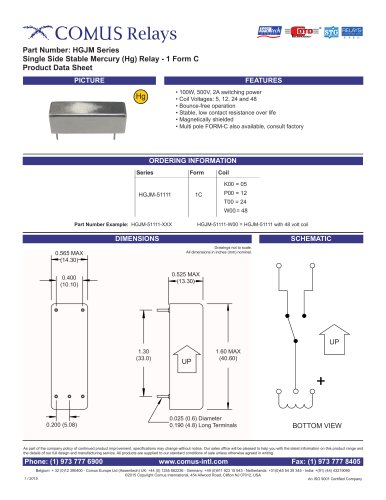 HGJM Series
2 Pages
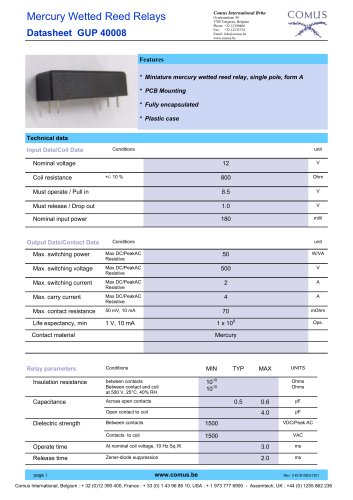 GUP 40008
2 Pages
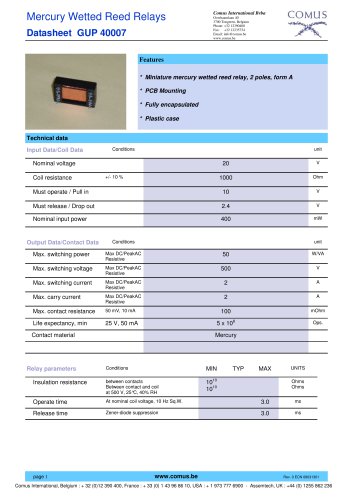 GUP 40007
2 Pages
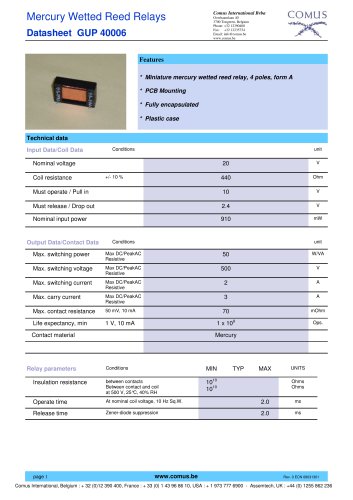 GUP 40006
2 Pages
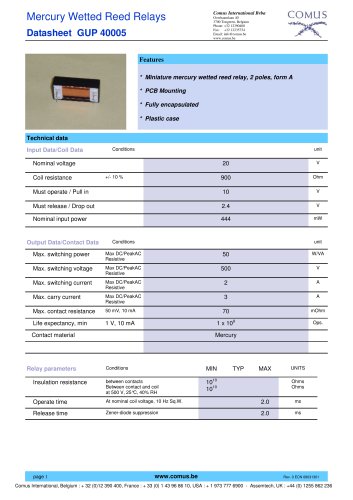 GUP 40005
2 Pages
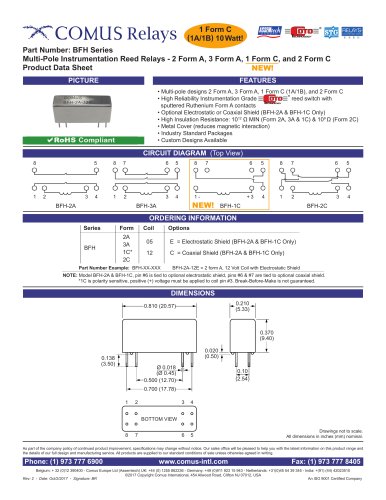 BFH Series
2 Pages
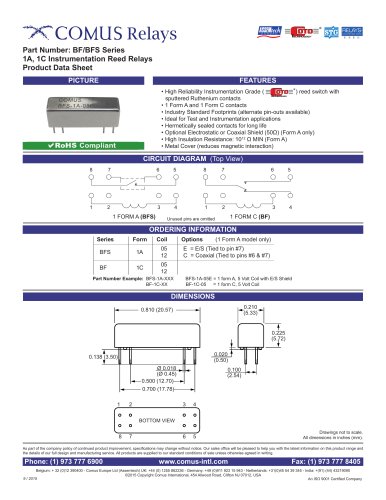 BF/BFS Series
2 Pages
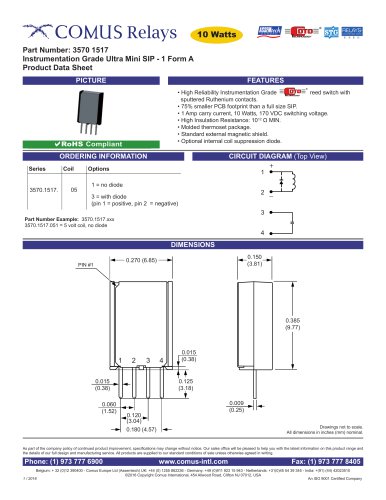 3570.1517
2 Pages
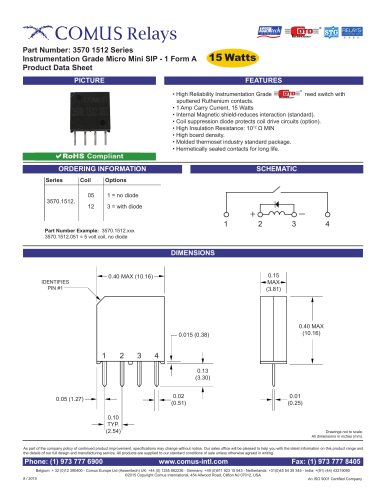 3570.1512 Series
2 Pages
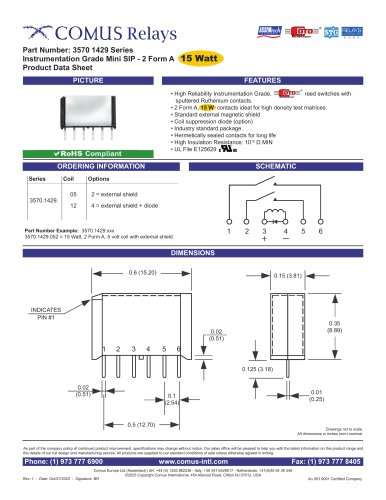 3570.429 Series
2 Pages
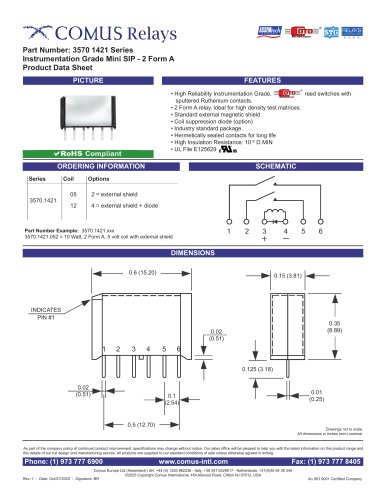 3570.1421 Series
2 Pages
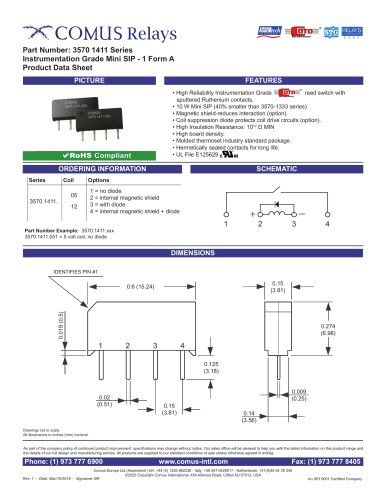 3570.1411 Series
2 Pages
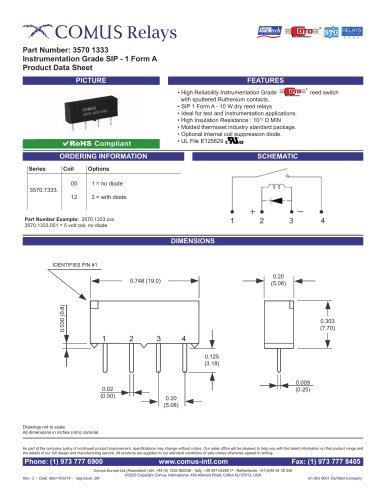 3570/1333
2 Pages
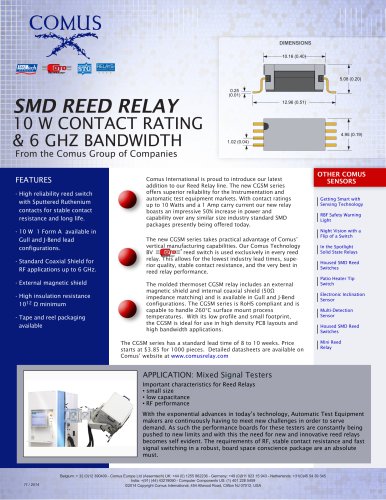 CGSM Relay PR
1 Page
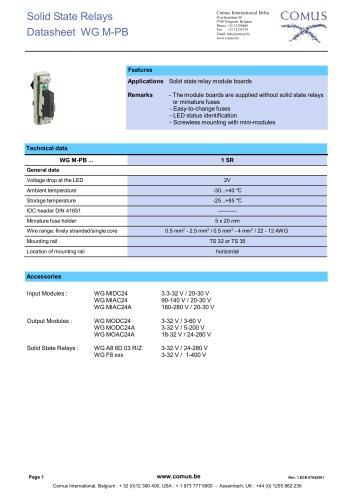 WG M-PB
7 Pages
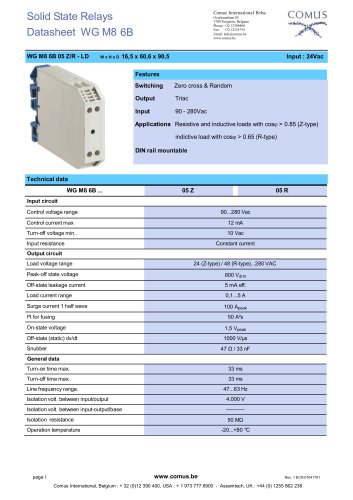 WG M8 6B
3 Pages
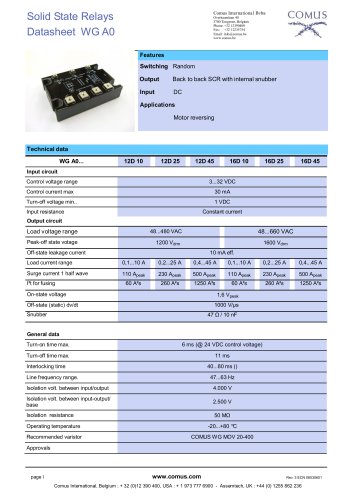 WG A0
WG A05 Pages
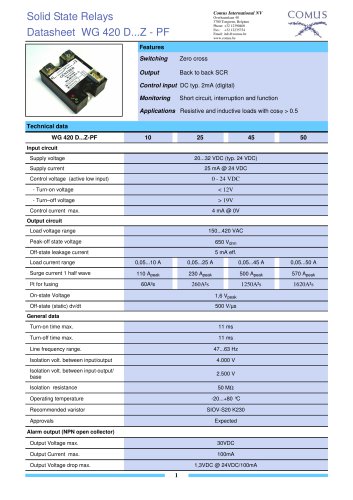 WG 420 T MR
7 Pages
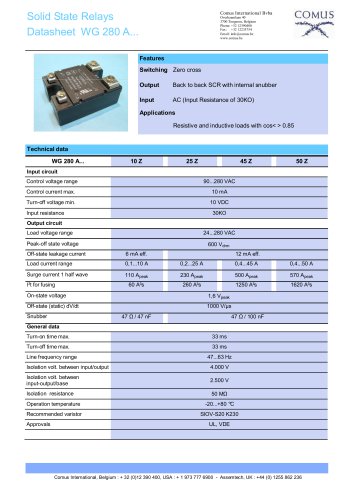 WG 280 A
8 Pages
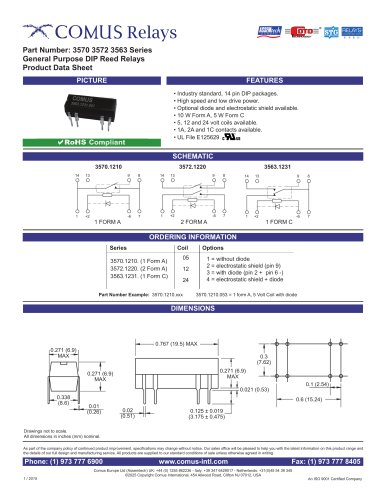 3570/3572/3563 Series
2 Pages
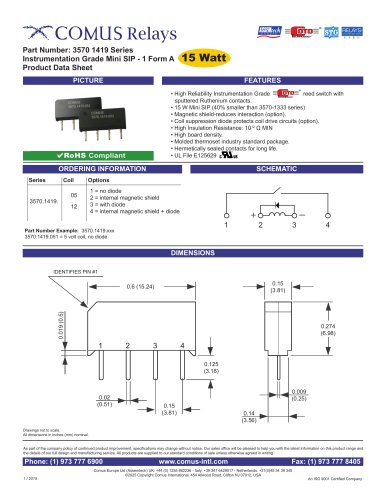 3570 1419 Series
2 Pages
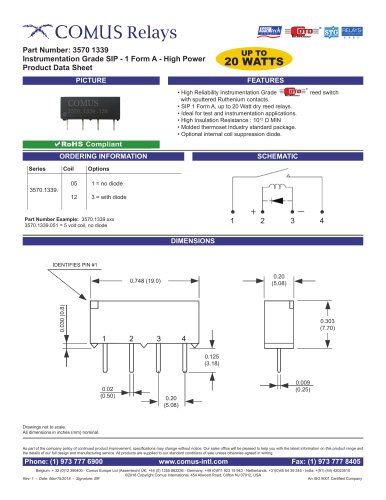 3570 1339
2 Pages
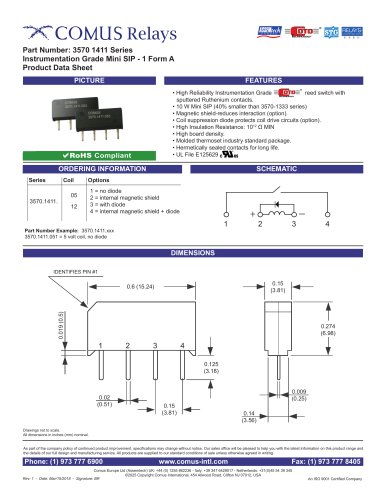 3570 1411 Series
2 Pages
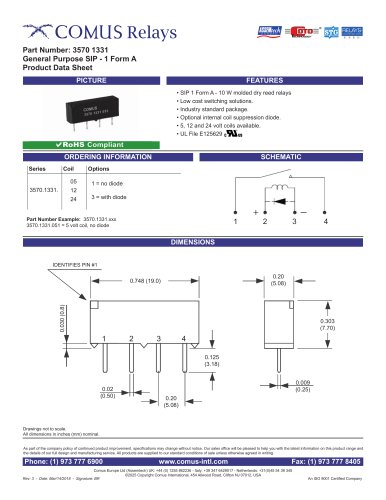 3570 1331
2 Pages
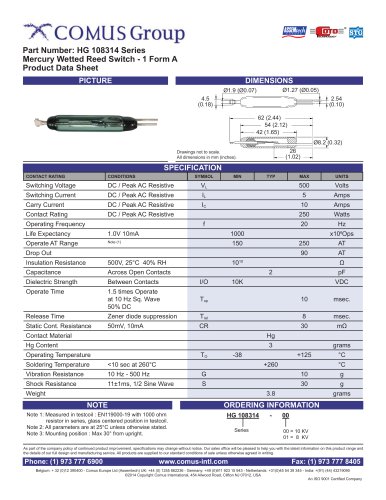 HG 108314 Series
1 Page
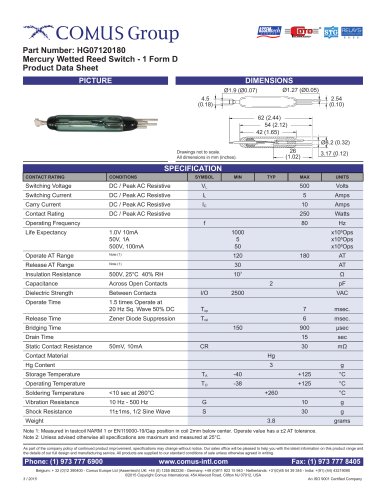 HG07120180
1 Page
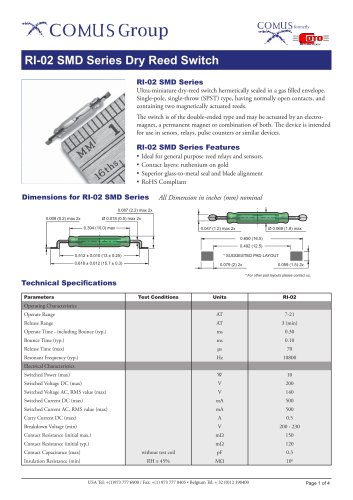 RI-02 SMD Series
4 Pages
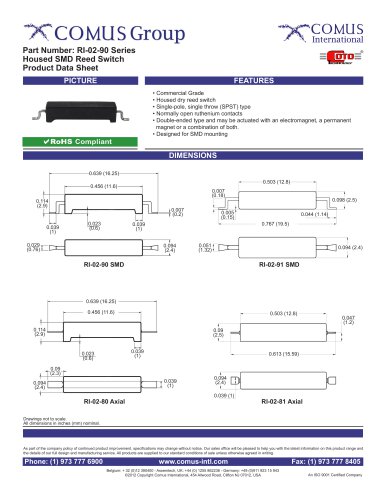 RI-02-90 Series
2 Pages
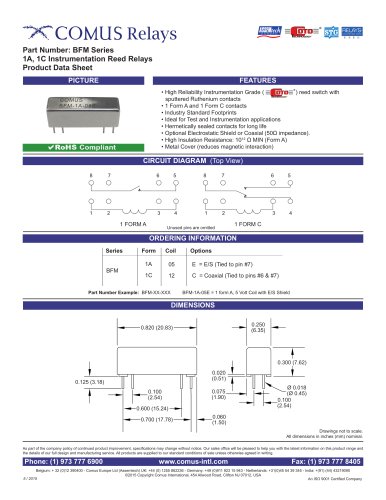 BFM Series
2 Pages
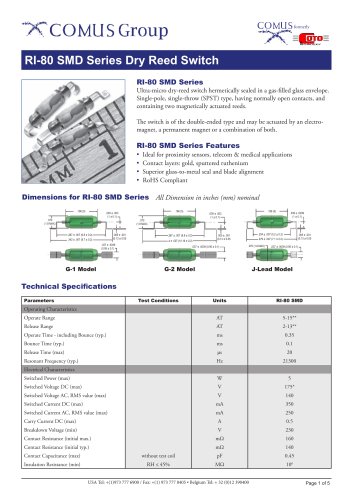 RI-80 SMD Series
5 Pages
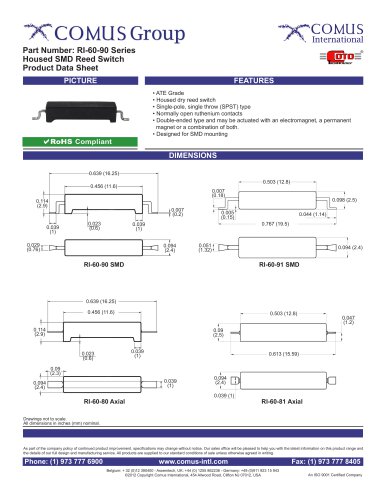 RI-60-90 Series
2 Pages
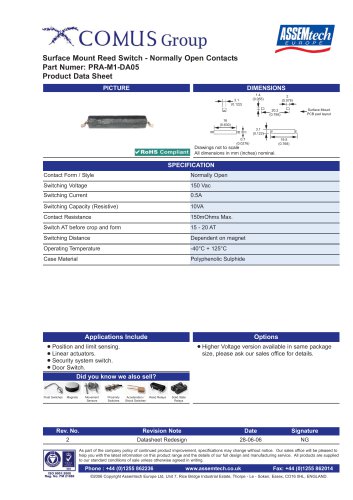 PRA-M1-DA05
1 Page
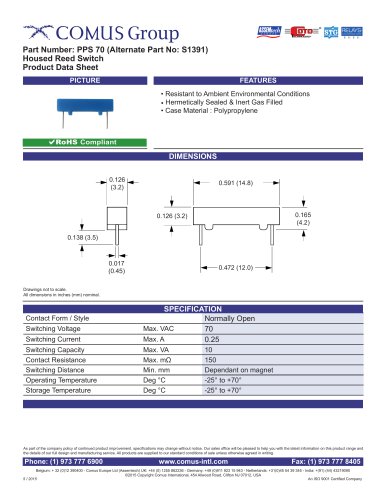 PPS 70
1 Page
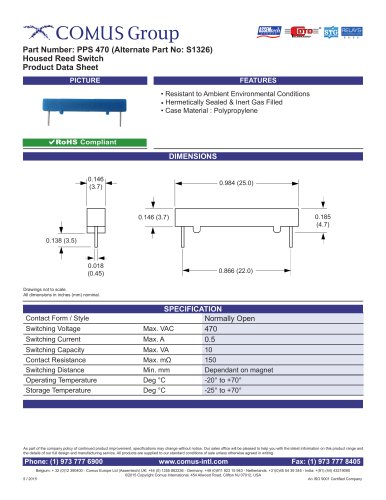 PPS 470
1 Page
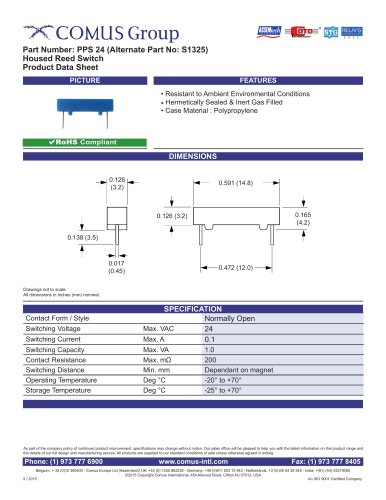 PPS 24
1 Page
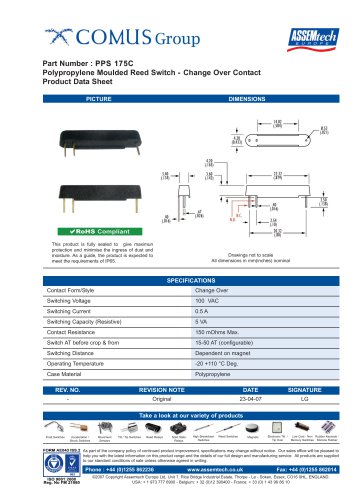 PPS 175C
1 Page
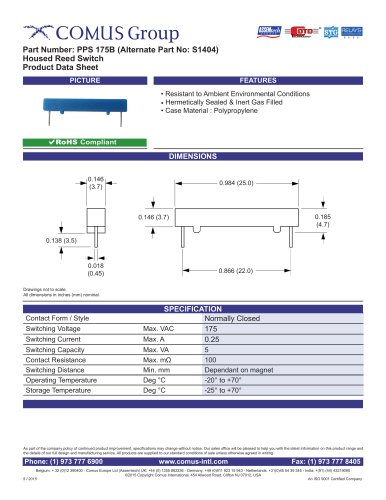 PPS 175B
1 Page
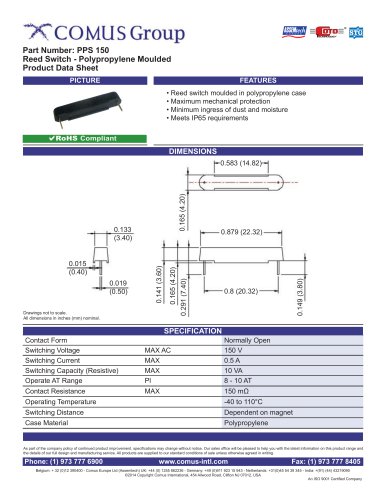 PPS 150
1 Page
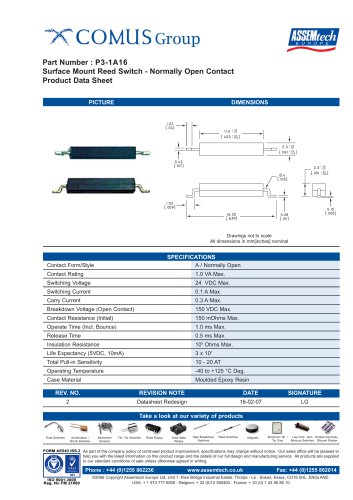 P3-1A16
1 Page
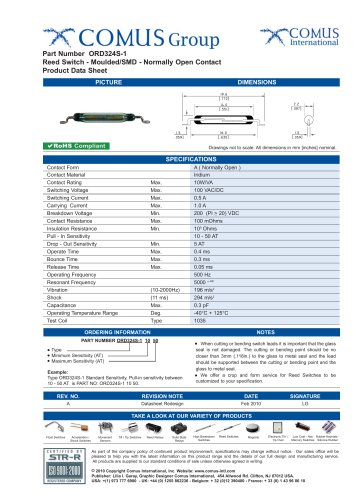 ORD324S-1
1 Page
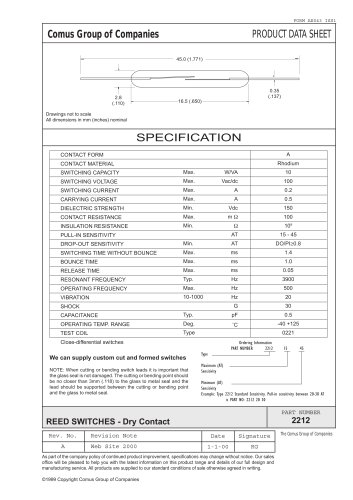 ORD 2212
1 Page
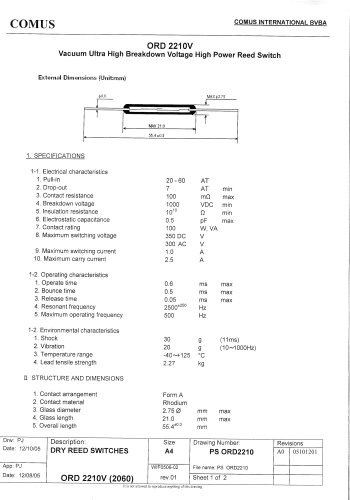 ORD 2210V
2 Pages
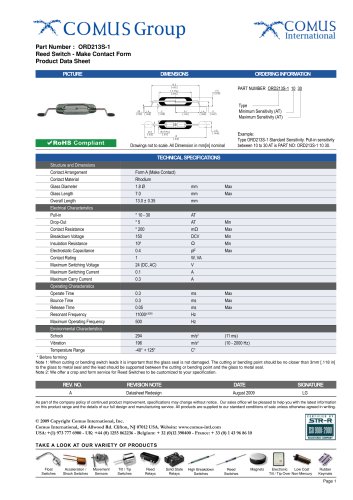 ORD 213S-1
1 Page
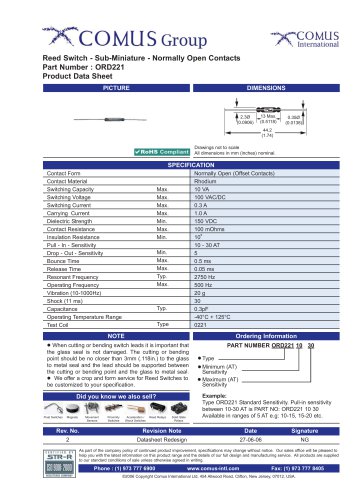 ORD221
1 Page
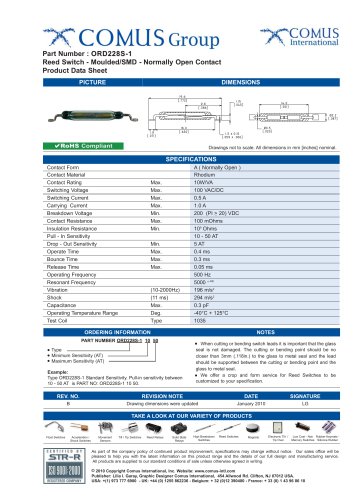 ORD228S-1
1 Page
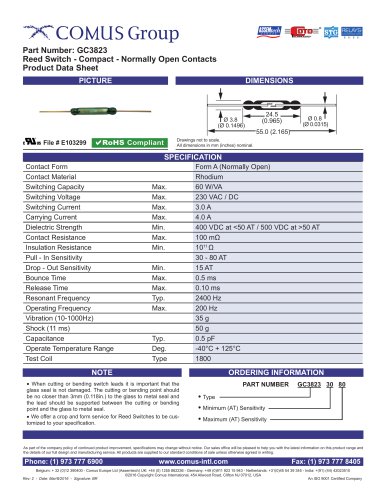 GC3823
1 Page
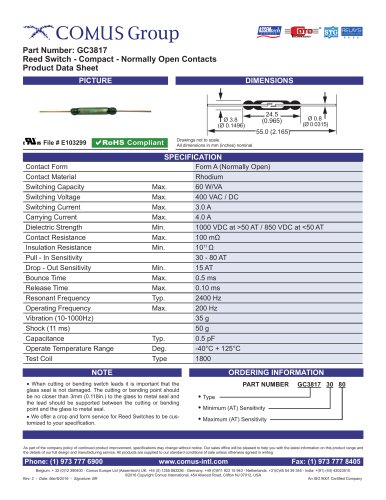 GC3817
1 Page
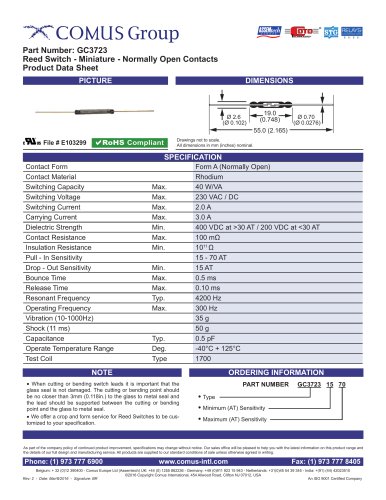 GC3723
1 Page
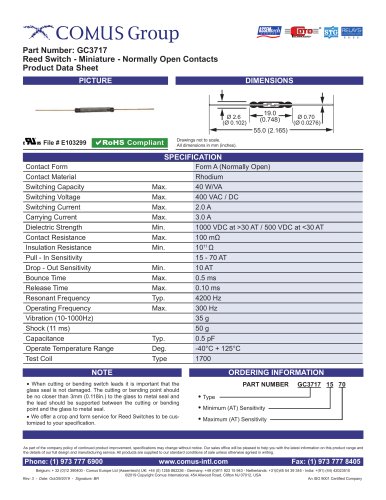 GC3717
1 Page
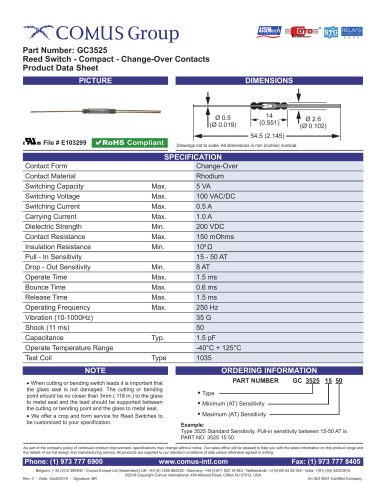 GC3525
1 Page
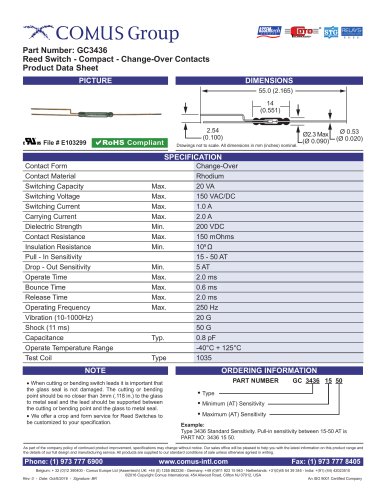 GC3436
1 Page
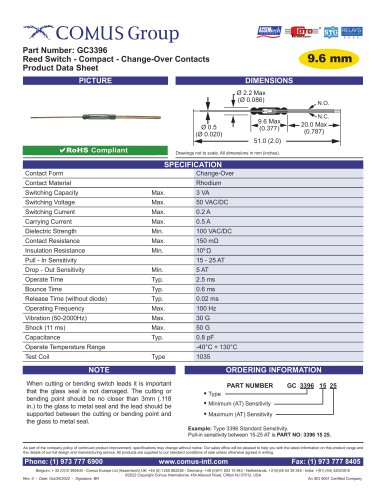 GC3396
1 Page
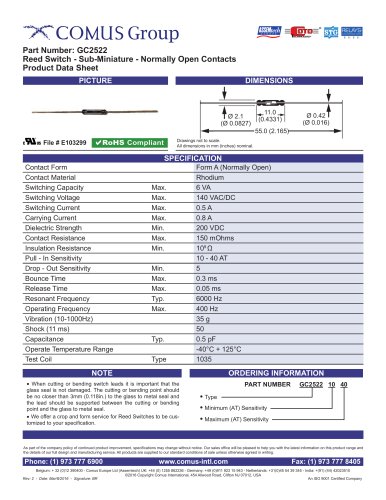 GC2522
1 Page
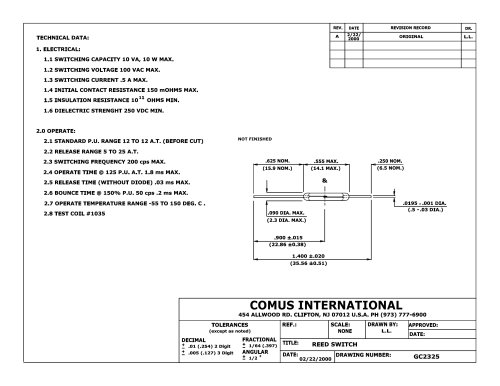 GC 2325
1 Page
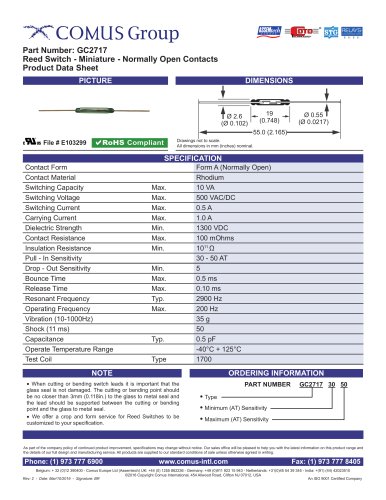 GC2717
1 Page
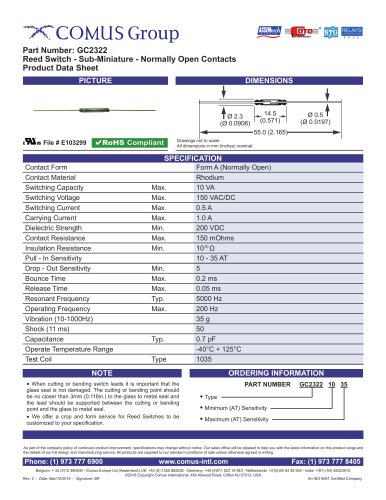 GC2322
1 Page
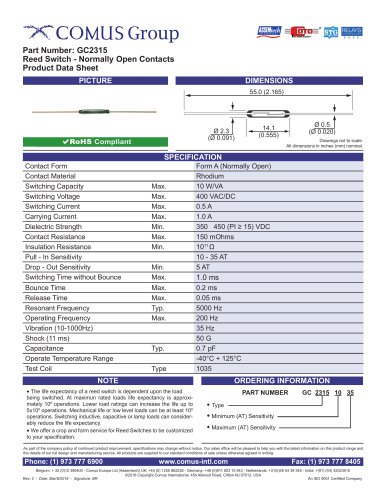 GC2315
1 Page
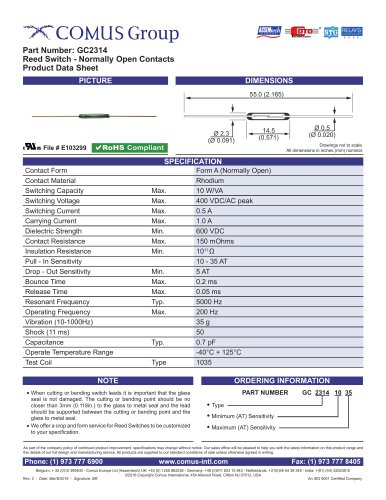 GC2314
1 Page
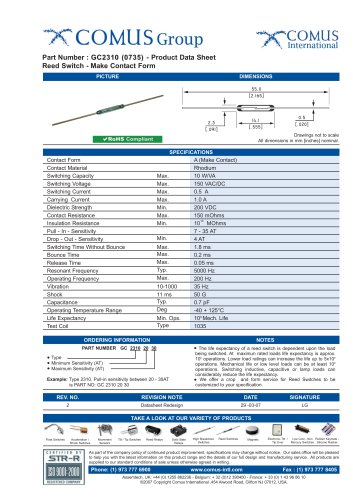 GC2310 (0735)
1 Page
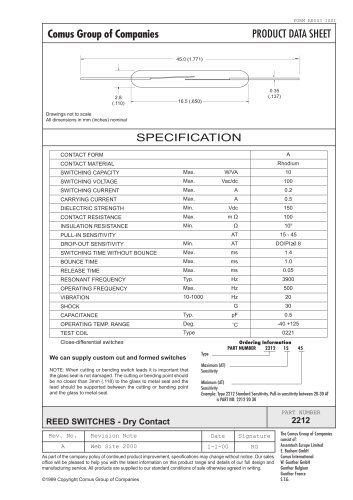 GC 2212
1 Page
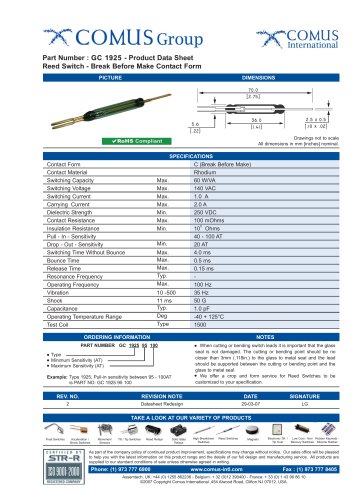 GC 1925
1 Page
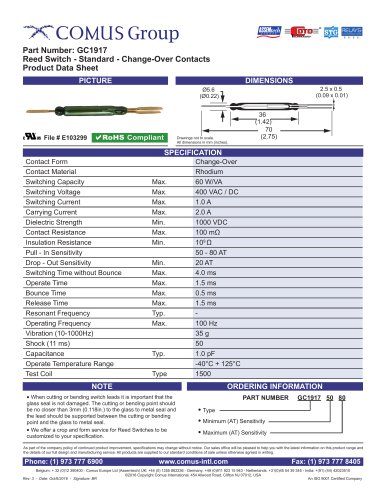 GC1917
1 Page
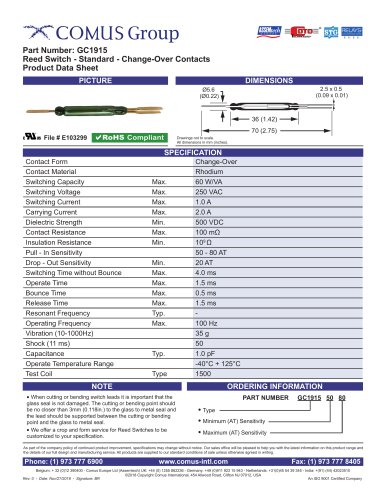 GC1915
1 Page
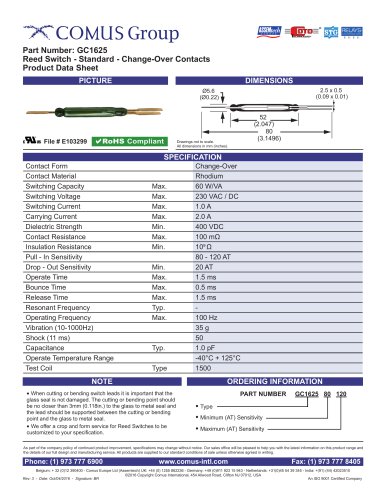 GC1625
1 Page
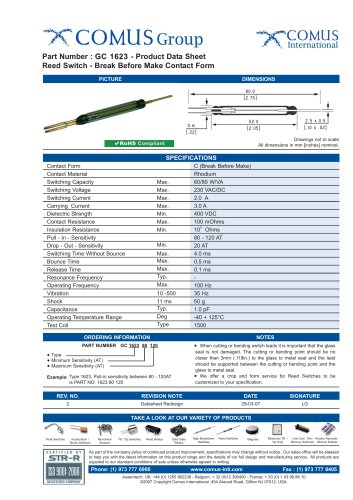 GC 1623
1 Page
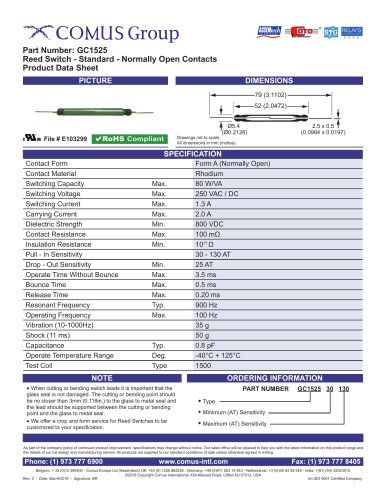 GC1525
1 Page
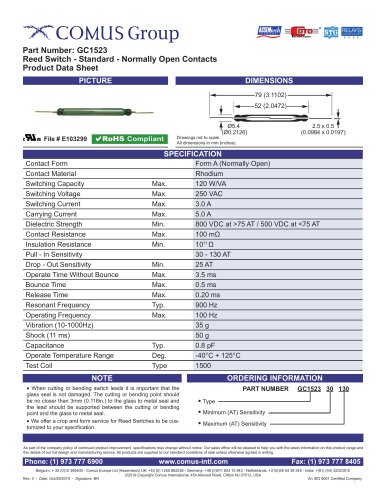 GC1523
1 Page
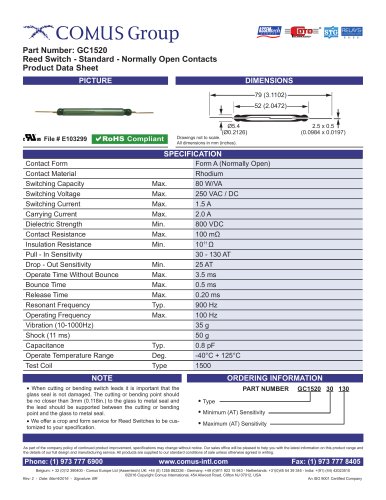 GC1520
1 Page
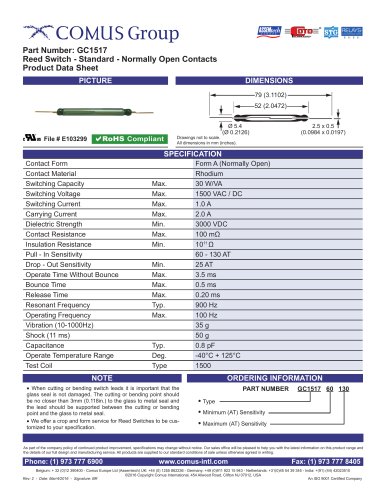 GC1517
1 Page
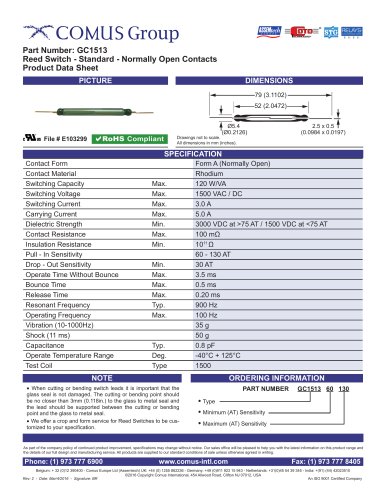 GC1513
1 Page
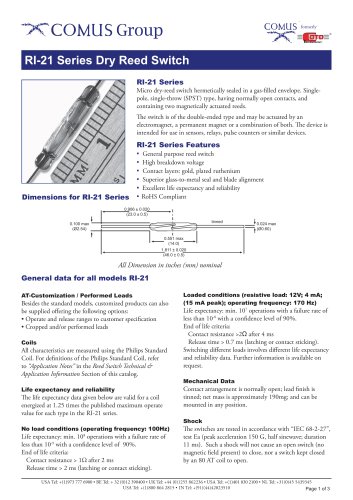 RI-21 Series
3 Pages
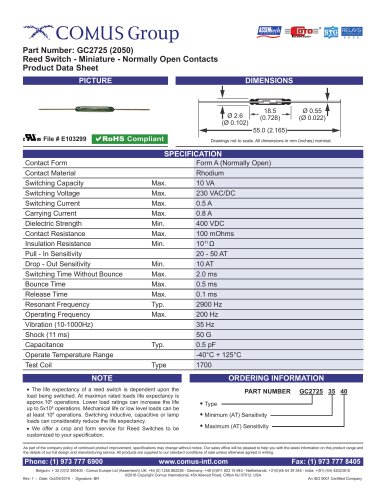 GC2725 (2050)
1 Page
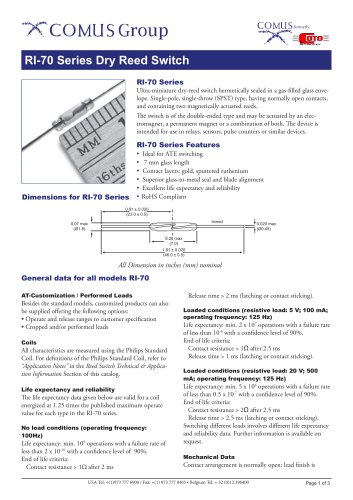 RI-70 Series
3 Pages
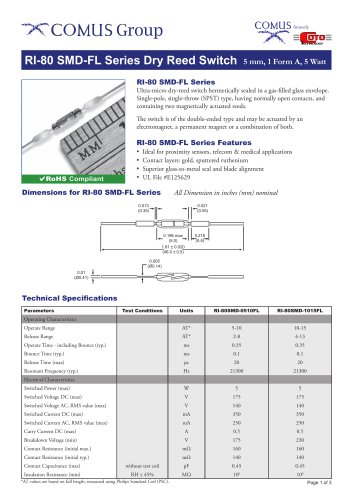 RI-80 SMD-FL Series
3 Pages
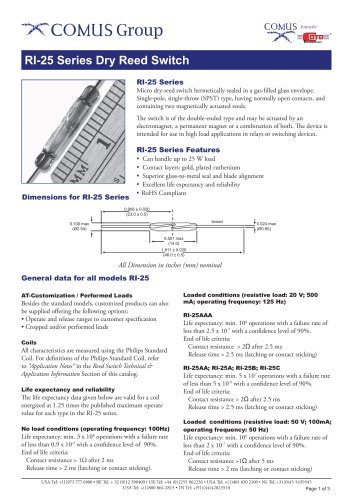 RI-25 Series
3 Pages
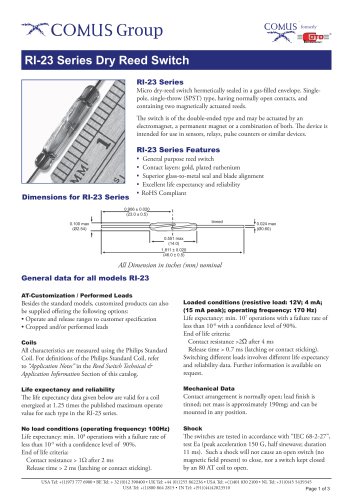 RI-23 Series
3 Pages
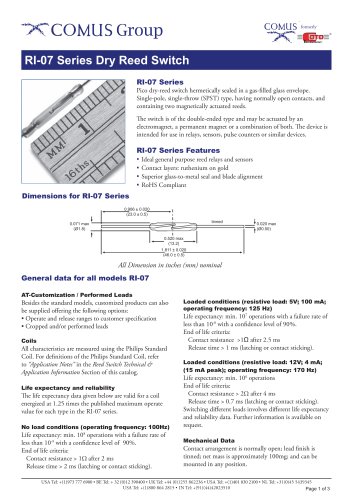 RI-07 Series
3 Pages
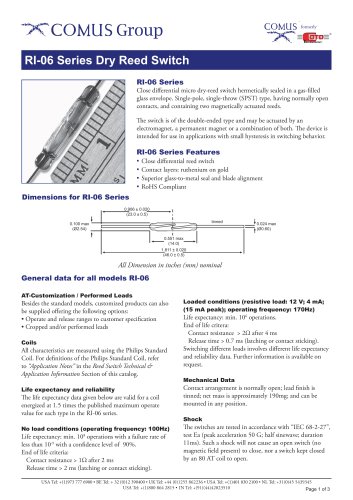 RI-06 Series
3 Pages
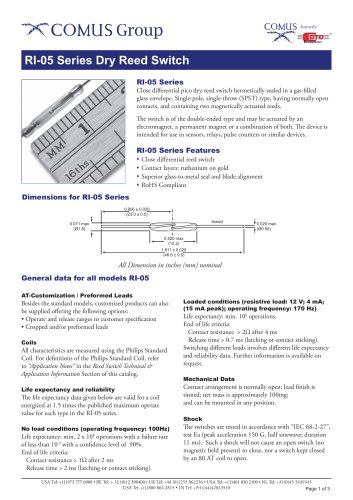 RI-05 Series
3 Pages
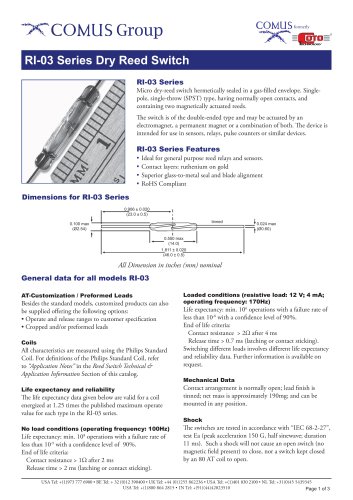 RI-03 Series
3 Pages
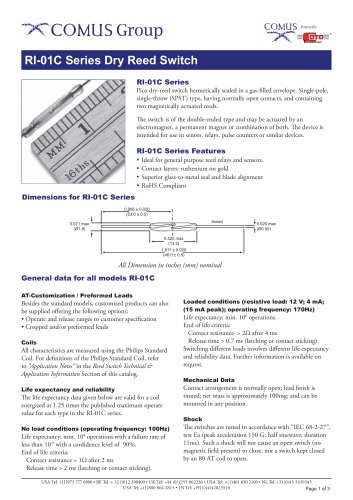 RI-01C Series
3 Pages
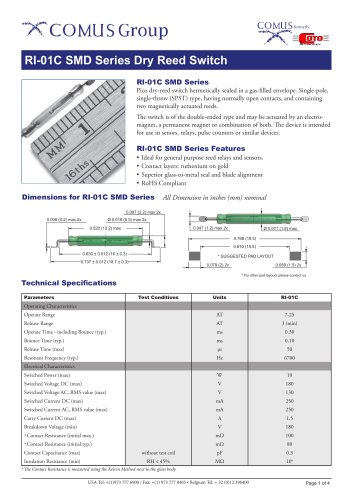 RI-01C SMD Series
4 Pages
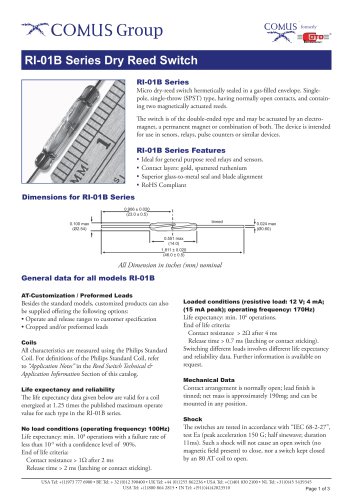 RI-01B Series
3 Pages
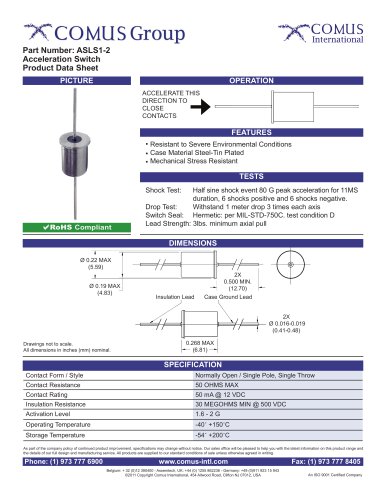 ASLS1-2
1 Page
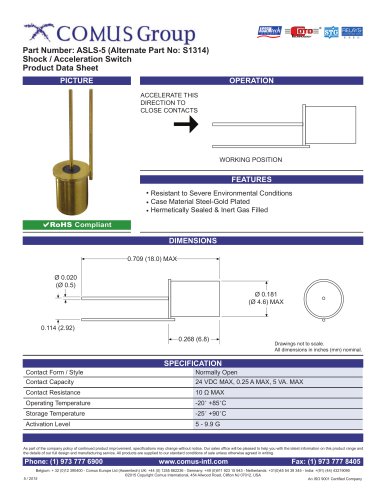 ASLS-5
1 Page
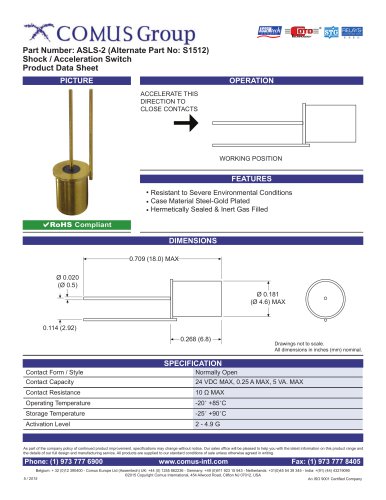 ASLS-2
1 Page
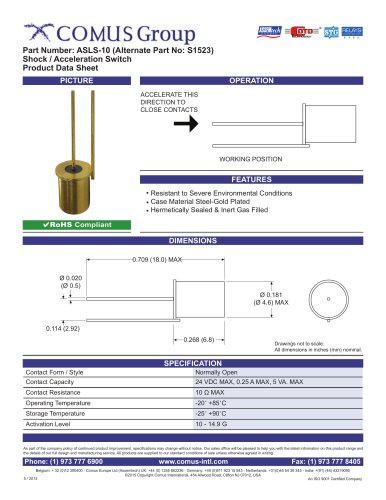 ASLS-10
1 Page
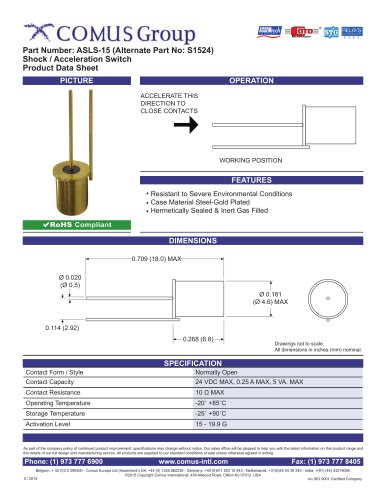 ASLS-15
1 Page
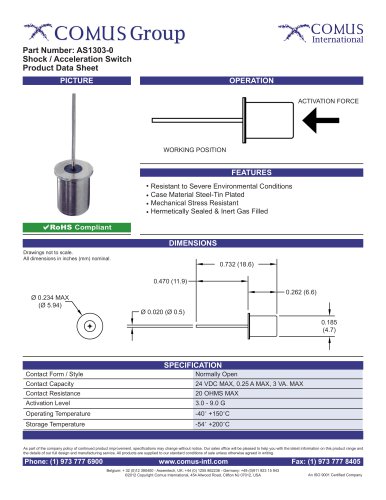 AS1303-0
1 Page
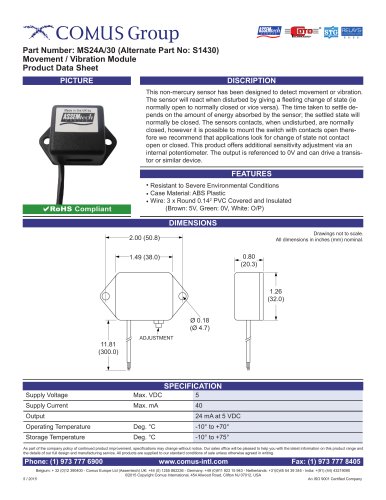 MS24A/30
1 Page
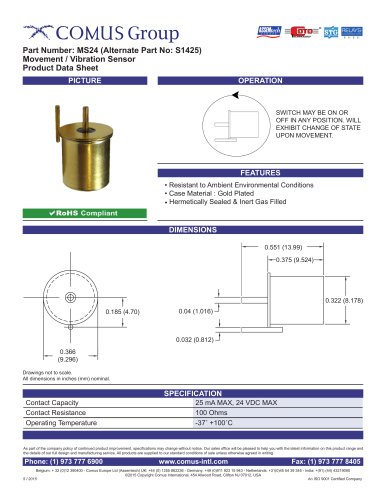 MS24
MS241 Page
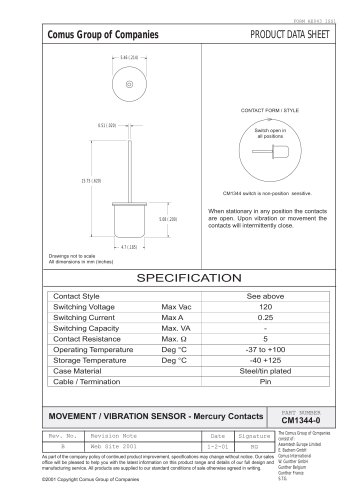 CM1344-0
1 Page
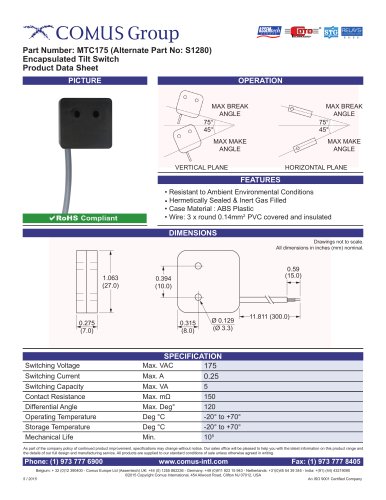 MTC175
1 Page
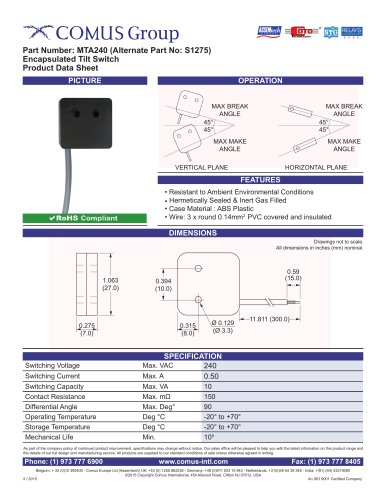 MTA240
1 Page
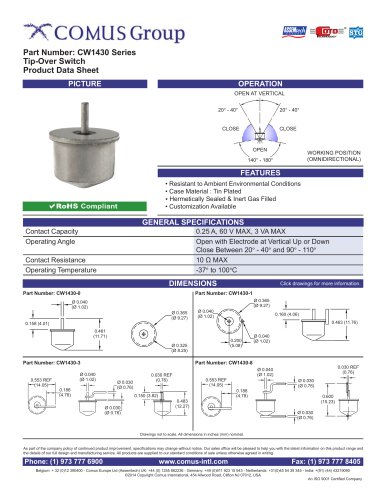 CW1430 Series
1 Page
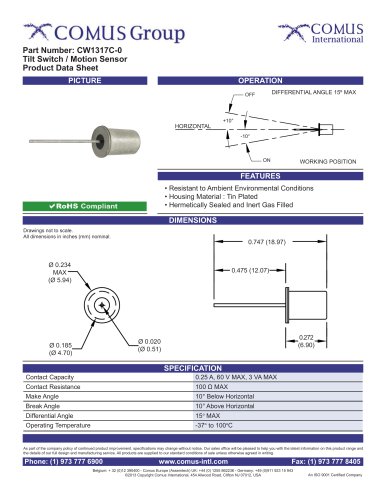 CW1317C-0
1 Page
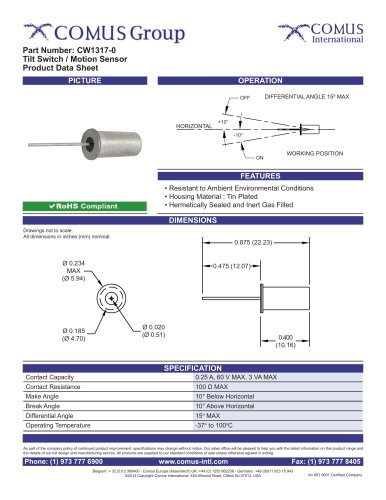 CW1317-0
1 Page
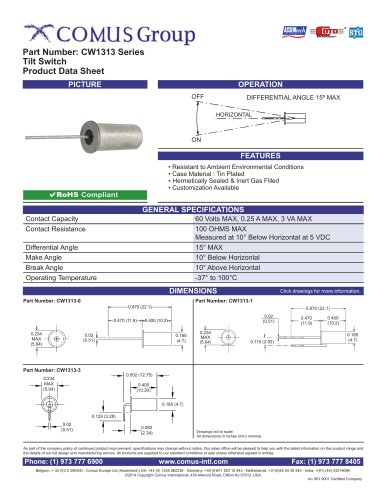 CW1313 Series
1 Page
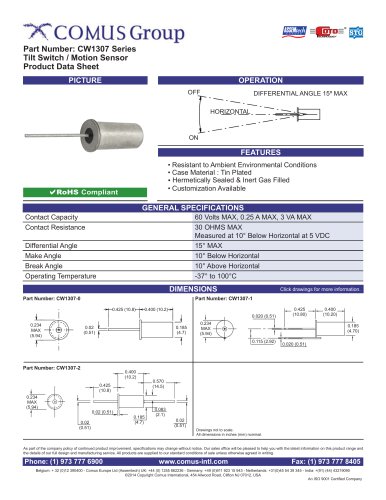 CW1307 Series
1 Page
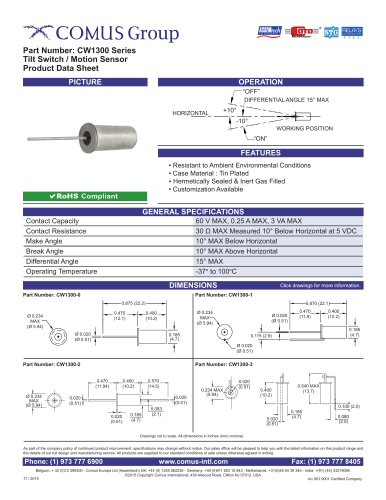 CW1300 Series
3 Pages
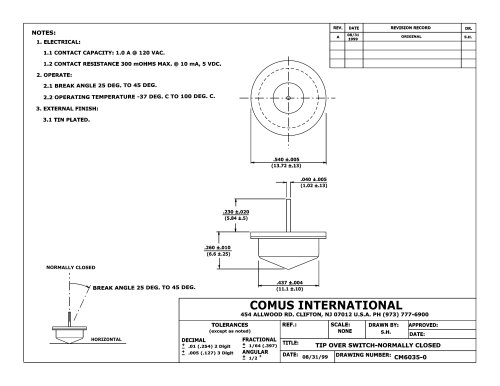 CM6035
1 Page
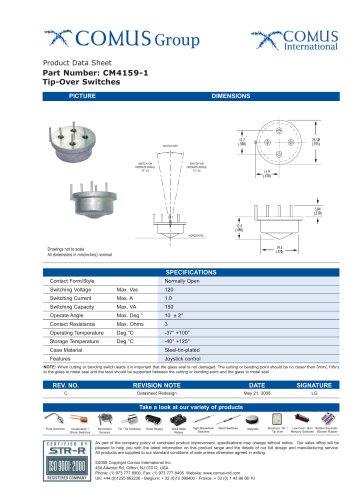 CM4159-1
1 Page
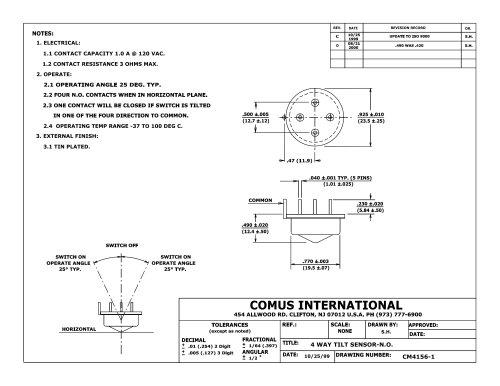 CM4156-1
1 Page
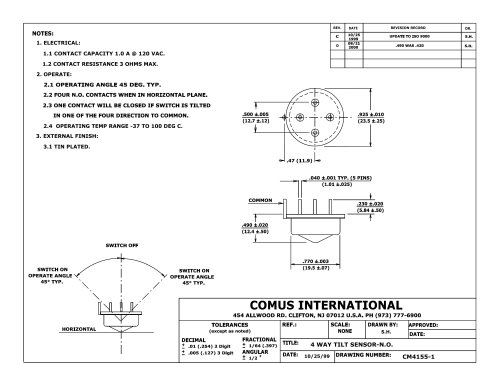 CM4155-1
1 Page
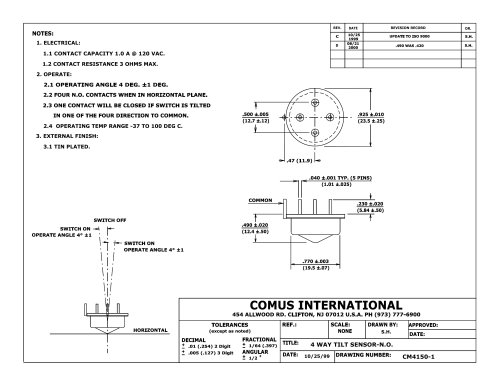 CM4150-1
1 Page
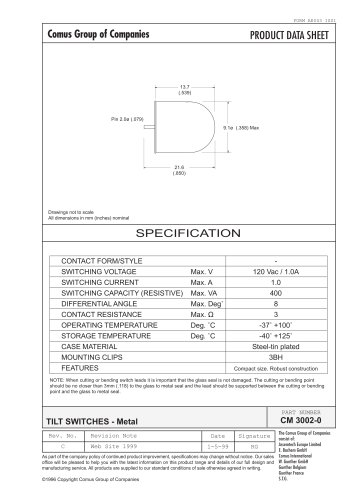 CM3002
1 Page
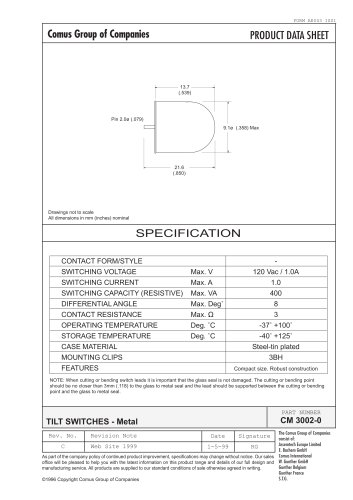 CM3002
1 Page
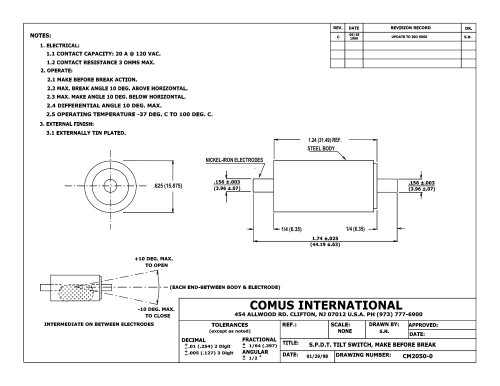 CM2050
1 Page
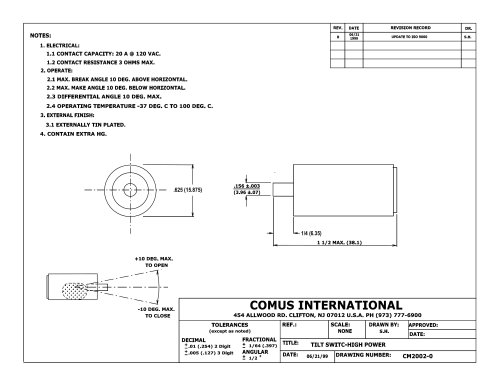 CM2002
1 Page
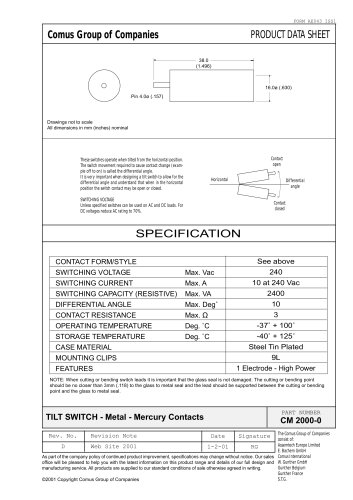 CM2000
1 Page
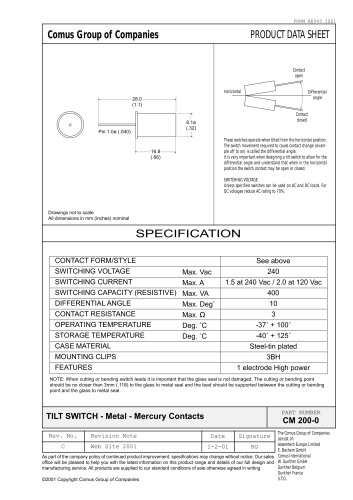 CM200
CM2001 Page
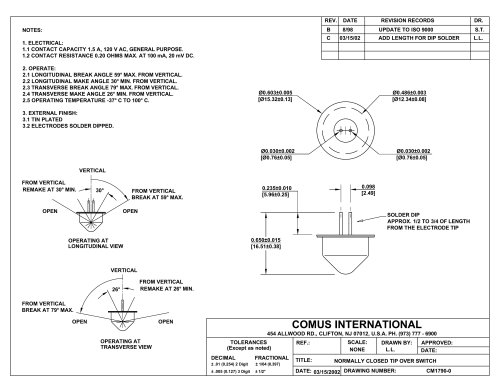 CM1790
1 Page
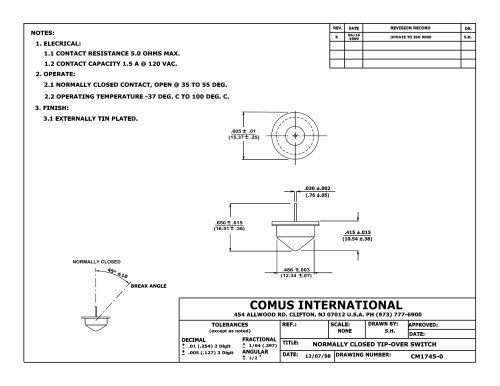 CM1745
1 Page
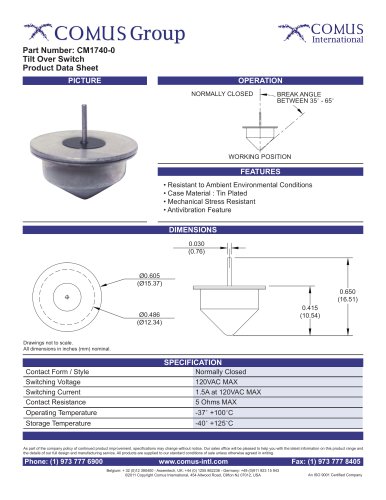 CM1740-0
1 Page
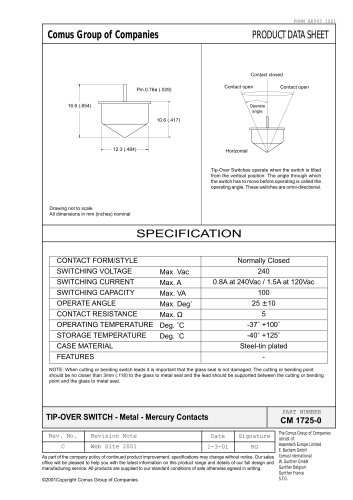 CM1725
1 Page
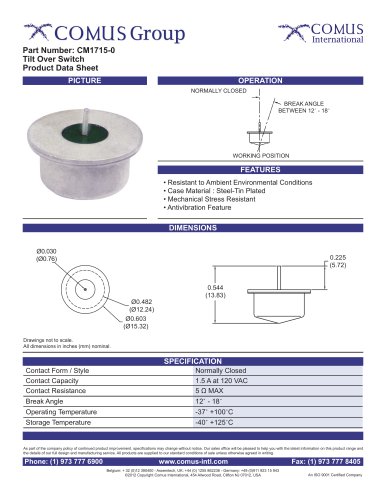 CM1715-0
1 Page
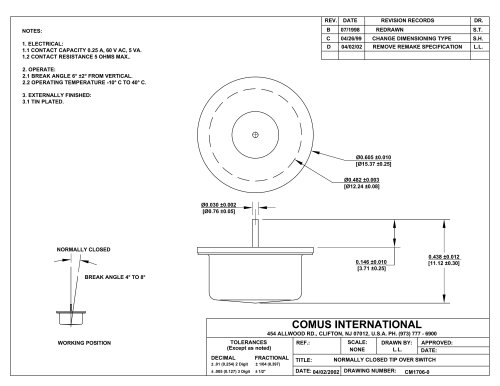 CM1706
1 Page
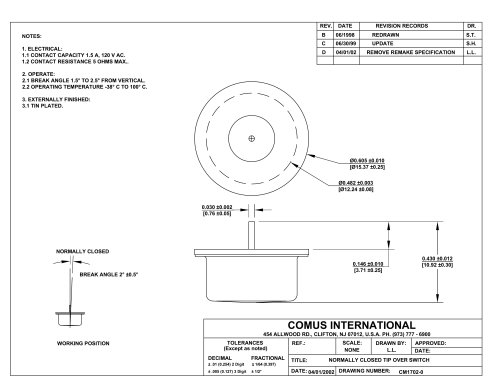 CM1702
1 Page
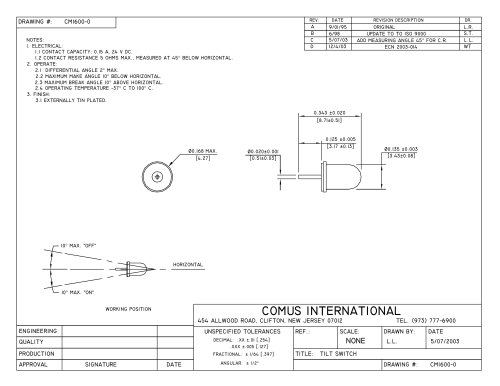 CM1600
1 Page
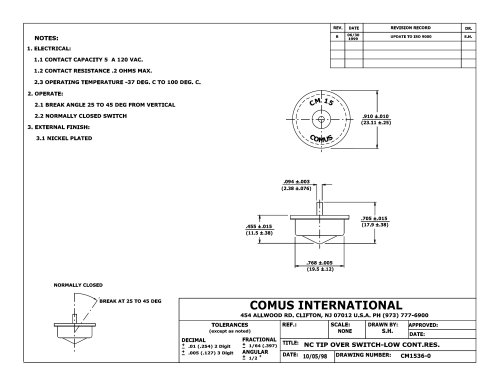 CM1536
1 Page
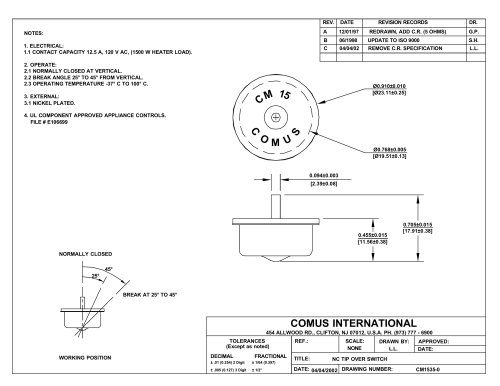 CM1535
1 Page
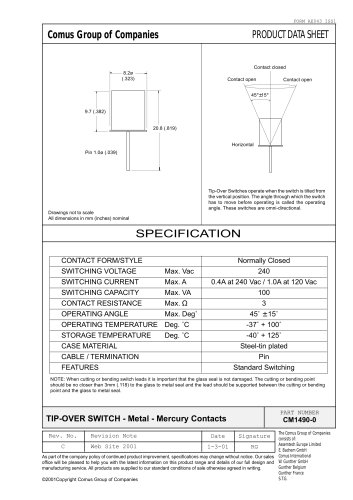 CM1490
1 Page
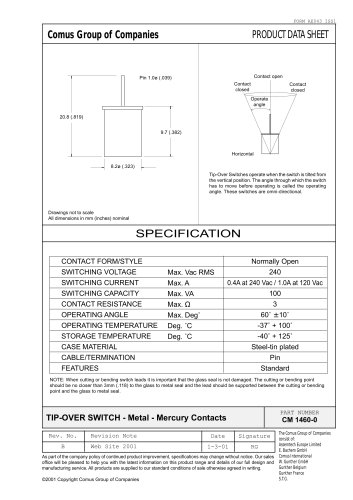 CM1460
1 Page
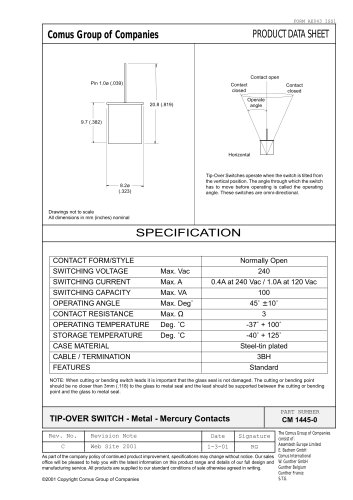 CM1445
1 Page
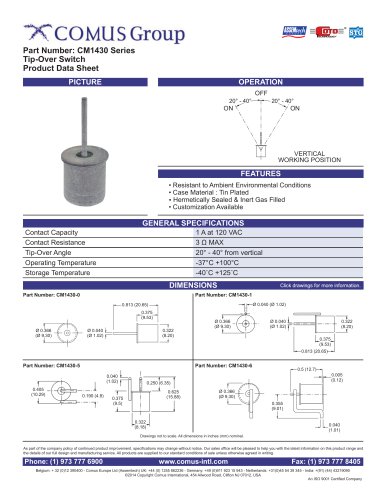 CM1430 Series
2 Pages
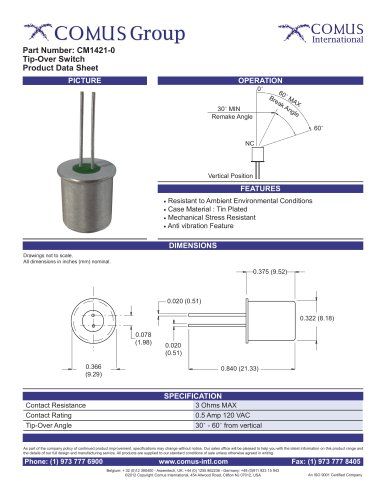 CM1421-0
1 Page
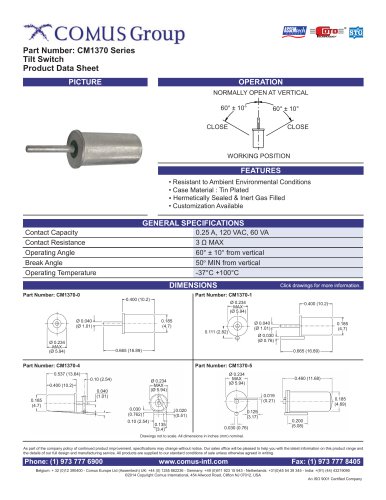 CM1370 Series
2 Pages
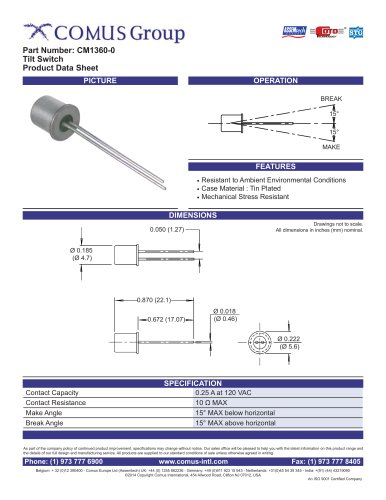 CM1360-0
1 Page
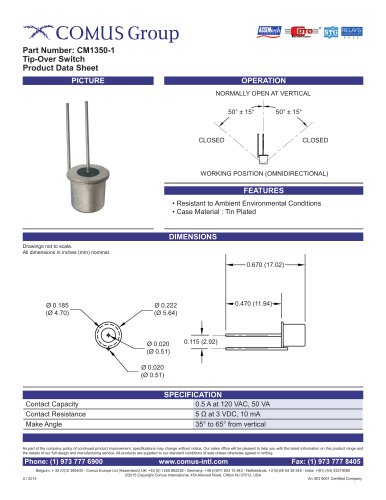 CM1350-1
1 Page
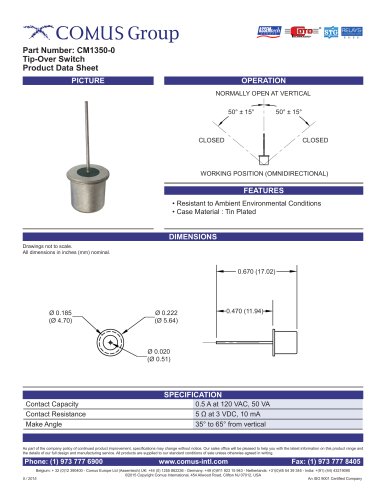 CM1350-0
1 Page
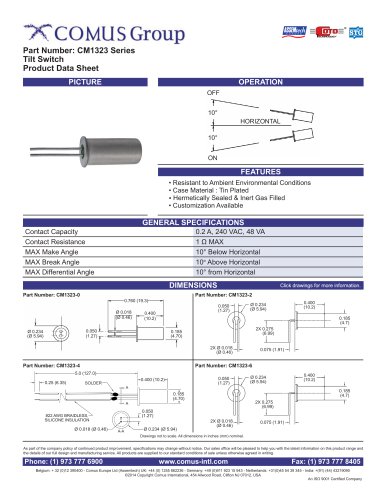 CM1323 Series
1 Page
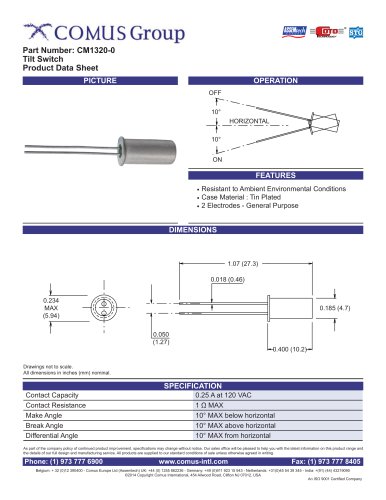 CM1320-0
1 Page
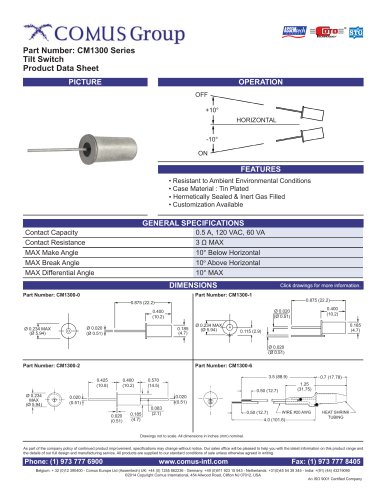 CM1300 Series
2 Pages
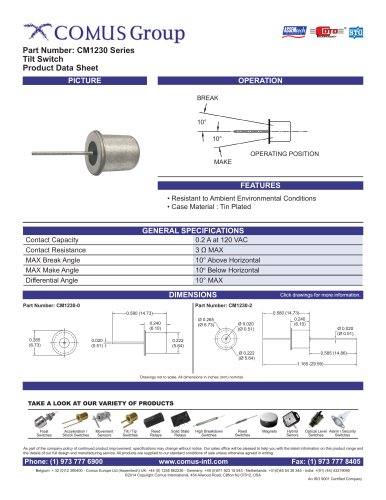 CM1230 Series
1 Page
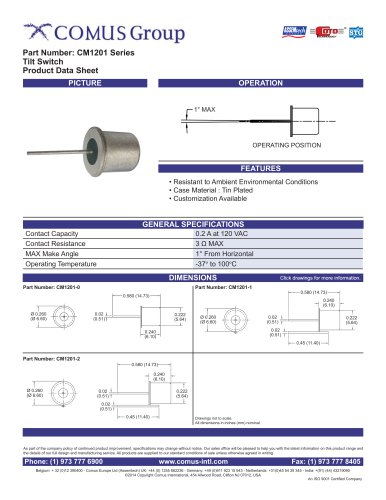 CM1201 Series
1 Page
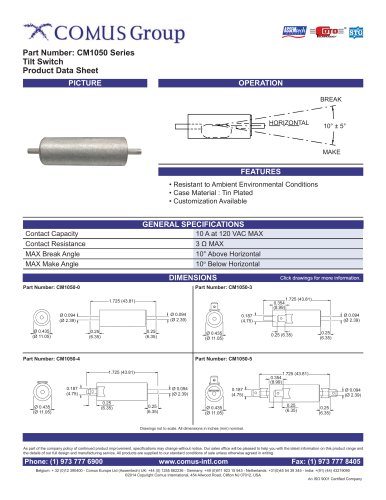 CM1050 Series
2 Pages
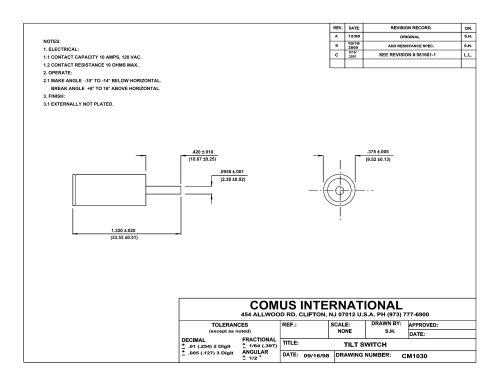 CM1030
1 Page
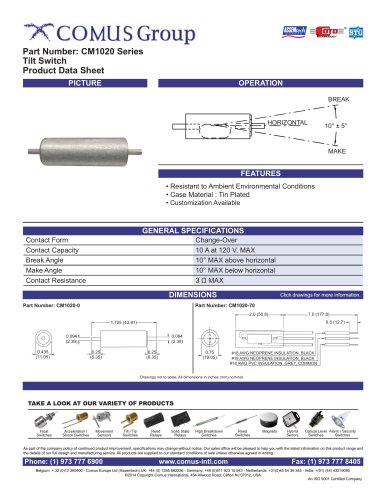 CM1020 Series
1 Page
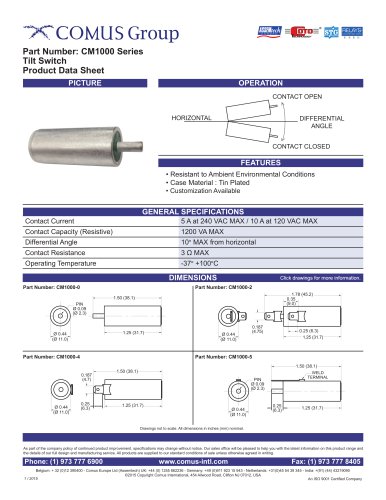 CM1000 Series
5 Pages
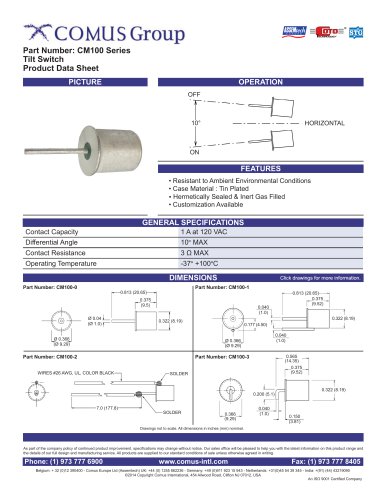 CM100 Series
3 Pages
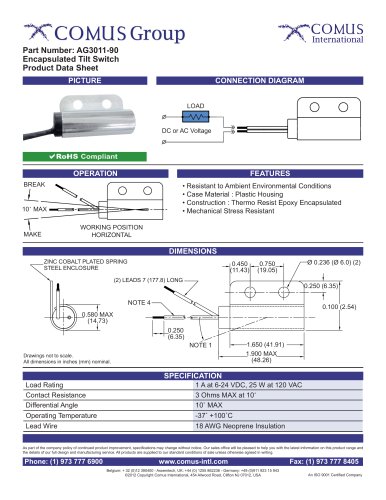 AG3011-90
1 Page
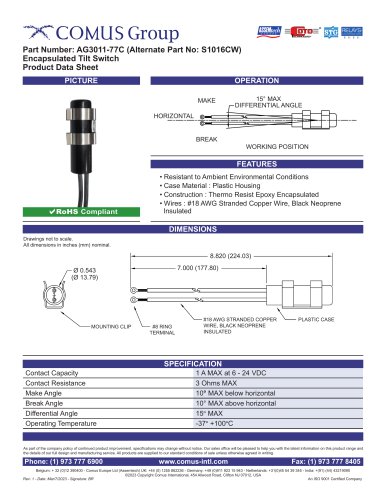 AG3011-77C
1 Page
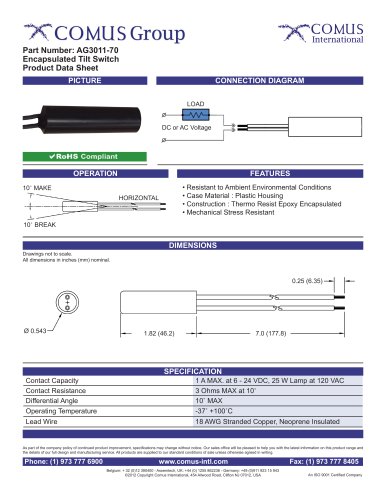 AG3011-70
1 Page
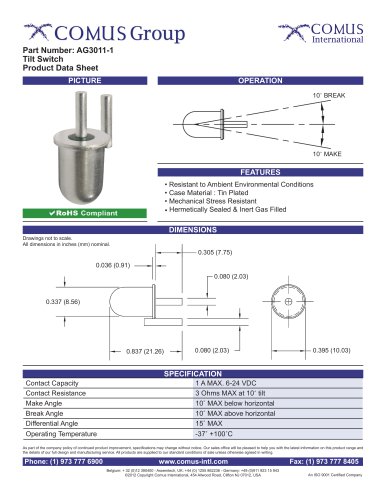 AG3011-1
1 Page
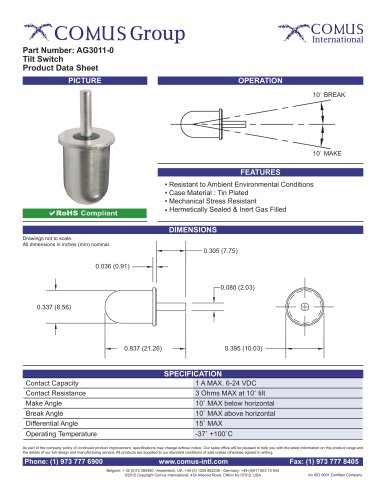 AG3011-0
1 Page
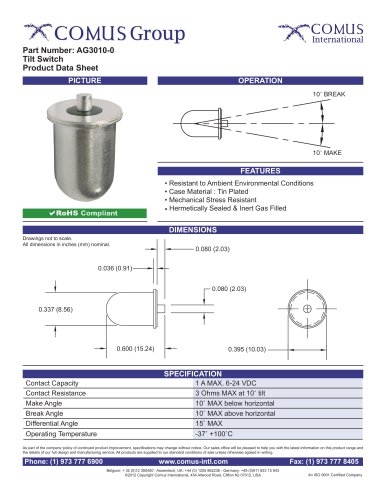 AG3010-0
1 Page
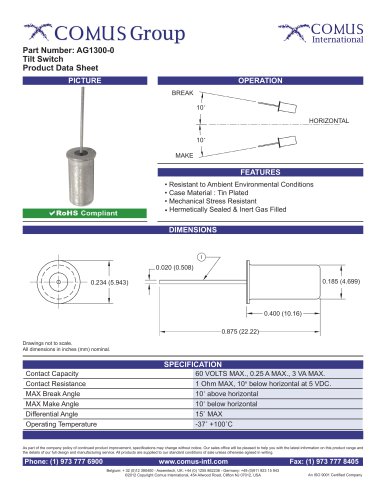 AG1300-0
1 Page
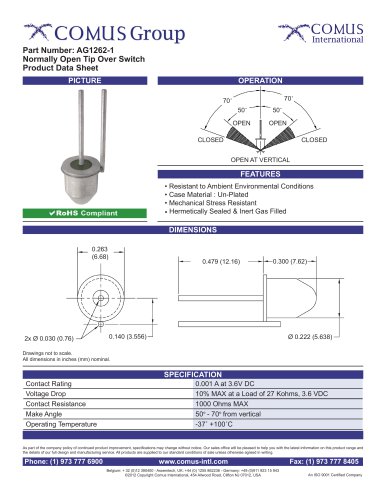 AG1262-1
1 Page
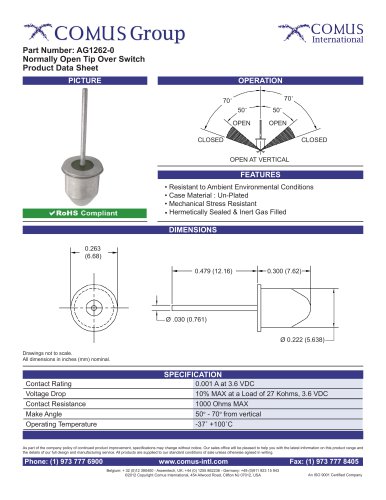 AG1262-0
1 Page
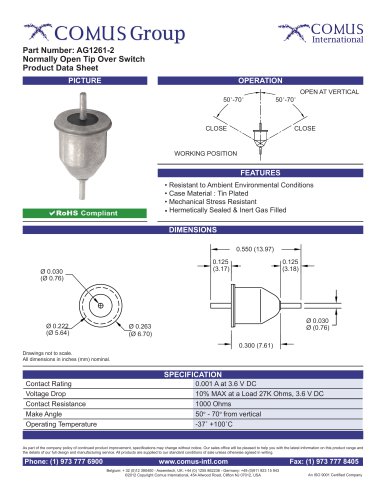 AG1261-2
1 Page
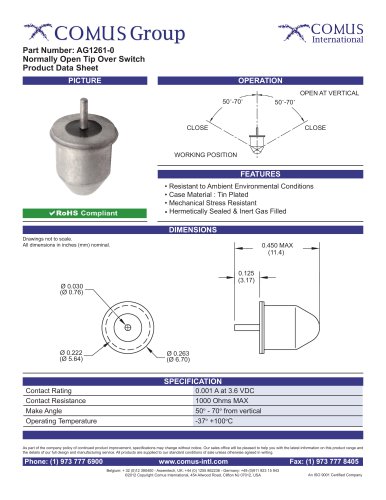 AG1261-0
1 Page
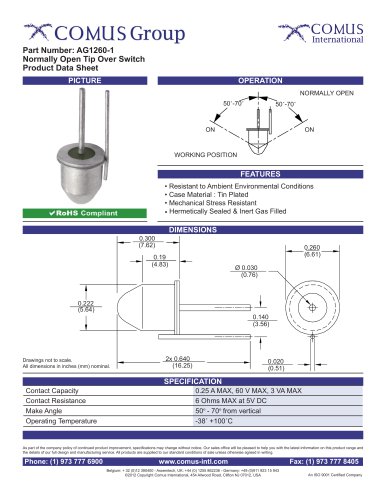 AG1260-1
1 Page
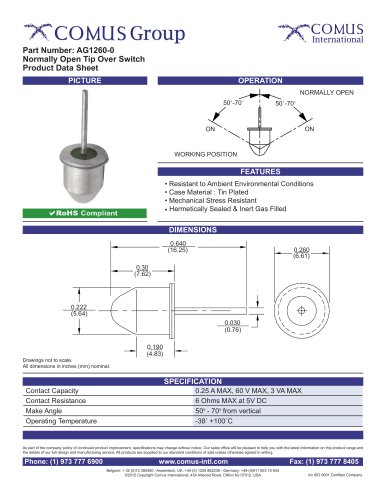 AG1260-0
1 Page
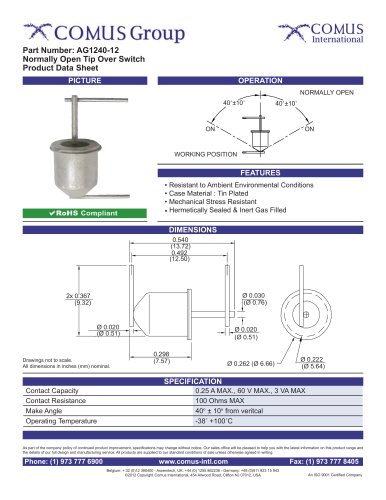 AG1240-12
1 Page
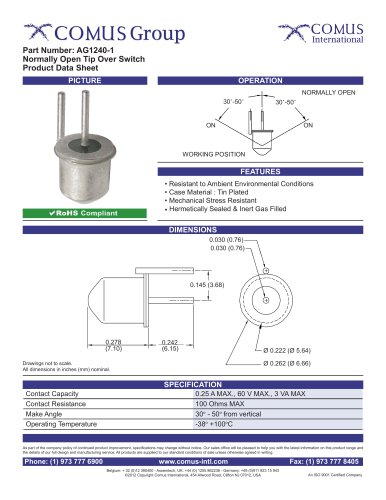 AG1240-1
1 Page
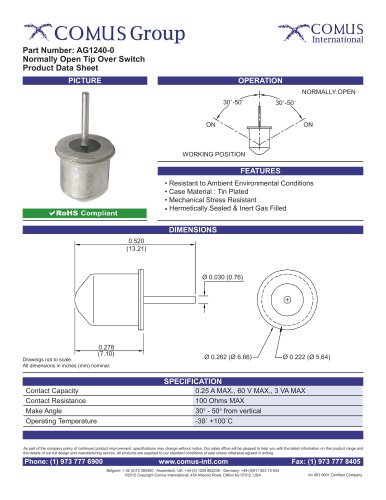 AG1240-0
1 Page
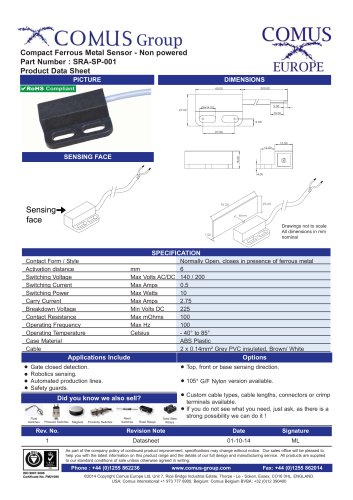 SRA-SP series
1 Page
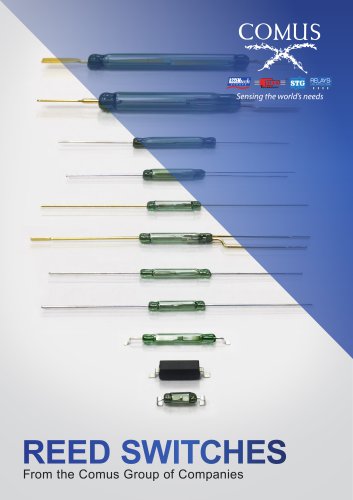 Reed Switches_2019
10 Pages
 Glass Mercury Switches
2 Pages
 Reed Relays
2 Pages
 High Voltage Reed Relays
2 Pages
 Solid State Relays
2 Pages
 PhotoDMOS Relays
2 Pages
 Float Switches
2 Pages
 Optical Level Switches
2 Pages
 Smart Sensors
8 Pages
 Pressure Switches
2 Pages
 Keypads, Keymats, and Rubber
2 Pages
 Housed & SMD Reed Switches
2 Pages
 Comus Group Line of Products
2 Pages
 Ultrasonic Sensors
2 Pages
 Proximity Switches
2 Pages
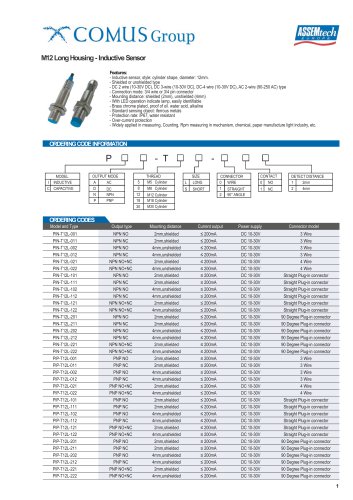



Archived catalogs
 Alarm & security switches
12 Pages
 Mercury wetted reed switches
2 Pages
 Non mercury switches
2 Pages
 Glass mercury tilt switches
2 Pages
 Magnets
2 Pages
 Float and level switches
2 Pages
 Mercury tilt switches
2 Pages
 Reed Switches
2 Pages
- Comus proximity sensor
- Comus level switch
- Single-pole switch
- Comus accelerometer
- Comus liquid level switch
- Comus switching relay
- Comus cylindrical proximity sensor
- Pressure switch
- Technology switch
- Inductive proximity sensor
- Comus IP67 proximity sensor
- Mechanical pressure switch
- Comus float level switch
- Waterproof pressure switch
- Comus stainless steel level switch
- Safety electric switch
- Comus DC proximity sensor
- Threaded level switch
- Adjustable pressure switch
- Magnetic float level switch