

KM-01
1 /5Pages
KM-01
1 /5Pages
Catalog excerpts
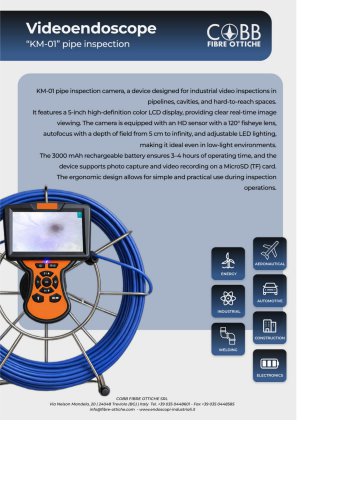
FIBRE OTTICHE Videoendoscope“KM-01” pipe inspection KM-01 pipe inspection camera, a device designed for industrial video inspections in pipelines, cavities, and hard-to-reach spaces. It features a 5-inch high-definition color LCD display, providing clear real-time image viewing. The camera is equipped with an HD sensor with a 120° fisheye lens, autofocus with a depth of field from 5 cm to infinity, and adjustable LED lighting, making it ideal even in low-light environments. The 3000 mAh rechargeable battery ensures 3-4 hours of operating time, and the device supports photo capture and video recording on a MicroSD (TF) card. The ergonomic design allows for simple and practical use during inspection
Open the catalog to page 1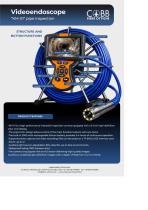
FIBRE OTTICHE Videoendoscope“KM-01” pipe inspectionSTRUCTURE AND BUTTON FUNCTIONS Zoom / Up Camera LED / Down selection Auxiliary light switch PRODUCT FEATURES -KM-01 is a high-performance industrial inspection camera equipped with a 5-inch high-definition color LCD display. -The ergonomic design allows control of the main function buttons with one hand. -The built-in 3000 mAh rechargeable lithium battery provides 3-4 hours of continuous operation. -Supports photo capture and video recording; files can be saved on a TF (Micro-SD) memory card. -Zoom: up to 2*. -Auxiliary light source: adjustable...
Open the catalog to page 2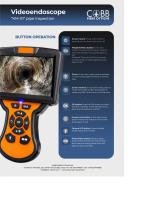
FIBRE OTTICHE BUTTON OPERATION Power button: Press and hold for 3 seconds to turn the screen on or off. Playback/Menu button: In live view mode it functions as the Menu. Press to enter the settings menu; press again to exit. Playback: Press and hold for 3 seconds to enter photo or video playback; press again to exit. Zoom: In live view mode, press to activate 2* zoom; press again to return to normal view. Screen rotation: In live view mode, press to rotate the screen by 180°; press again to rotate it by 360° and return to normal view. OK button: Press the OK button to switch between cameras....
Open the catalog to page 3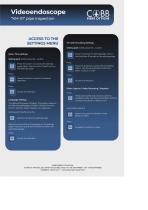
FIBRE OTTICHE Videoendoscope “KM-01” pipe inspection ACCESS TO THE SETTINGS MENU Date / Time settings Setting path: briefly press the... button Press the button to access the settings page. Select the first item (Date/Time) on the settings page. Press the button to select the desired date/time. Language settings The default language is English. The system supports the following languages: English, Chinese, German, French. Spanish, Italian, Russian, and Japanese. Setting path: Briefly press the button to access the settings page. Select the second item (Language) on the settings page. Press the...
Open the catalog to page 4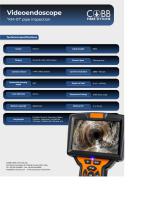
Display 5.0-inch color LCD screen Camera type Fish eye lens Camera sensor 1 MP CMOS sensor Camera resolution 1280 * 720 px Horizontal^ viewing 12QO Depthoffield 5cm-infinity Waterproof rating IP67 (lens only) Battery life
Open the catalog to page 5All Cobb Fibre Ottiche Srl catalogs and technical brochures
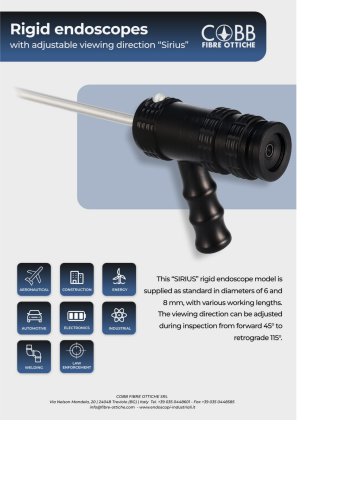
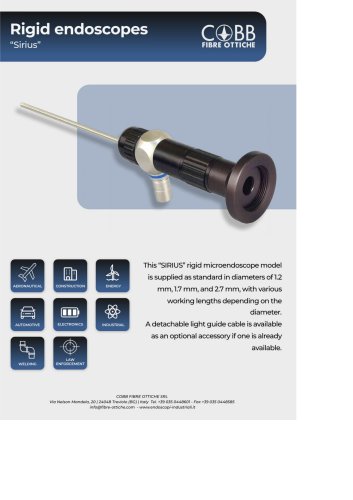 Rigid endoscopes “Sirius”
3 Pages
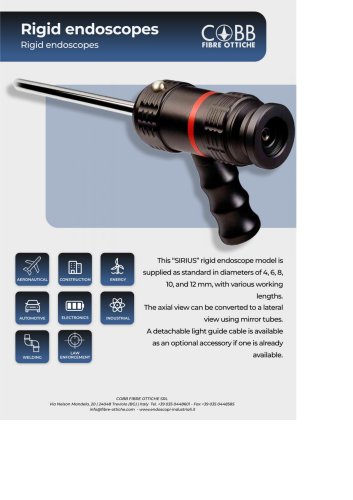 Sirius
3 Pages
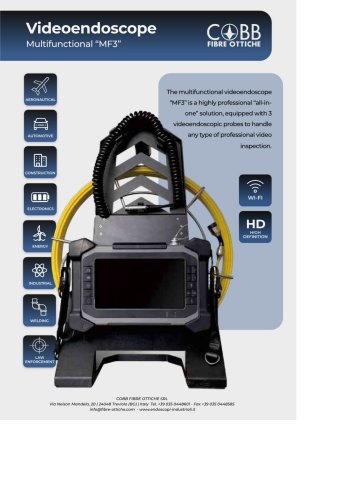 MF3
MF35 Pages
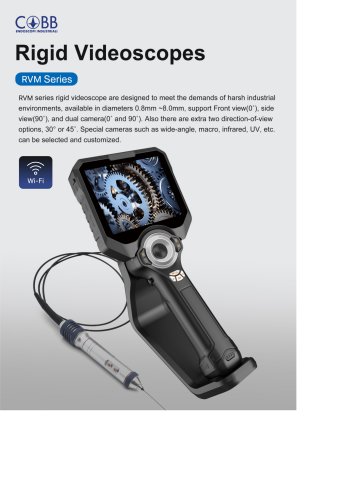 Rigid Videoscopes
12 Pages
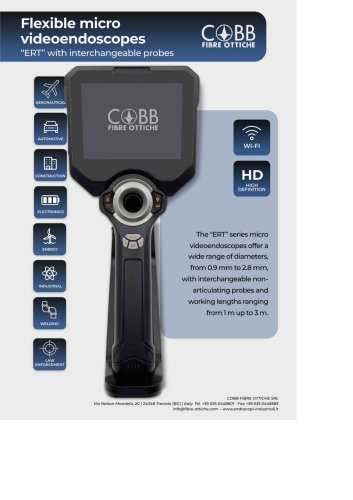 ERT
ERT4 Pages
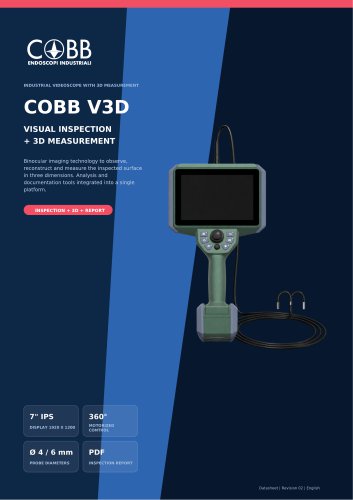 COBB V3D
8 Pages
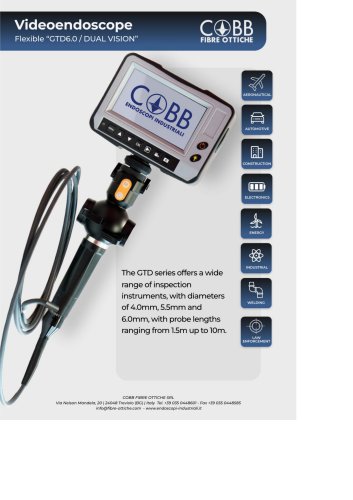
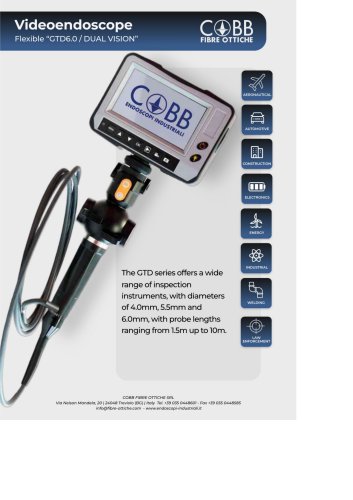 GTD6.0 / DUAL VISION
4 Pages
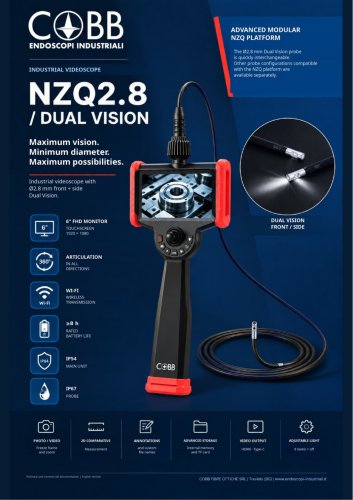 COBB NZQ2.8
10 Pages
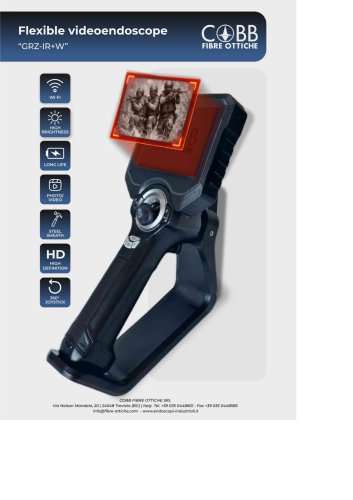 GRZ-IR+W
6 Pages
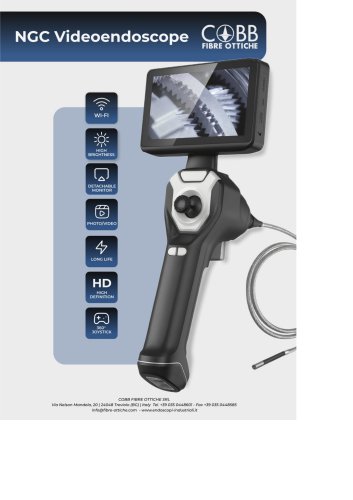 NGC Videoendoscope
5 Pages
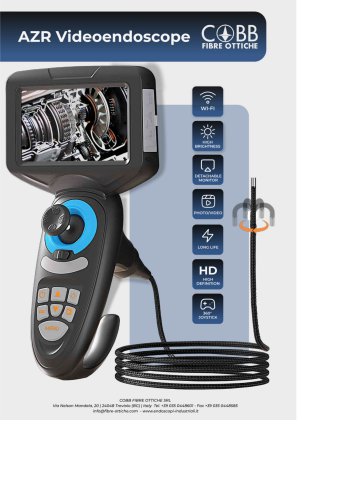 AZR Videoendoscope
4 Pages
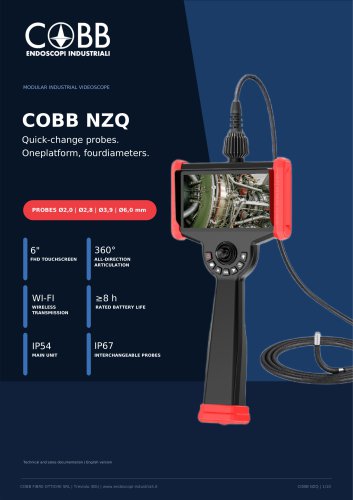 COBB NZQ
10 Pages
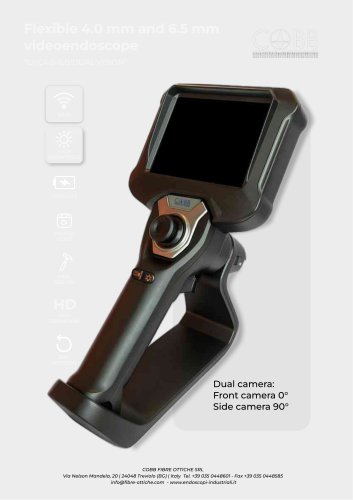 LHC4.0-6.0/DUAL VISION
5 Pages
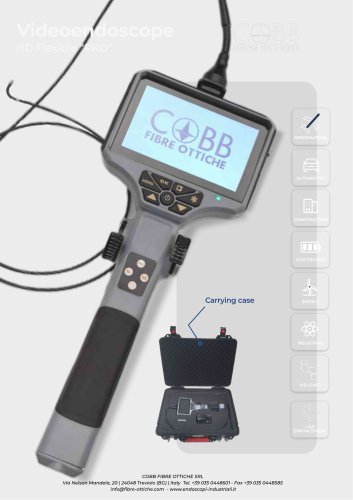 HD Flexible “PKD”
3 Pages
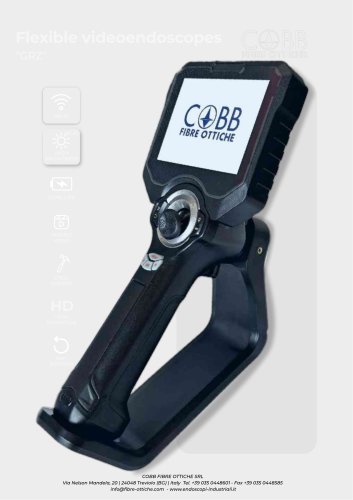 GRZ
GRZ8 Pages
- Industrial endoscope
- Flexible industrial endoscope
- Video endoscope
- Portable industrial endoscope
- Flexible video borescope
- Portable video borescope
- LCD display video borescope
- Waterproof video borescope
- USB video borescope
- Pipe inspection video borescope
- Video borescope with memory card
- Borescope
- Articulated video borescope
- Small-diameter industrial endoscope
- 2-way videoscope
- 4-way video borescope
- Video borescope with joystick
- Interchangeable probe video borescope
- Pipe videoscope
- Rigid borescope