
- Catalogs
- burster präzisionsmesstechnik gmbh & co kg
- Operation Manual Digital Indicator Model 9163

Operation Manual Digital Indicator Model 9163
1 /164Pages
Operation Manual Digital Indicator Model 9163
1 /164Pages
Catalog excerpts
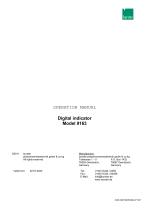
OPERATION MANUAL prazisionsmesstechnik gmbh & co kg All rights reserved burster praezisionsmesstechnik gmbh & co kg Talstrasse 1 - 5 P.O. Box 1432 Germany Germany E-Mail: [email protected]
Open the catalog to page 1
Digital indicator Exclusion of warranty liability for operating manuals All information in the present documentation was prepared and compiled with great care and reproduced subject to effective control measures. No warranty is provided for freedom from errors. We reserve the right to make technical changes. The present information as well as the corresponding technical data can change without notice. Reproduction of any part of this documentation or its processing or revision using electronic systems is prohibited without the manufacturer's prior written approval. Components, devices and measured...
Open the catalog to page 2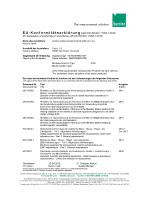
EU-Konformitatserklarung (nach en iso/i ec i 7050-1:2010) Name des Aussteliers: Issuer’s name: burster prazisionsmesstechnik gmbh & co kg Anschrift des Aussteliers: Issuer’s address: Digitalanzeiger / SENSORMASTER Digital Indicator / SENSORMASTER Model number/type: Diese Erklarung beinhaltet obengenannte Produkte mit alien Optionen This declaration covers all options of the above product(s) Das oben beschriebene Produkt ist konform mit den Anforderungen derfolgenden Dokumente: The object of the declaration described above is in conformity with the requirements of the following documents' Dokument-Nr....
Open the catalog to page 3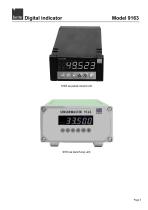
Digital indicator
Open the catalog to page 5
Digital indicator
Open the catalog to page 6
Digital indicator
Open the catalog to page 7
Digital indicator
Open the catalog to page 10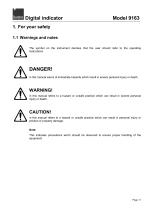
Digital indicator 1. For your safety 1.1 Warnings and notes The symbol on the instrument denotes that the user should refer to the operating instructions DANGER! in this manual warns of immediate hazards which result in severe personal injury or death. WARNING! in this manual refers to a hazard or unsafe practice which can result in severe personal injury or death. CAUTION! in this manual refers to a hazard or unsafe practice which can result in personal injury or product or property damage. Note: This indicates precautions which should be observed to ensure proper handling of the equipment
Open the catalog to page 11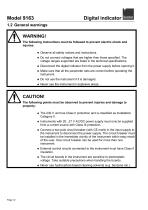
Digital indicator WARNING! The following instructions must be followed to prevent electric shock and injuries: * Observe all safety notices and instructions. * Do not connect voltages that are higher than those specified. The voltage ranges supported are listed in the technical specifications. * Disconnect the digital indicator from the power supply before opening it. * Make sure that all the parameter sets are correct before operating the instrument. * Never use the instrument in explosive areas. CAUTION! The following points must be observed to prevent injuries and damage to property: * The...
Open the catalog to page 12
Digital indicator 2. Introduction This instrument is designed to measure rapidly changing electrical quantities. It includes up to two analog main inputs plus two auxiliary inputs, which can be used for numerous potential applications such as differential measurements. The main inputs are suitable for standard linear signals and for pressure transducers, load cells, potentiometers, thermocouples and resistance thermometers. Custom linearization of the inputs is also possible. The inputs can be configured via the keypad. This range of indicators from burster provides the ideal solution for all...
Open the catalog to page 13
Digital indicator 2.2.1 Customer service department For enquiries about repairs Please have your serial number ready for such enquiries. We need this number to find out the technical specifications of your instrument and hence provide you with rapid assistance. The serial number is shown on the type plate. burster praezisionsmesstechnik gmbh & co kg provides a manufacturer's warranty for a period of 24 months after delivery. Any repairs required during this time will be made without charge. Damage caused by improper use of the device is not covered by the warranty. If you are returning the device...
Open the catalog to page 14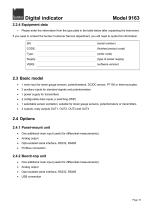
Digital indicator Model 9163 2.2.4 Equipment data > Please enter the information from the type plate in the table below after unpacking the instrument. If you need to contact the burster Customer Service department, you will need to quote this information. (serial number) (finished product code) (order code) (type of power supply) (software version) • 1 main input for strain gauge sensors, potentiometers, DC/DC sensor, PT100 or thermocouples. • 2 auxiliary inputs for standard signals and potentiometers • 1 power supply for transmitters • 2 configurable data inputs, p switching (PNP) • 1 selectable...
Open the catalog to page 15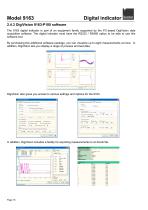
Digital indicator 2.4.3 DigiVision 9163-P100 software The 9163 digital indicator is part of an equipment family supported by the PC-based DigiVision data acquisition software. The digital indicator must have the RS232 / RS485 option to be able to use this software tool. By purchasing this additional software package, you can visualize up to eight measurements at once. In addition, DigiVision lets you display a range of process and test data. DigiVision also gives you access to various settings and options for the 9163. In addition, DigiVision includes a facility for exporting measurements to...
Open the catalog to page 16
Digital indicator Model 9163 3. Preparing for use 3.1 Unpacking Perform these tasks immediately after unpacking: > Enter the technical data from the type plate in the table in section 2.2.4: "Equipment data". If you need to contact the burster Customer Service department, you will need to quote this information. > Inspect the instrument carefully for damage. > Check that the shipment is complete. A standard package includes: o 9163 digital indicator o 2 fixing clips o Shock protection o Dust protection seal o Operating manual > Make sure that the order code matches the device configuration. The...
Open the catalog to page 17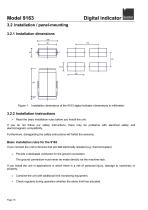
Digital indicator 3.2 Installation / panel-mounting 3.2.1 Installation dimensions Figure 1: Installation dimensions of the 9163 digital indicator (dimensions in millimeter) Read the basic installation rules before you install the unit. If you do not follow our safety instructions, there may be problems with electrical safety and electromagnetic compatibility. Furthermore, disregarding the safety instructions will forfeit the warranty. Basic installation rules for the 9163 If you connect the unit to devices that are not electrically isolated (e.g. thermocouples): Provide a dedicated conductor...
Open the catalog to page 18All Burster präzisionsmesstechnik gmbh & co kg catalogs and technical brochures
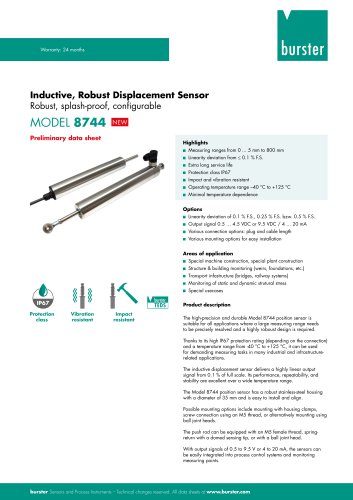 Data Sheet Model 8744
6 Pages
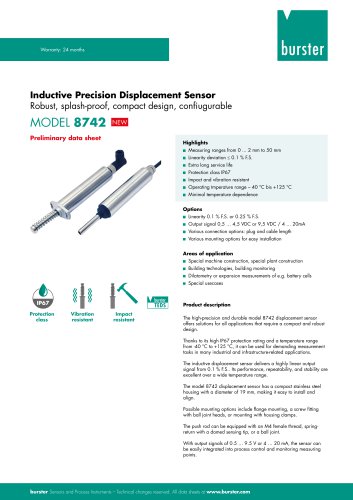 Data Sheet Model 8742
6 Pages
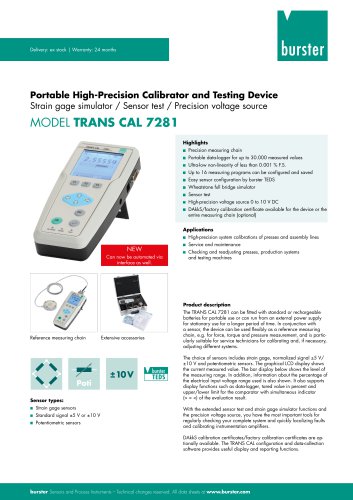 Data Sheet Model 7281
5 Pages
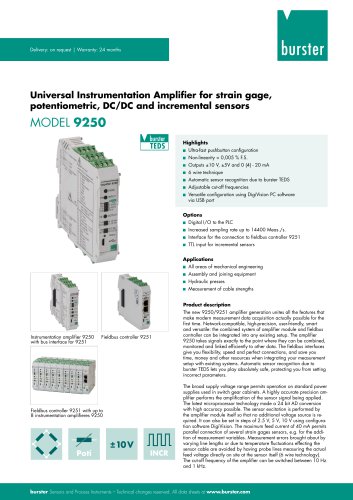 Data Sheet Model 9250
7 Pages
 Operation manual 2025
76 Pages
 Data Sheet Model 8523 (2025)
8 Pages
 Data-Sheet- Model 8228
6 Pages
 Data Sheet Model 8656
7 Pages
 Brochure Load Cell
25 Pages
 Data Sheet Model 8510 (2025)
5 Pages
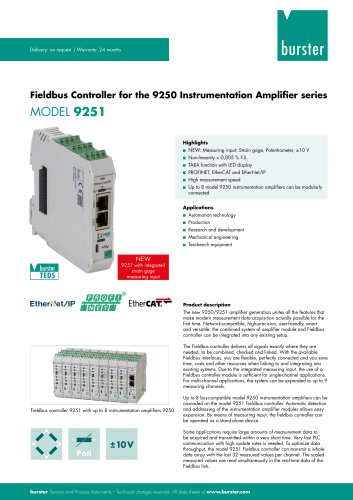 Data-Sheet - 9251
6 Pages
 Data sheet Model 8631
5 Pages
 Data Sheet Model 2511
6 Pages
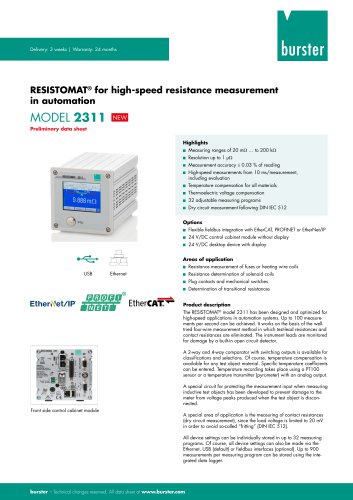 Data Sheet Model 2311
5 Pages
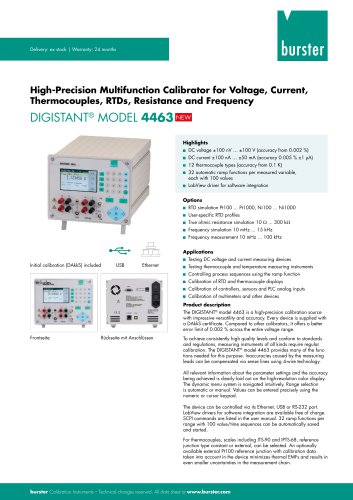 Data Sheet Model 4463
5 Pages
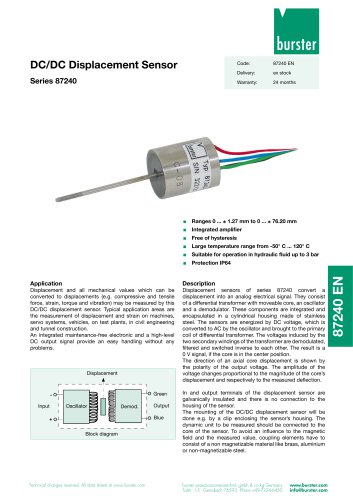 Data Sheet Typ 87240
2 Pages
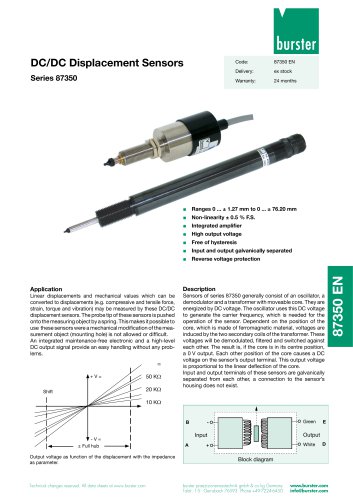 Data Sheet Series 87350
2 Pages
 Data Sheet Model 8630
6 Pages
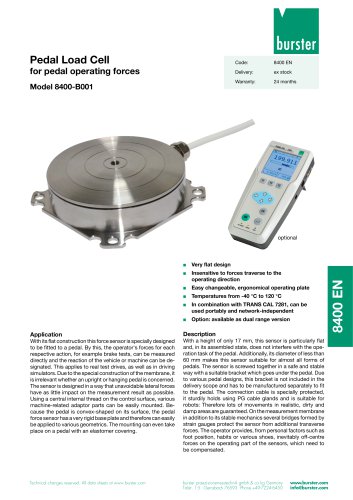 Data Sheet Model 8400-B001
2 Pages
 Load-cell
25 Pages
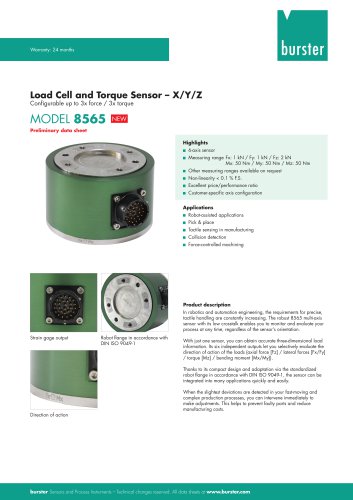 Data Sheet Motel 8565 (2025)
5 Pages
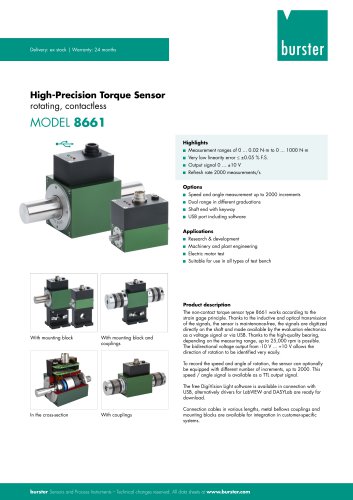
 Torque Sensors
9 Pages
 Data Sheet Typ 8625
7 Pages
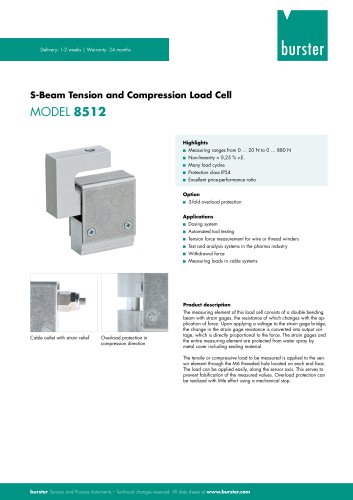 Data Sheet Typ 8512 (2025)
5 Pages
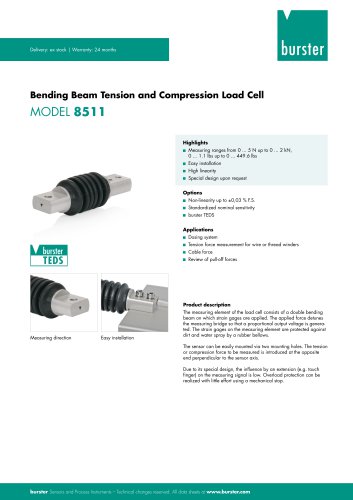 Data Sheet Model 8511 (2025)
6 Pages
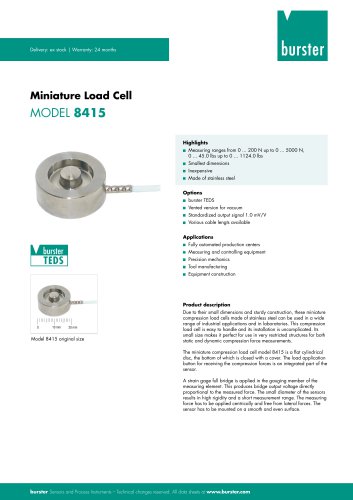 Data Sheet Model 8415 (2025)
6 Pages
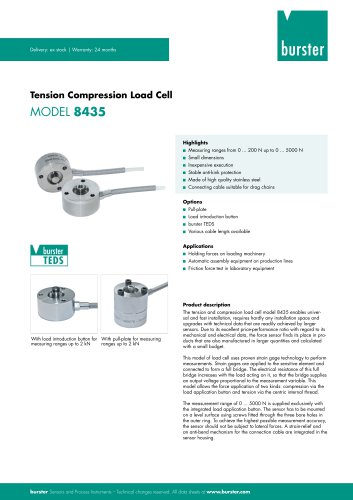 Data sheet Model 8435 (2025)
7 Pages
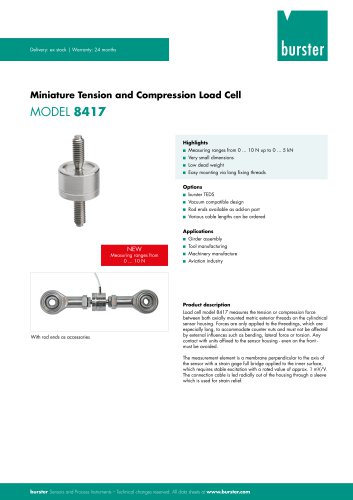 Data Sheet Typ 8417 (2025)
7 Pages
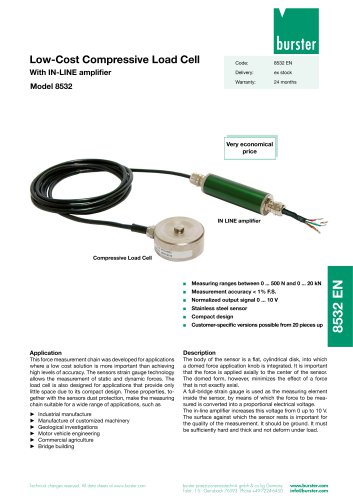 Data Sheet Typ 8532 (2025)
2 Pages
 Data Sheet 8427 (2025)
7 Pages
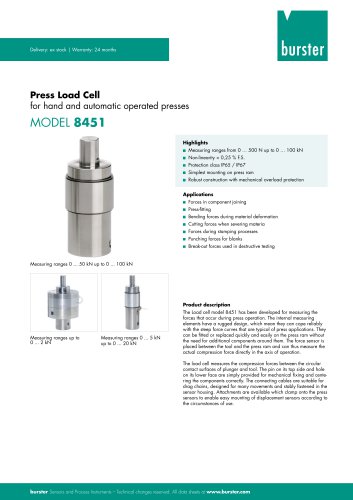 Data Sheet Motel 8451 (2025)
7 Pages
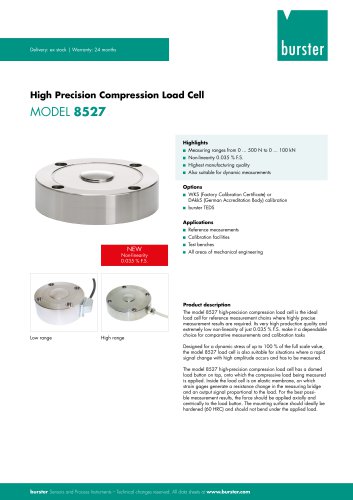 Data Sheet Model 8527 (2025)
7 Pages
 Data Sheet Model 8526 (2025)
9 Pages
 Flyer Load Experts 2025
1 Page
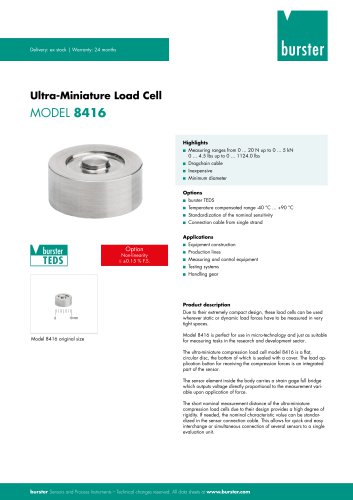 Data sheet Typ 8416 (2025)
6 Pages
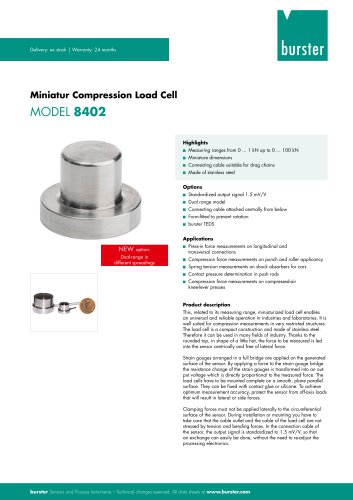 Data Sheet Model 8402 (2025)
6 Pages
 2511 BATTERY MEASURING MODULE
14 Pages
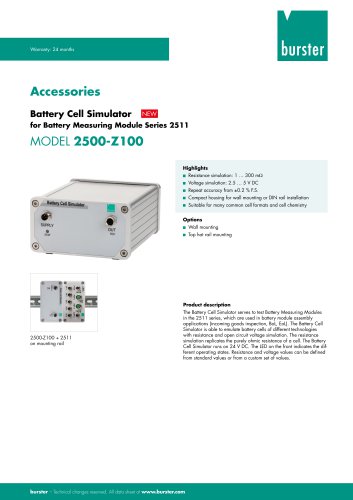 Data Sheet- Model 2500-Z100
2 Pages
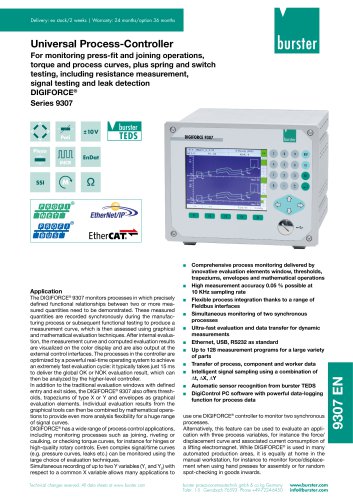 Data Sheet Typ 9307
6 Pages
 Data Sheet Model 9210
5 Pages
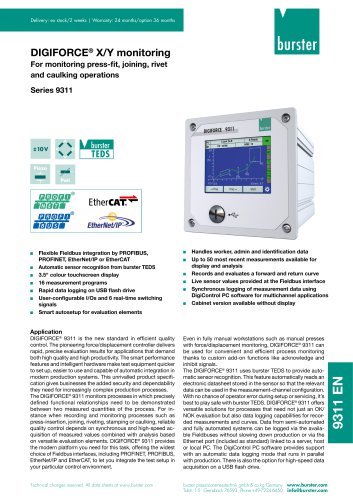 Data Sheet Typ 9311
6 Pages
 Data Sheet Typ 8655 (2025)
7 Pages
 Displacement Sensors 2025
2 Pages
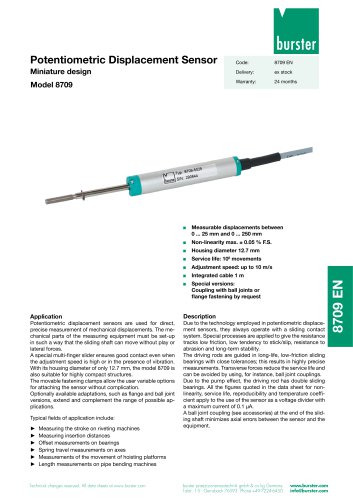 Data sheet Model 8709 (2025)
2 Pages
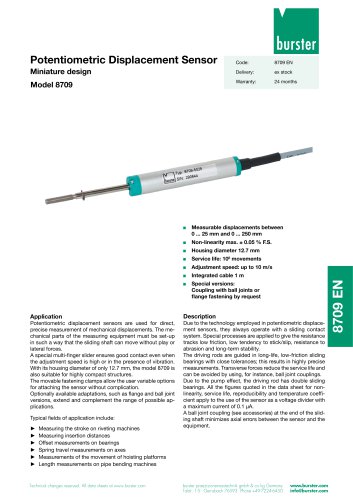 Data sheet Model 8709
2 Pages
 Data Sheet Typ 8655
7 Pages
 Data Sheet Model 8524
8 Pages
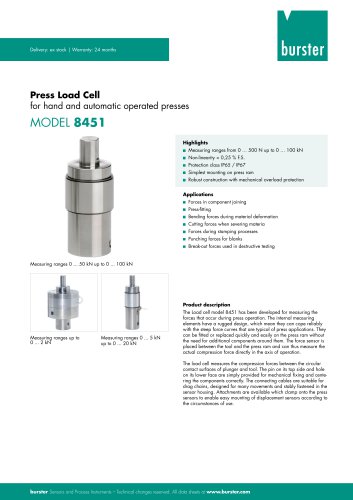 Data Sheet Motel 8451
7 Pages
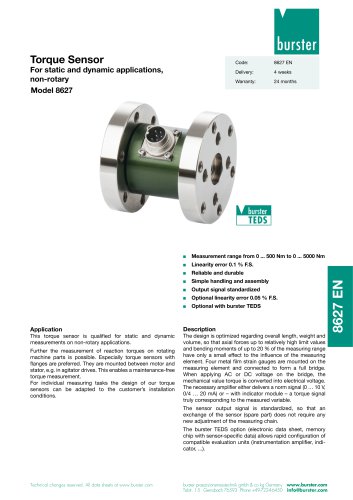 Data Sheet Typ 8627
2 Pages
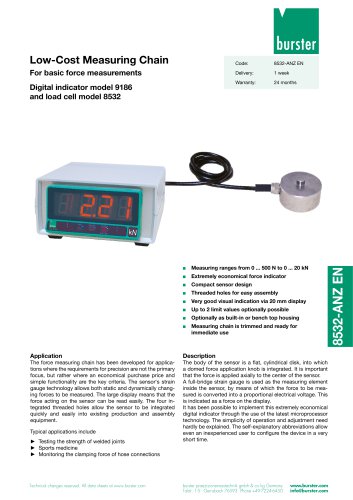 Data Sheet Model 9186/8532
2 Pages
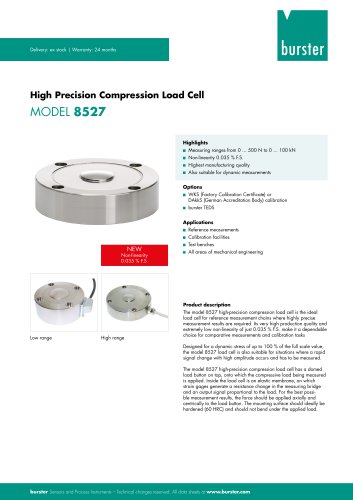 Data Sheet Model 8527
7 Pages
 Data Sheet Typ 8512
5 Pages
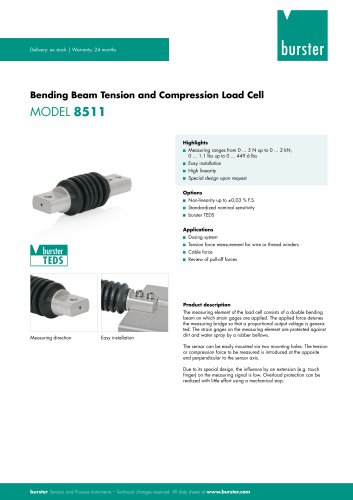 Data Sheet Model 8511
6 Pages
 Data Sheet Typ 8625
7 Pages
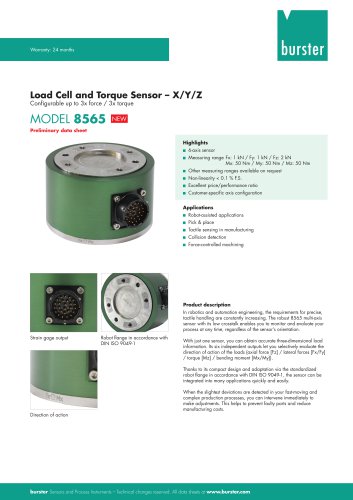 Data Sheet Motel 8565
5 Pages
 Data Sheet Typ 8532
2 Pages
 Data Sheet Model 8561
6 Pages
 Data Sheet Model 8510
5 Pages
 Data Sheet Model 8523
8 Pages
 Data Sheet Model 8526
9 Pages
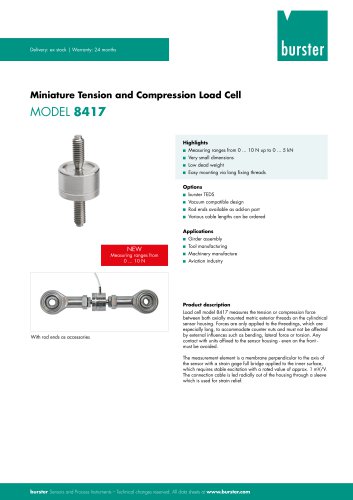 Data Sheet Typ 8417
7 Pages
 Data Sheet - Model 8438
6 Pages
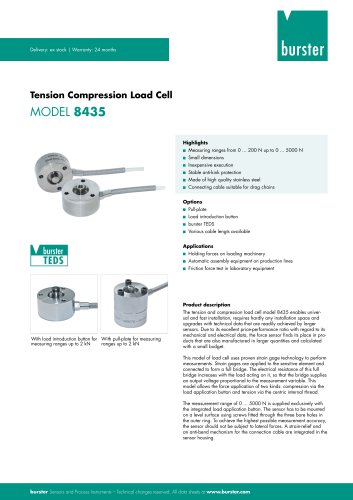 Data sheet Model 8435
7 Pages
 Data Sheet 8427
7 Pages
 Data Sheet Model 8402
6 Pages
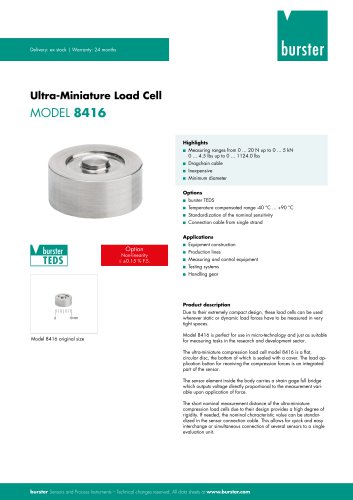 Data sheet Typ 8416
6 Pages
 Press fitting - the reliable way
11 Pages
 Data Sheet Model 9243
2 Pages
 Displacement Sensors
2 Pages
 Flyer Load Experts
1 Page
 Sensor Solutions
1 Page
 Data Sheet Model 9235
2 Pages
 Data sheet Series 8738
2 Pages
 Flyer Battery Tester
1 Page
 Data Sheet Model 2560
5 Pages
 Operation manual
76 Pages
 Data Sheet Typ 8739
2 Pages
 RESISTOMAT® Model 2329
4 Pages
 Data Sheet Model 2550
4 Pages
 Data Sheet Typ 8645
5 Pages
 Flyer Displacement Sensor
2 Pages
 Data Sheet - Model 8670
4 Pages
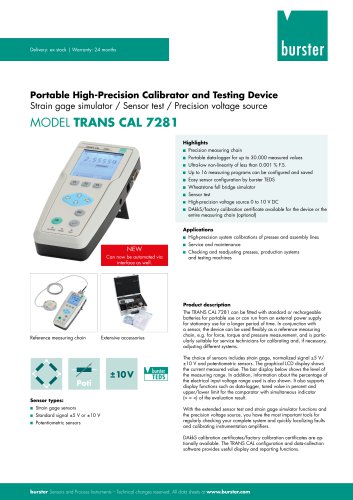




























Archived catalogs
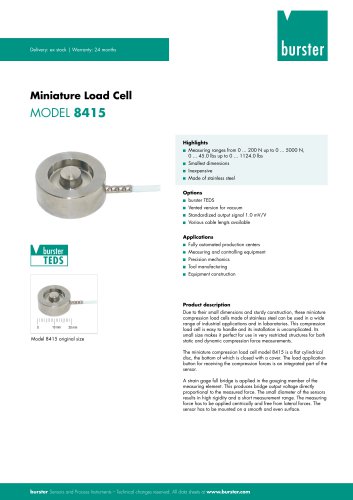 Data Sheet Model 8415
6 Pages

- Pressure transmitter
- BURSTER tension/compression load cell
- BURSTER steel load cell
- Calibration system
- BURSTER strain gauge load cell
- Analog pressure transmitter
- BURSTER stainless steel load cell
- Membrane pressure transmitter
- Waterproof pressure transmitter
- Stainless steel pressure transmitter
- Panel panel meter
- Relative pressure transmitter
- Position transducer
- Signal amplifying integrated circuit
- Beam type force sensor
- BURSTER compression load cell
- Automated software