
- Catalogs
- burster Measurement Solutions GmbH
- OPERATING MANUAL ForceMaster 9110

OPERATING MANUAL ForceMaster 9110

OPERATING MANUAL ForceMaster 9110
Catalog excerpts

Valid from: OPERATING MANUAL ForceMaster 9110 burster prazisionsmesstechnik gmbh & co kg All rights reserved burster prazisionsmesstechnik gmbh & co kg TalstraGe 1 - 5 P.O.Box 1432 Germany Germany E-Mail: [email protected]
Open the catalog to page 1
Warranty - exclusion of liability All information in the present documentation was prepared and compiled with great care and reproduced subject to effective control measures. No warranty is provided for freedom from errors. We reserve the right to make technical changes. The present information as well as the corresponding technical data can change without notice. Reproduction of any part of this documentation or its processing or revision using electronic systems is prohibited without the manufacturer's prior written approval. Components, devices and measured value sensors made by burster präzisionsmesstechnik...
Open the catalog to page 2
The measurement solution. Konformitatserklarung (nach en iso/iec 170501 2010) Declaration of conformity (in accordance with EN ISO/IEC 17050-1:2010) Issuer’s name: burster prazisionsmesstechnik gmbh & co kg Issuer’s address: Modellnummer(n) (Typ): Model number / type: Diese Erklarung beinhaltet obengenannte Produkte mit alien Optionen This declaration covers all options of the above product(s) The object of the declaration described above is in conformity with the requirements of the following documents: Dokument-Nr Titel Electromagnetic Compatibility EN 61010-1 Sicherheitsbestimmungen fur elektrische...
Open the catalog to page 3
The following symbols on the device and in this manual warn of hazards: Symbols in the manual Warning Death or serious injury can occur if no appropriate precautions are taken. Note It is important to heed these safety notices in order to ensure correct handling of the instrument. Symbols on the device Observe the text on the device Observe the text next to/underneath the warning sign: "Unplug the mains before opening! - Observe safety instruction - Servicing only by trained technicians" Damage to property can occur if no appropriate precautions are taken.
Open the catalog to page 9
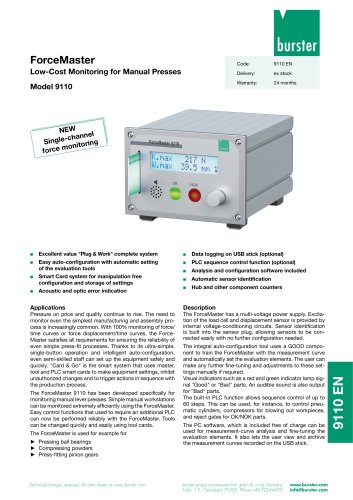
2. Introduction2.1 Intended use The ForceMaster 9110 is a device for monitoring repetitive production processes. Its particular purpose is the recording and evaluation of process signals, where the curve of the force has a defined relationship with displacement or time. The result of the analysis is classified as either ACCEPTABLE (OK) or is NOT acceptable (NOK). Visual and acoustic signals are given, and made available at various interfaces. The device is not a replacement for safety equipment, such as for the emergency shutdown of a press if the pressing force exceeds a limit value. • clean...
Open the catalog to page 10
2.3 Personnel The operating personnel must be familiar with the respectively applicable regulations. They must follow these regulations. • Operating manual If you open up the ForceMaster 9110 or dismantle it during the warranty period, the warranty will be immediately voided. The ForceMaster 9110 may only be opened by our technical personnel. It is forbidden to make any modification to the ForceMaster 9110 without our written permission. In that case we can accept no liability.
Open the catalog to page 11
Device concept The ForceMaster 9110 is a measuring instrument that monitors production operations at manual presses by measuring the applied force and the distance travelled by the punch. The design includes mechanisms that make sure that reported errors cannot be ignored. Simple operation Bei der Entwicklung des ForceMaster 9110 wurde auf einfache Bedienung großer Wert gelegt. Es gibt nur einen Bedienknopf, der genügt, um durch das Menü zu navigieren. The work required to set up the ForceMaster 9110 has been simplified through the introduction of an autoconfiguration system. You carry out the...
Open the catalog to page 12
Two recording modes are available to you. A CSV file is generated in both cases. Many statistical programs (e.g. Excel, Access) can process this format. • A job file records the data measured for each part, including what force was reached, and whether the part was OK. A menu allows you to choose whether the entire pressing curve is to be stored. Because a pressing curve contains a relatively large amount of data, the storage process takes up to 3 seconds. In addition, this data record takes a correspondingly large amount of storage on the stick. It is possible to collect the accumulated data...
Open the catalog to page 13
burster 3.8 Front view of the ForceMaster 9110
Open the catalog to page 14
3.9 Rear view of the ForceMaster 9110
Open the catalog to page 15
Menu structure of the ForceMaster 9110/ 3.10 Menu structure of the ForceMaster 9110 | MENUE start [ -ToolCard direct -Stepl teach-in -Gateway no thread in force -Hide block force -Monitor block force -Monitor BK+disp. -Error signal -Error signal volume -Error acknowledge
Open the catalog to page 16
-Edit prog. -Delte prog. -Block PLC+I/O -Special disp -Display format -Standard settings -Display of the device data Device concept
Open the catalog to page 17
3.10.1 Operating example (extract from the menu) Man. settings Error signals Order data Menu structure of the ForceMaster 9110/ Error signal Ackn. error ^^^^^ Extract from the setting menu The menu structure of the ForceMaster 9110 has been kept simple. Like PC applications, there is a main menu. When you select a menu item, you are taken to a sub-menu. 3.10.2 Aids to orientation for operation Arrows that indicate the possible directions of rotation are provided on the lower right of the display, immediately next to the rotary knob, for better orientation in the menu. If the arrow points to the...
Open the catalog to page 18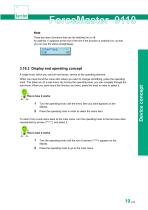
Note There are menu functions that can be switched on or off. An asterisk (*) appears at the end of the line if the function is switched on, so that you can see the status straightaway. A single knob, which you can turn and press, serves as the operating element. When you have found the menu item where you want to change something, press the operating knob. This takes you to a sub-menu. By turning the operating knob, you can navigate through the sub-menu. When you have found the function you want, press the knob in order to select it. 1 Turn the operating knob until the menu item you want appears...
Open the catalog to page 19All Burster Measurement Solutions GmbH catalogs and technical brochures
 Operation Manual Model 8565
24 Pages
 Data Sheet Model 8744
6 Pages
 Data Sheet Model 8742
6 Pages
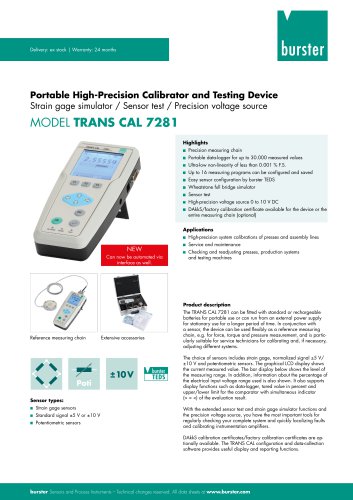 Data Sheet Model 7281
5 Pages
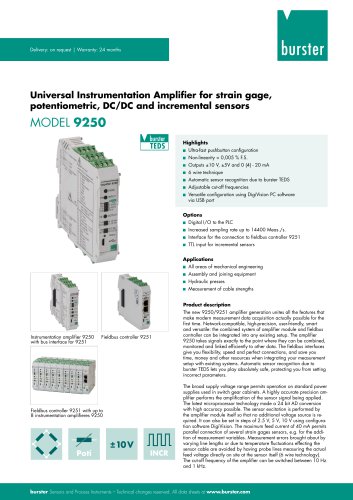 Data Sheet Model 9250
7 Pages
 Operation manual 2025
76 Pages
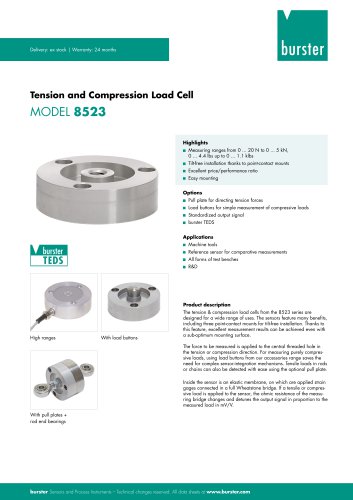 Data Sheet Model 8523 (2025)
8 Pages
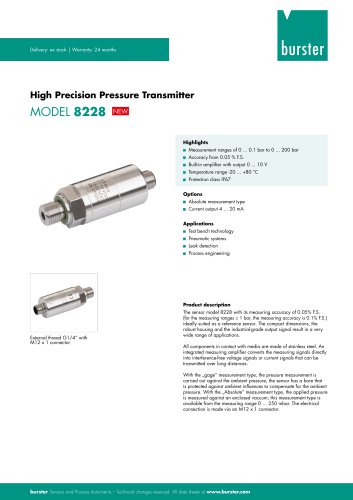 Data-Sheet- Model 8228
6 Pages
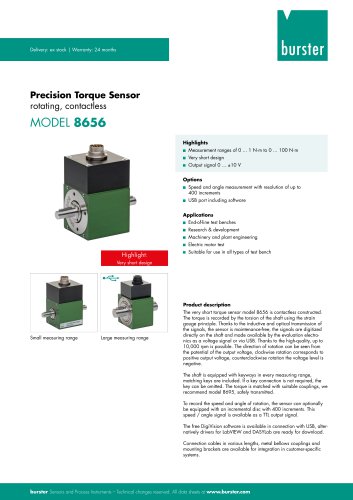 Data Sheet Model 8656
7 Pages
 Brochure Load Cell
25 Pages
 Data Sheet Model 8510 (2025)
5 Pages
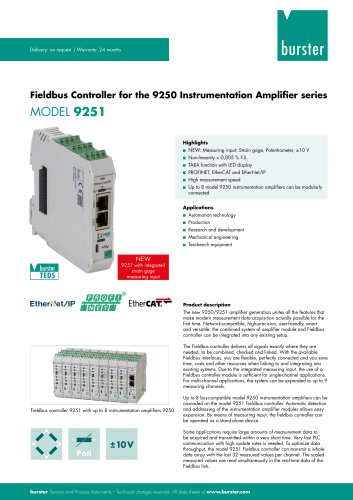 Data-Sheet - 9251
6 Pages
 Data sheet Model 8631
5 Pages
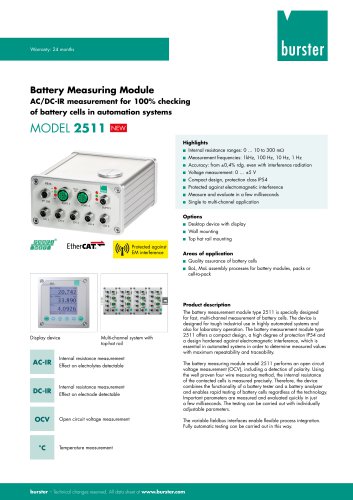 Data Sheet Model 2511
6 Pages
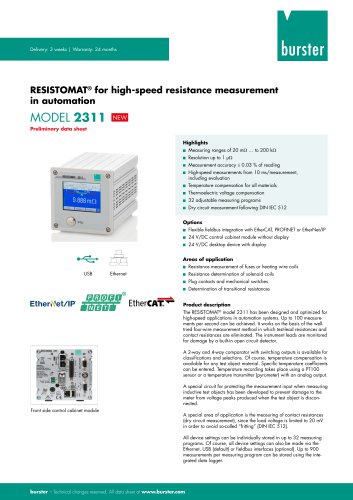 Data Sheet Model 2311
5 Pages
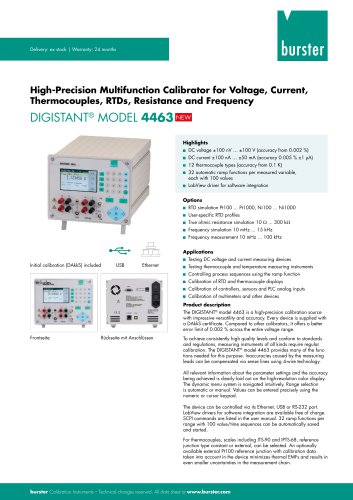 Data Sheet Model 4463
5 Pages
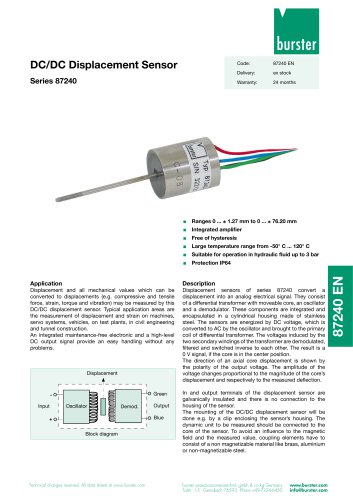 Data Sheet Typ 87240
2 Pages
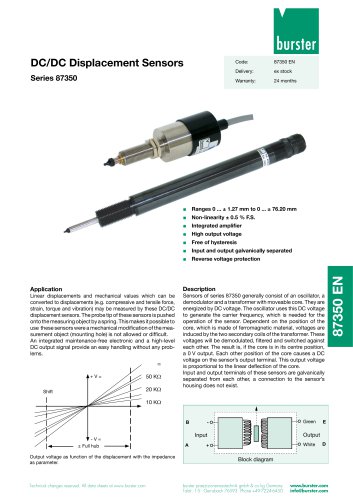 Data Sheet Series 87350
2 Pages
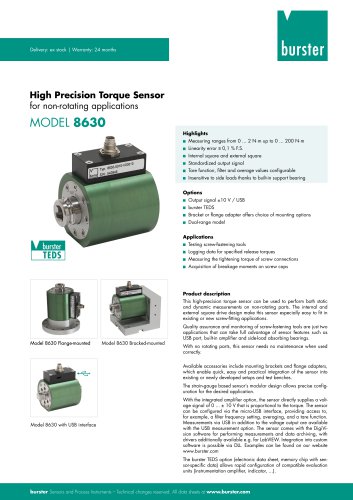 Data Sheet Model 8630
6 Pages
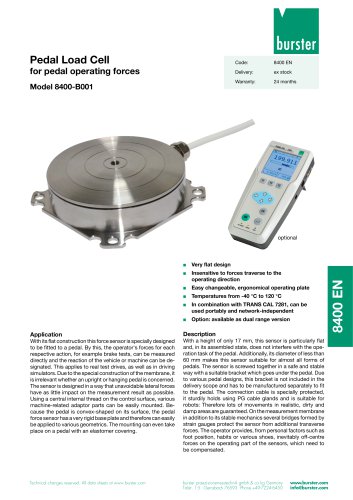 Data Sheet Model 8400-B001
2 Pages
 Load-cell
25 Pages
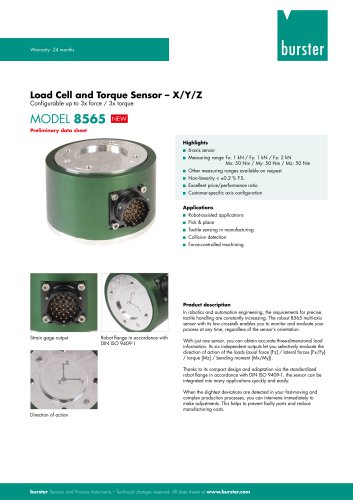 Data Sheet Model 8565
5 Pages
 Torque Sensors
9 Pages
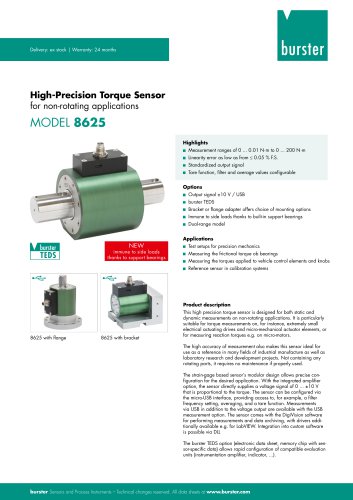 Data Sheet Typ 8625
7 Pages
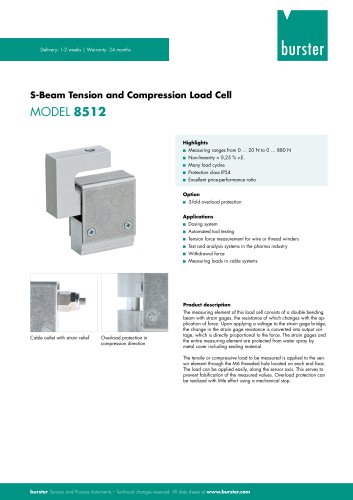 Data Sheet Typ 8512 (2025)
5 Pages
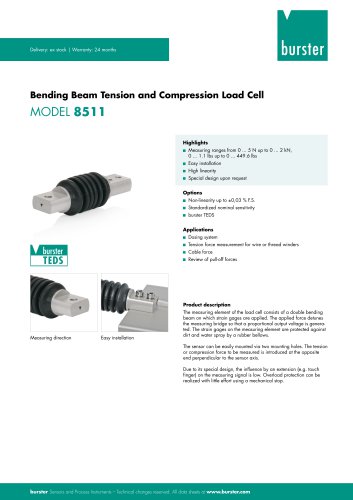 Data Sheet Model 8511 (2025)
6 Pages
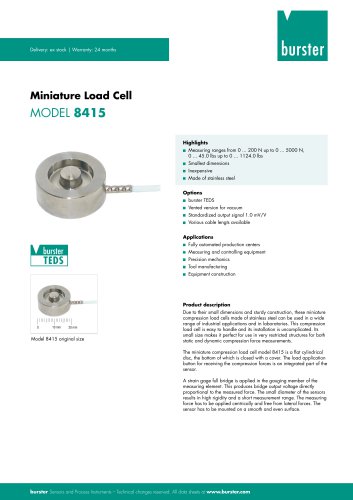 Data Sheet Model 8415 (2025)
6 Pages
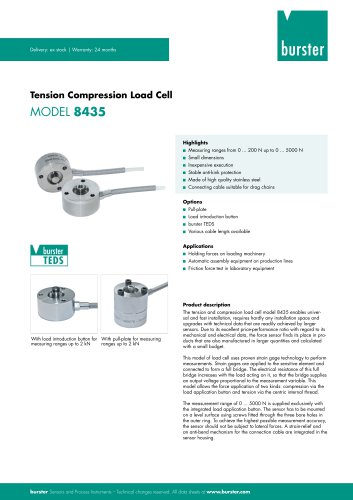 Data sheet Model 8435 (2025)
7 Pages
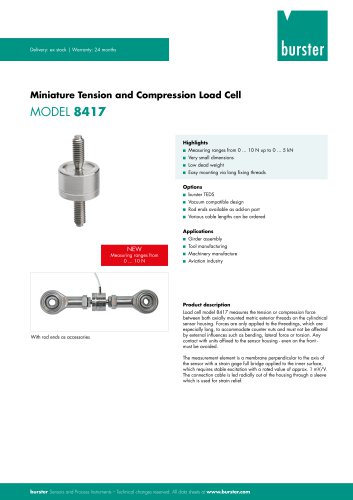 Data Sheet Typ 8417 (2025)
7 Pages
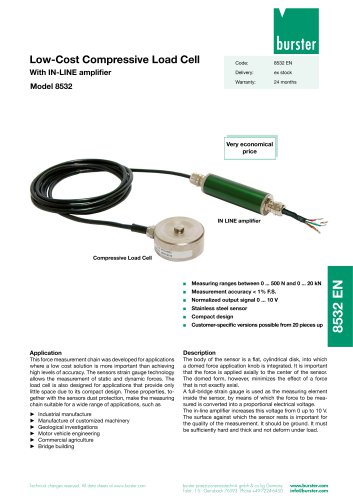 Data Sheet Typ 8532 (2025)
2 Pages
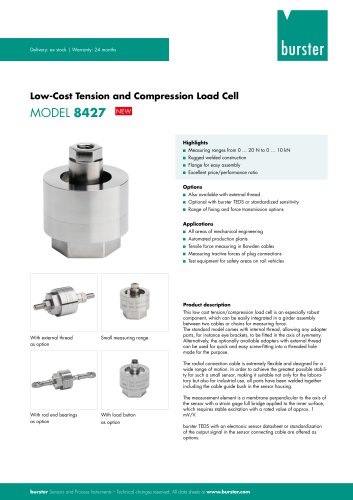 Data Sheet 8427 (2025)
7 Pages
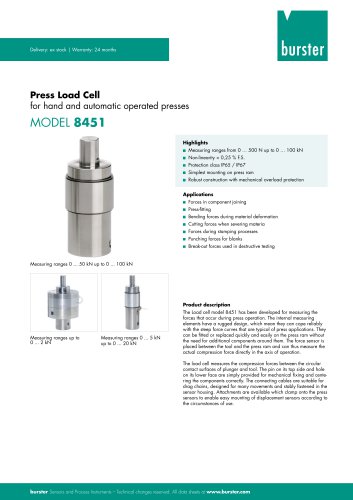 Data Sheet Motel 8451 (2025)
7 Pages
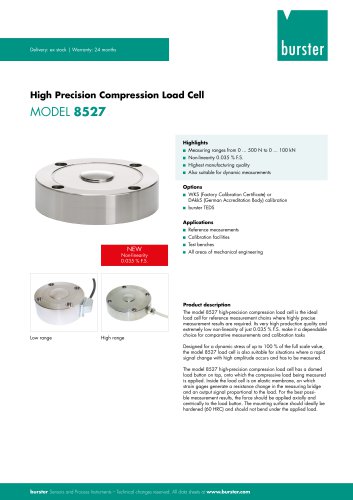 Data Sheet Model 8527 (2025)
7 Pages
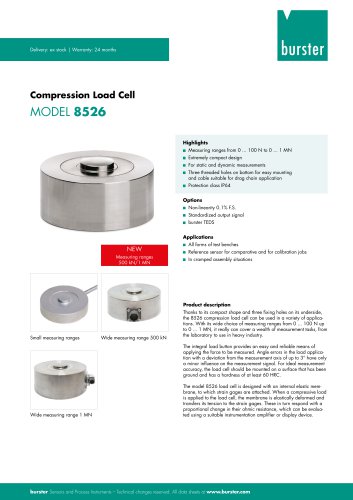 Data Sheet Model 8526 (2025)
9 Pages
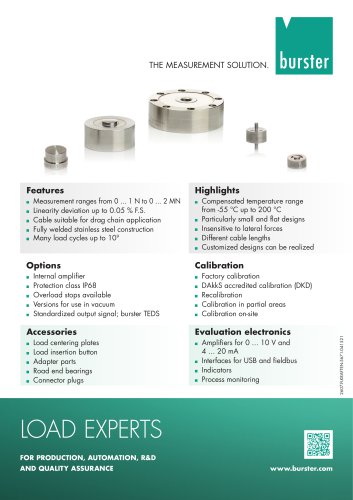 Flyer Load Experts 2025
1 Page
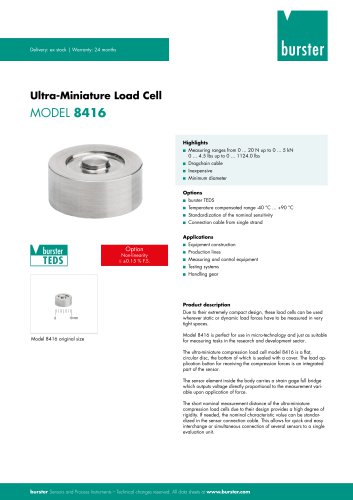 Data sheet Typ 8416 (2025)
6 Pages
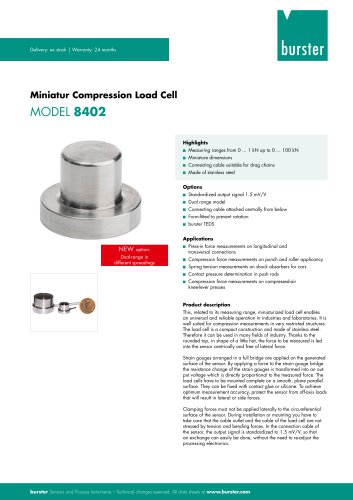 Data Sheet Model 8402 (2025)
6 Pages
 2511 BATTERY MEASURING MODULE
14 Pages
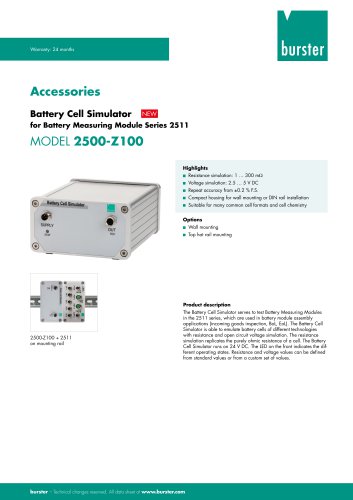 Data Sheet- Model 2500-Z100
2 Pages
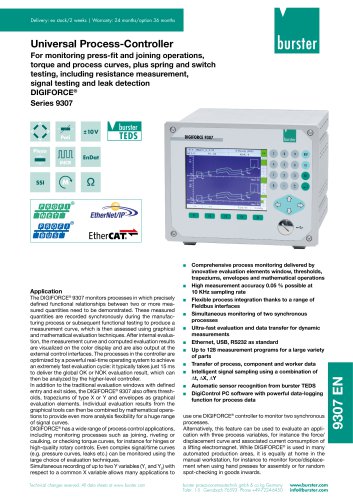 Data Sheet Typ 9307
6 Pages
 Data Sheet Model 9210
5 Pages
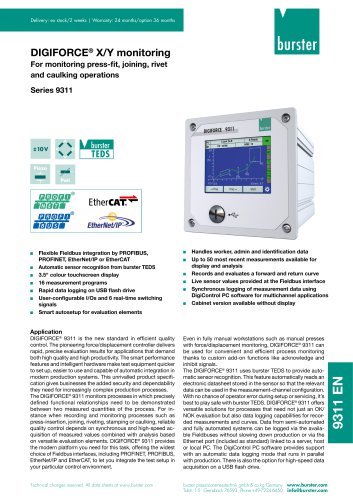 Data Sheet Typ 9311
6 Pages
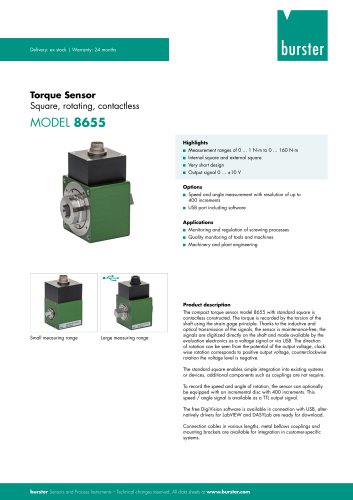 Data Sheet Typ 8655 (2025)
7 Pages
 Displacement Sensors 2025
2 Pages
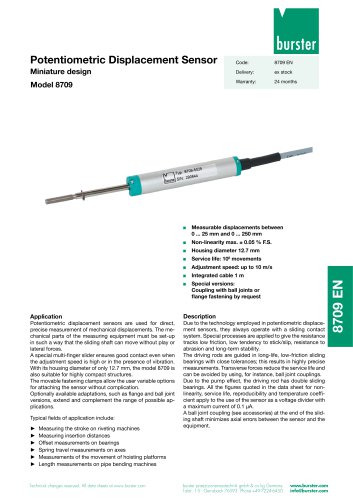 Data sheet Model 8709 (2025)
2 Pages
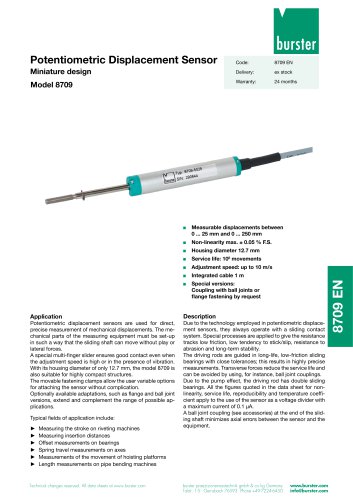 Data sheet Model 8709
2 Pages
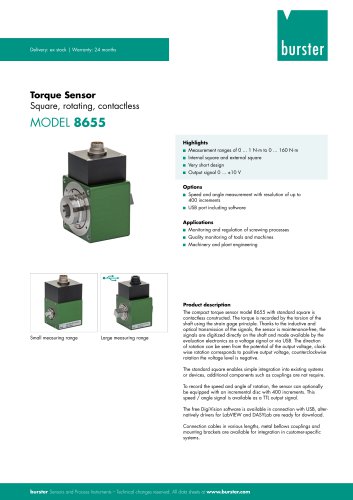 Data Sheet Typ 8655
7 Pages
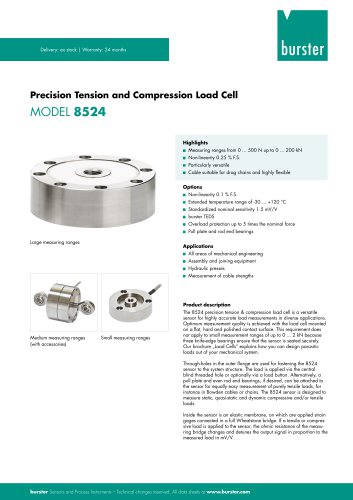 Data Sheet Model 8524
8 Pages
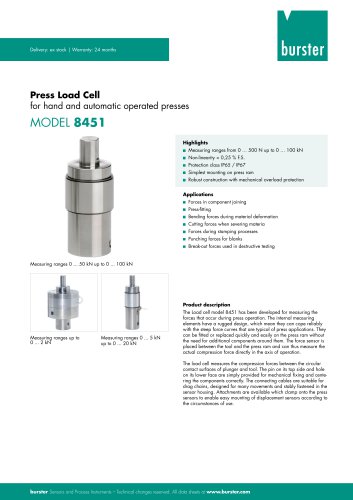 Data Sheet Motel 8451
7 Pages
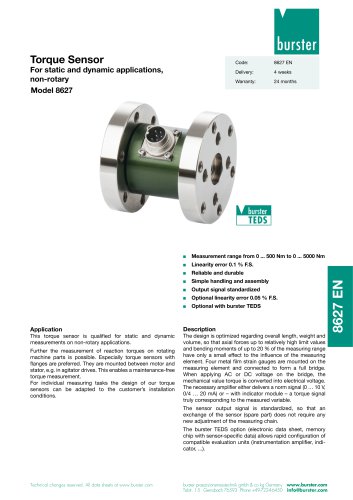 Data Sheet Typ 8627
2 Pages
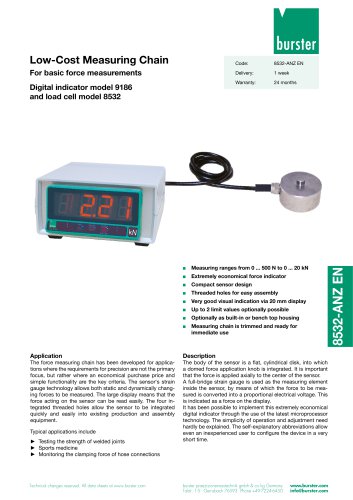 Data Sheet Model 9186/8532
2 Pages
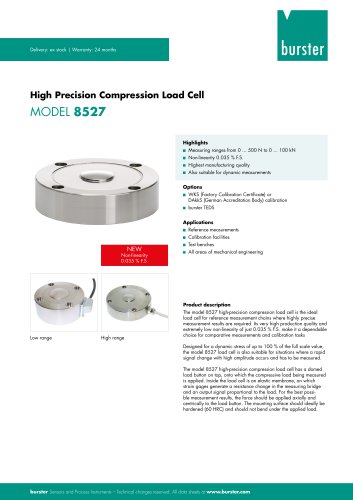 Data Sheet Model 8527
7 Pages
 Data Sheet Typ 8512
5 Pages
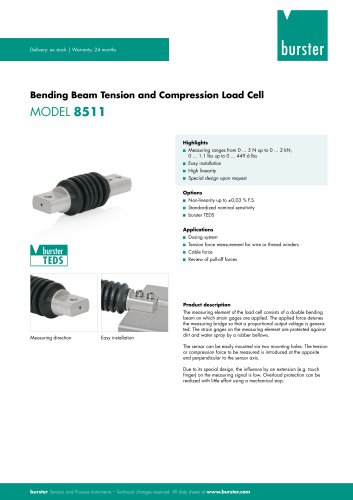 Data Sheet Model 8511
6 Pages
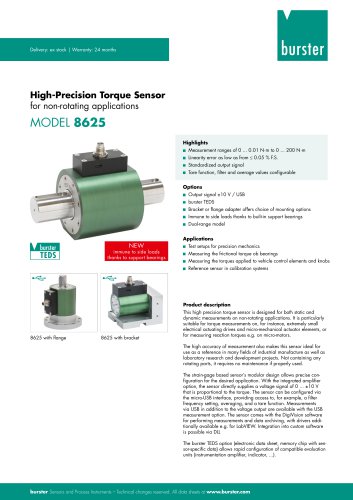 Data Sheet Typ 8625
7 Pages
 Data Sheet Typ 8532
2 Pages
 Data Sheet Model 8561
6 Pages
 Data Sheet Model 8510
5 Pages
 Data Sheet Model 8523
8 Pages
 Data Sheet Model 8526
9 Pages
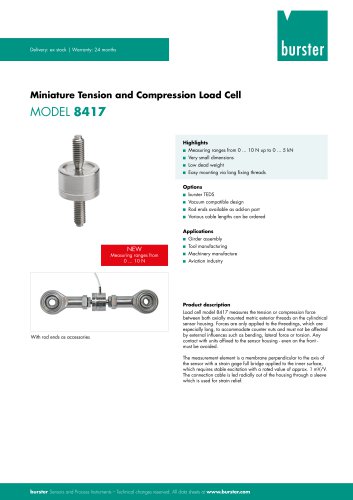 Data Sheet Typ 8417
7 Pages
 Data Sheet - Model 8438
6 Pages
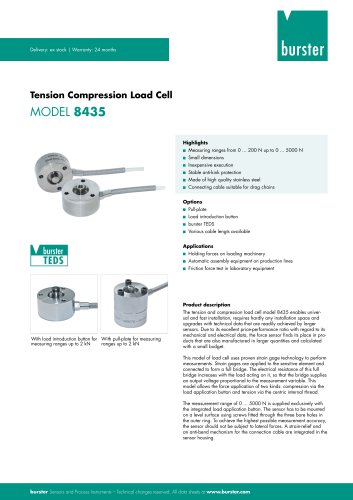 Data sheet Model 8435
7 Pages
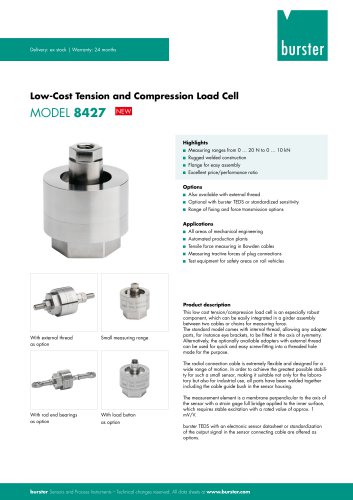 Data Sheet 8427
7 Pages
 Data Sheet Model 8402
6 Pages
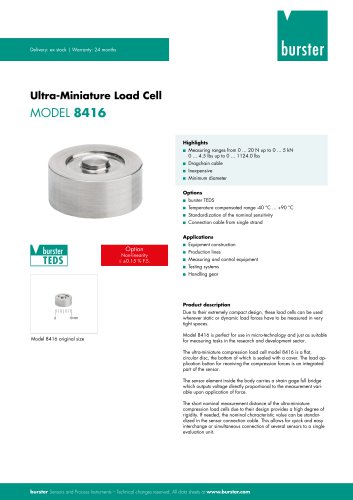 Data sheet Typ 8416
6 Pages
 Press fitting - the reliable way
11 Pages
 Data Sheet Model 9243
2 Pages
 Displacement Sensors
2 Pages
 Flyer Load Experts
1 Page
 Sensor Solutions
1 Page
 Data Sheet Model 9235
2 Pages
 Data sheet Series 8738
2 Pages
 Flyer Battery Tester
1 Page
 Data Sheet Model 2560
5 Pages
 Operation manual
76 Pages
 Data Sheet Typ 8739
2 Pages
 RESISTOMAT® Model 2329
4 Pages
 Data Sheet Model 2550
4 Pages
 Data Sheet Typ 8645
5 Pages
 Flyer Displacement Sensor
2 Pages
 Data Sheet - Model 8670
4 Pages























Archived catalogs
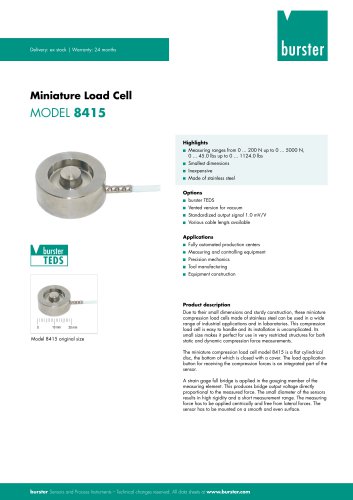 Data Sheet Model 8415
6 Pages

- Pressure transmitter
- BURSTER tension/compression load cell
- BURSTER steel load cell
- Calibration system
- Analog pressure transmitter
- BURSTER strain gauge load cell
- Digital indicator
- BURSTER stainless steel load cell
- Waterproof pressure transmitter
- Membrane pressure transmitter
- Stainless steel pressure transmitter
- Panel panel meter
- Relative pressure transmitter
- Position transducer
- Beam type force sensor
- Signal amplifying integrated circuit
- BURSTER compression load cell
- Automated software