
- Catalogs
- Beijing Breeze Technology Co.,Ltd
- Breeze BC204 Datasheet

Breeze BC204 Datasheet
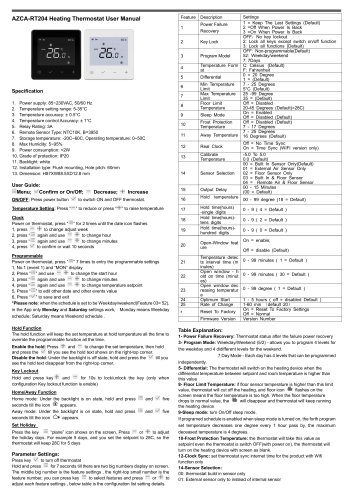
Breeze BC204 Datasheet
- Power Supply: 85~230VAC, 50/60 Hz
- Temperature Setting Range: 5-35°C
- Temperature Accuracy: ± 0.5°C
- Temperature Control Accuracy: ± 1°C
- Relay Rating: 3A
- Remote Sensor Type: NTC10K, B=3950
- Storage Temperature: -20°C to 60°C, Operating Temperature: 0°C to 50°C
- Max Humidity: 5~95%
- Power Consumption: <2W
- Grade of Protection: IP20
- Backlight: White
- Installation Type: Flush mounting, Hole pitch: 60mm
- Dimension: H87 x W88.5 x D12.8 mm
- ON/OFF: Press power button to switch thermostat on and off.
- Temperature Setting: Use buttons to increase or decrease temperature.
- Clock Setting: Adjust week, hour, and minutes by pressing the respective buttons.
- Programmable Settings: Allows setting different temperatures for weekdays and weekends.
- Hold Function: Maintains a set temperature overriding programmable settings.
- Key Lockout: Locks/unlocks keys to prevent accidental changes.
- Home/Away Function: Switch between home and away modes for energy efficiency.
- Set Holiday: Maintains a set temperature for a specified number of days.
- Power Failure Recovery: Options to keep last settings, turn off, or turn on when power is restored.
- Key Lock: Options to lock all keys or specific functions.
- Program Model: Options for non-programmable, weekday/weekend, or 7-day programming.
- Temperature Format: Celsius or Fahrenheit.
- Floor Limit Temperature: Protects against overheating by cutting off heating if floor temperature exceeds limit.
- Frost Protection Temperature: Maintains a minimum temperature to prevent freezing.
- Sensor Selection: Choose between built-in, external, or floor sensors.
- Output Delay: Delays heating device operation after reaching setpoint.
- Open-Window Feature: Detects open windows and adjusts heating accordingly.
- Includes basic wiring, volt-free switching, and connection to WB10 Wiring Centre.
- Device must be disposed of according to local electronic equipment disposal regulations.
Catalog excerpts
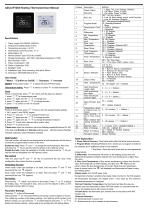
Specification 1. Power supply: 85~230VAC, 50/60 Hz 2. Temperature setting range: 5-35°C 4. Temperature control Accuracy: ± 1°C 6. Remote Sensor Type: NTC10K, B=3950 7. Storage temperature: -20C~60C, Operating temperature: 0~50C 12. Installation type: Flush mounting, Hole pitch: 60mm User Guide: :=Menu; v'Confirm or On/Off; “ Decrease; + Increase ON/OFF: Press power button v" to switch ON and OFF thermostat. Temperature Setting: Press “ ” to reduce or press “+” to raise temperature Power on thermostat, press “ :=” for 2 times until the date icon flashes 1, press - + to change adjust week 2, press “:= again and use — + to change hour 3, press “:= again and use — + to change minutes 4, press ^ to confirm or wait 10 seconds Programmable Power on thermostat, press “:=” 7 times to entry the programmable settings 2, Press “:=” and use - + to change the start hour 3, press again and use — + to change minutes 4, press “:= again and use — + to change temperature setpoint 5, Press “:=” to edit other date and other events value 6, Press “v/” to save and exit *Please note: when the schedule is set to be Weekday/weekend(Feature 03= 52), in the App only Monday and Saturday settings work, Monday means Weekday schedule; Saturday means Weekend schedule . Hold Function The hold function will keep the set temperature at hold temperature all the time to override the programmable function all the time. Enable the hold: Press ~\~ and — to change the set temperature, then hold and press the V till you see the hold text shows on the right-top corner. Disable the hold: Under the backlight is off state, hold and press the v/ till you see the hold text disappear from the right-top corner. Hold and press key + and for 10s to lock/unlock the key (only when configuration Key lockout function is enable) Home/Awav Function Home mode: Under the backlight is on state, hold and press — and v' five seconds till the icon ^ appears. Away mode: Under the backlight is on state, hold and press := and five seconds till the icon O* appears. Press the key := “plane” icon shows on the screen, Press —or + to adjust the holiday days. For example 5 days, and you set the setpoint to 28C, so the thermostat will keep 28C for 5 days Press key ^ to turn off thermostat Hold and press for 7 seconds till there are two big numbers display on screen. The middle big number is the feature settings , the right-top small number is the feature number, you can press key := to select features and press — or + to adjust each feature settings , below table is the configuration list setting details. 1- Power Failure Recovery: Thermostat status after the failure power recovery 3- Program Mode: Weekday/Weekend (5/2) - allows you to program 4 levels for the weekday and 4 didifferent levels for the weekend. 7 Day Mode - Each day has 4 levels that can be programmed 5- Differential: The thermostat will switch on the heating device when the differential temperature between setpoint and room temperature is higher than this value 8- Floor Limit Temperature: if floor sensor temperature is higher than this limit value, thermostat will cut off the heating, and floor icon ft flashes on the screen means the floor temperature is too high. When the floor temperature drops to normal value, the ft will disappear and thermostat will keep running the heating device 9- Sleep mode: turn On/Off sleep mode. If programed schedule is enabled when sleep mode is turned on, the forth program set temperature decreases one degree every 1 hour pass by, the maximum deceased temperature is 4 degrees. 10- Frost Protection Temperature: the thermostat will take this value as setpoint even the thermostat is switch OFF(with power on), the thermostat will turn on the heating device with screen as blank. 12-Clock Sync: set thermostat sync internet time for the product with Wifi function only 14-Sensor Selection: 00: thermostat build in sensor only
Open the catalog to page 1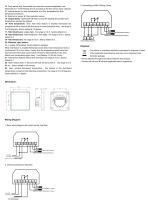
02: Floor sensor only: thermostat only show floor sensor temperature, and thermostat turn on/off heating device according to the floor sensor temp. setpoint 03: Internal sensor for room temperature, and floor temperature for floor temperature protection 04: External air sensor & Floor protection sensor 15- Output Delay: Thermostat will keep running the heating device after room temperature reaches the setpoint 16- Hold temperature: when hold temp feature is enabled thermostat set temperature will be fixed at this Hold temp for some time(Hold time) , the range is 0 to 99 degrees, factory default...
Open the catalog to page 2
Disposal The device is considered electronic equipment for disposal in terms of the applicable local Directive and may not be disposed of as domestic garbage. --Device disposal through channels provided for this purpose. --Comply with all local & currently applicable laws & regulations
Open the catalog to page 3All Beijing Breeze Technology Co.,Ltd catalogs and technical brochures
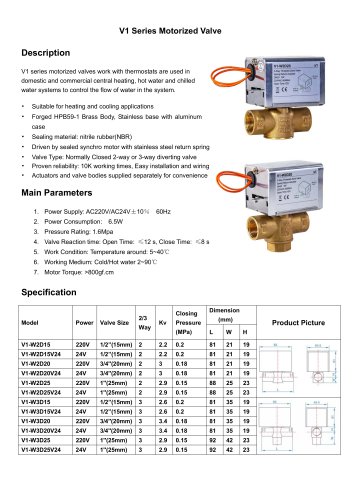 Breeze V1 Datasheet
2 Pages
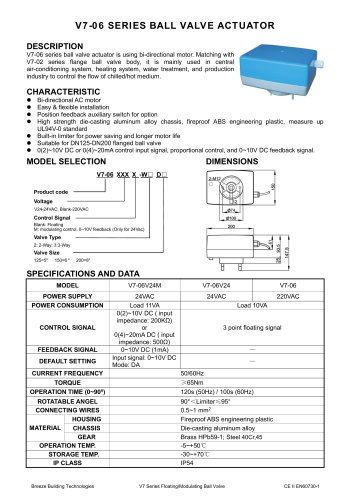 Breeze V7-06 Datasheet
2 Pages
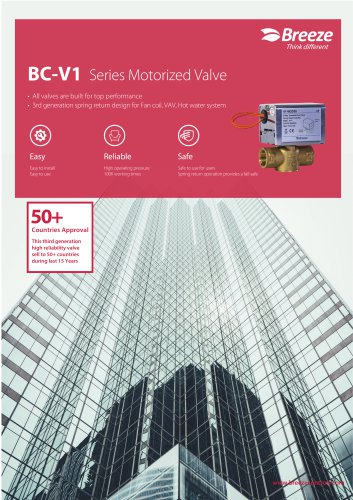 Breeze Valve Datasheet
8 Pages
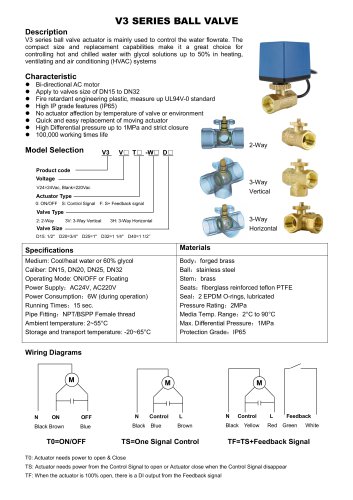 Breeze V3-W3D15 Datasheet
2 Pages
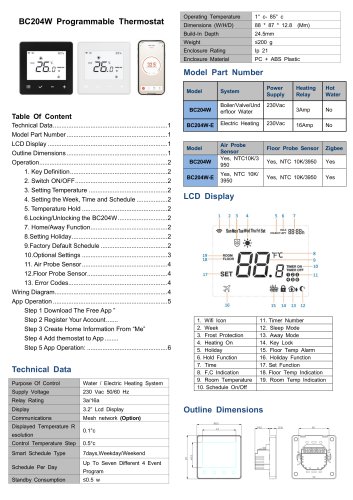 Breeze BC204-E Datasheet
6 Pages
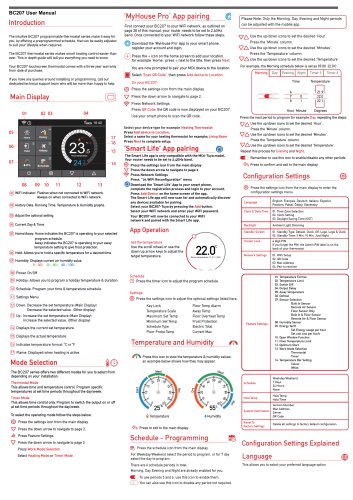 Breeze BC207-E Datasheet
3 Pages
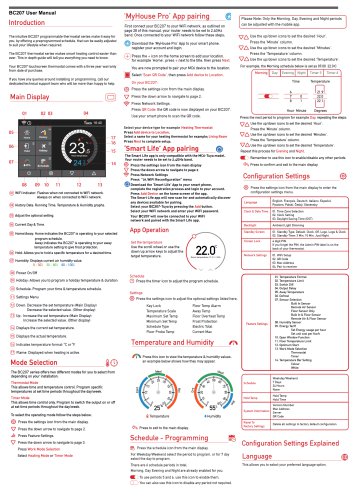 BC207W-T
3 Pages
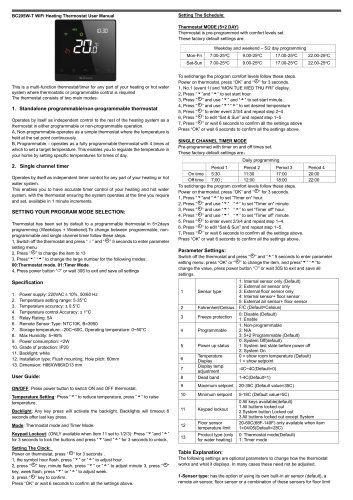 Breeze BC205W-T Datasheet
3 Pages
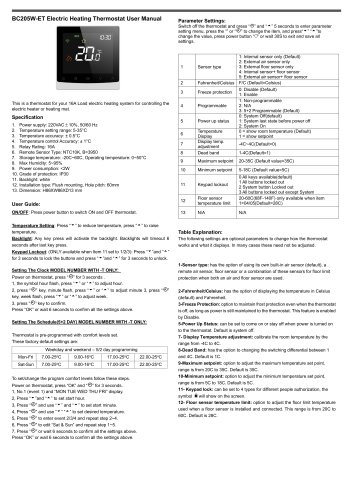 BC205-E WIFI Datasheet
3 Pages
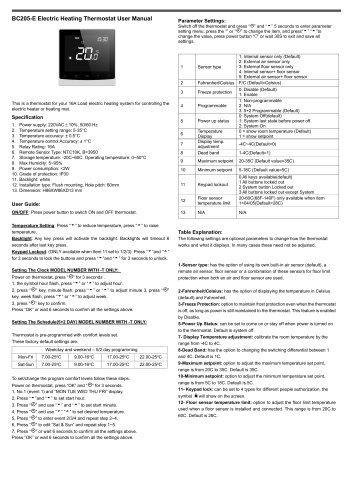 Breeze BC205-E Datasheet
2 Pages
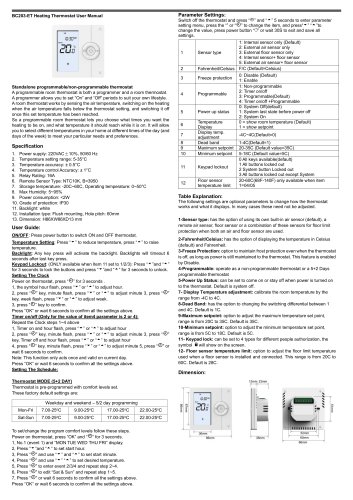 Breeze BC203-E Datasheet
2 Pages
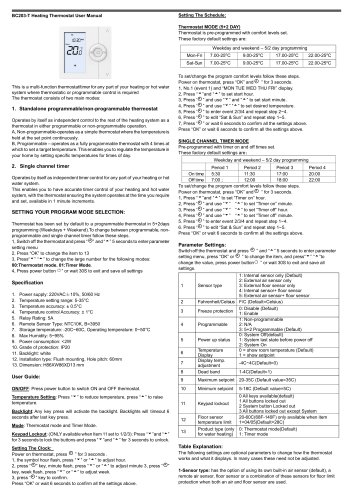 Breeze BC203 Datasheet
2 Pages
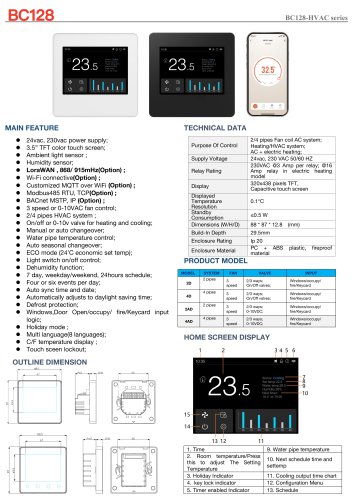 Breeze BC35-4 Datasheet
2 Pages
 Breeze BC105W-4D Datasheet
2 Pages
 Breeze BC104W-4 Datasheet
2 Pages
 Breeze BC105-4DM Datasheet
2 Pages
 Breeze BC107-4EDM Datasheet
3 Pages
 Breeze BC107-2A/4A Datasheet
3 Pages
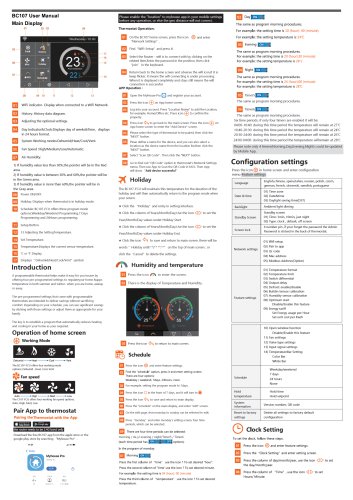 Breeze BC107-4DM Datasheet
3 Pages
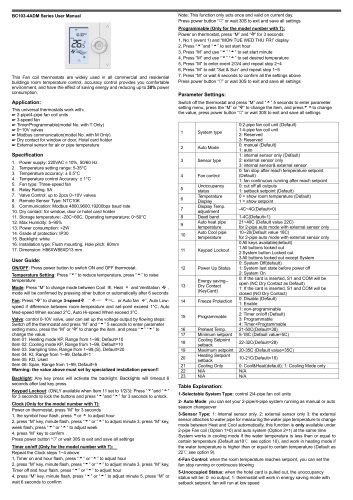 Breeze BC103-4ADM Datasheet
2 Pages
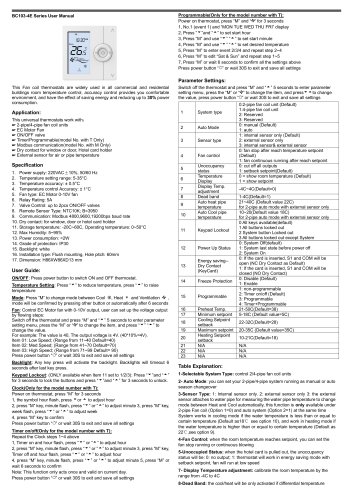 Breeze BC103-4EDM Datasheet
2 Pages
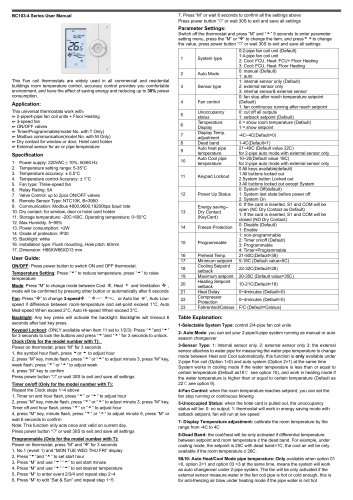 Breeze BC103-4DM Datasheet
2 Pages
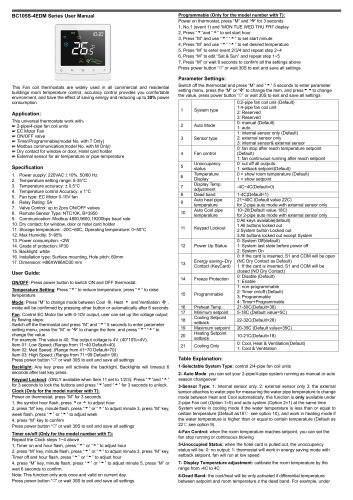 Breeze BC105W-4ED datasheet
3 Pages
- Valve
- Control valve
- Water valve
- Ball valve
- Threaded valve
- Electric valve
- Standard valve
- Chrome-plated brass valve
- 2-channel valve
- Valve actuator
- Rotary valve actuator
- 3-way valve
- Flow control valve
- Heating valve
- Electric valve actuator
- Flow-control valve
- Adjustable thermostat
- Pipeline valve
- Waterproof thermostat
- HVAC valve