
- Catalogs
- Beijing Breeze Technology Co.,Ltd
- Breeze BC103-4ADM Datasheet

Breeze BC103-4ADM Datasheet
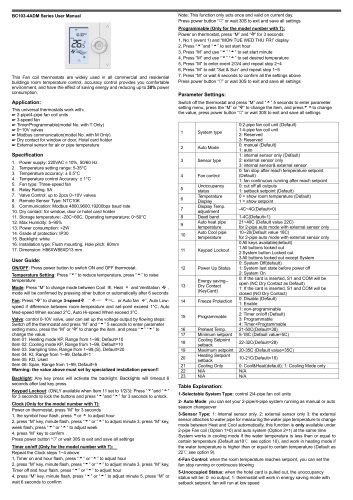
Breeze BC103-4ADM Datasheet
- Power Supply: 220VAC±10%, 50/60 Hz
- Temperature Setting Range: 5-35°C
- Temperature Accuracy: ±0.5°C
- Fan Type: Three-speed fan
- Relay Rating: 5A
- Valve Control: Up to 2pcs 0~10V valves
- Communication: Modbus with baud rates of 4800, 9600, 19200bps
- Protection Grade: IP30
- Installation: Flush mounting, dimensions H86xW86xD13 mm
- Power: Press the power button to turn the thermostat on or off.
- Temperature Setting: Use the up and down arrows to adjust the temperature.
- Mode Selection: Press 'M' to switch between Cool, Heat, and Ventilation modes.
- Fan Control: Adjust fan speed manually or set to auto based on temperature difference.
- Valve Control: Configure 0-10V valve settings through the parameter menu.
- Backlight: Activates with any key press and times out after 6 seconds.
- Keypad Lockout: Lock or unlock buttons by pressing the up and down arrows for 3 seconds.
Catalog excerpts
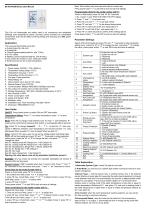
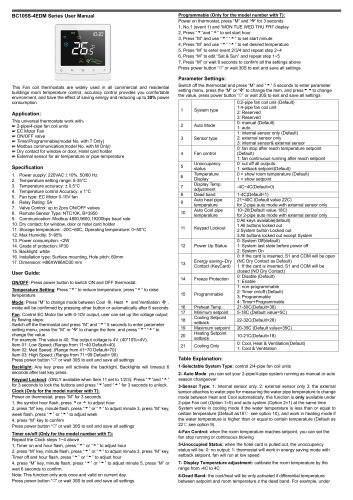
Switch off the thermostat and press “M” and “■*■”5 seconds to enter parameter setting menu, press the “M” or to change the item, and press'^ -Mo change the value, press power button “O” or wait 30S to exit and save all settings 1- Selectable System Type: control 2/4-pipe fan coil units BC103-4ADM Series User Manual This Fan coil thermostats are widely used in all commercial and residential buildings room temperature control, accuracy control provides you comfortable environment, and have the effect of saving energy and reducing up to 30% power consumption. This universal thermostats work with: Timer/Programmable(model No. with T Only) Modbus communication(model No. with M Only) Dry contact for window or door, Hotel card holder External sensor for air or pipe temperature 2. Temperature setting range: 5-35°C 4. Temperature control Accuracy: ± 1°C 7. Valve Control: up to 2pcs 0~10V valves 8. Remote Sensor Type: NTC10K 9. Communication: Modbus 4800,9600,19200bps baud rate 10. Dry contact: for window, door or hotel card holder 11. Storage temperature: -20C~60C, Operating temperature: 0~50°C 16. Installation type: Flush mounting, Hole pitch: 60mm User Guide: ON/OFF: Press power button to switch ON and OFF thermostat. Temperature Setting: Press “^” to reduce temperature, press “A” to raise temperature Mode: Press “M” to change mode between Cool #s, Heat • and Ventilation ❖ , mode will be confirmed by pressing other button or automatically after 6 seconds Fan: Press to change S-speed^ ' or Auto fan Auto Low- speed if difference between room-temperature and set-point exceed 1°C, Auto Med-speed When exceed 2°C, Auto Hi-speed When exceed 3°C. Valve: control 0-10V valve, user can set up the voltage output by flowing steps: Switch off the thermostat and press “M” and 5 seconds to enter parameter setting menu, press the “M” or to change the item, and press “ to Item 01: Heating mode KP, Range from 1~99, Default=10 Item 02: Cooling mode KP, Range from 1~99, Default=10 Item 03: Sampling time, Range from 1~99,(s), Default=20 Item 04: KI, Range from 1~99, Default=1 Item 05: kD, Used Item 06: Span, Range from 1~99, Default=5 Warning: the value above must set by specialized installation person!! Backlight: Any key press will activate the backlight. Backlights will timeout 6 seconds after last key press. Keypad Lockout: (ONLY available when Item 11 set to 1/2/3): Press “^”and “A” for 3 seconds to lock the buttons and press “^”and “A” for 3 seconds to unlock. Clock (Only for the model number with T): Power on thermostat, press “M” for 3 seconds 1, the symbol hour flash, press ^or ^ to adjust hour 2, press “M” key, minute flash, press “^” or “A” to adjust minute 3, press “M” key, week flash, press “ ^ ” or “ ^ ” to adjust week Press power button “O” or wait 30S to exit and save all settings Timer on/off (Only for the model number with T): Repeat the Clock steps 1~4 above 1, Timer on and hour flash, press “ ^ ” or “ ^ ” to adjust hour 2, press “M” key, minute flash, press “^” or “A” to adjust minute 3, press “M” key, Timer off and hour flash, press “ ^ ” or “ ^ ” to adjust hour 4, press “M” key, minute flash, press “^” or “A” to adjust minute 5, press “M” or wait 6 seconds to confirm Note: This function only acts once and valid on current day. Press power button “O” or wait 30S to exit and save all settings Programmable (Only for the model number with T): Power on thermostat, press “M” and “‘S'” for 3 seconds 2, Press “ ^ ”and “ ^ ” to set start hour 3, Press “M” and use “^” “A” to set start minute 4, Press “M” and use “^” “A” to set desired temperature 5, Press “M” to enter event 2/3/4 and repeat step 2~4 6, Press “M” to edit “Sat & Sun” and repeat step 1~5 7, Press “M” or wait 6 seconds to confirm all the settings above Press power button “O” or wait 30S to exit and save all settings Parameter Settings: Table Explanation: 2- Auto Mode: you can set your 2-pipe/4-pipe system running as manual or auto season changeover 3- Sensor Type: 1: Internal sensor only. 2: external sensor only 3: the external sensor attaches to water pipe for measuring the water pipe temperature to change mode between Heat and Cool automatically, this function is only available under 2-pipe Fan coil (Option 1=0) and auto system (Option 2=1) at the same time System works in cooling mode if the water temperature is less than or equal to certain temperature (Default as18°C see option 10), and work in heating mode if the water temperature is higher than or equal to certain temperature (Default as 22°C,see option 9). 4- Fan Control: when the room temperature reaches setpoint, you can set the fan stop running or continuous blowing
Open the catalog to page 1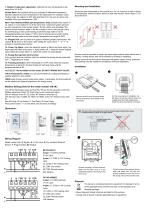
7- Display Temperature adjustment: calibrate the room temperature by the range from -4C to 4C 8-Dead Band: the cool/heat will be only activated if differential temperature between setpoint and room temperature ≥ the dead band. For example, under cooling mode, the setpoint is 25C with dead band=1C, the cool air will be only available if the room temperature ≥ 26C. Mounting and Installation Mount the room thermostat on the conduit box. Do not mount on a wall in niches or bookshelves, behind curtains, above or near heat sources. Mount about 1.5 m above the floor 9&10- Auto Heat/Cool Mode pipe temperature:...
Open the catalog to page 2All Beijing Breeze Technology Co.,Ltd catalogs and technical brochures
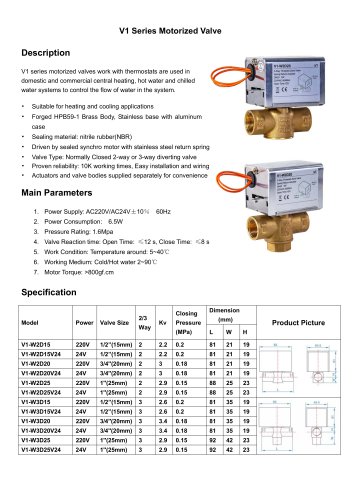 Breeze V1 Datasheet
2 Pages
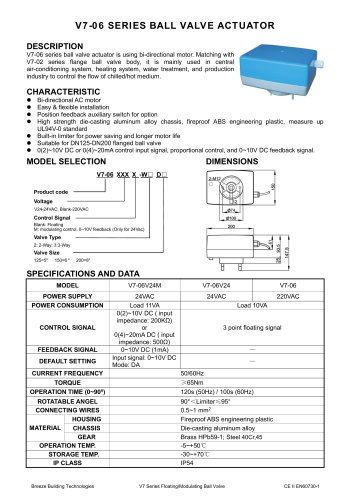 Breeze V7-06 Datasheet
2 Pages
 Breeze Valve Datasheet
8 Pages
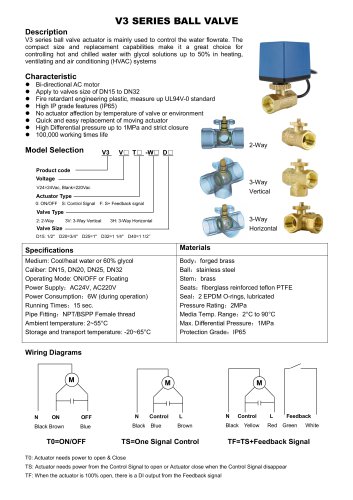 Breeze V3-W3D15 Datasheet
2 Pages
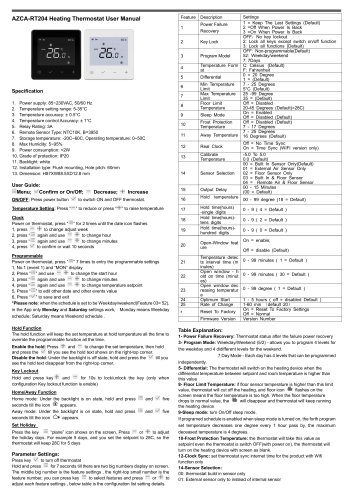 Breeze BC204 Datasheet
3 Pages
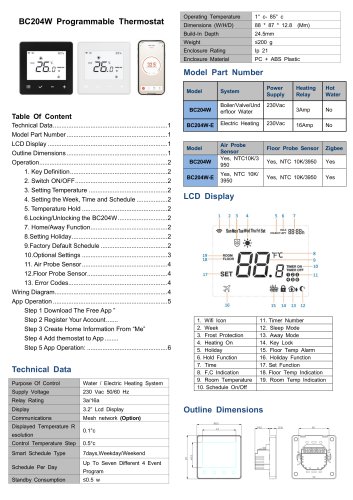 Breeze BC204-E Datasheet
6 Pages
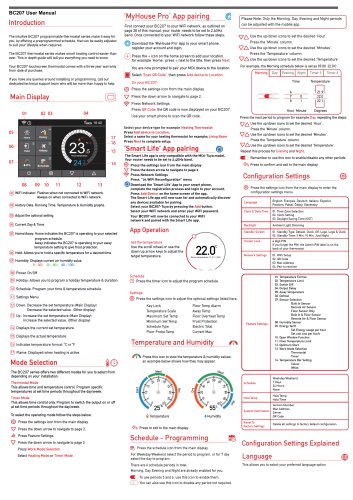 Breeze BC207-E Datasheet
3 Pages
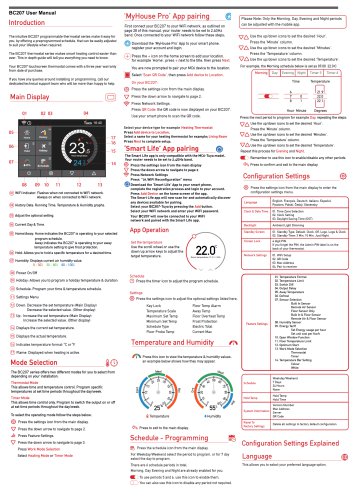 BC207W-T
3 Pages
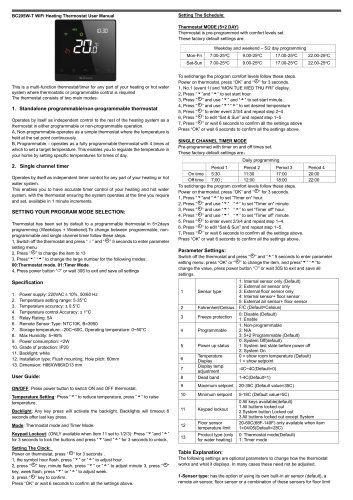 Breeze BC205W-T Datasheet
3 Pages
 BC205-E WIFI Datasheet
3 Pages
 Breeze BC205-E Datasheet
2 Pages
 Breeze BC203-E Datasheet
2 Pages
 Breeze BC203 Datasheet
2 Pages
 Breeze BC35-4 Datasheet
2 Pages
 Breeze BC105W-4D Datasheet
2 Pages
 Breeze BC104W-4 Datasheet
2 Pages
 Breeze BC105-4DM Datasheet
2 Pages
 Breeze BC107-4EDM Datasheet
3 Pages
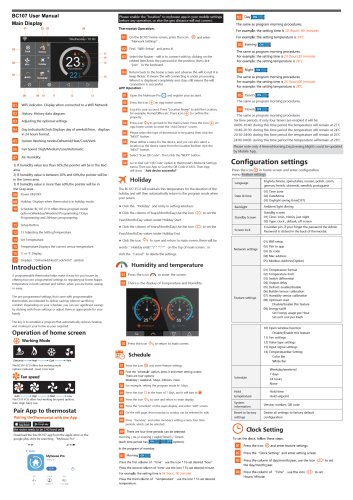 Breeze BC107-2A/4A Datasheet
3 Pages
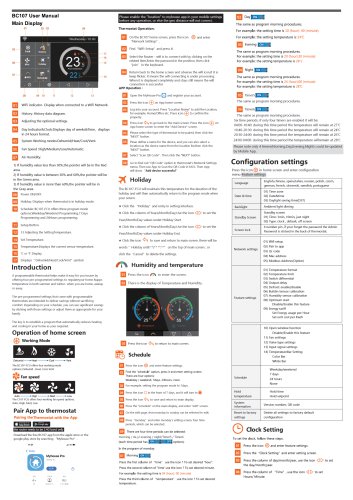 Breeze BC107-4DM Datasheet
3 Pages
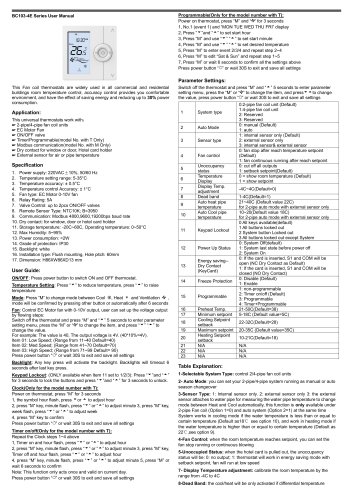 Breeze BC103-4EDM Datasheet
2 Pages
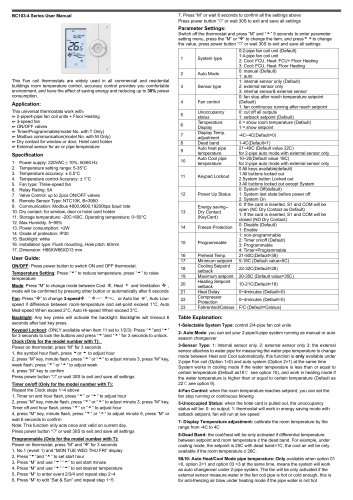 Breeze BC103-4DM Datasheet
2 Pages
 Breeze BC105W-4ED datasheet
3 Pages
- Control valve
- Water valve
- Ball valve
- Threaded valve
- Electric valve
- Standard valve
- Chrome-plated brass valve
- 2-channel valve
- Valve actuator
- Rotary valve actuator
- 3-way valve
- Flow control valve
- Heating valve
- Electric valve actuator
- Flow-control valve
- Adjustable thermostat
- Pipeline valve
- Waterproof thermostat
- HVAC valve