
- Catalogs
- BeanAir GmbH
- BeanDevice® Wilow® - Wifi Sensors for Industrial Internet of Thing - User guide


- Company
- Products
- Catalogs
- News & Trends
- Exhibitions
BeanDevice® Wilow® - Wifi Sensors for Industrial Internet of Thing - User guide

BeanDevice® Wilow® - Wifi Sensors for Industrial Internet of Thing - User guide
Contact Beanair Technical Support Center via email at [email protected] for inquiries, support, and feedback on the BeanDevice® Wilow® wireless sensors manual.
Symbols indicate important information: Caution for critical info, Danger for mandatory instructions, and Tips for advice on installation.
Includes acronyms like AES, CCA, and CSMA/CA relevant to wireless sensor networks.
The manual is structured into sections covering product presentation, data acquisition modes, WiFi connection, supervision, log file organization, MQTT configuration, and more.
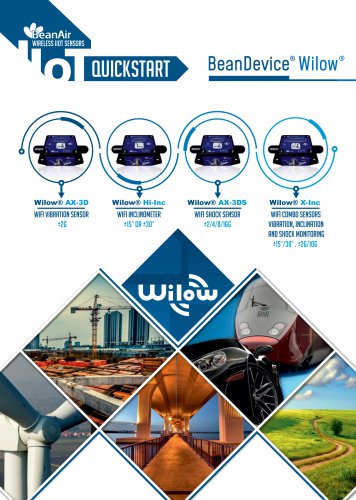
Designed for Structural Health Monitoring, Condition Maintenance Monitoring, and Test and Measurement, featuring sensors like AX-3D accelerometer, HI-INC inclinometer, AX-3DS shock sensor, and X-INC combo sensor.
Includes USB to M8 cable, magnet for power/network operations, and mounting hardware.
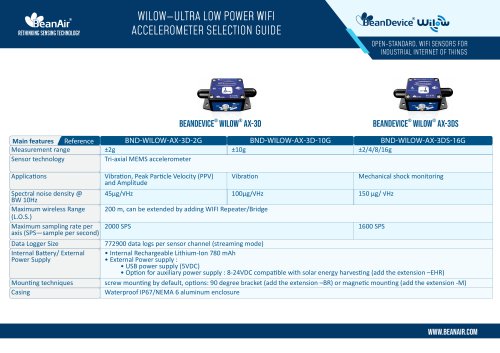
Details specifications for each sensor model, including architecture, performance metrics, and environmental considerations.
Integration of MQTT for industrial IoT applications, compatible with platforms like AWS and IBM Watson.
Ensures lossless data transmission with configuration options for data management.
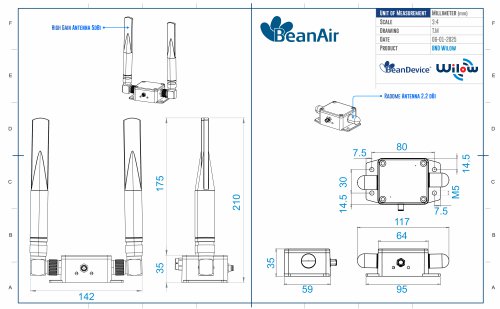
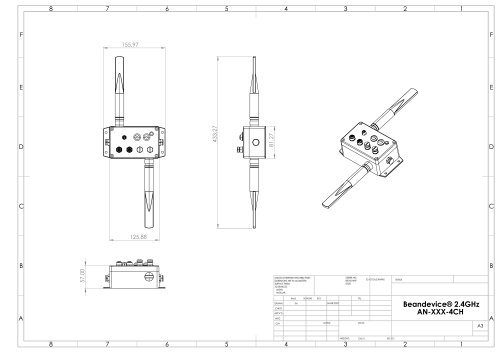
Details on sensor casing, LED indicators, wiring codes, mechanical drawings, and mounting guidelines.
Describes power supply options and requirements, including rechargeable Lithium-ion battery and USB power supply.
Specifications for the Lithium-ion rechargeable battery and guidance on extending battery life.
Factory calibration procedures and recommendations on recalibration frequency.
Instructions for configuring WiFi network connections and BeanDevice® Wilow® configuration.
Describes starting the BeanScape® software, system profiling, and configuration options.
Information on datalogger capacity and data acquisition modes.
Details on log file directory, folder organization, and analysis.
Covers MQTT broker setup, authentication, SSL/TLS, and topic configuration.
Descriptions of offline and online data analysis tools, including FFT waveform analysis.
Information on BeanScape configuration, log file organization, and configuration via UDP.
Setup for email alarms, SMTP settings, and notification management.
Outlines the calibration process for BeanDevice® Wilow® sensors, including importing configurations and virtual tilt feature.
Restoring factory settings, extending battery life, and network diagnostics.
Solutions for common issues like inactive LEDs, interference, and configuration problems.
Includes graphical representations of various window functions in MATLAB.
Catalog excerpts

BeanDevice® Wilow® User Manual series Wilow® wireless sensors . Beanair GmbH “Rethinking sensing technology
Open the catalog to page 1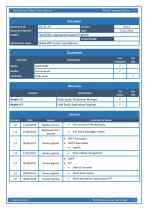
BeanDevice® Wilow® User Manual Wilow® wireless sensors Beanair GmbH Rethinking sensing technology'
Open the catalog to page 2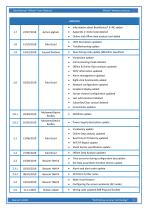
BeanDevice® Wilow® User Manual Wilow® wireless sensors Beanair GmbH Rethinking sensing technology
Open the catalog to page 3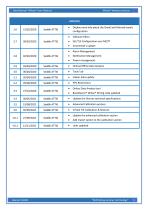
BeanDevice® Wilow® User Manual Wilow® wireless sensors
Open the catalog to page 4
BeanDevice® Wilow® User Manual series Wilow® wireless sensors Disclaimer The contents are confidential and any disclosure to persons other than the officers, employees, agents or subcontractors of the owner or licensee of this document, without the prior written consent of Beanair GmbH, is strictly prohibited. Beanair makes every effort to ensure the quality of the information it makes available. Notwithstanding the foregoing, Beanair does not make any warranty as to the information contained herein, and does not accept any liability for any injury, loss or damage of any kind incurred by use...
Open the catalog to page 5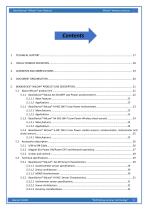
Wilow® wireless sensors BeanDevice® Wilow® User Manual 5.1.4 BeanDevice® WiLow® X-INC (Wi-Fi Low Power combo sensors: accelerometer, inclinometer and Beanair GmbH Rethinking sensing technology'
Open the catalog to page 6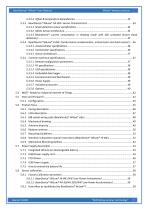
Wilow® wireless sensors BeanDevice® Wilow® User Manual 5.3.3.3 BeanDevice® current consumption in sleeping mode with SSD activated (Smart shock Beanair GmbH Rethinking sensing technology'
Open the catalog to page 7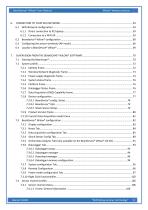
Wilow® wireless sensors BeanDevice® Wilow® User Manual Beanair GmbH Rethinking sensing technology'
Open the catalog to page 8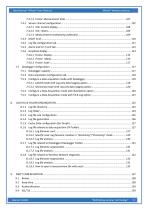
Wilow® wireless sensors BeanDevice® Wilow® User Manual Beanair GmbH Rethinking sensing technology'
Open the catalog to page 9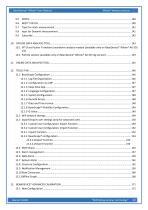
BeanDevice® Wilow® User Manual series 9.5 9.6 9.7 9.8 9.9 Wilow® wireless sensors Beanair GmbH “Rethinking sensing techn
Open the catalog to page 10
BeanDevice® Wilow® User Manual series Wilow® wireless sensors Beanair GmbH “Rethinking sensing technolo
Open the catalog to page 11
BeanDevice® Wilow® User Manual series Wilow® wireless sensors Beanair GmbH “Rethinking sensing technolog
Open the catalog to page 12
BeanDevice® Wilow® User Manual series Wilow® wireless sensors
Open the catalog to page 13
BeanDevice® Wilow® User Manual series Wilow® wireless sensors Beanair GmbH
Open the catalog to page 14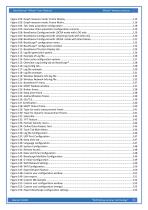
BeanDevice® Wilow® User Manual series Wilow® wireless sensors Beanair GmbH “Rethinking sensing technolo
Open the catalog to page 15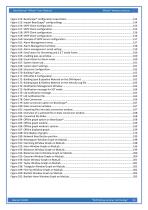
BeanDevice® Wilow® User Manual series Wilow® wireless sensors Beanair GmbH “Rethinking sensing technolog
Open the catalog to page 16
BeanDevice® Wilow® User Manual series Wilow® wireless sensors For general contact, technical support, to report documentation errors and to order manuals, contact Beanair Technical Support Center (BTSC) at: [email protected] For detailed information about where you can buy the Beanair equipment/software or for recommendations on accessories and components visit: www.Beanair.com To register for product news and announcements or for product questions contact Beanair’s Technical Support Center (BTSC). Our aim is to make this user manual as helpful as possible. Keep us informed of your comments...
Open the catalog to page 17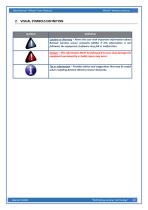
Wilow® wireless sensors BeanDevice® Wilow® User Manual Beanair GmbH Rethinking sensing technology'
Open the catalog to page 18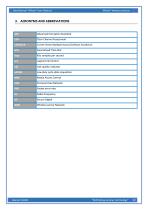
Wilow® wireless sensors BeanDevice® Wilow® User Manual Beanair GmbH Rethinking sensing technology'
Open the catalog to page 19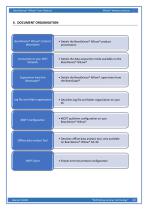
BeanDevice® Wilow® User Manual series Wilow® wireless sensors BeanDevice® WiLow® product description • Details the BeanDevice® WiLow® product presentation Connection to your WIFI Network • Details the data acquisition mode available on the BeanDevice® WiLow® Supervision from the Beanscape® • Details the BeanDevice® Wilow® supervision from the BeanScape® Log file and folder organization • Decsribes log file and folder organziation on your PC MQTT configuration Offline data analysis Tool SNTP Client Beanair GmbH • MQTT publisher configuration on your BeanDevice® Wilow® • Descibes offline data analysis...
Open the catalog to page 20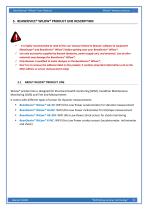
Wilow® wireless sensors BeanDevice® Wilow® User Manual ✓ It is highly recommended to read all the user manual related to Beanair software & equipment (BeanScape® and BeanDevice® Wilow®) before getting start your BeanDevice® Wilow®. ✓ Use only accessories supplied by Beanair (batteries, power supply unit, and antenna). Use of other materials may damage the BeanDevice® Wilow®; ✓ Only Beanair is qualified to make changes on the BeanDevice® WiLow®; ✓ Don't try to remove the adhesive label on the product; it contains important information such as the MAC address or sensor measurement range 5.1 ABOUT...
Open the catalog to page 21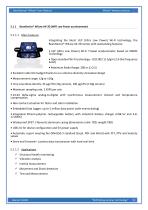
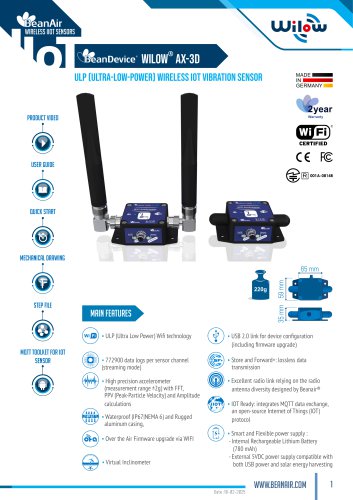
Wilow® wireless sensors BeanDevice® Wilow® User Manual 5.1.1 BeanDevice® WiLow AX-3D (WIFI Low Power accelerometer) Integrating the latest ULP (Ultra Low Power) Wi-Fi technology, the BeanDevice® WiLow AX-3D comes with outstanding features: • ULP (Ultra Low Power) Wi-Fi Triaxial accelerometer based on MEMS Technology • Open standard Wi-Fi technology - IEEE 802.11 b/g/n (2.4 GHz frequency band) • Maximum Radio Range: 200 m (L.O.S) • Excellent radio link budget thanks to our antenna diversity innovative design • Very Low Noise density: 45 |ag/VHz (±2g version), 100 |ag/VHz (±10g version) • Maximum...
Open the catalog to page 22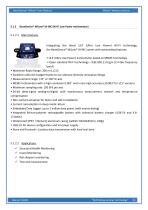
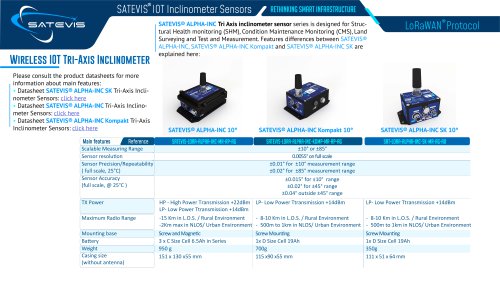
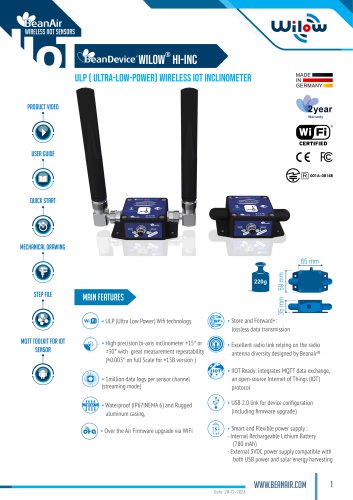
Wilow® wireless sensors BeanDevice® Wilow® User Manual 5.1.2 BeanDevice® WiLow® HI-INC (Wi-Fi Low Power Inclinometer) 5.1.2.1 Main features Integrating the latest ULP (Ultra Low Power) Wi-Fi technology, the BeanDevice® WiLow® HI-INC comes with outstanding features: • ULP (Ultra Low Power) Inclinometer based on MEMS Technology • Open standard Wi-Fi technology - IEEE 802.11 b/g/n (2.4 GHz frequency band) • Maximum Radio Range: 200 m (L.O.S) • Excellent radio link budget thanks to our antenna diversity innovative design • Measurement range: ±15° or ±30° bi-axis • MEMS Inclinometer with a high resolution...
Open the catalog to page 23All BeanAir GmbH catalogs and technical brochures
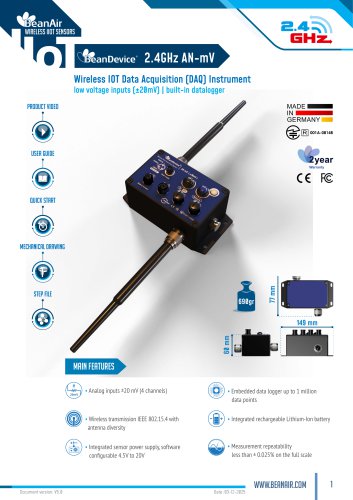 BeanDevice® 2.4GHz AN-mV
11 Pages
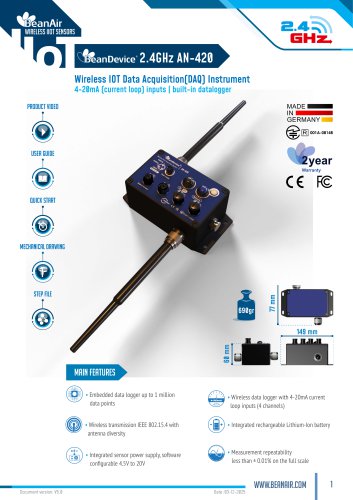 BeanDevice® 2.4GHz AN-420
12 Pages
 BeanScape 2.4GHz Version
8 Pages
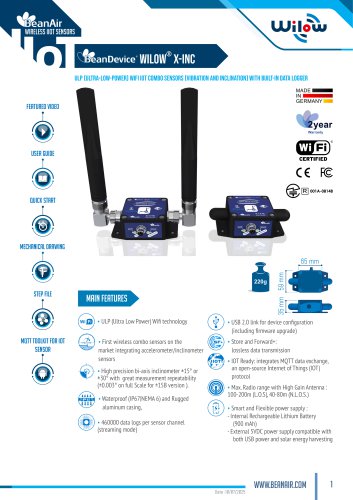 BeanDevice Wilow X-Inc
10 Pages
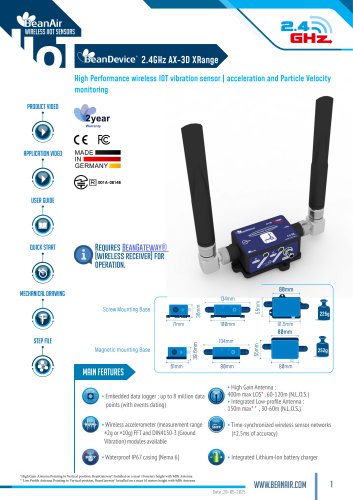 BeanDevice® 2.4GHz AX-3D Xrange
12 Pages
 Beanair Product Catalog 2025
17 Pages
 BeanDevice 2.4GHz AX3DS
11 Pages
 Starterkit ONE-TH
3 Pages
 Starterkit ONE-T
3 Pages
 Starterkit AN-V ( ±10V )
3 Pages
 Starterkit AN-V ( ±5V )
3 Pages
 Starterkit AN-mV
3 Pages
 Starterkit AN-420
3 Pages
 Starterkit 2.4GHz AX-3D-SR
3 Pages
 BeanGateway® Modbus Outdoor
7 Pages
 BeanGateway Modbus Indoor
7 Pages
 BeanScape Wilow Version
6 Pages
 2.4GHz Hi-Inc
10 Pages
 BeanGateway® 4G
9 Pages
 Digital T/H Sensor B-TH-01
6 Pages
 2.4GHz ONE-T
10 Pages
 2.4GHz ONE-TH
9 Pages
 MQTT Communication Protocol
97 Pages




- Electrical cable
- Temperature probe
- Communication gateway
- Waterproof temperature sensor
- Humidity and temperature probe
- Relative humidity and temperature sensor
- Wireless gateway
- Digital inclination sensor
- Triaxial acceleration sensor
- IoT gateway
- 2-axis tilt sensor
- Compact accelerometer
- Waterproof humidity and temperature sensor
- Digital humidity and temperature sensor
- Coaxial electrical cable
- Data acquisition unit
- Multi-axis tilt sensor