
- Catalogs
- ATESTEO GmbH & Co. KG
- Manual VETAS 3

- Company
- Products
- Catalogs
- News & Trends
- Exhibitions
Manual VETAS 3
Manual VETAS 3
The manual provides comprehensive instructions for setting up and operating the VETAS 3 V3 evaluation unit, compatible with ATESTEO measurement systems. It includes guidelines for electrical and software start-up, ensuring adherence to technical specifications.
The VETAS 3 V3 unit supports ATESTEO systems with interfaces for power supply and data transmission via USB. It operates contactlessly and maintenance-free, using frequency-modulated infrared or inductive methods for data transmission. The package includes a power supply cable, USB cable, and user manual.
- Power supply: 9V to 36V, 2A max
- Sample rate: Up to 2,000 readings per second
- Digital filter options and CAN bus support with various speeds and data formats
- Analog output with adjustable voltage ranges and scaling
LEDs indicate system status: green for normal operation and red for errors like torque signal oscillation or supply voltage issues.
Users must follow safety guidelines and standards, including the Low Voltage Directive and Electromagnetic Compatibility Directive. Maintenance should be conducted by qualified personnel.
The system requires a DC voltage supply between 9V and 36V, with grounding necessary for proper operation. A 3A time-lag fuse should protect the power supply.
Details are provided for front and rear plug connections, including CAN, serial ports, and analog/frequency outputs, with specific pin assignments and signal descriptions.
The VETAS 3 V3 can be connected to a PC via Mini-USB for configuration using VECTO software. Setup options depend on the connected measurement system.
Additional features include overvoltage protection, hotline support, and flash updates. A list of figures and tables is provided for reference.
If you have a complete torque measurement system with a torquemeter and VETAS 3, no further configuration is needed. For new configurations, adjustments to default settings are necessary. Parameters from the 'Torque Transducer Test Report' must be entered using the terminal program.
Install the VECTO software and connect VETAS 3 to your PC via USB before starting the software. Access the terminal screen to enter necessary parameters for the torque meter.
Enter characteristic values from the calibration protocol into the terminal. Adjust the power supply voltage for the rotor electronics to ensure optimal performance.
Various commands are available for setting sensitivity, rated torque, zero output, test signals, and power supply voltage, aiding in accurate system configuration.
Data transmitted via CAN is INTEL formatted. Commands can be sent to VETAS using the command message with specific identifiers. The setup includes configuring baud rates, reading rates, and data formats.
Calibration of the analog output requires a precise voltmeter. The output voltage range and offset compensation can be adjusted for accurate analog signal representation.
Overvoltage protection prevents damage to the transmitter electronics. A hotline is available for troubleshooting, and firmware updates can be performed via USB using Flash-programmer software.
Catalog excerpts
Operation manual Evaluation unit VETAS 3 V3 Vehicle measuring system Dear customer, Before leaving our company, every unit is tested by extensive function and quality examinations, which guarantee that the system complies with the stated specifications. Nevertheless, should there be any problem, please contact us. Before shipping a system, the serial number of each component of your configuration is registered by our company, so that an individual and short-term support can be guaranteed. It is understood that we will inform you about innovations and modifications of the system. Warranty In case of intended use, ATESTEO will issue a guarantee of 12 months according to warranty period regulated by law. In case of damages caused by improper use warranty claims cannot be submitted.
Open the catalog to page 1
A ATESTEO Excellence in drivetrain testing
Open the catalog to page 2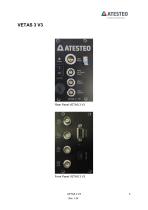
Excellence in drivetrain testing
Open the catalog to page 3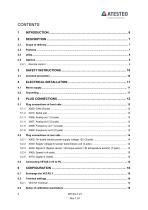
Excellence in drivetrain testing
Open the catalog to page 4
Excellence in drivetrain testing
Open the catalog to page 5
Excellence in drivetrain testing In this manual, you will find all steps to be taken for electrical and software start-up of ATESTEO products, which are compatible with VETAS 3 (such as vehicle telemetry system or measuring steering wheel). This manual is applicable for the following types of measuring systems: • 1x torque, 1x temperature (rotor electronic temperature) • 2x temperature (1x thermocouple, 1x rotor electronic temperature) For setting-up the corresponding measuring system, refer to the appropriate appendix. Each measuring system is thoroughly checked before delivery to its technical...
Open the catalog to page 6
Excellence in drivetrain testing The evaluation unit VETAS 3 V3 provides all necessary supply interfaces for running the compatible ATESTEO measurement systems. The USB interface can be used for external monitoring and controlling by the VECTO software package. Necessary software updates and an extra data connection can be linked by this USB serial interface too. All measurement systems work contactless and are maintenance-free. The data transmission can be realized by a frequency-modulated infrared or by an inductive transmitter. The electrical power supply of the rotating electronic circuit...
Open the catalog to page 7
Excellence in drivetrain testing o Analog scaling (percentage of rated torque ^ full-scale) o 500Hz analog output filter
Open the catalog to page 8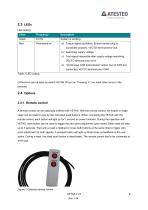
Excellence in drivetrain testing CAN errors can be reset by switch VETAS off and on. Pressing ‘E’ can reset other errors in the terminal. A remote control can be optionally ordered with VETAS. With the remote control, the torque or angle value can be reset to zero by two individual push buttons. When connecting the VETAS with the remote control, each button will light up for 1 second as power indicator. During the operation with VETAS, each button can be used to trigger the zero point adjustment (zero reset). Each reset will take up to 7 seconds. Wait until a reset is finished or press both buttons...
Open the catalog to page 9
3 Safety Instructions Before starting up and maintenance or in case of other operations at the measurement system attention should be paid to the following instructions: Follow all safety instructions and directions denoted in the operation manual. Make sure that every precaution will be taken. It is a necessity that all safety appliances are functional attached to the measuring device. Only in this way, a safe and successful operation is guaranteed. Reference to additional standards: Low Voltage Directive 73/23/EWG, Electromagnetic Compatibility Directive 89/336/EWG and the harmonized standards...
Open the catalog to page 10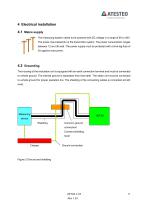
4 Electrical installation 4.1 Mains supply The measuring system needs to be powered with DC voltage in a range of 9V to 36V. The power input depends on the transmitter system. The power consumption ranges between 12 and 36 watt. The power supply must be protected with a time-lag fuse of 3A against overcurrent. 4.2 Grounding The housing of the evaluation unit is equipped with an earth connection terminal and must be connected to vehicle ground. The internal ground is separated from that earth. The stator unit must be connected to vehicle ground for proper operation too. The shielding of the connecting...
Open the catalog to page 11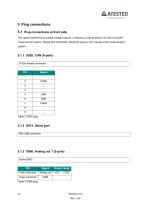
Excellence in drivetrain testing The signal transferred by analog voltage outputs or frequency outputs depend on the connected measurement system. Please find information about the signal in the manual of the measurement system. D-Sub female connector
Open the catalog to page 12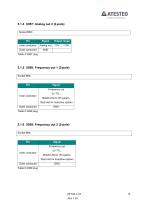
Excellence in drivetrain testing
Open the catalog to page 13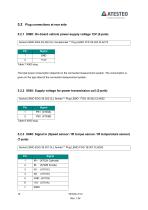
Excellence in drivetrain testing Socket LEMO ERA.2S.302.CLL female/male ** Plug LEMO FFP.2S.302.CLAC72
Open the catalog to page 14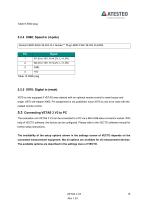
Excellence in drivetrain testing Socket LEMO EGG.1 B.304.CLL female ** Plug LEMO FGG.1B.304 CLAD52 X970 is only equipped if VETAS was ordered with an optional remote control to reset torque and angle. X970 will replace X960. Pin assignment is not published, since X970 is only to be used with the related remote control. The evaluation unit VETAS 3 V3 can be connected to a PC via a Mini-USB slave connector socket. With help of VECTO software, the device can be configured. Please refer to the VECTO software manual for further setup instructions. The availability of the setup options shown in the...
Open the catalog to page 15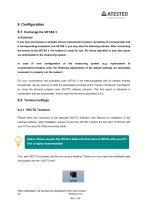
Excellence in drivetrain testing If you have purchased a complete torque measurement system consisting of a torquemeter and a corresponding evaluation unit VETAS 3, you may skip the following articles. After connecting the sensor to the VETAS 3, the system is ready for use. All values specified in your test report are preinstalled to the measuring system. In case of new configuration of the measuring system (e.g. replacement of torquemeter/evaluation unit), the following adjustments of the default settings are absolutely necessary to properly run the system! For your convenience, the evaluation...
Open the catalog to page 16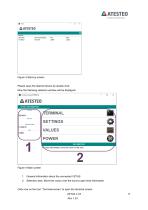
Figure 3 Start-up screen Please open the desired device by double click. Now the following selection window will be displayed: Figure 4 Main screen 1. General information about the connected VETAS 2. Selection area. Move the cursor over the icons to get more information Click now on the icon “Terminal-screen” to open the terminal screen: VETAS 3 V3 Rev.1.34
Open the catalog to page 17All ATESTEO GmbH & Co. KG catalogs and technical brochures
 Flyer DF-family
4 Pages
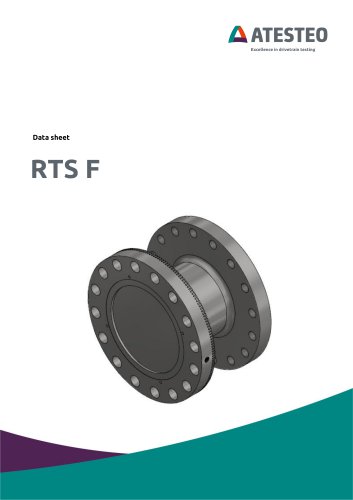 Data sheet F4 RTS
7 Pages
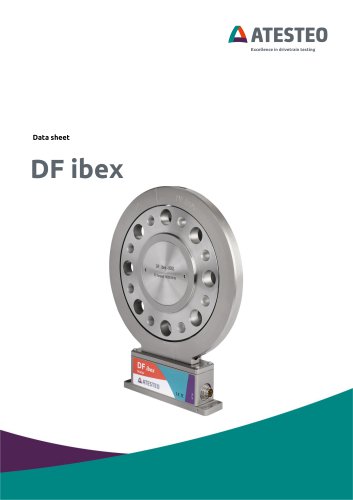 Data sheet DF4 ibex
21 Pages
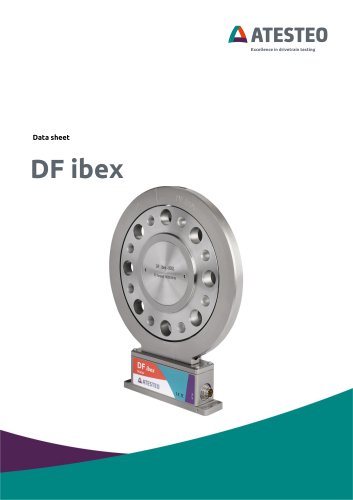 Data sheet DF5 ibex
21 Pages
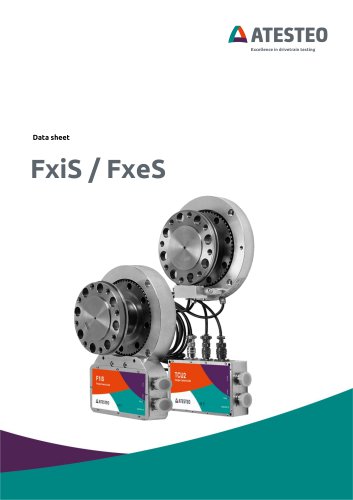 Data sheet F4xS
21 Pages
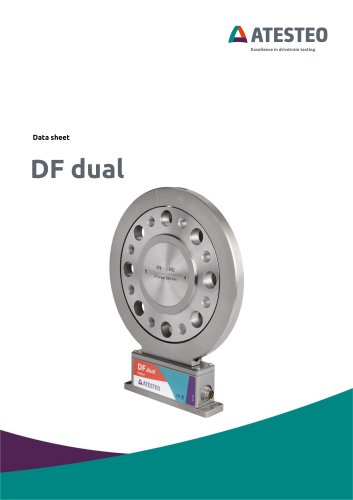 Data sheet DF5 dual
23 Pages
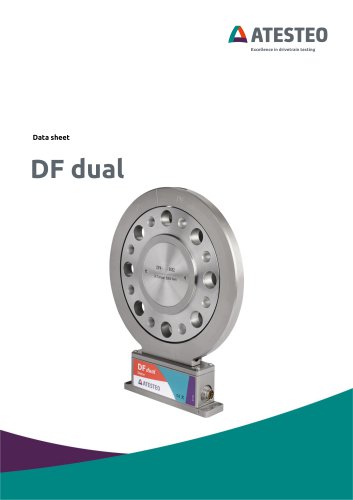 Data sheet DF4 dual
23 Pages
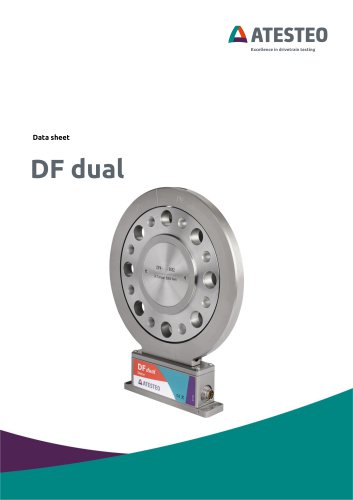 Data sheet DF3 dual
23 Pages
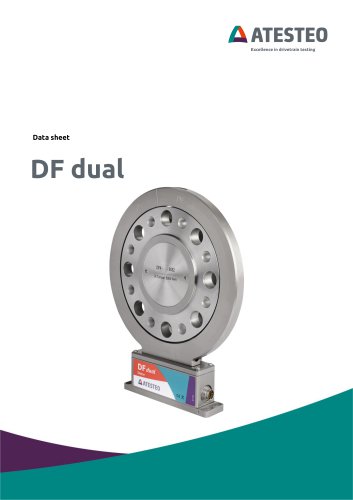 Data sheet DF2 dual
23 Pages
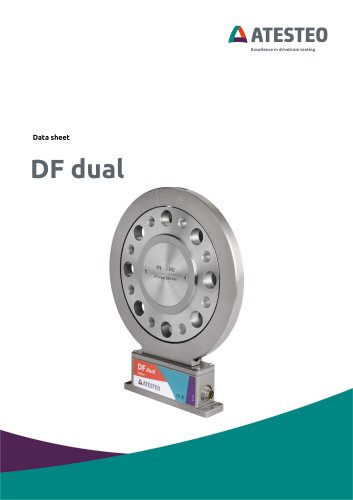 Data sheet DF1 dual
23 Pages
 Manual CapSync HVT
68 Pages
 Data sheet CapSync HVT
7 Pages
 Manual IRTS series
116 Pages
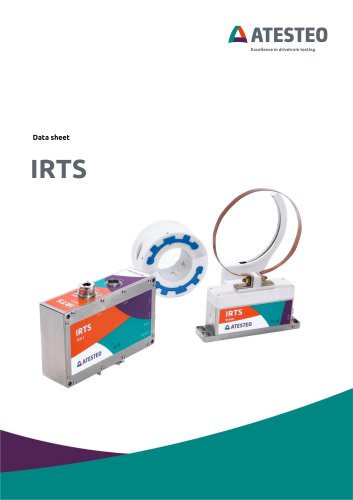 Data sheet IRTS-P
11 Pages
 Manual VECTO
26 Pages
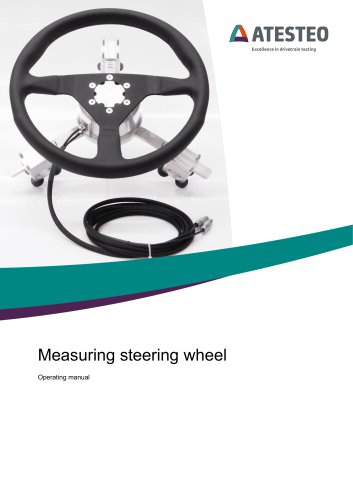 Manual steering wheel
17 Pages
 Data sheet steering wheel
9 Pages
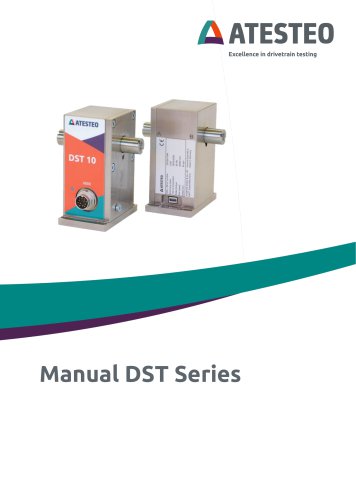 Manual DST series
69 Pages
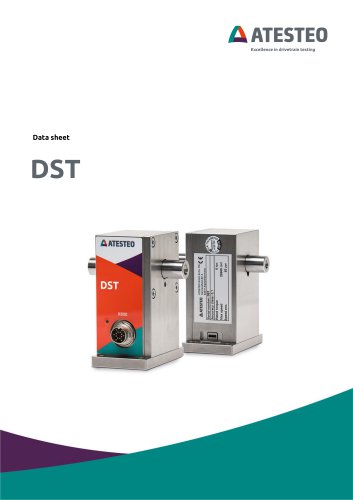 Data sheet DST series
13 Pages
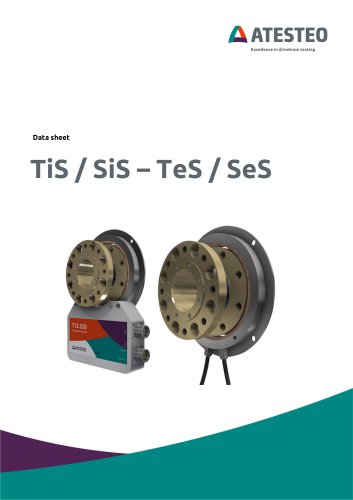 Data sheet TiS Z50
20 Pages
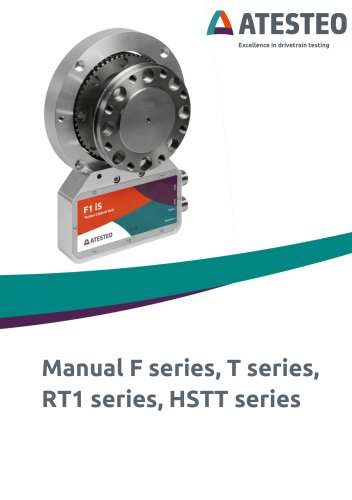 Manual T series
124 Pages
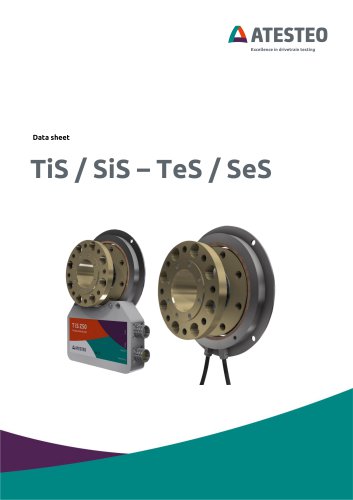 Data sheet TeS Z50
21 Pages
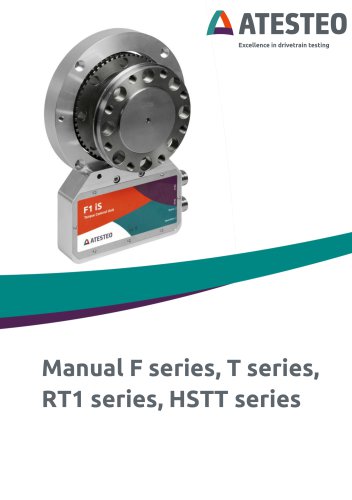 Manual RT11 series
124 Pages
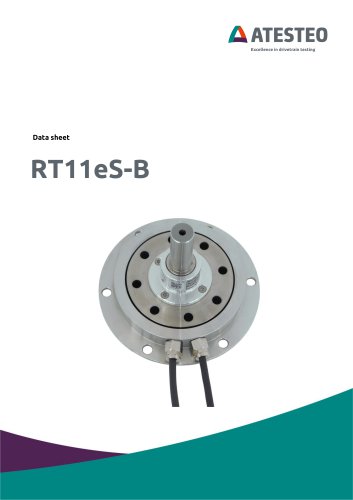 Data sheet RT11eS-B
20 Pages
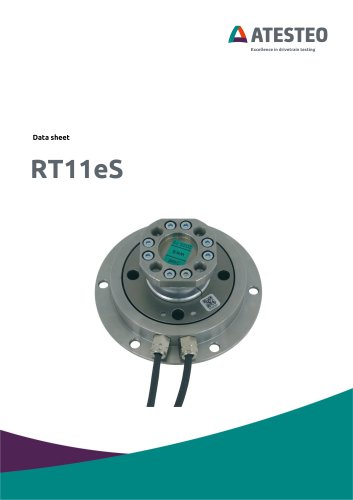 Data sheet RT11eS
17 Pages
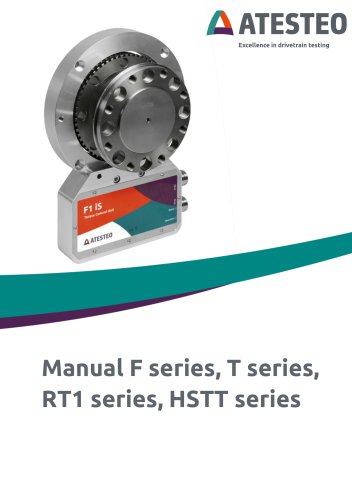 Manual HSTTeS series
124 Pages
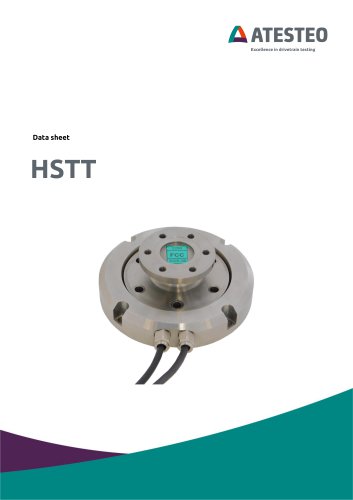 Data sheet HSTTeS series
20 Pages
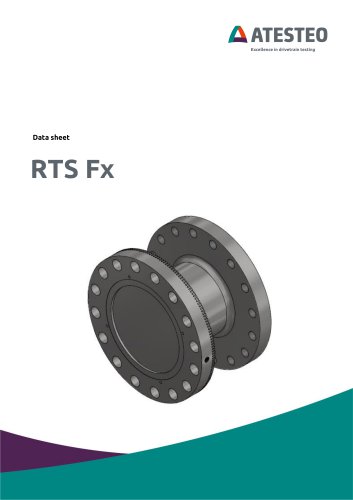 Data sheet F23 RTS
7 Pages
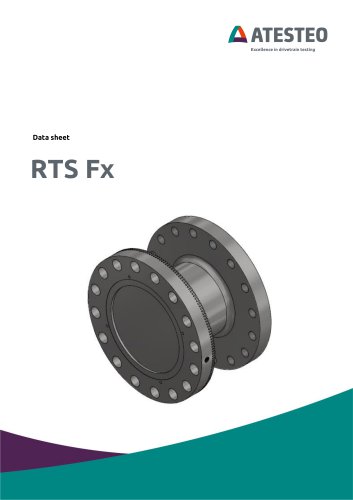 Data sheet F3 RTS
7 Pages
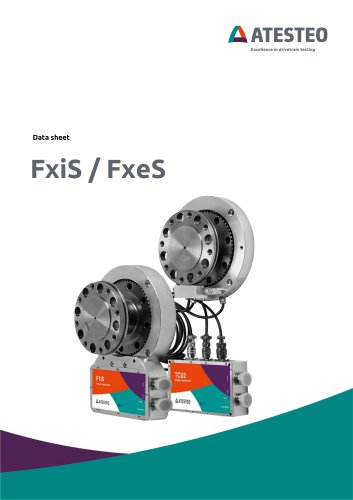 Data sheet F5xS
18 Pages
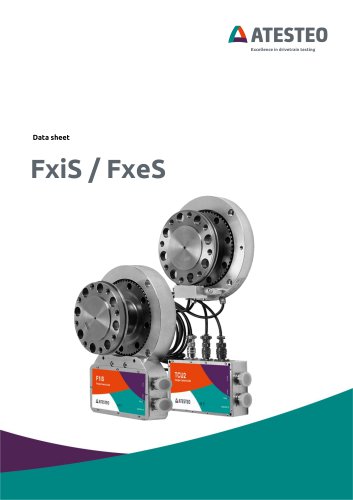 Data sheet F34xS
21 Pages
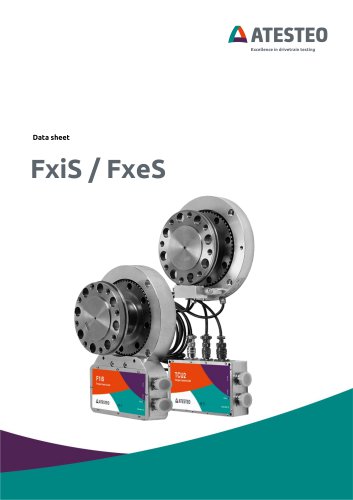 Data sheet F3xS
27 Pages
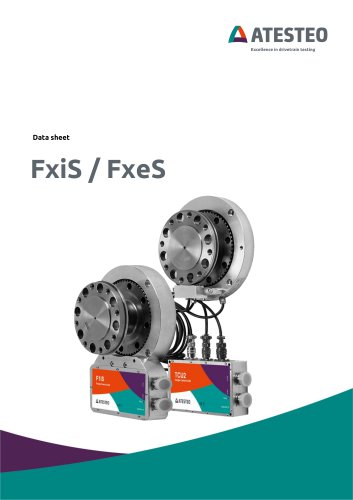 Data sheet F23xS
21 Pages
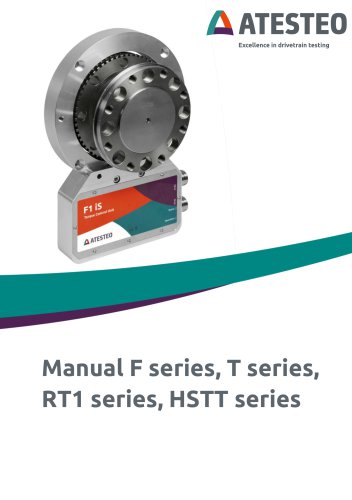 Manual Fx series
124 Pages
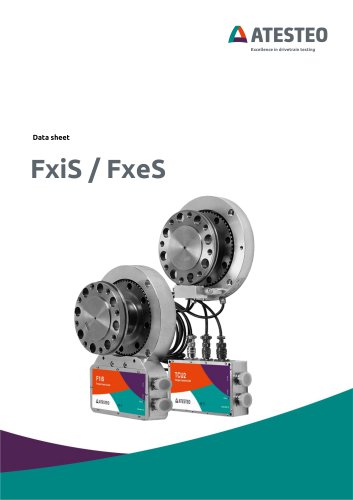 Data sheet F2xS
35 Pages
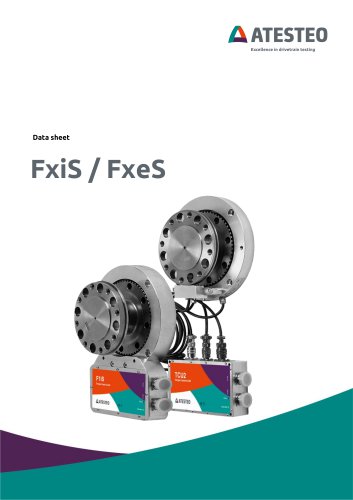 Data sheet F1xS
27 Pages
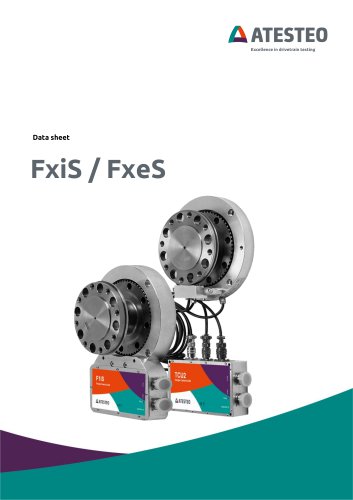 Data sheet F0xS
51 Pages
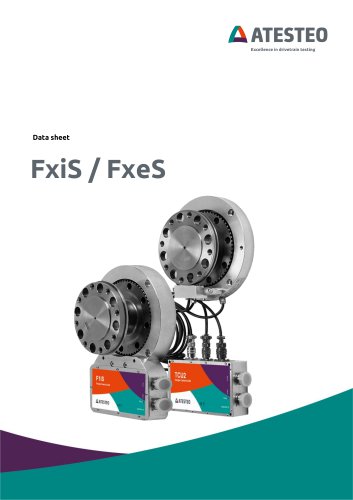 Data sheet F0xS-SV
27 Pages
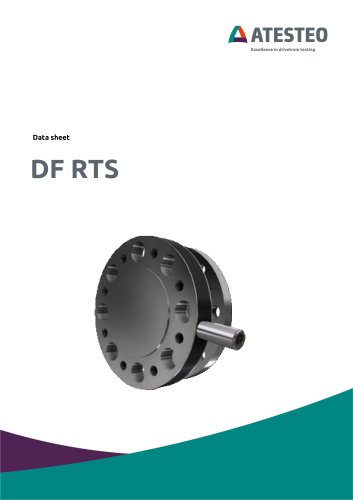 Data sheet DF RTS
11 Pages
 Data sheet DF plus HS
20 Pages
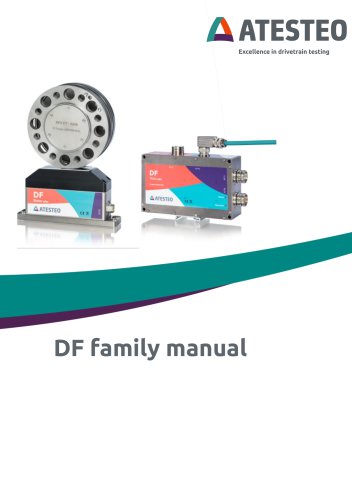 Manual DF plus series
132 Pages
 Data sheet DF plus series
41 Pages
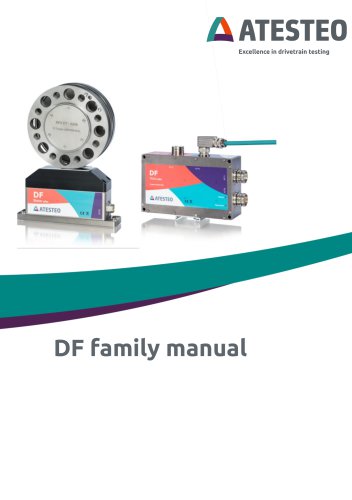 Manual DF dual series
132 Pages
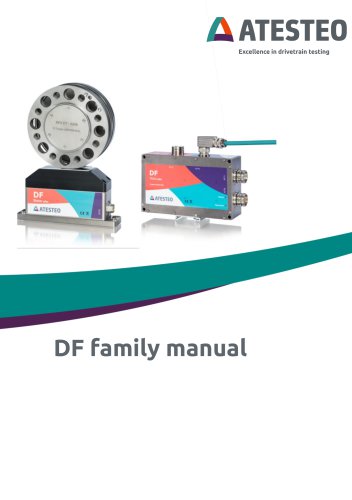 Manual DF ibex series
132 Pages
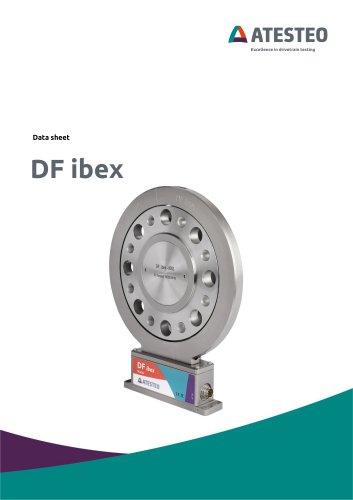 Data sheet DF3 ibex
21 Pages
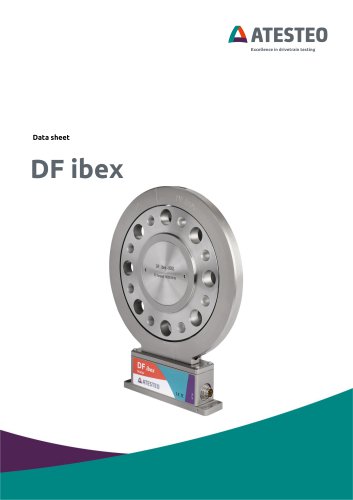 Data sheet DF2 ibex
21 Pages
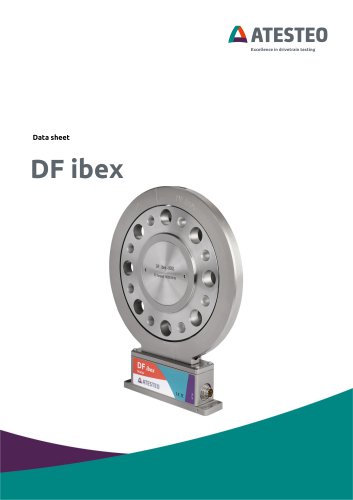 Data Sheet DF1 ibex
21 Pages

- ATESTEO torque sensor
- ATESTEO dynamic torque sensor
- ATESTEO rotary torque sensor
- ATESTEO analog torque sensor
- ATESTEO strain gauge torque sensor
- ATESTEO non-contact torque sensor
- ATESTEO digital torque sensor
- ATESTEO high-accuracy torque sensor
- ATESTEO DC torque sensor
- ATESTEO torque sensor with flange connection
- Compact torque sensor
- Modular temperature control
- ATESTEO voltage output torque sensor
- USB torque sensor
- 12VDC torque sensor
- Flange-mounted torque sensor
- ATESTEO test bench torque sensor
- ATESTEO torque sensor with integrated electronics
- Custom torque sensor
- Torque sensor with rotary encoder