
- Catalogs
- Arcus Technology
- dmx-k-drv

- Products
- Catalogs
- News & Trends
- Exhibitions
dmx-k-drv

1 / 32 PagesView full catalog
dmx-k-drv
Product catalog summary
Introduction
The DMX-K-DRV is an integrated step motor driver compatible with NEMA 11, 17, and 23 motors. It supports a voltage input of 12-24VDC and a peak current setting from 100mA to 2.5A. The driver features microstepping capabilities and supports both one-clock (Pulse/Dir) and two-clock (CW/CCW) inputs, with opto-isolated inputs and outputs for enhanced safety.
Part Numbering Scheme
The part numbering indicates the motor frame size (NEMA 11, 17, or 23) and the motor stack size (single, double, or triple).
Dimensions
Dimensions vary by NEMA size and stack configuration, e.g., NEMA 11 single stack is 1.26 inches long, while NEMA 23 triple stack is 3.1 inches.
Motor Specifications
All motors are 1.8-degree bipolar step motors with specifications such as maximum current per phase, holding torque, resistance, inductance, and inertia varying by NEMA size and stack configuration.
Torque Curves
Torque curves are provided for different NEMA sizes and stack configurations, showing performance at various RPMs.
Connector Information
The DMX-K-DRV-11/17 uses a 10-pin connector, while the DMX-K-DRV-23 uses a single-row 10-pin connector, with specific pin-outs for functions like pulse, direction, enable, and alarm.
General Specifications
The driver requires a regulated voltage of +12 to +24 VDC and can handle a maximum current of 2.5A. It operates within a temperature range, with automatic shutdown above 75°C.
Driver Configuration
Configuration options include microstep settings, run and idle current settings, idle time, direction polarity, and clock mode. The DMX-K-DRV uses a dynamic configuration method, eliminating physical jumpers or switches.
Configuration Methods
Configuration can be done using the ACE-SXC single-axis USB communication motion controller or the DMX-CFG-USB, with options for using a Windows PC or a configuration button.
Connecting ACE-SXC/DMX-CFG-USB and DMX-K-DRV
Specific cable accessories are required for connection: CBL-DB_9M-DF11_10F-L1-G22-V1 for DMX-K-DRV-11/17 and CBL-DB_9M-DF3_10-L1-G22-V1 for DMX-K-DRV-23.
Configuration Method #1 - Using a Controller and Windows PC
Install the USB device driver, download the ACE-SXC Windows program, and connect the ACE-SXC controller to the PC. Configure the driver settings through the DMX-K-DRV configuration dialog and save the settings.
Configuration Method #2 - Using the Configuration Button
Once parameters are stored in the flash memory of the ACE-SXC/DMX-CFG-USB controller, they can be downloaded to the DMX-K-DRV without a PC using the configuration button.
Contact Information
Arcus Technology, Inc., 3061 Independence Drive, Suite H, Livermore, CA 94551, Phone: 925-373-8800, Website: www.arcus-technology.com
The DMX-K-DRV is an integrated step motor driver compatible with NEMA 11, 17, and 23 motors. It supports a voltage input of 12-24VDC and a peak current setting from 100mA to 2.5A. The driver features microstepping capabilities and supports both one-clock (Pulse/Dir) and two-clock (CW/CCW) inputs, with opto-isolated inputs and outputs for enhanced safety.
Part Numbering Scheme
The part numbering indicates the motor frame size (NEMA 11, 17, or 23) and the motor stack size (single, double, or triple).
Dimensions
Dimensions vary by NEMA size and stack configuration, e.g., NEMA 11 single stack is 1.26 inches long, while NEMA 23 triple stack is 3.1 inches.
Motor Specifications
All motors are 1.8-degree bipolar step motors with specifications such as maximum current per phase, holding torque, resistance, inductance, and inertia varying by NEMA size and stack configuration.
Torque Curves
Torque curves are provided for different NEMA sizes and stack configurations, showing performance at various RPMs.
Connector Information
The DMX-K-DRV-11/17 uses a 10-pin connector, while the DMX-K-DRV-23 uses a single-row 10-pin connector, with specific pin-outs for functions like pulse, direction, enable, and alarm.
General Specifications
The driver requires a regulated voltage of +12 to +24 VDC and can handle a maximum current of 2.5A. It operates within a temperature range, with automatic shutdown above 75°C.
Driver Configuration
Configuration options include microstep settings, run and idle current settings, idle time, direction polarity, and clock mode. The DMX-K-DRV uses a dynamic configuration method, eliminating physical jumpers or switches.
Configuration Methods
Configuration can be done using the ACE-SXC single-axis USB communication motion controller or the DMX-CFG-USB, with options for using a Windows PC or a configuration button.
Connecting ACE-SXC/DMX-CFG-USB and DMX-K-DRV
Specific cable accessories are required for connection: CBL-DB_9M-DF11_10F-L1-G22-V1 for DMX-K-DRV-11/17 and CBL-DB_9M-DF3_10-L1-G22-V1 for DMX-K-DRV-23.
Configuration Method #1 - Using a Controller and Windows PC
Install the USB device driver, download the ACE-SXC Windows program, and connect the ACE-SXC controller to the PC. Configure the driver settings through the DMX-K-DRV configuration dialog and save the settings.
Configuration Method #2 - Using the Configuration Button
Once parameters are stored in the flash memory of the ACE-SXC/DMX-CFG-USB controller, they can be downloaded to the DMX-K-DRV without a PC using the configuration button.
Contact Information
Arcus Technology, Inc., 3061 Independence Drive, Suite H, Livermore, CA 94551, Phone: 925-373-8800, Website: www.arcus-technology.com
See more
All Arcus Technology catalogs and technical brochures
 ARCUS MOTION PRODUCT CATALOG
43 Pages
Archived catalogs
 pmx-4ex-sa
119 Pages
 pmx-4et-sa
108 Pages
 pmx-4cx-sa
60 Pages
 pmx-2ex-sa
79 Pages
 pmx-2ed-sa
78 Pages
 ace-sxe
88 Pages
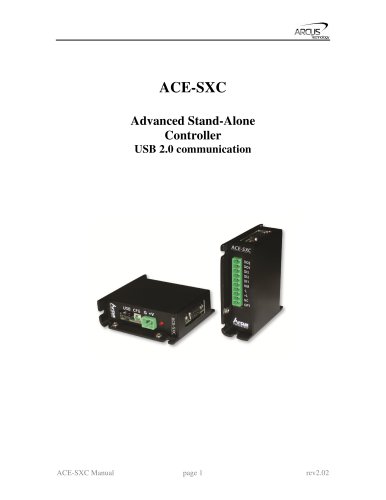 ace-sxc
66 Pages
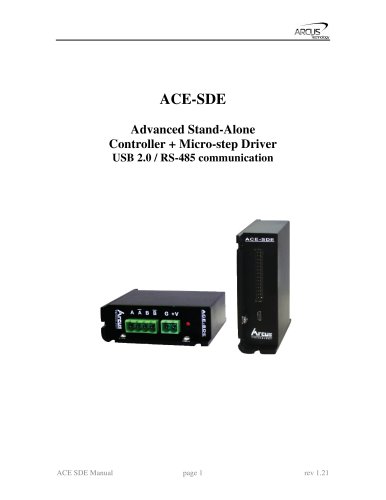 ace-sde
88 Pages
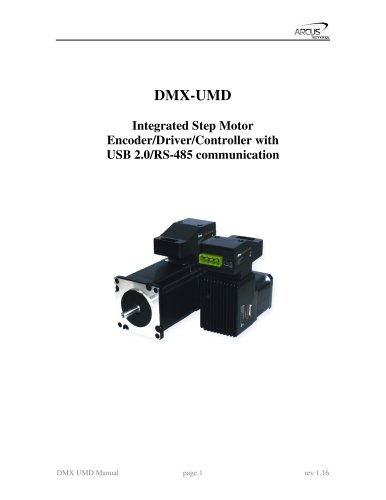 dmx-umd
87 Pages
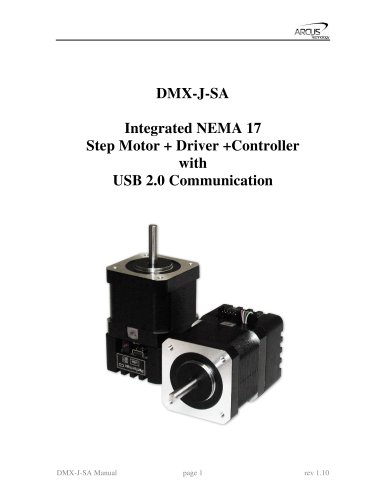 dmx-j-sa
58 Pages
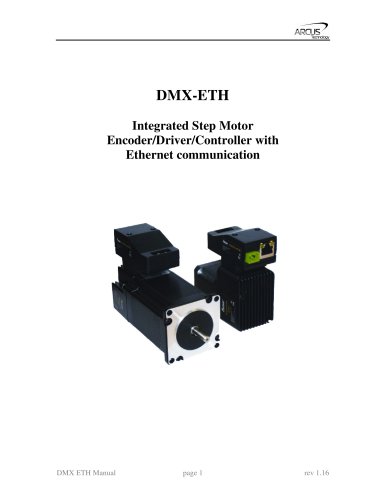 dmx-eth
78 Pages
 dmx-a2-drv
26 Pages
Related Searches
- Electromotor
- DC electromotor
- Multipole motor
- 24 V motor
- 2-pole motor
- Stepper motor
- Motor controller
- 48 V motor
- Stepper motor controller
- Integrated-drive motor
- Programmable motor controller
- Closed-loop motor controller
- Motor with integrated controller
- Single-axis motor controller
- Development kit
- Microstepping motor controller
- Multi-axis motor controller
- 2-axis motor controller
*Prices are pre-tax. They exclude delivery charges and customs duties and do not include additional charges for installation or activation options. Prices are indicative only and may vary by country, with changes to the cost of raw materials and exchange rates.
About DirectIndustry
DirectIndustry is a marketplace that offers B2B players a complete experience, from product sourcing to purchase. DirectIndustry is an entity of VirtualExpo Group.
Are you a buyer?
Are you a supplier?