
- Catalogs
- Anlidar Industrial - MyTorq
- MYCS-ID120


MYCS-ID120
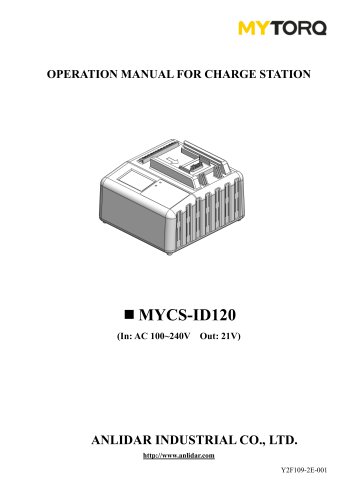
MYCS-ID120
Catalog excerpts
OPERATION MANUAL FOR CHARGE STATION ANLIDAR INDUSTRIAL CO., LTD. http://www.anlidar.com Y2F109-2E-001
Open the catalog to page 1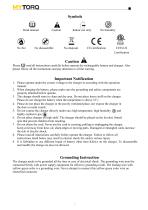
© A Read manual Caution No fire No disassemble No disposal CE certification CETLUS Please read all instructions carefully before operate the rechargeable battery and charger. Also please follow all the instructions and pay attention to all the warring. Important Notification 1. Please operate under the correct voltage to the charger in according with the operation manual. 2. When charging the battery, please make sure the grounding and safety components are properly attached before operate. 3. The charger should store in clean and dry area. Do not place heave stuff on the charger. Please do not...
Open the catalog to page 2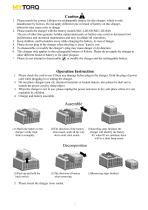
Caution 1. Please match the correct Lithium-ion rechargeable battery for this charger, which is only manufacture by Kilews. Do not apply different type or brand of battery on this charger, otherwise may cause error or danger 2. Please match the charger with the battery models SKC-LB1820/SKC-LB1840. The use of other than genuine Anlidar replacement parts or battery may result in decreased tool performance and increased maintenance,and may invalidate all warranties. 3. Keep children, and bystanders away while charging the battery, in case of danger. 4. Please do not plug in the charger when the...
Open the catalog to page 3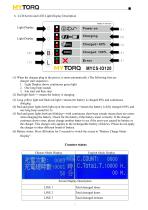
6. LCD Screen and LED Light Display Description 01 x^TORQ Power on Charging Charged>80% Charged 100% Error (1) When the charger plug in the power, it starts automatically. (The following lists are charger start sequence.) 1. Light Display shows continuous green light 2. One long beep sounds 3. Fan start and then stop (2) Red light flash => means the battery is charging. (3) Long yellow light and flash red light=>means the battery is charged 80% and continuous (4) Red and green lights both light up at the same time=>means the battery is fully charged 100% and one long beep sound for 3s. (5) Red...
Open the catalog to page 4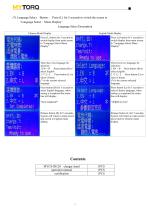
(7) Language Select Button : Press (L) for 5 seconds to switch the screen to “Language Select Menu Display” Language Select Description
Open the catalog to page 5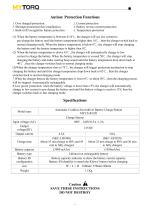
Aution: Protection Functions 1. Over charged protection 2. Current protection 3. Shortage protection( fuse installation) 4. Battery reverse current protection 5. Built-in ID recognition feature protection 6. Temperature protection (1) When the battery temperature is between 0-10°C, the charger will use low current to pre-charge the battery until the battery temperature higher then 10°C , then the charger switch back to normal charging mode. When the battery temperature is below 0°C, the charger will stop charging the battery until the battery temperature is higher then 0°C. (2) When the battery...
Open the catalog to page 7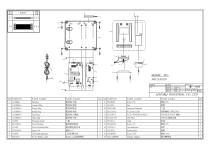
5 CUSTOMER ITEM NO: TITLE: DWG NAME DWG NO: MATERIAL DES. BY CHKD.BY APPD.BY PRODUCTION NO. SHRINK DATE DATE DATE THIRD ANGLE PROJECTION. UNIT SCALE SHT NO. OF SHTS.
Open the catalog to page 8All Anlidar Industrial - MyTorq catalogs and technical brochures
 BSP-C32HL
16 Pages
 MYBT-IM50 MYBT-IM100
10 Pages
 OPERATION AND MAINTENANCE MANUAL
14 Pages
 MYP40-500N
7 Pages
 MYP40-500
10 Pages
 MYP32-300
8 Pages
 MYP32-60
8 Pages
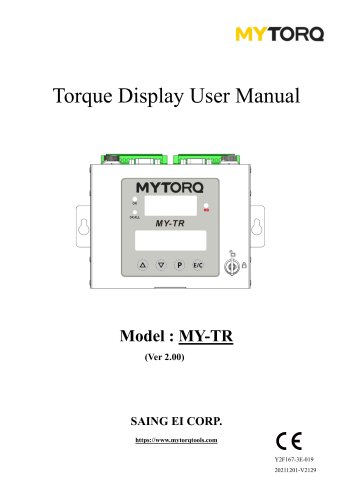 Torque Display User Manual
18 Pages
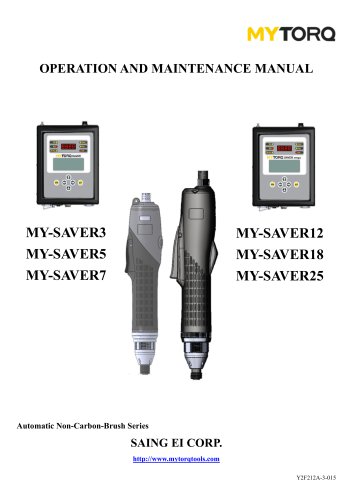 OPERATION AND MAINTENANCE MANUAL
11 Pages
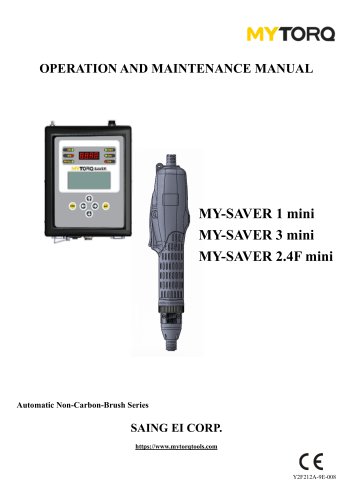 OPERATION AND MAINTENANCE MANUAL
10 Pages
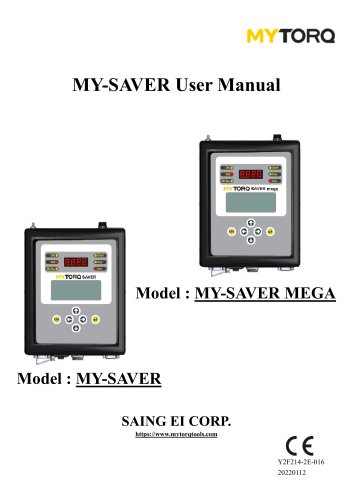 MY-SAVER User Manual
21 Pages
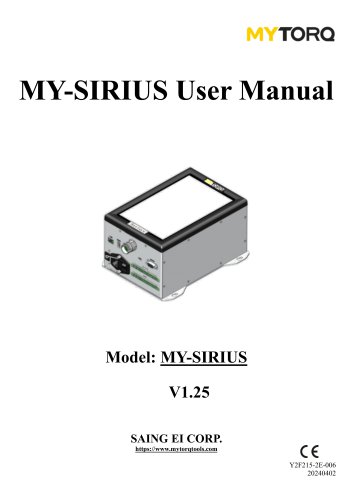 MY-SIRIUS User Manual
49 Pages
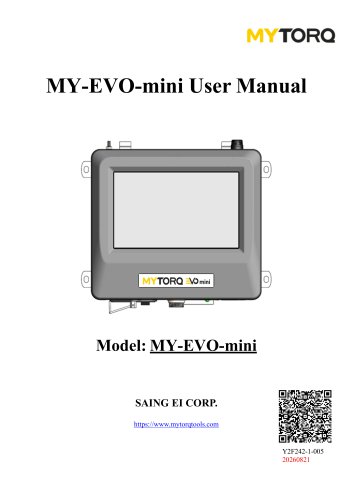 MY-EVO-mini User Manual
29 Pages
 Smart tools
8 Pages
Archived catalogs
 ACCESSORIES
2 Pages
 Power Shark
18 Pages
 MYTORQ High Torque
35 Pages
 MYTORQ Low Torque
32 Pages

- Electrical cable
- Feeder
- Battery charger
- Electric screwdriver
- Impact wrench
- Lithium battery
- 12 V battery
- Brushless electric screwdriver
- Corded electric screwdriver
- Straight electric screwdriver
- Automated feeder
- CE battery
- Pistol impact wrench
- Signal conditioner
- Charging post
- DC electric screwdriver
- Lithium battery charger
- Torque meter
- Pistol electric screwdriver
- Cordless electric screwdriver