
- Catalogs
- Ametek Calibration
- PTC Temperature Calibrator User Manual

- Products
- Catalogs
- News & Trends
- Exhibitions
PTC Temperature Calibrator User Manual
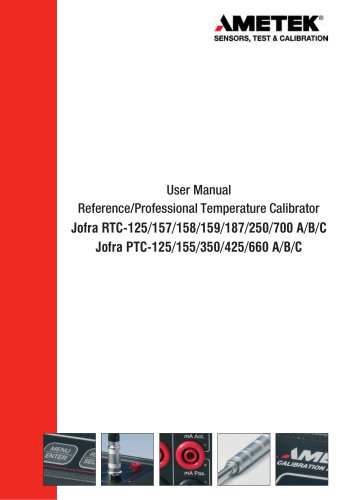
PTC Temperature Calibrator User Manual
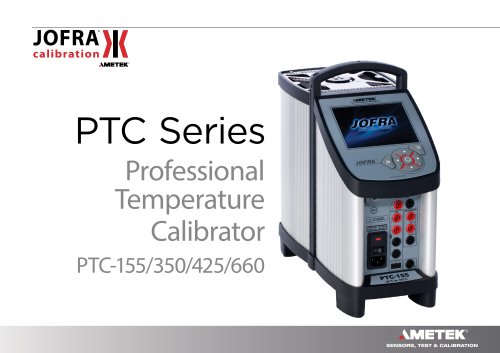
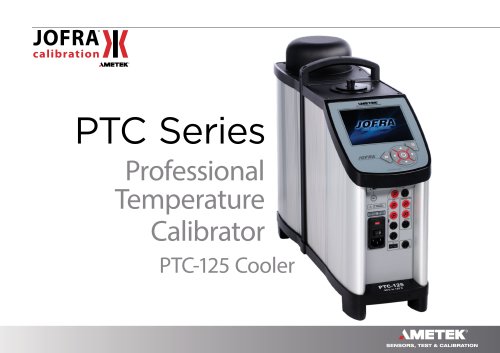
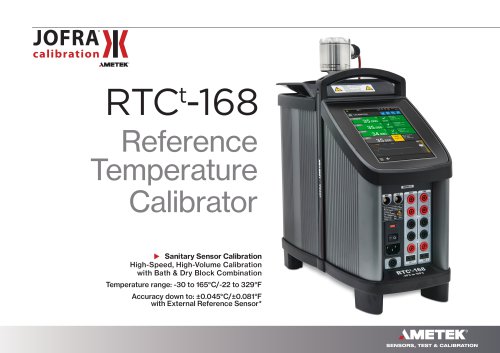
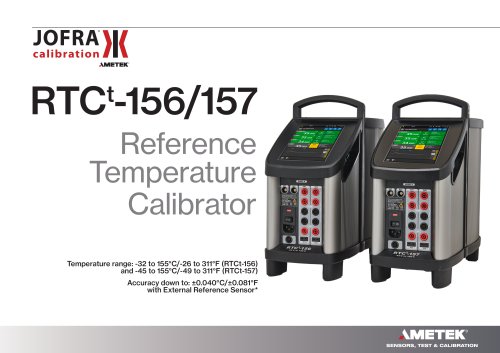
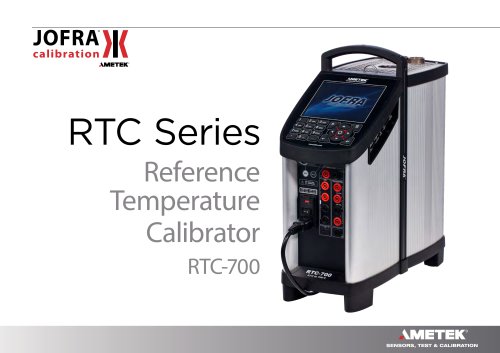
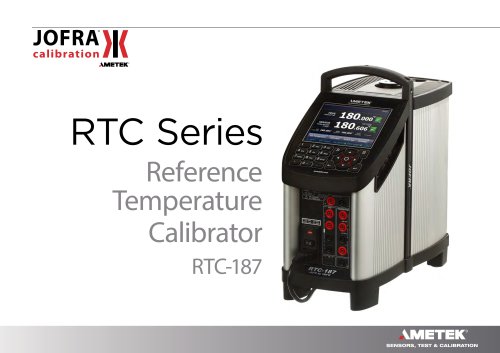
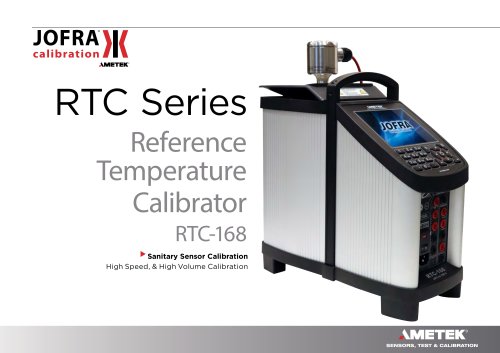
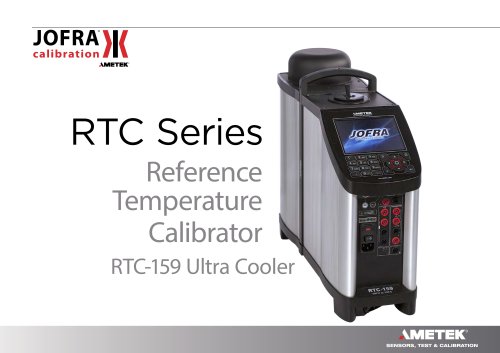
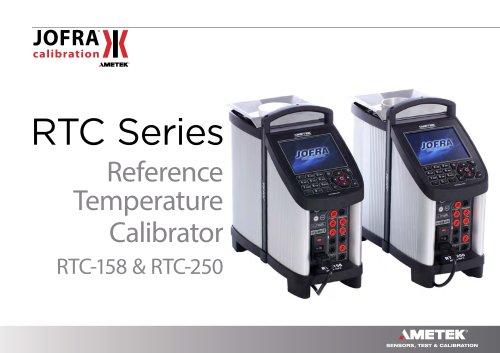
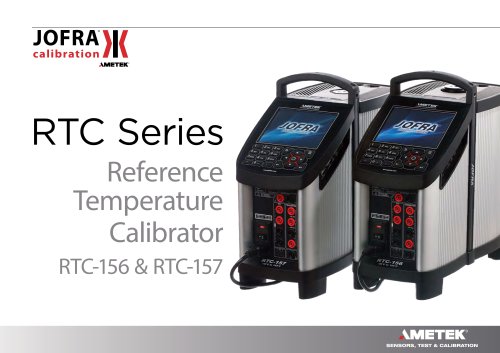
The user manual is for JOFRA RTC and PTC series temperature calibrators, designed for calibrating temperature sensors and thermostats. The RTC series includes models RTC-156, RTC-157, RTC-158, RTC-159, RTC-187, RTC-250, and RTC-700, while the PTC series includes models PTC-125, PTC-155, PTC-350, PTC-425, and PTC-660. The RTC-158/250 models can function as both dry-block calibrators and liquid baths.
The package includes the calibrator, mains cable, test cables (for B versions), JOFRACAL software, USB cable, insertion tool, traceable certificates, silicone plugs, insulation collar, and protection shield. Optional liquid bath kits are available for RTC-158/250 models.
Users must read the manual thoroughly to avoid personal injury or damage. Key safety points include using the calibrator only as described, operating indoors, ensuring proper grounding, maintaining a clear area around the calibrator, and following guidelines for handling insertion tubes and liquid baths. Dispose of the calibrator according to WEEE Directive 2012/19/EU.
Instructions cover setting up dry-block and liquid bath calibrators, programming sensors, and using the keyboard and display. It includes guidance on standard connections, input modules, and maintaining temperature stability.
The manual details operating principles, menu navigation, starting procedures, temperature settings, and optional calibration processes. It also covers switch tests, auto step calibrations, and sensor setups.
Users can configure temperature parameters, resolution, sound settings, calibration intervals, and language preferences. Instructions for saving, loading, and resetting setups are provided.
Guidelines for setting mains voltage, replacing fuses, and storing the calibrator are included. Special handling instructions for dry-block and liquid-bath calibrators are provided to ensure longevity and safety.
Avoid handling hot fluids and ensure oil is not heated beyond its flash point. Never pour water into hot oil. Ensure the calibrator is not used in hazardous areas or at altitudes above 2000 meters. Maintain a protective earth connection.
Do not touch hot surfaces during operation to avoid burns. For models operating below 0°C, avoid contact with cold surfaces to prevent frostbite.
Ensure the sensor tip rests at the bottom of the sensor basket for optimal results. Follow the manual's procedure for calibrating dry-block or liquid bath calibrators.
Use CON050 software for programming intelligent sensors. Various keys perform functions such as menu navigation, selection, and data entry. RTC models have additional numeric and enter keys.
The display shows menu headings, setup fields, menu options, current readings, and a vertical menu for navigation. Displays include sensor readings, stability indicators, and error/warning symbols.
Standard connections include SD-card slots, Ethernet, USB ports, and synchronization outputs. Various inputs for sensors and connections for testing, with voltage limitations.
Stability messages indicate temperature status, with criteria for achieving stable conditions. Operating principles involve using menu lists and keys for navigation and parameter adjustments.
This function allows users to enter a new set point value at any stage of operation, except when automatic functions are active.
This section is applicable to B versions only and allows for automatic calibration of temperature sensors using workorders created with the "JOFRACAL" PC program.
To initiate calibration, select "Run" from the Workorder List. Parameters can be edited, and the calibration can be stopped at any time.
Results can be accessed from the Workorder List menu and uploaded to the "JOFRACAL" PC program for printing certificates.
This function automatically locates switch temperatures of a thermostat and requires parameters like start temperature, end temperature, and slope rate.
This function allows automatic stepping between different calibration temperatures. Parameters such as the number of steps, mode, and hold time can be set.
This menu allows setting additional stability time and parameters for TRUE reference sensors.
The DLC value is read from the Intelligent Load Sensor when connected. To activate DLC, it must be enabled.
Choose sensor type: thermocouple, voltage, current, RTD, or none. Convert inputs to temperature if needed.
View calibration data of Intelligent Reference and DLC sensors using Reference Info or DLC Info functions.
Set temperature parameters, including unit and Min/Max SET temp. Access code protects certain features.
Configure network settings, enabling or disabling DHCP.
Set stirrer speed between 0 and 100. Normal setting is 30-40.
View status summary and calibrator information.
Ensure calibrator is off before servicing. Use specified fuses only.
Ensure calibrator is cooled below 100°C/212°F before storage. Remove insertion tube to prevent oxidation.
Follow guidelines before removing insertion tube and switching off the instrument.
Always remove liquid before transportation. Store fluid in its original airtight container.
Switch off the calibrator and cool the fluid to ambient temperature before handling.
The document provides contact information for AMETEK, Inc., and details on various calibration and testing products offered by the company.
Catalog excerpts
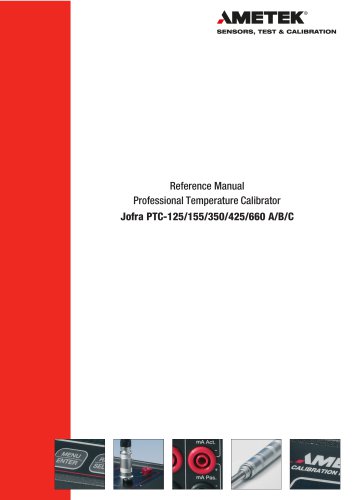
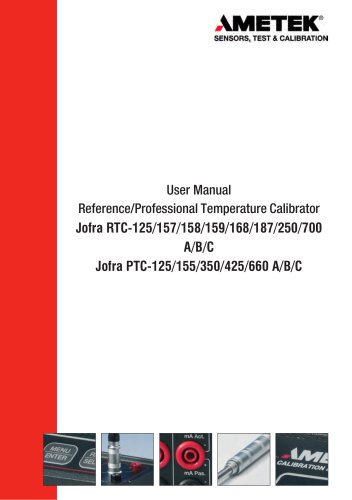
SENSORS, TEST & CALIBRATION User Manual Reference/Professional Temperature Calibrator Jofra RTC-125/157/158/159/187/250/700 A/B/C Jofra PTC-125/155/350/425/660 A/B/C
Open the catalog to page 1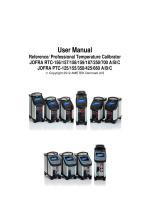
User Manual Reference/ Professional Temperature Calibrator JOFRA RTC-156/157/158/159/187/250/700 A/B/C JOFRA PTC-125/155/350/425/660 A/B/C Copyright 2012 AMETEK Denmark A/S
Open the catalog to page 2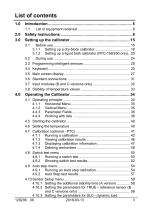
3.1.2 Setting up a liquid bath calibrator (RTC-158/250 only).. 20 4.10.2 Setting the parameters for TRUE - reference sensor (B 4.10.3 Setting the parameters for DLC- dynamic load
Open the catalog to page 4
4.10.4 Setting the parameters for SUT- Sensor under test (B 4.10.5 Viewing the Reference and DLC data (B and C versions 5.0 Setting the mains voltage and replacing the main fuses... 75
Open the catalog to page 5
with sensor and with reference input with sensor and with reference input with sensor and with reference input with sensor and with reference input with sensor and with reference input with sensor and with reference input with sensor and with reference input Temperature calibrator Temperature calibrator reference inputs Temperature calibrator Temperature calibrator Temperature calibrator reference inputs Temperature calibrator Temperature calibrator Temperature calibrator reference inputs Temperature calibrator Temperature calibrator Temperature calibrator reference inputs Temperature calibrator...
Open the catalog to page 6
sensor and reference input sensor and reference input sensor and reference input Temperature calibrator with reference inputs Temperature calibrator with Temperature calibrator Temperature calibrator with reference inputs Temperature calibrator with Temperature calibrator Temperature calibrator with reference inputs Temperature calibrator with Temperature calibrator Temperature calibrator with sensor and reference inputs Temperature calibrator with reference input These instruments are temperature calibrators designed to calibrate temperature sensors and thermostats. The RTC-156/157/159/187/700...
Open the catalog to page 7
• 1 set of silicone plugs for insulation plugs (RTC-156/157/158/159/187/250 and PTC-125/155 only) • 1 insulation collar (RTC-156 only) • 1 protection shield (RTC-700 and PTC-660 only) Caution Do not use the RTC-158 insulation plug (black POM) with the RTC-250 instrument due to the risk of melting. Always use the correct - yellow/brown PEEK - insulation plug with the RTC-250 instrument. RTC-158/250 A/B/C only (liquid bath) - OPTIONAL • 1 liquid bath kit consisting of : - 2 lids for transportation / calibration - 1 stirring magnet remover - 1 liquid drainage syringe - 1 oil material safety data...
Open the catalog to page 8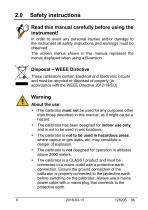
Read this manual carefully before using the instrument! In order to avoid any personal injuries and/or damage to the instrument all safety instructions and warnings must be observed. The screen menus shown in this manual represent the menus displayed when using a B-version. These calibrators contain Electrical and Electronic circuits and must be recycled or disposed of properly (in accordance with the WEEE Directive 2012/19/EU). • The calibrator must not be used for any purposes other than those described in this manual, as it might cause a hazard. • The calibrator has been designed for indoor...
Open the catalog to page 9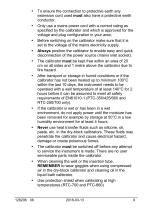
• To ensure the connection to protective earth any extension cord used must also have a protective earth conductor. • Only use a mains power cord with a current rating as specified by the calibrator and which is approved for the voltage and plug configuration in your area. • Before switching on the calibrator make sure that it is set to the voltage of the mains electricity supply. • Always position the calibrator to enable easy and quick disconnection of the power source (mains inlet socket). • The calibrator must be kept free within an area of 20 cm on all sides and 1 metre above the calibrator...
Open the catalog to page 10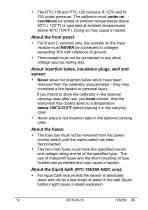
• The RTC-159 and PTC-125 contains R-1270 and R-704 under pressure. The calibrator must under no conditions be stored at ambient temperatures above 50°C ( 122°F) or operated at ambient temperatures above 40°C (104°F). Doing so may cause a hazard. About the front panel: • For B and C versions only, the sockets on the input module must NEVER be connected to voltages exceeding 30V with reference to ground. • Thermostats must not be connected to any other voltage sources during test. About insertion tubes, insulation plugs, well and • Never leave hot insertion tubes which have been removed from the...
Open the catalog to page 11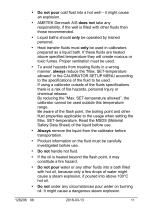
• Do not pour cold fluid into a hot well - it might cause an explosion. • AMETEK Denmark A/S does not take any responsibility, if the well is filled with other fluids than those recommended. • Liquid baths should only be operated by trained personal. • Heat transfer fluids must only be used in calibrators prepared as a liquid bath. If these fluids are heated above specified temperature they will create noxious or toxic fumes. Proper ventilation must be used. • To avoid hazards from treating fluids in a wrong manner, always reduce the "Max. SET-temperature allowed” in the CALIBRATOR SETUP MENU...
Open the catalog to page 12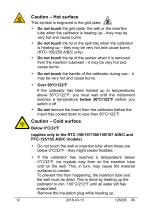
Caution - Hot surface This symbol is engraved in the grid plate. • Do not touch the grid plate, the well or the insertion tube when the calibrator is heating up - they may be very hot and cause burns. • Do not touch the lid or the spill tray when the calibrator is heating up - they may be very hot and cause burns (RTC-158/250 A/B/C only). • Do not touch the tip of the sensor when it is removed from the insertion tube/well - it may be very hot and cause burns. • Do not touch the handle of the calibrator during use - it may be very hot and cause burns. If the calibrator has been heated up to temperatures...
Open the catalog to page 13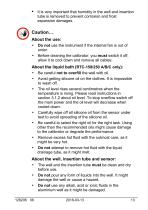
• It is very important that humidity in the well and insertion tube is removed to prevent corrosion and frost expansion damages. • Do not use the instrument if the internal fan is out of order. • Before cleaning the calibrator, you must switch it off, allow it to cool down and remove all cables. About the liquid bath (RTC-158/250 A/B/C only): • Be careful not to overfill the well with oil. • Avoid getting silicone oil on the clothes. It is impossible to wash off. • The oil level rises several centimetres when the temperature is rising. Please read instructions in section 3.1.2 about oil level....
Open the catalog to page 14All Ametek Calibration catalogs and technical brochures
 Type T Deadweight Tester
8 Pages
 ATMi Temperature Module
7 Pages
 XP2i Data Recorder
6 Pages
 Temperature Pressure Process
12 Pages
 AMETEK Calibration Brochure
12 Pages
 Maritime Brochure
8 Pages
 CPF Brochure (D)
4 Pages
 APM Advanced Pressure Module
6 Pages
 Product Overview Brochure
8 Pages
 GaugeCalHP Manual
20 Pages
 24 VDC Power Supply Manual
7 Pages
 24 VDC Power Supply
4 Pages
 FastCalXP
9 Pages












- Management software solution
- Automation software solution
- Data logger
- AMETEK resistance temperature sensor
- Process software
- AMETEK pressure gauge
- Real-time software
- AMETEK Windows software
- Cloud-based software
- Control software
- Digital indicator
- Analog pressure gauge
- Industrial software
- AMETEK measurement software
- Interface software
- Pt100 temperature transducer
- Data-logger with screen