
- Catalogs
- Ametek Calibration
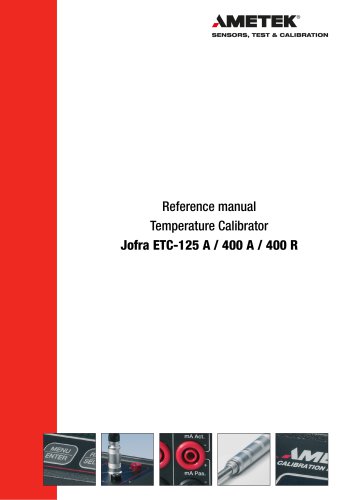
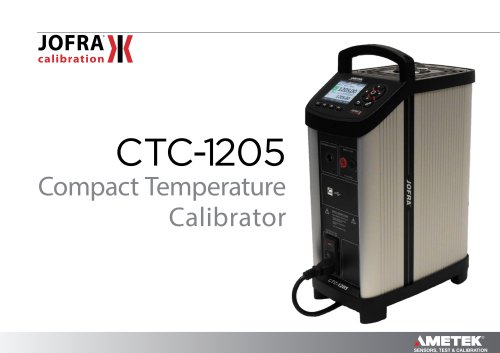
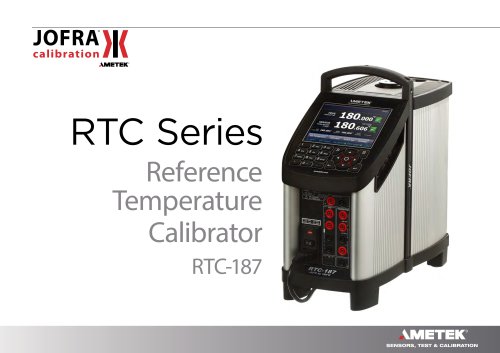
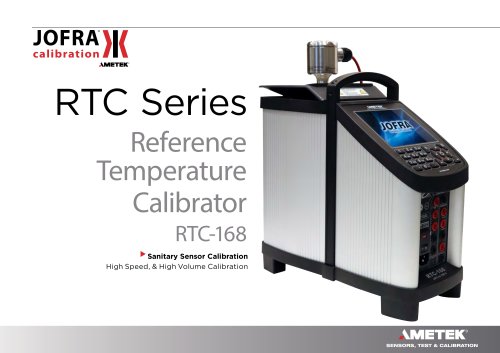
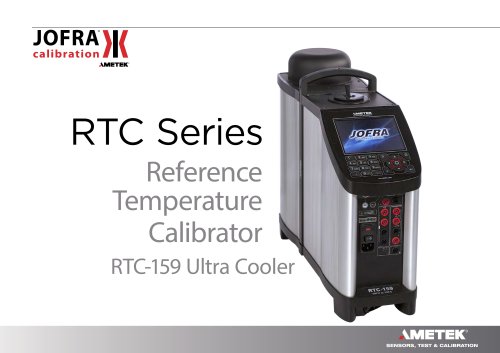
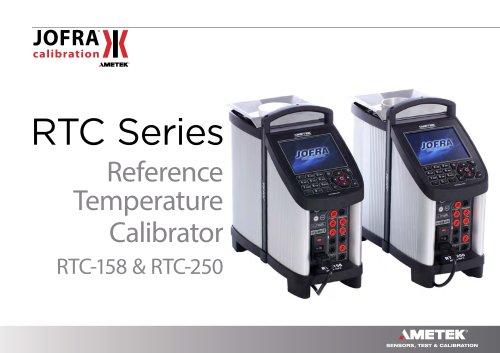
- CTC Temperature Calibrator User Manual

- Products
- Catalogs
- News & Trends
- Exhibitions
CTC Temperature Calibrator User Manual
CTC Temperature Calibrator User Manual
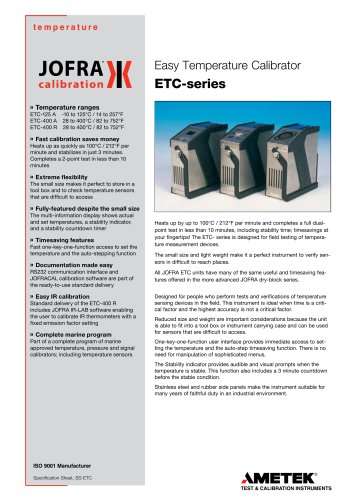
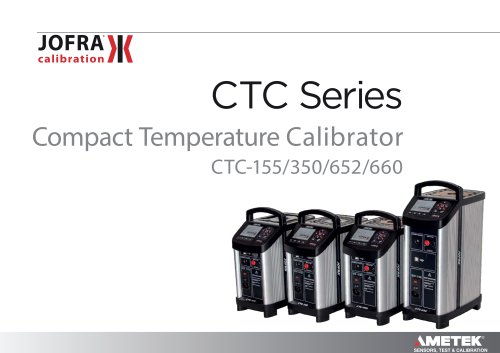
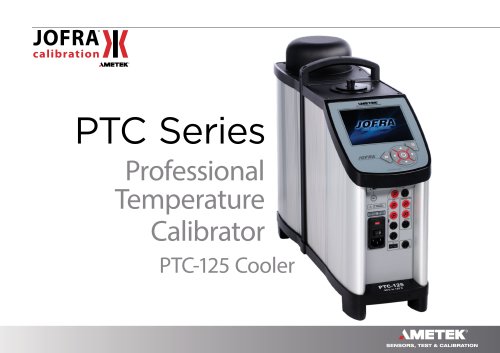
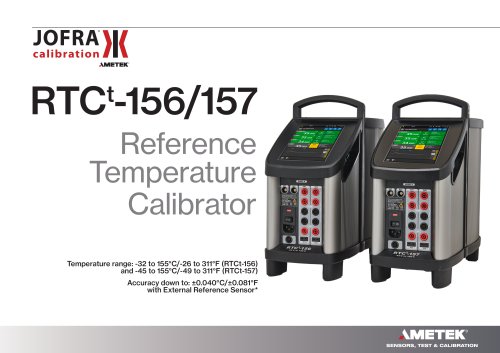
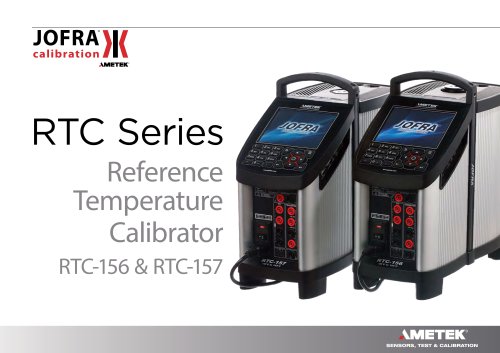
CTC-calibrators are used for calibrating temperature sensors and switches. It is crucial for users to read the manual thoroughly to ensure safety and proper operation.
The package includes a calibrator, USB memory stick with manual and software, mains cable, test cables, thermal protection shield (for specific models), insertion tool, USB cable, and a calibration certificate.
Users must follow safety guidelines to prevent injury or damage. The calibrator should be used indoors, not in hazardous or wet environments, and requires a protective earth connection. Proper handling and storage are essential.
Place the calibrator on a stable surface, away from drafts and flammable substances. Verify fuse size and earth connection before use, ensuring unobstructed air circulation.
The manual provides details on operating principles, system menu navigation, and procedures for starting the calibrator, selecting reference sensors, setting temperatures, and using Auto Step and Switch Test functions.
After use, store the calibrator properly, ensuring it has cooled down sufficiently. Guidelines for switching off and transporting the device safely are provided.
The calibrator operates within specific temperature, humidity, and altitude ranges, requiring a specific line voltage and frequency.
Warnings include not using the calibrator for unintended purposes, in hazardous areas, or without proper connections. Caution is advised when handling hot surfaces and ensuring the fan is functioning.
CTC-350/652/660/1205 instruments require insertion tubes to be heated to specific maximum temperatures for at least 30 minutes. A thermal protection shield is recommended for high temperatures.
The keypad includes function keys for menu operations, a back key, a system menu key, arrow keys for navigation, and an action/enter key for selections.
The display includes a menu bar, process indicator, stability selection, reference sensor info, memory reading, warning/error symbols, real-time clock, true temperature reading, units, internal reference temperature, and set temperature reading.
Includes USB 2.0 device port, reference sensor input, power control switch with fuse, and switch test connection for voltage-free switches.
Stability is indicated by messages such as "Not stable" or "Time to stable." Stability criteria can be adjusted, and external reference stability is supported.
Operation involves using function keys, arrow keys, and the action/enter key. The system menu provides access to settings, presets, system info, and memory storage.
Options include internal reference, external reference, and "SET follows TRUE" for C-models. Stability criteria and time can be adjusted.
Temperature can be set manually or via presets, with limitations based on system settings and external sensor range.
Allows automatic stepping through calibration temperatures, useful for hard-to-reach sensors. Parameters include number of steps, hold time, and step values.
The Switch Test determines the switch temperature of a thermostat using parameters like Start temperature (T1), End temperature (T2), and Rate of change in temperature per minute. The dead band can also be determined.
Ensure the thermostat is connected to the Switch Test input. Editable fields include T1, T2, Dead band, Rate, and Test runs. Start the test by pressing F4, with options to stop or view results.
The calibrator targets T1, then moves towards T2 at the specified rate. Results show the temperatures at which the thermostat opens and closes, calculating the dead band.
Ensure the calibrator is off before servicing. Check and adjust the power control switch voltage if necessary. Replace fuses with specified types and ratings.
Switch off the calibrator before servicing. Allow it to cool below 50°C/122°F before switching off or storing. Remove the insertion tube to prevent corrosion and damage.
Use the power control switch to turn off the calibrator. Remove the insertion tube using the supplied tool to prevent damage.
Catalog excerpts
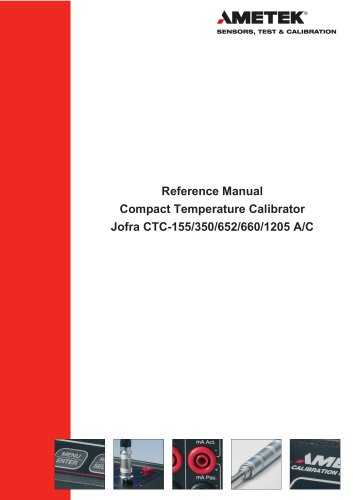
AMETEK SENSORS, TEST & CALIBRATION User Manual Compact Temperature Calibrator
Open the catalog to page 1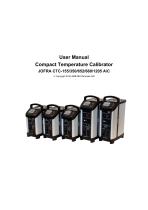
User Manual Compact Temperature Calibrator JOFRA CTC-155/350/652/660/1205 A/C Copyright 2016 AMETEK Denmark A/S
Open the catalog to page 2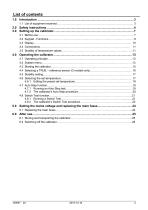
Before use……………………………………………………………………………………….….. 7 Keypad - Functions…………………………………………………………………………………. 9 Display…………………………………………………………………………………………….. 10 Connections……………………………………………………………………………………… 11 Stability of temperature values……………………………………………………………………11
Open the catalog to page 3
CTC-calibrators are temperature calibrators designed to calibrate temperature sensors and temperature switches. Read this manual carefully before using the instrument and make sure that all safety instructions and warnings are observed. When you receive the instrument, the following should be enclosed: • 1 USB memory stick containing electronic Reference manual and software package JOFRACAL • 1 set of test cables (1 black, 1 red) • 1 thermal protection shield (CTC-652/660 only) • 1 tool for insertion tube • 1 Calibration certificate (International traceable)
Open the catalog to page 4
Read this manual carefully before using the instrument! In order to avoid any personal injuries and/or damage to the instrument all safety instructions and warnings must be observed. Disposal - WEEE Directive /V®\ These calibrators contain Electrical and Electronic circuits and must be recycled or disposed of properly (in accordance with the WEEE Directive 2012/19/EU). • The calibrator must not be used for any purposes other than those described in this manual, as protection provided by the calibrator may be impaired and it might cause a hazard. • The calibrator has been designed for indoor use...
Open the catalog to page 5
• The calibrator must be switched off before any attempt to service the instrument is made. There are no user serviceable parts inside the calibrator. • When cleaning the well or insertion tube, REMEMBER to wear goggles when using compressed air! • Remember to use appropriate protective equipment or get help when carrying the calibrator (for a longer distance) in order to prevent injuries from dropping the calibrator. About the front panel: • The connectors, on the front panel of the calibrator, must NEVER be connected to a voltage source. • Thermostats connected to the switch test input must...
Open the catalog to page 6
might create frostbite. • If the calibrator has reached a temperature below 0°C/32°F, ice crystals may form on the insertion tube and the well. This, in turn, may cause the material surfaces to oxidize To prevent this from happening the insertion tube and the well must be dried. This is done by heating up the calibrator to 100°C/212°F until all water left has evaporated. Remove the insulation plug while heating up. It is very important that humidity in the well and insertion tube is removed to prevent corrosion and frost expansion damages. • Before cleaning the calibrator, you must switch it...
Open the catalog to page 7
Ambient operating temperature range: 0-50°C / 32-122°F Storage temperature range: -20-50°C / -4-122°F Humidity range: 5-90% RH, non-condensing Electromagnetic Compatibility: Tested for use in domestic establishment and in establishments directly connected to low voltage power supply network which supplies buildings used for domestic purposes as well as in an industrial electromagnetic environment as described in EN61326-1:2013. IEC protection class: Power consumption: 3.1 Before use Warning • The calibrator must not be used for any purposes other than those described in this manual, as it might...
Open the catalog to page 8
• Always make sure to position the power cord and other connected cables in a secure way to prevent the risk of personnel falling. • To prevent the calibrator from tipping over and causing damage to equipment or systems, please avoid pulling the cables connected to the calibrator. • Before switching on the calibrator make sure that it is set to the voltage of the mains electricity supply. • Always position the calibrator to enable easy and quick disconnection of the power source (mains inlet socket). • The connectors, on the front panel of the calibrator, must NEVER be connected to a voltage...
Open the catalog to page 9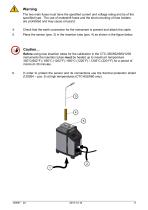
Warning The two main fuses must have the specified current and voltage rating and be of the specified type. The use of makeshift fuses and the short-circuiting of fuse holders are prohibited and may cause a hazard. 4. Check that the earth connection for the instrument is present and attach the cable. Place the sensor (pos. 3) in the insertion tube (pos. 4) as shown in the figure below. Caution… Before using new insertion tubes for the calibration in the CTC-350/652/660/1205 instruments the insertion tubes must be heated up to maximum temperature 350°C(662°F) / 650°C (1202°F) / 660°C (1220°F)...
Open the catalog to page 10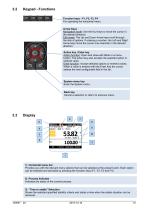
Keypad - Functions Function keys - F1, F2, F3, F4 For operating the horizontal menu. Arrow Keys Navigation mode: Use the four keys to move the cursor in the desired direction. Edit mode: The Up and Down Arrow keys scroll through the lists of options. If entering a number, the Left and Right Arrow keys move the cursor one character in the desired direction. Action key / Enter key Action function: Open and close edit fields or a menu button. The action key also accepts the selected option or entered value. Enter function: Accept selected options or entered values. When a value is entered with the...
Open the catalog to page 11All Ametek Calibration catalogs and technical brochures
 Type T Deadweight Tester
8 Pages
 ATMi Temperature Module
7 Pages
 XP2i Data Recorder
6 Pages
 Temperature Pressure Process
12 Pages
 AMETEK Calibration Brochure
12 Pages
 Maritime Brochure
8 Pages
 CPF Brochure (D)
4 Pages
 APM Advanced Pressure Module
6 Pages
 Product Overview Brochure
8 Pages
 GaugeCalHP Manual
20 Pages
 24 VDC Power Supply Manual
7 Pages
 24 VDC Power Supply
4 Pages
 FastCalXP
9 Pages













- Management software solution
- Automation software solution
- Data logger
- AMETEK resistance temperature sensor
- Process software
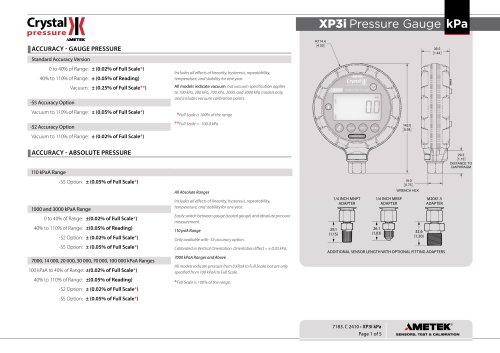
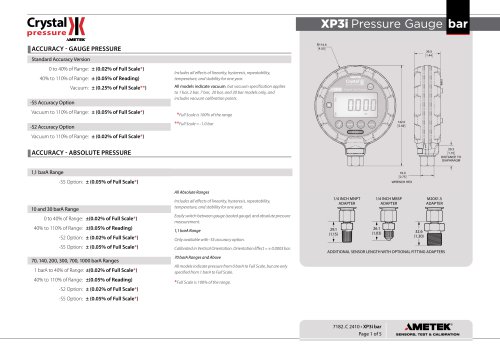
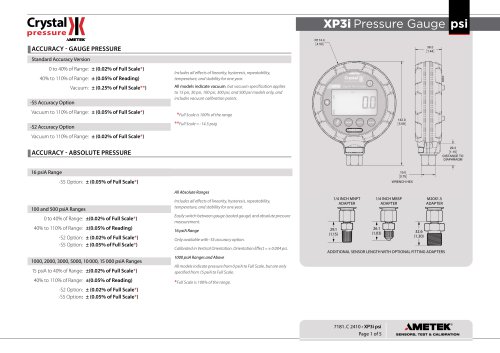
- AMETEK pressure gauge
- Real-time software
- AMETEK Windows software
- Cloud-based software
- Control software
- Digital indicator
- Analog pressure gauge
- Industrial software
- AMETEK measurement software
- Interface software
- AMETEK thermocouple
- Pt100 temperature transducer
- Data-logger with screen