
- Catalogs
- Ahlborn Mess- und Regelungstechnik GmbH
- Multi-point adjustment

- Company
- Products
- Catalogs
- News & Trends
- Exhibitions
Multi-point adjustment

Multi-point adjustment
The document discusses the ALMEMO® multi-point adjustment system, which enhances measurement precision by allowing users to perform multi-point adjustments using ALMEMO® devices and software. This system is particularly useful for correcting sensor deviations and ensuring accurate measurements.
Specifications
The ALMEMO® system supports multi-point adjustments and special measuring ranges through the use of ALMEMO® plugs with additional memory. These plugs can store correction tables and characteristic curves, allowing for precise sensor calibration and linearization.
Procedures
Users can perform multi-point adjustments using the ALMEMO® CONTROL software, which converts correction tables into interpolation tables with over 30 basic values. The corrected values are saved to the ALMEMO® plug, enabling accurate readouts without further manual correction.
Calibration
During calibration, sensor deviations are determined and saved as correction values on the ALMEMO® plug. The corrected values are displayed directly on the measuring instrument, eliminating the need for manual adjustments based on calibration certificates.
Usage
The system allows for individual sensor linearization and supports both two-point and multi-point adjustments. Two-point adjustments correct zero-point and slope values, while multi-point adjustments provide precise corrections across multiple measurement points.
Recommandations
For optimal use, it is recommended to utilize ALMEMO® devices with the "KL" option for multi-point adjustments. Pre-programmed plugs with special linearizations are available for factory installation.
Tables and Data
The document includes sample tables demonstrating two-point and multi-point adjustments for a PT100 sensor range (-200.00°C to 400.00°C). These tables illustrate the correction of actual values to match setpoints, ensuring accurate measurements.
Conclusion
The ALMEMO® multi-point adjustment system significantly enhances measurement accuracy and flexibility, accommodating a wide variety of sensors and ensuring precise calibration and linearization.
Catalog excerpts

ALMEMO® multi-point adjustment www.ahlborn.com Usage In case reference or correction values are available, the user can carry out the multi-point adjustment by himself. By means of the free software ALMEMO® CONTROL a correction table is converted to an interpolation table containing over 30 basic values and saved to the ALMEMO® plug. Using the function “consider correction value zero and gradient” the readouts of a pre-scaled sensor are corrected. This procedure requires an ALMEMO® device (e.g. ALMEMO® 2690-8) featuring the option “KL” (multi-point adjustment and special measuring ranges). Sensor with multipoint adjustment ALMEMO® plug with 4K EEPROM. Characteristic curve and sensor characteristics are saved to the plug The correction table programmed on the ALMEMO® plug can be saved as a file to the PC and additionally as an Excel table for archiving purposes. Of course, it is possible to load the correction table again from the archived file as well as from the ALMEMO® plug. Consequently, the user is able to access his multi-point adjustments at all times. Hand units from series ALMEMO® 2450, 2470, 2490 as well as 2590 are already able to process ALMEMO® plugs with a programmed multi-point adjustment as standard. For sensors that have special linearizations saved on the ALMEMO® plug, a multi-point adjustment is not possible. ALMEMO® multi-point adjustment Measuring instrument ALMEMO® 710 a precision measuring instrument with touchscreen For precisely correcting measuring chains • Increased options due to additional memory in the ALMEMO® plug During the calibration of the ALMEMO® measuring technology, the sensor deviation is determined in every calibration point and saved as correction value to the ALMEMO® plug. The measured values for such multipoint adjusted sensors are then listed in the calibration certificate. Compared to the reference values, the identified sensor deviations are close to zero. Measurements within the calibrated interval can then be carried out with minor deviations. The measured value displayed on the ALMEMO® measuring instrument is the already corrected value and can be used directly. It is not necessary anymore to correct the displayed measured value on the basis of the calibration certificate. Maximum flexibility with special linearization of non-linear sensors Maximum precision due to multi-point adjustment in the ALMEMO® plug We are an accredited calibration laboratory in terms of the parameters relative humidity, pressure, temperature, flow velocity and electrical quantities according to the standard DIN EN ISO/IEC 17025. Ahlborn Mess- und Regelungstechnik GmbH Eichenfeldstr. 1 l 83607 Holzkirchen l Germany Tel. +49 8024 3007 0 l FAX +49 8024 3007 10
Open the catalog to page 1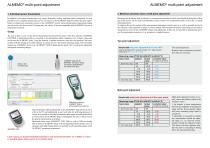
ALMEMO® multi-point adjustment 1. Individual sensor linearization In addition to the sensor characteristics (e.g. range, dimension, scaling- and limit values, comments) it is now possible to save complete characteristic curves of a sensor in the ALMEMO® plug. This offers the great opportunity to connect also non-linear sensors to the ALMEMO® system whose linearizations (measuring ranges) are not saved to the device itself. Consequently, the variety of sensors compatible with ALMEMO® devices is immensely increased. The user is able to carry out the special linearization by himself. By means of...
Open the catalog to page 2All Ahlborn Mess- und Regelungstechnik GmbH catalogs and technical brochures
 Ahlborn Product Catalog 02/26
316 Pages
 Measuring ranges
2 Pages
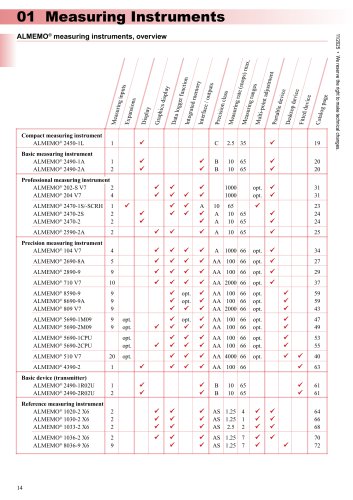
 ALMEMO® 2450-L-english
1 Page
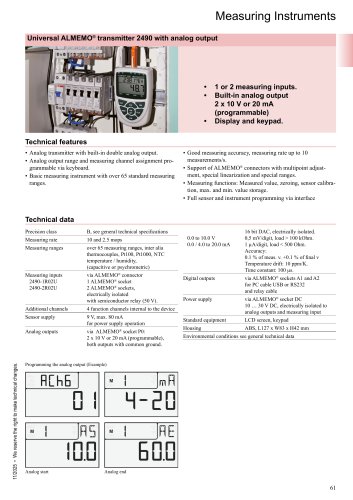
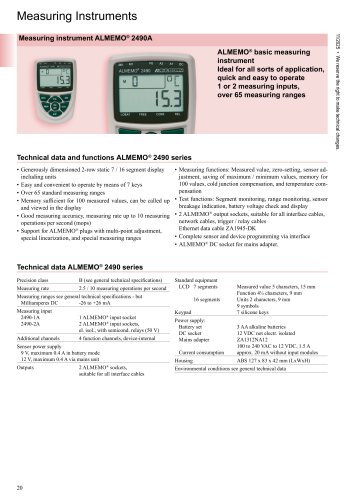 ALMEMO® 2490A-english
2 Pages
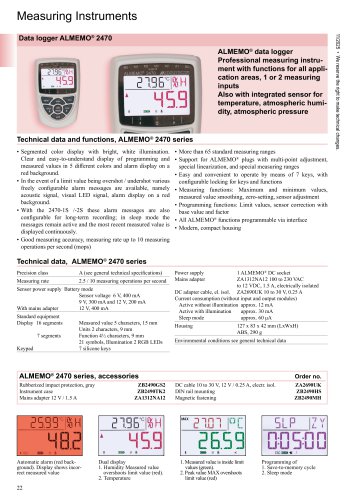 ALMEMO® 2470-english
3 Pages
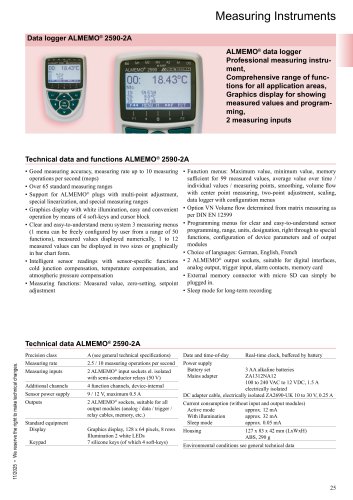 ALMEMO® 2590-2A_english
2 Pages
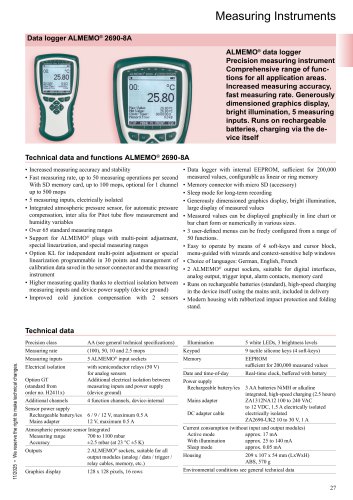 ALMEMO® 2690-8A-english
2 Pages
 ALMEMO® 2890_english
2 Pages
 ALMEMO® 202-S-204_english
3 Pages
 ALMEMO® 104-english
3 Pages
 ALMEMO® 710_english
3 Pages
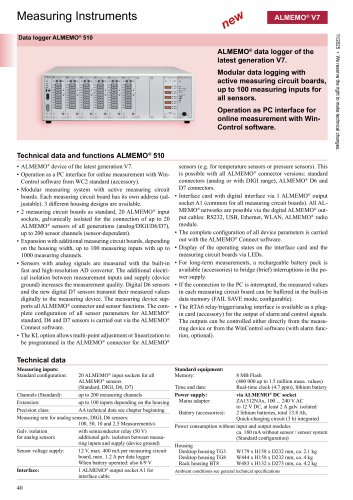 ALMEMO® 510-english
3 Pages
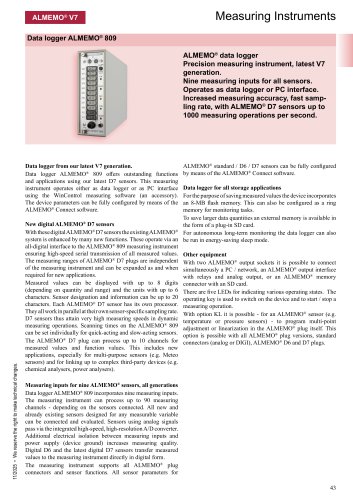 ALMEMO® 809_english
2 Pages
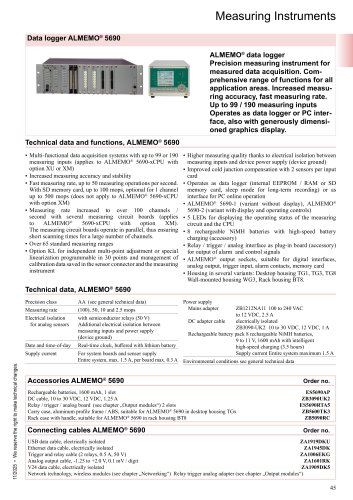 ALMEMO® 5690-english
8 Pages
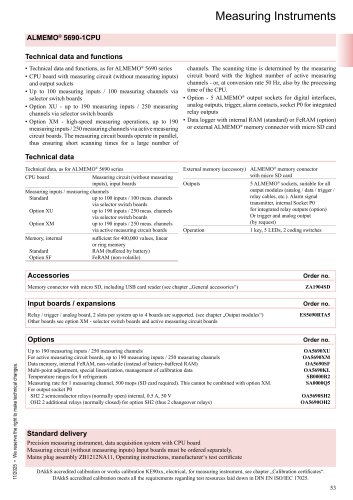 ALMEMO® 5690 CPU-english
6 Pages
 ALMEMO® 8590-8690_english
2 Pages
 ALMEMO® 4390-2_english
1 Page
 ALMEMO® 1020_english
2 Pages
 ALMEMO® 1030_english
2 Pages
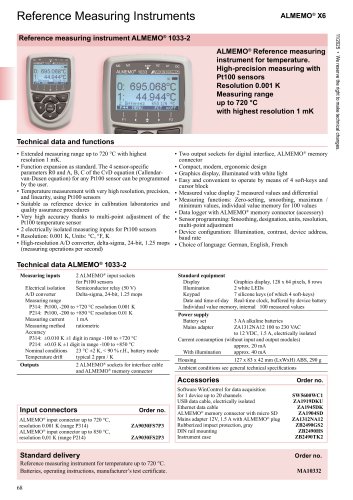 ALMEMO® 1033_english
2 Pages
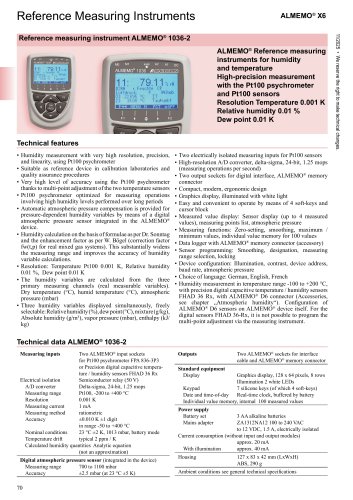 ALMEMO® 1036_english
2 Pages
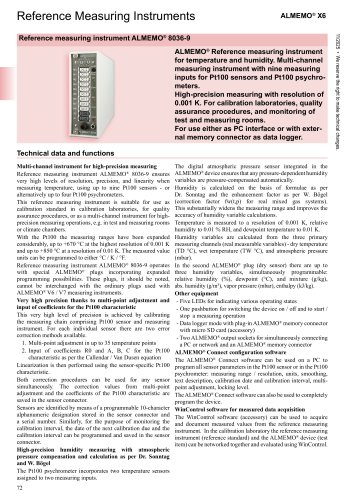 ALMEMO® 8036_english
3 Pages
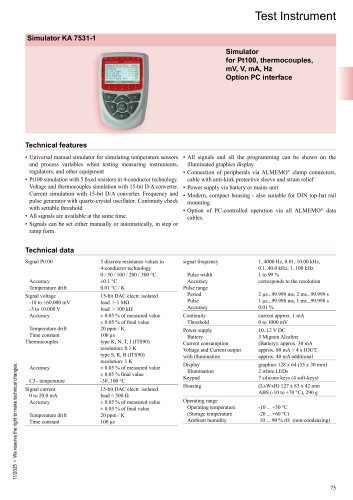 Simulator KA 7531-english
2 Pages
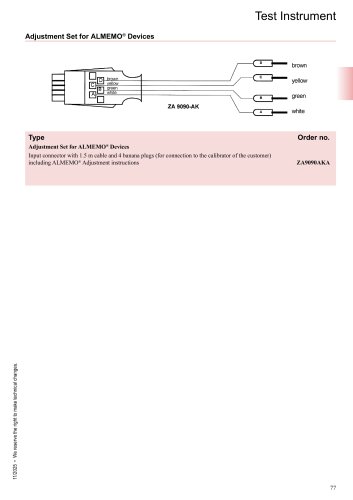 Adjustment cable
1 Page
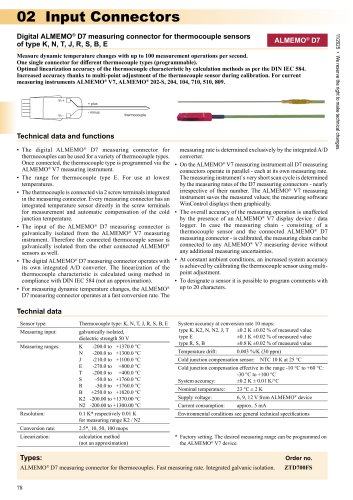 Digital ALMEMO® connectors
14 Pages
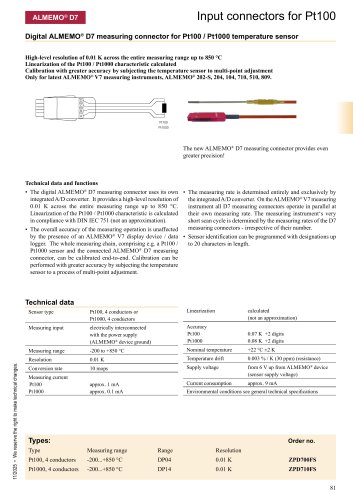 ALMEMO® Connector for Pt100
5 Pages
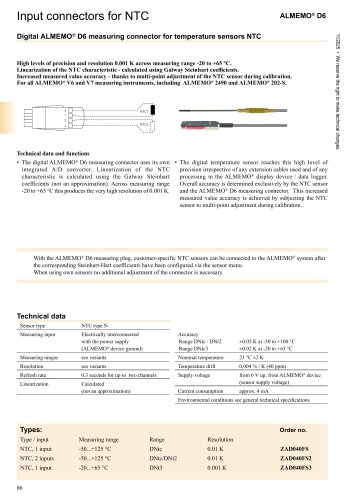 ALMEMO® Connectors for NTC
2 Pages
 ALMEMO® Connector for DC
5 Pages
 ALMEMO® Connector for AC
1 Page
 Trigger cable
3 Pages
 RTA5-english
1 Page
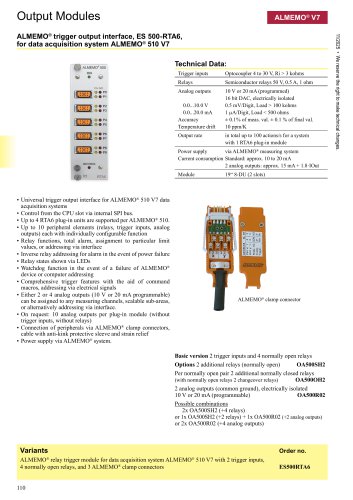 RTA6-english
1 Page
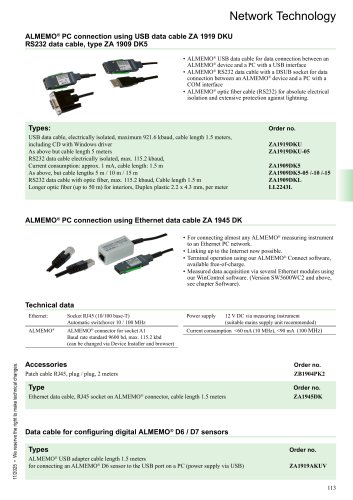 Network Cables
2 Pages
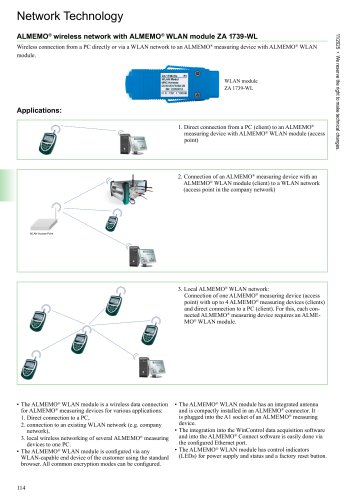 WLAN module ZA 1739-WL
2 Pages
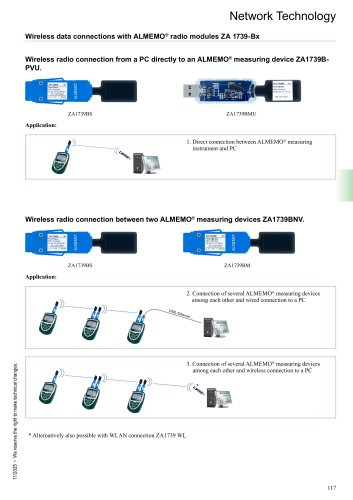 The ALMEMO® wireless System
3 Pages
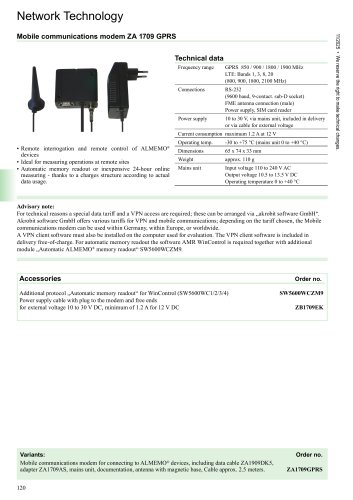 Mobile Internet and Cloud
4 Pages
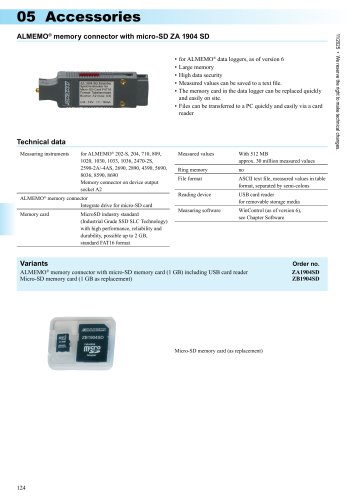 Memory connector
1 Page
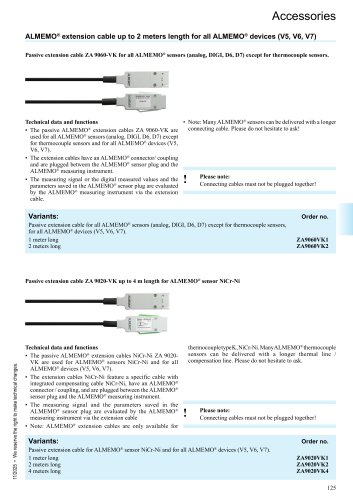 Extension cable
3 Pages
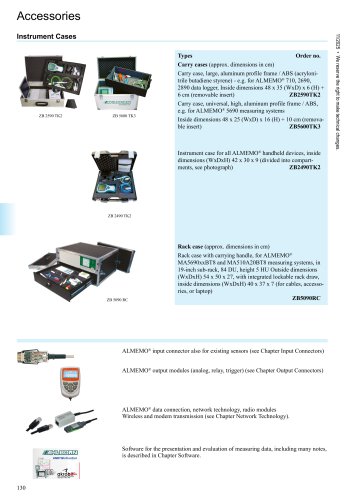 Cases
Cases1 Page
 ALMEMO® Connect-english
1 Page
 WinControl-english
13 Pages
 Automatic memory read out
4 Pages
 Monitoring Functions
4 Pages
 Automatic saving-to-memory
4 Pages
 Thermal transmittance wizard
4 Pages
 Thermal quantity wizard
4 Pages
 Password protection
4 Pages
 OPC-export-english
4 Pages
 ODBC-english
4 Pages
 Test bench manager
4 Pages
 Measured value server
4 Pages
 Web server
4 Pages
 PIMEX-english
4 Pages
 CAN-Trace-english
4 Pages
 Assistant for A0-F0 value
4 Pages
 Assistant for refrigerant
4 Pages
 Copy protection
4 Pages
 RMT WinControl-english
1 Page
 OCX WinControl-english
1 Page
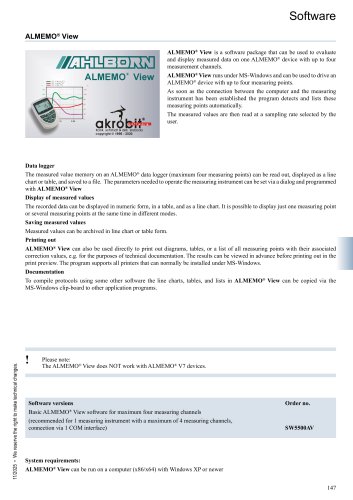 ALMEMO® View-english
1 Page
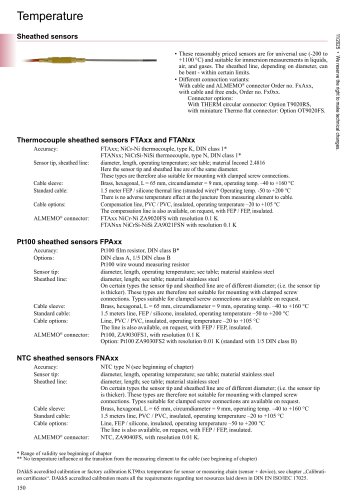 Sheathed sensors
5 Pages
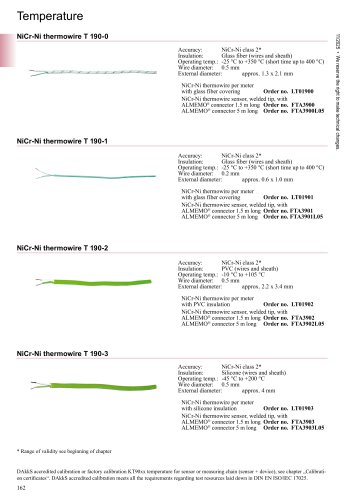 Thermo-wires
3 Pages
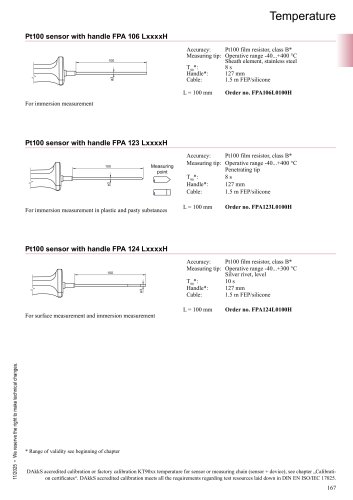 Various designs
4 Pages
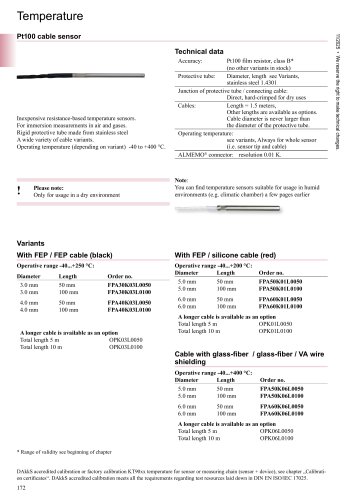 Pt100 cable sensor
1 Page
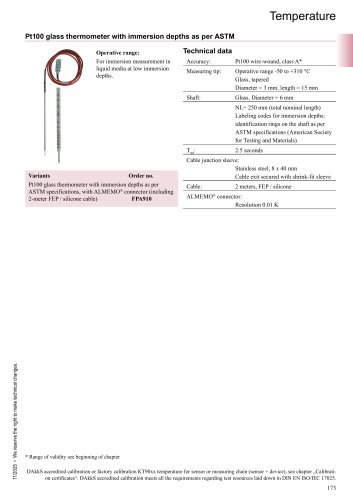 Glass thermometer
1 Page
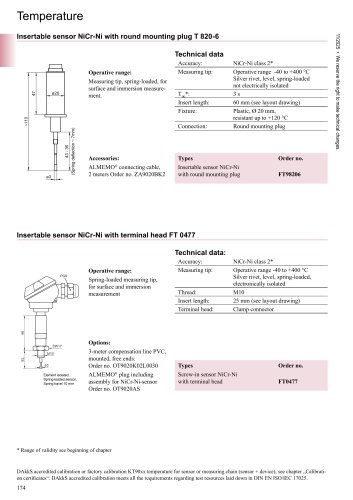 Insertable sensor
3 Pages
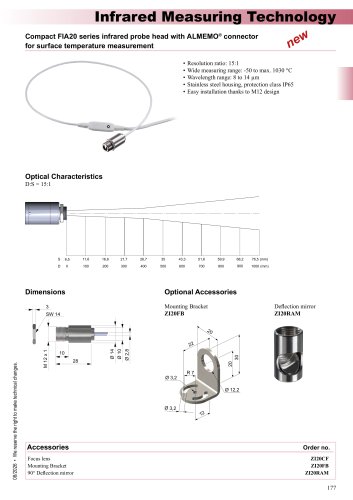 FIA20-english
2 Pages
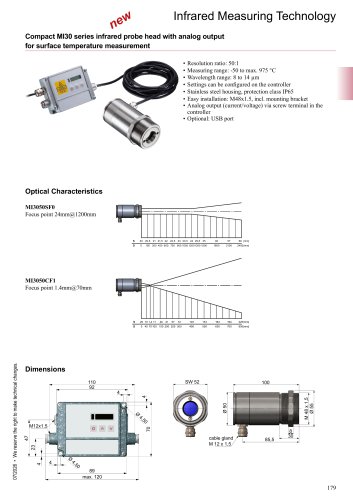 MI30-english
2 Pages
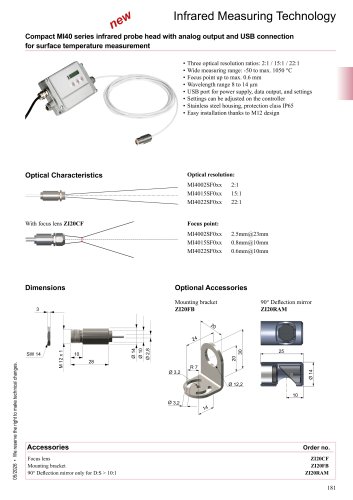 MI40-english
2 Pages
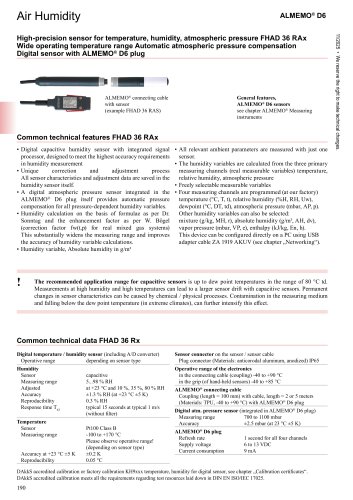 FHAD 36 Rx-english
4 Pages
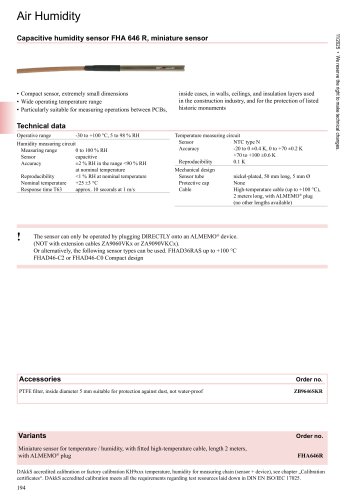 FHA 646 R-english
1 Page
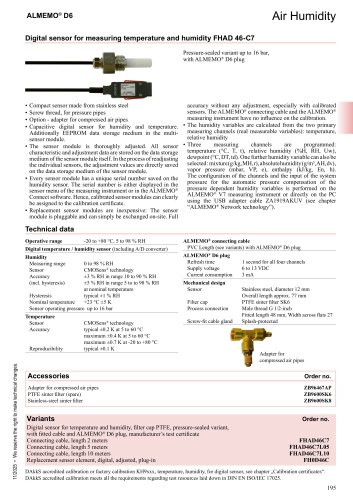 FHAD46-7-english
1 Page
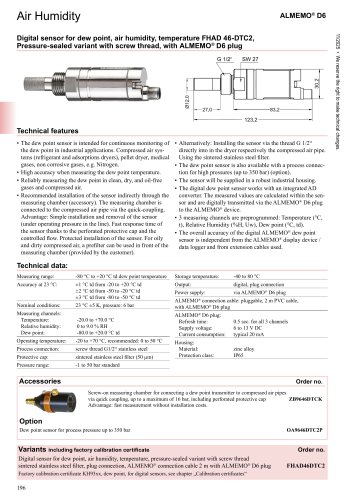 Dewpoint sensor
1 Page
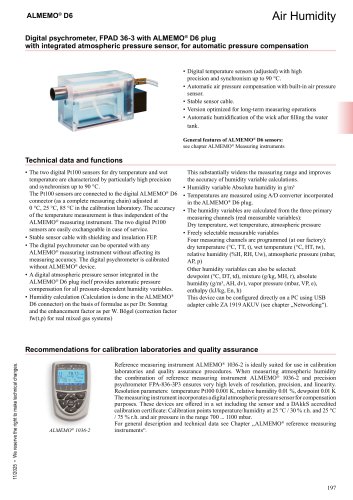 Digital psychrometer
2 Pages
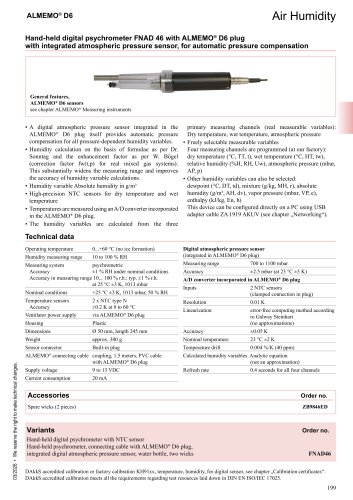 Psychrometer-english
1 Page
 MH8D46-english
2 Pages
 Pitot Tubes
2 Pages
 D6 Anemometer-english
1 Page
 Pressure sensors FDA602L
1 Page
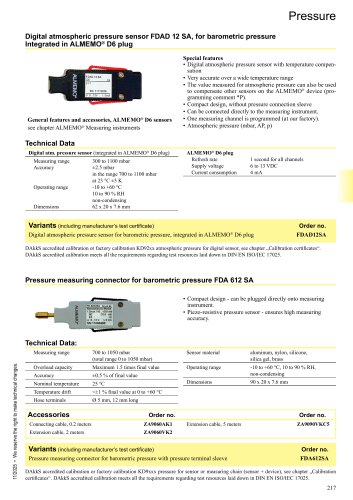 Pressure connector
1 Page
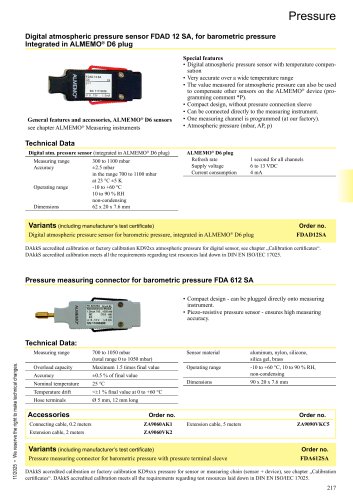 Pressure measuring connector
2 Pages
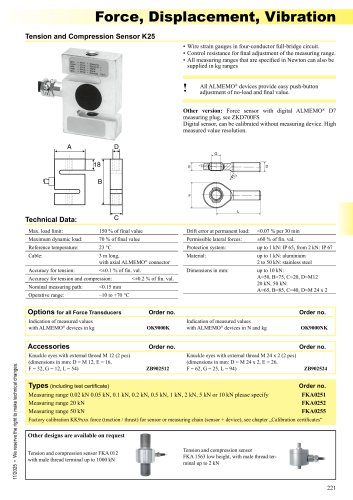 Force-english
3 Pages
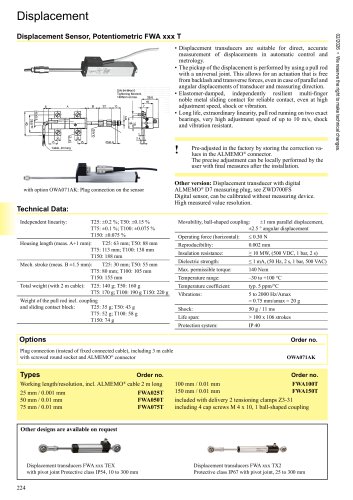 Displacement
2 Pages
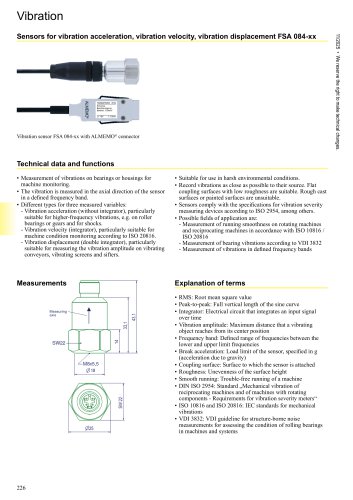 Vibration-english
2 Pages
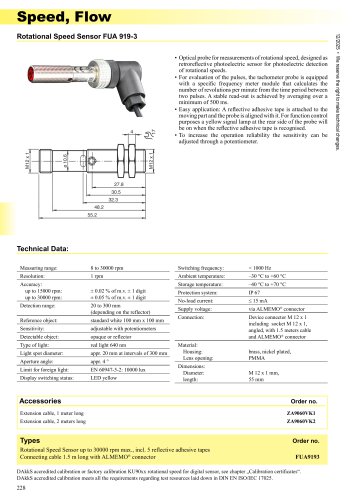 Speed
Speed1 Page
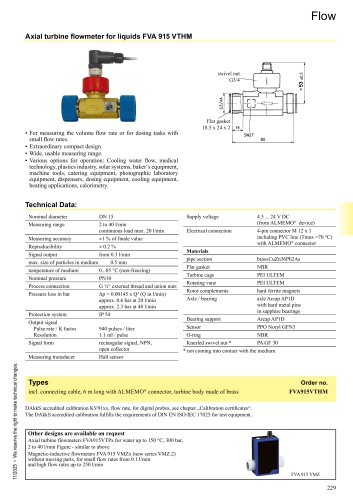 Flow
Flow2 Pages
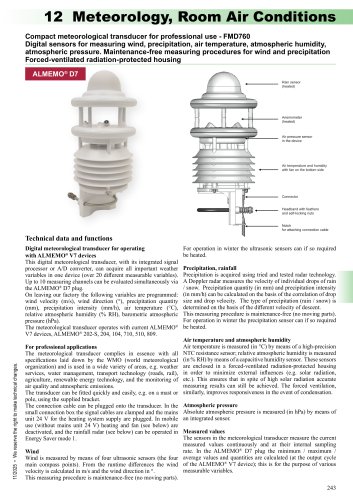 Meteorological transducer
3 Pages
 Weather station
3 Pages
 Wind sensor
2 Pages
 Optical radiation
3 Pages
 FLD733UVE-english
2 Pages
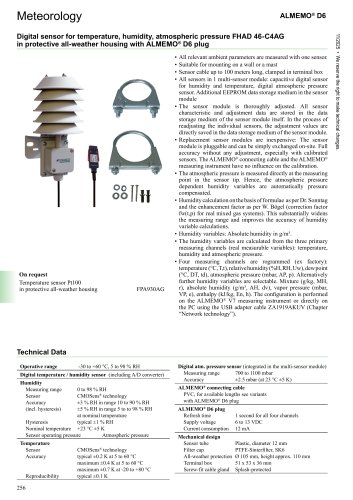 All-weather housing
2 Pages
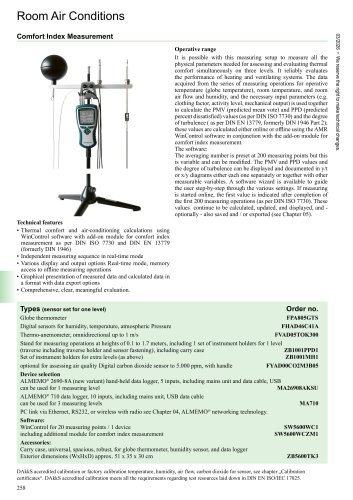 Comfort Index
2 Pages
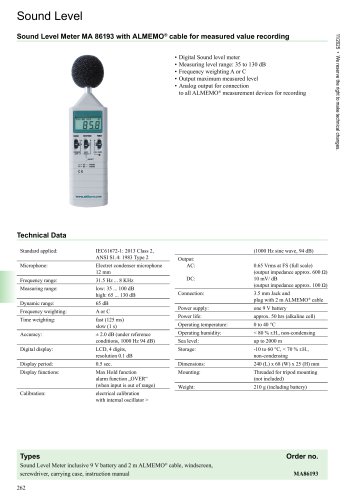 Sound Level
1 Page
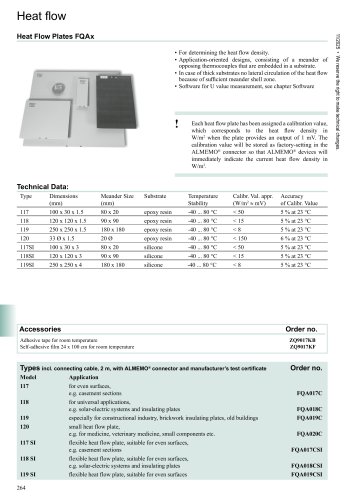 Heat Flow Plates
2 Pages
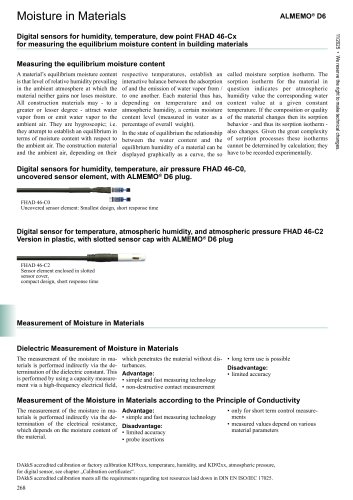 Equilibrium moisture
1 Page
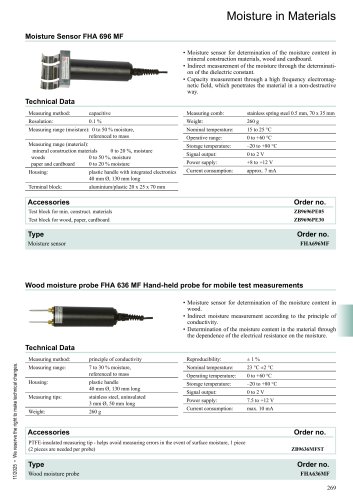 Moisture
5 Pages
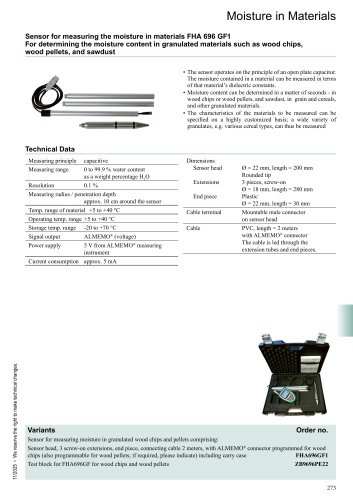 Granulate humidity
1 Page
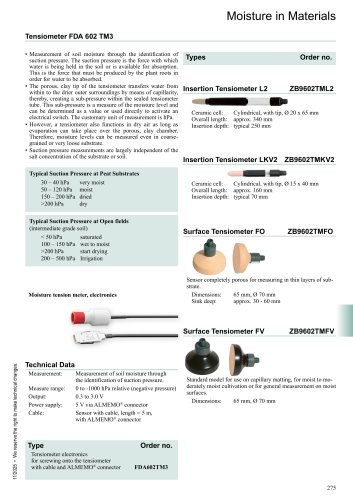 Tensiometer-english
1 Page
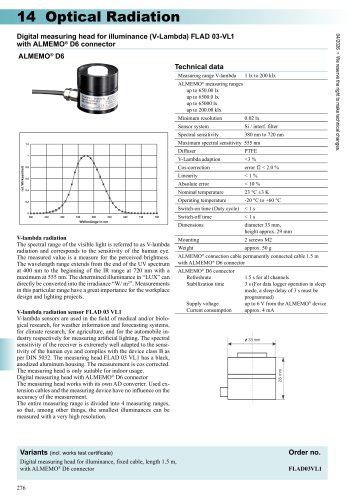 FLAD03VL1-english
1 Page
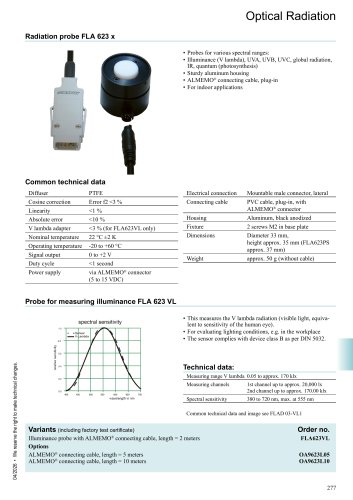 FLA623-english
3 Pages
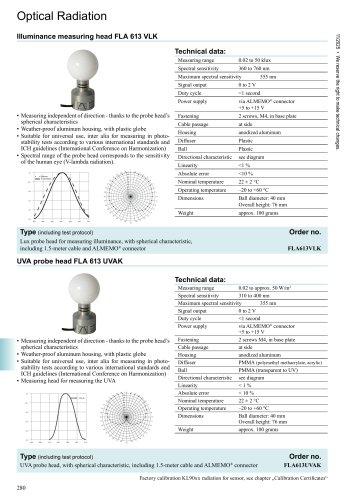 VLambda-english
1 Page
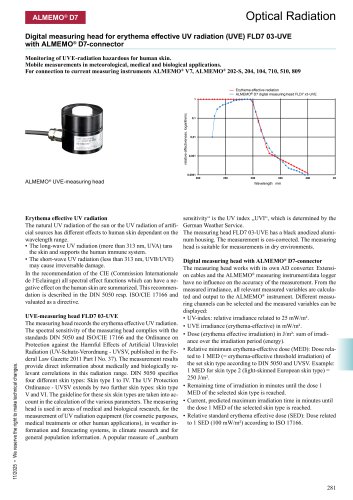 FLD703UVE-english
2 Pages
 Color temperature
2 Pages
 Luminance-english
1 Page
 pH-english
4 Pages
 Conductivity
2 Pages
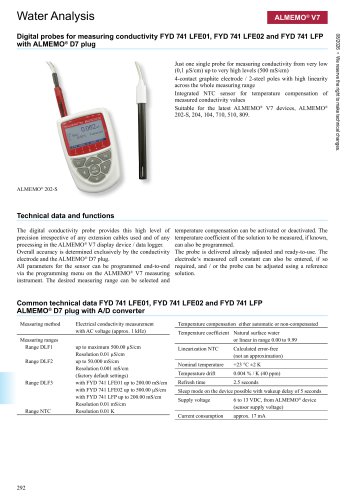 Conductivity D7
3 Pages
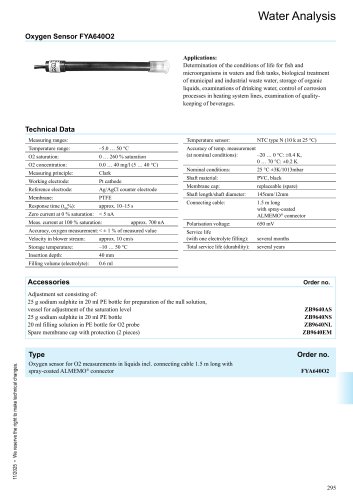 Oxygen Sensor
1 Page
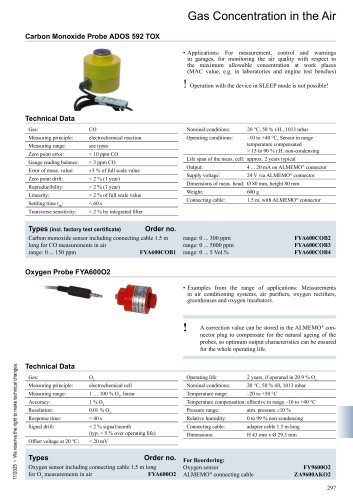 CO sensor
1 Page
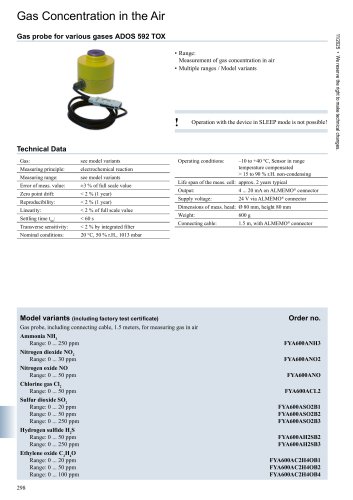 Various gases
1 Page
 Certificates
8 Pages
 Product overview
2 Pages
 WinControl
2 Pages
 Calibration laboratory
2 Pages

- Ahlborn connector
- Flowmeter
- Ahlborn data connector
- Ahlborn temperature sensor
- Volume flow monitor
- Liquid flow monitor
- Force sensor
- Electrical power supply connector
- Metal connector
- Automation software solution
- Data logger
- Ahlborn resistance temperature sensor
- Pressure transmitter
- Analysis software solution
- Circular connector
- Polymer connector
- Tension/compression force transducer
- Real-time software
- Windows software