
- Catalogs
- Ahlborn Mess- und Regelungstechnik GmbH
- ALMEMO® View

- Company
- Products
- Catalogs
- News & Trends
- Exhibitions
ALMEMO® View
1 /1Page
ALMEMO® View
1 /1Page
Catalog excerpts
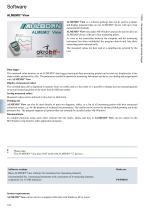
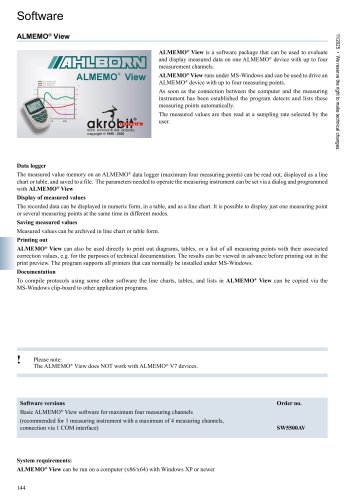
Software ALMEMO® View is a software package that can be used to evaluate and display measured data on one ALMEMO® device with up to four measurement channels. ALMEMO® View runs under MS-Windows and can be used to drive an ALMEMO® device with up to four measuring points. As soon as the connection between the computer and the measuring instrument has been established the program detects and lists these measuring points automatically. The measured values are then read at a sampling rate selected by the user. Data logger The measured value memory on an ALMEMO® data logger (maximum four measuring points) can be read out, displayed as a line chart or table, and saved to a file. The parameters needed to operate the measuring instrument can be set via a dialog and programmed with ALMEMO® View Display of measured values The recorded data can be displayed in numeric form, in a table, and as a line chart. It is possible to display just one measuring point or several measuring points at the same time in different modes. Saving measured values Measured values can be archived in line chart or table form. Printing out ALMEMO® View can also be used directly to print out diagrams, tables, or a list of all measuring points with their associated correction values, e.g. for the purposes of technical documentation. The results can be viewed in advance before printing out in the print preview. The program supports all printers that can normally be installed under MS-Windows. Documentation To compile protocols using some other software the line charts, tables, and lists in ALMEMO® View can be copied via the MS-Windows clip-board to other application programs. Please note: The ALMEMO® View does NOT work with ALMEMO® V7 devices. Software versions Basic ALMEMO® View software for maximum four measuring channels (recommended for 1 measuring instrument with a maximum of 4 measuring channels, connection via 1 COM interface) System requirements: ALMEMO® View can be run on a computer (x86/x64) with Windows XP or newer 144 11/2025 • We reserve the right to make technical changes.
Open the catalog to page 1All Ahlborn Mess- und Regelungstechnik GmbH catalogs and technical brochures
 Ahlborn Product Catalog 2026
324 Pages
 Measuring ranges
2 Pages
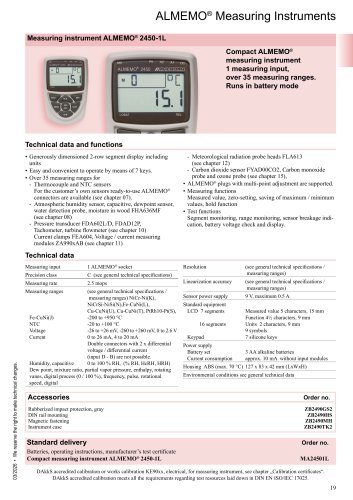 ALMEMO® 2450-L
1 Page
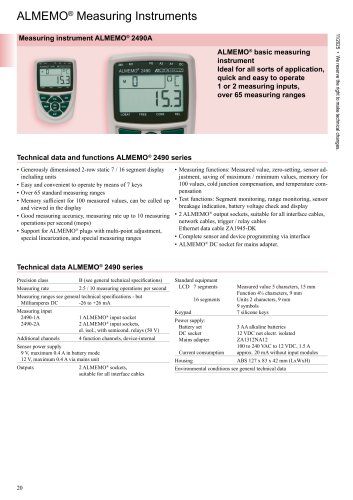 ALMEMO® 2490A
2 Pages
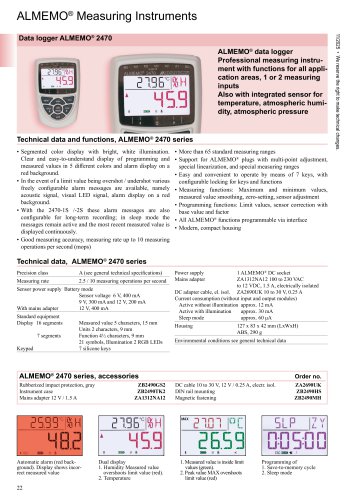 ALMEMO® 2470
3 Pages
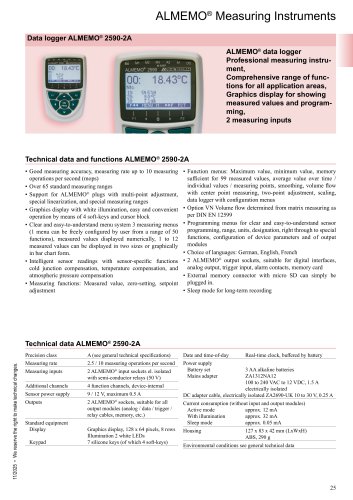 ALMEMO® 2590-2A
2 Pages
 ALMEMO® 2690-8A
2 Pages
 ALMEMO® 2890
2 Pages
 ALMEMO® 202-S and ALMEMO® 204
3 Pages
 ALMEMO® 104
3 Pages
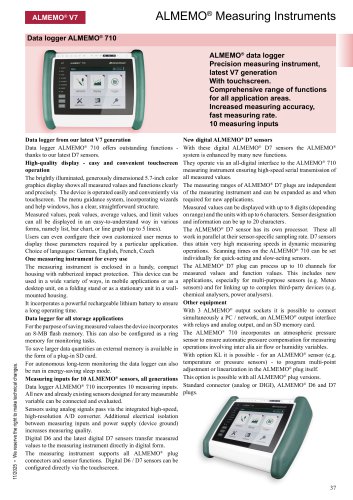 ALMEMO® 710
3 Pages
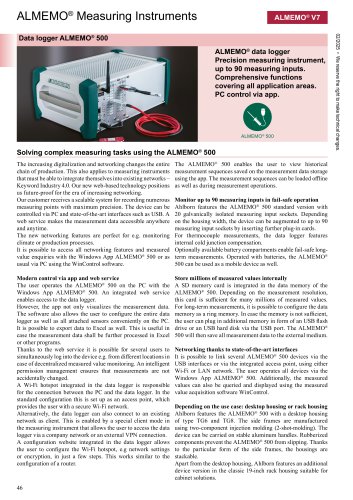 ALMEMO® 500
4 Pages
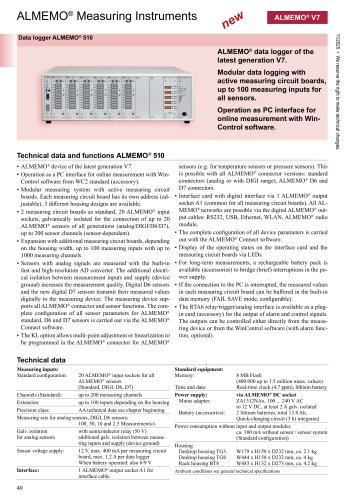 ALMEMO® 510
3 Pages
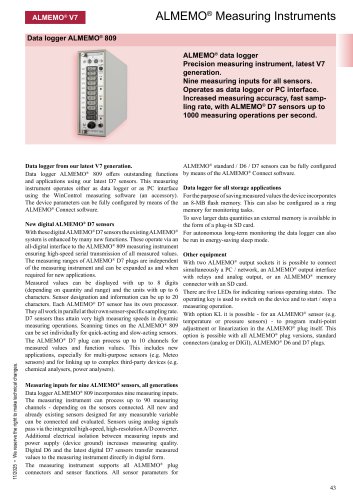 ALMEMO® 809
2 Pages
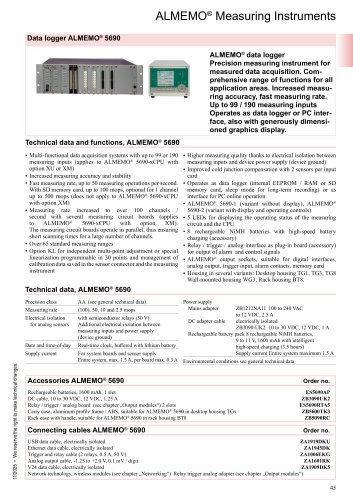 ALMEMO® 5690
8 Pages
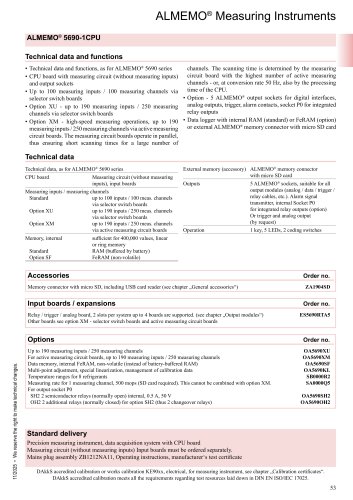 ALMEMO® 5690 CPU
6 Pages
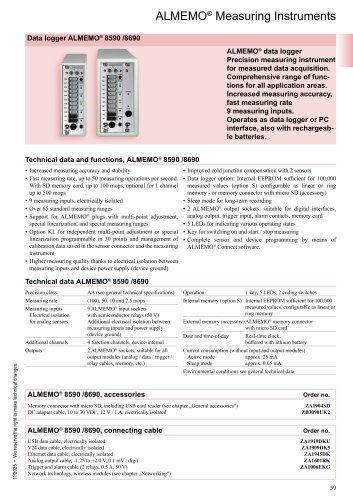 ALMEMO® 8590/8690
2 Pages
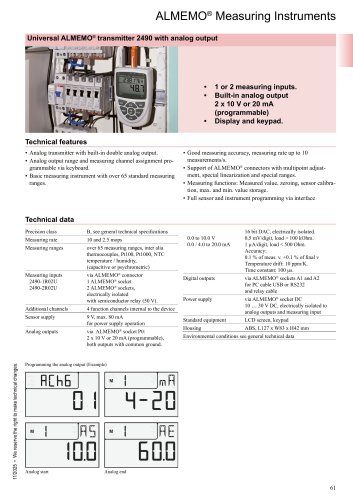 Transmitter ALMEMO® 2490
2 Pages
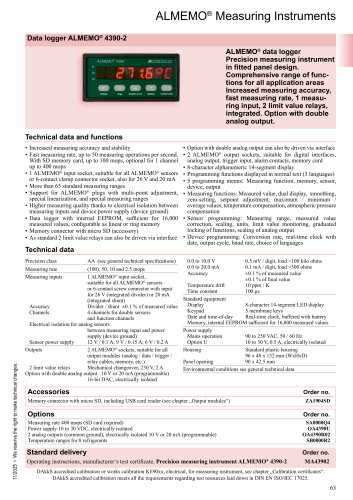 ALMEMO® 4390-2
1 Page
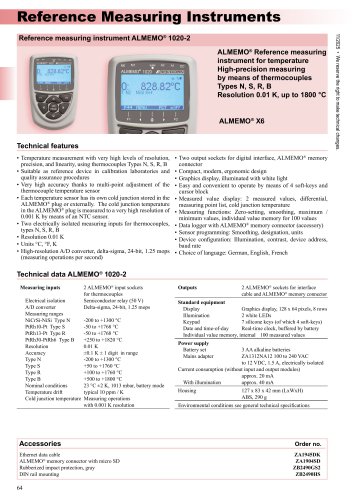 ALMEMO® 1020
2 Pages
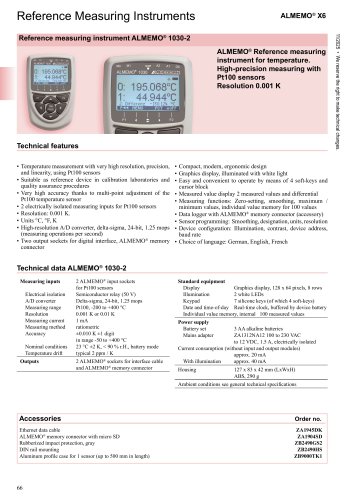 ALMEMO® 1030
2 Pages
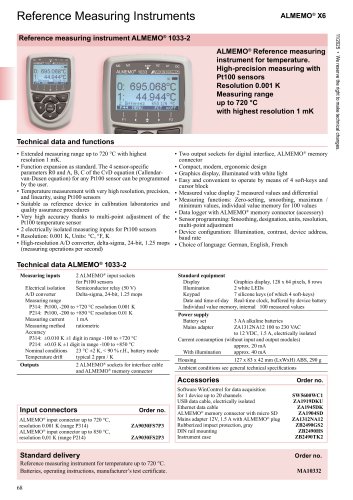 ALMEMO® 1033
2 Pages
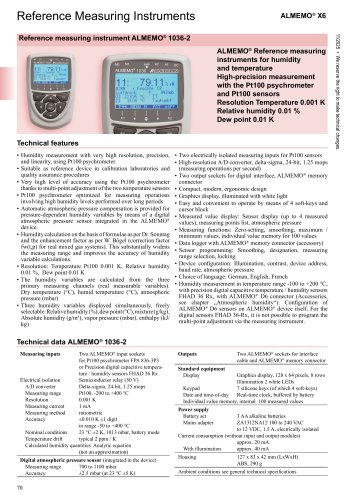 ALMEMO® 1036
2 Pages
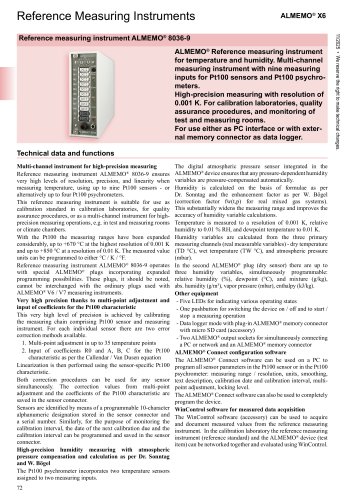 ALMEMO® 8036
3 Pages
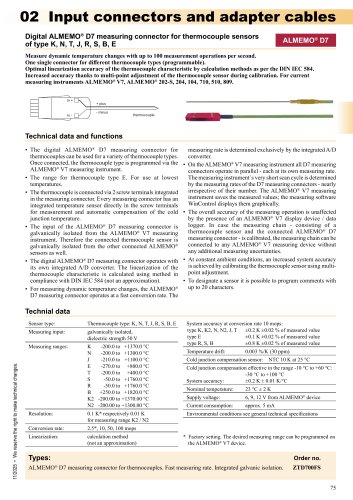 Digital ALMEMO® connectors
14 Pages
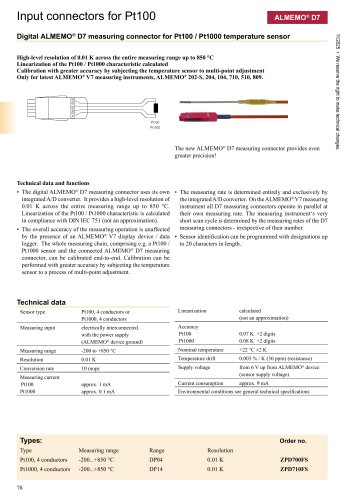 ALMEMO® Connector for Pt100
5 Pages
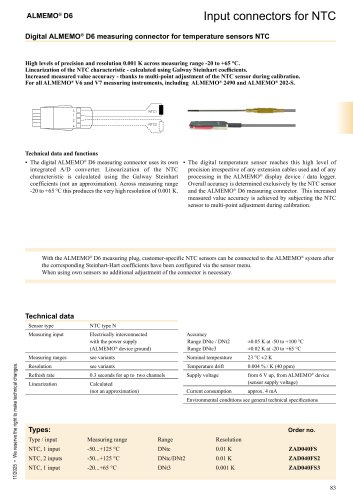 ALMEMO® Connectors for NTC
2 Pages
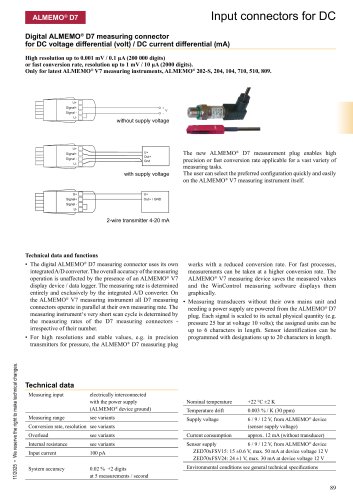 ALMEMO® Connector for DC
5 Pages
 ALMEMO® Connector for AC
1 Page
 Trigger cable
3 Pages
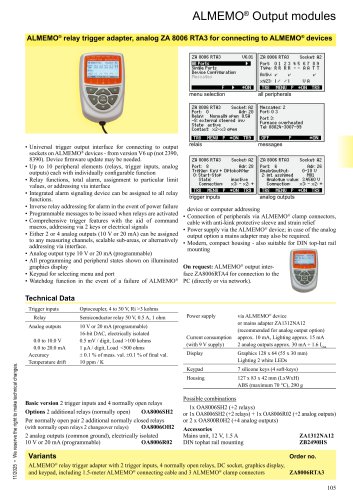 ALMEMO® 8006-RTA3
1 Page
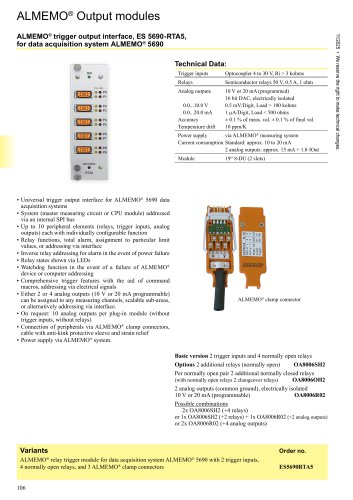 RTA5
RTA51 Page
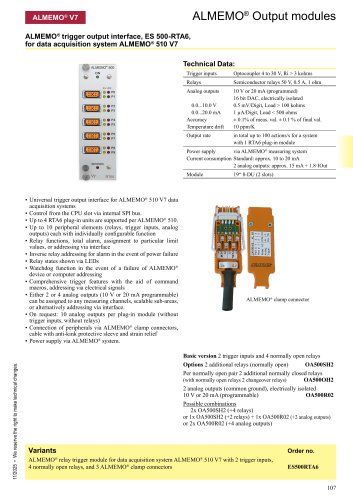 RTA6
RTA61 Page
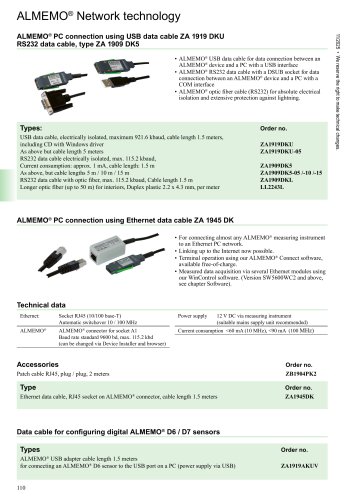 Network Cables
2 Pages
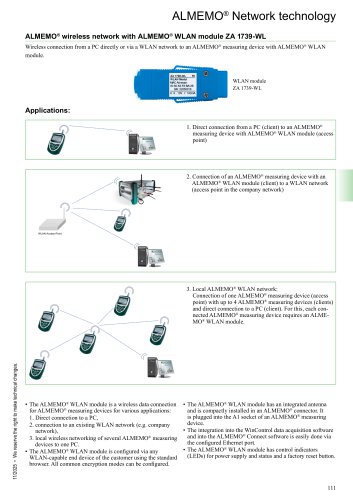 WLAN module ZA 1739-WL
2 Pages
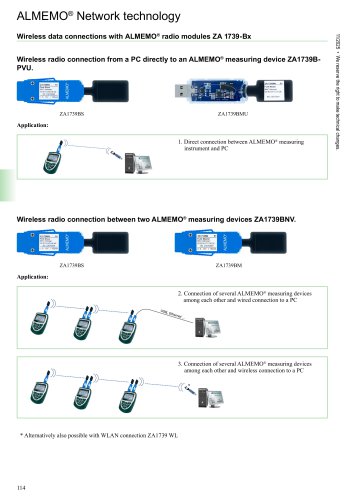 The ALMEMO® wireless System
3 Pages
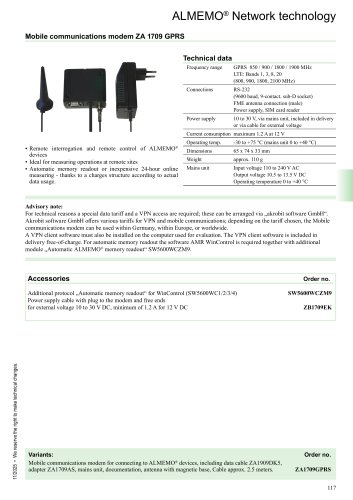 Mobile Internet and Cloud
4 Pages
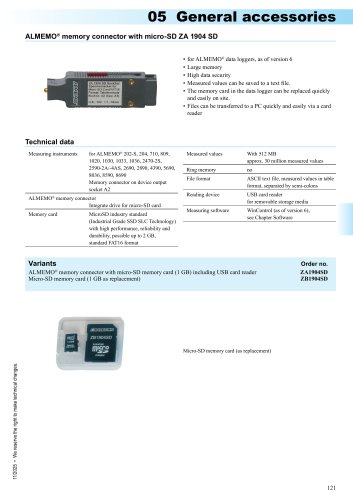 Memory connector
1 Page
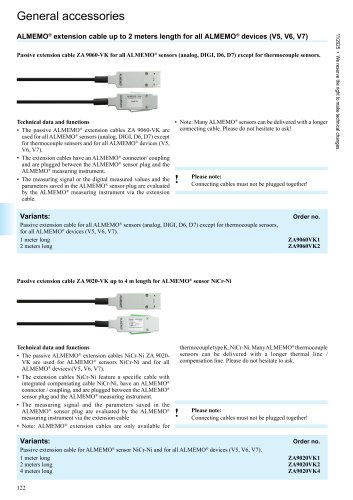 Extension cable
3 Pages
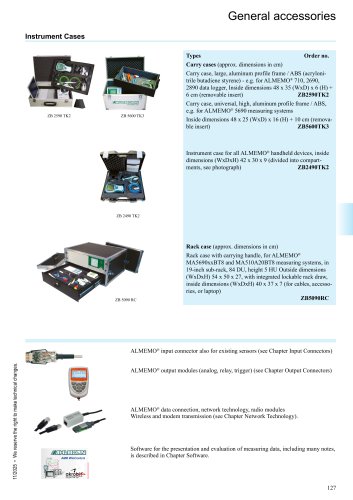 Cases
Cases1 Page
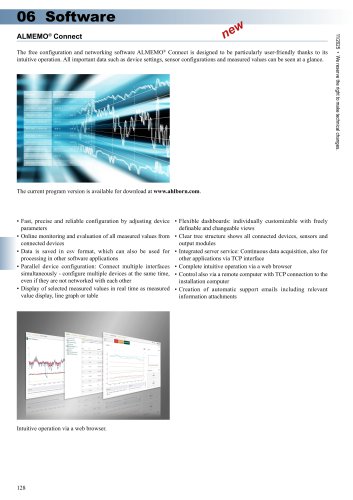 ALMEMO® Connect
1 Page
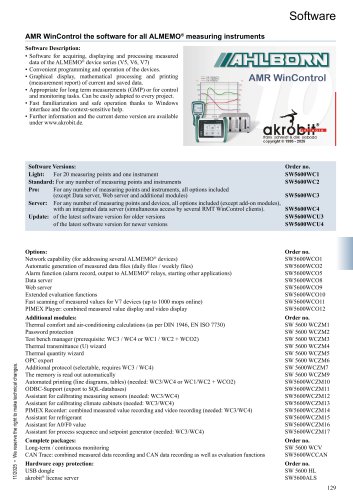 WinControl
13 Pages
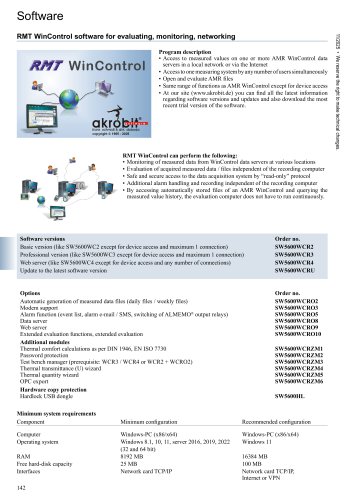 RMT WinControl
1 Page
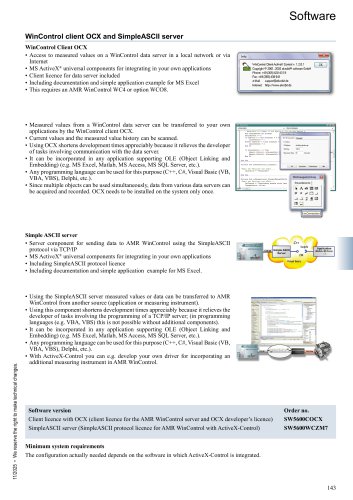 OCX WinControl
1 Page
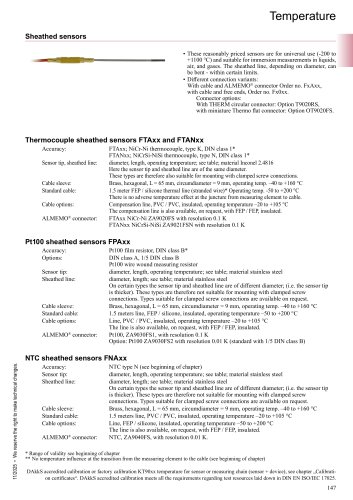 Sheathed sensors
5 Pages
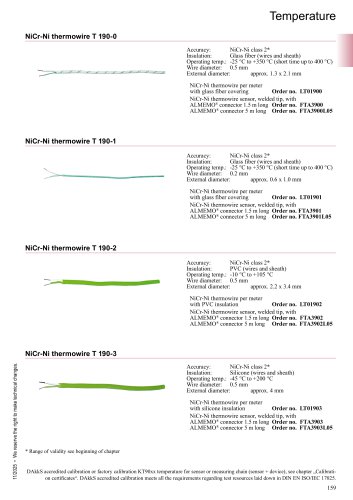 Thermo-wires
3 Pages
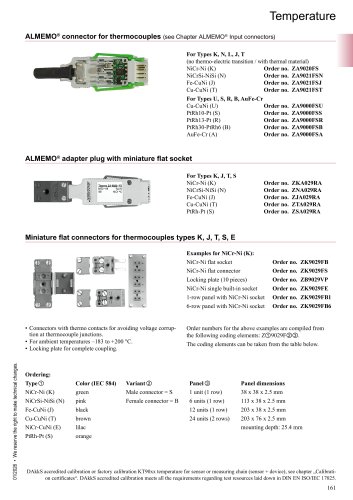 Connectors for thermocouples
1 Page
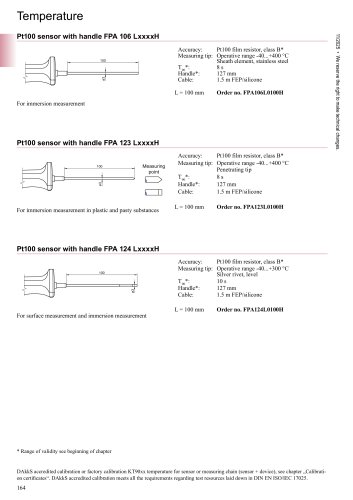 Various designs
4 Pages
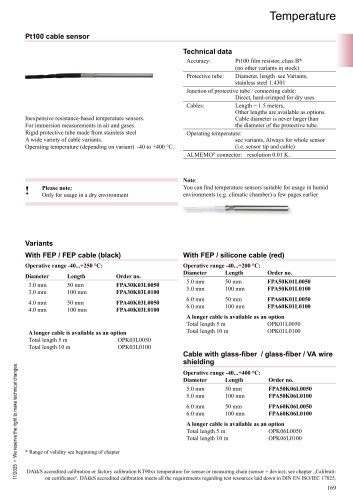 Pt100 cable sensor
1 Page
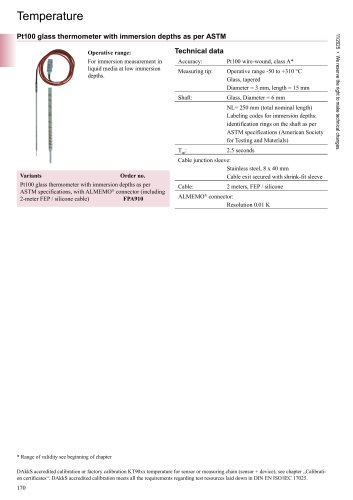 Glass thermometer
1 Page
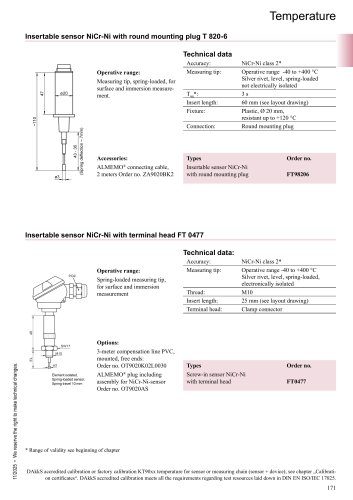 Insertable sensor
3 Pages
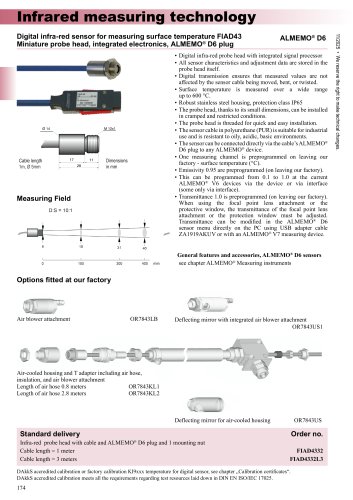 FIAD43
2 Pages
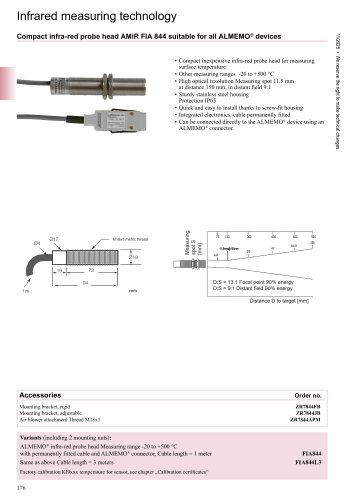 FIA844
2 Pages
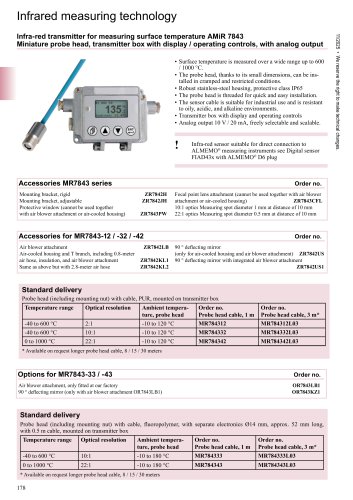 AMiR 7843
2 Pages
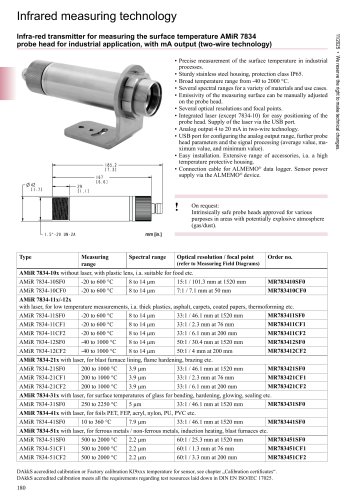 AMiR 7834
6 Pages
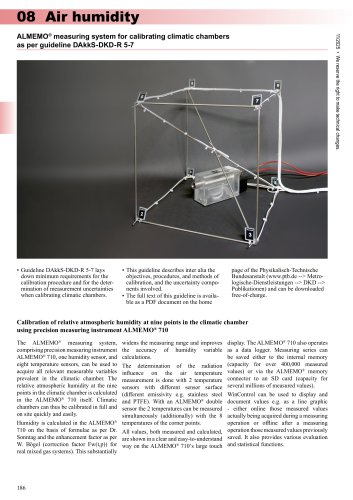 Calibrating climatic chambers
4 Pages
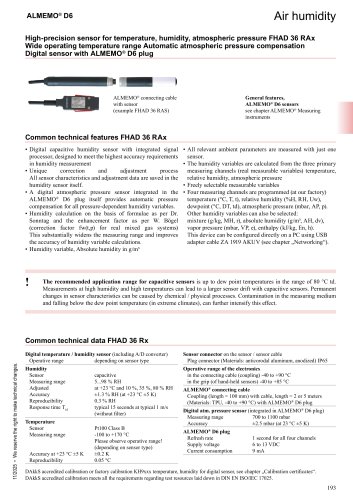 FHAD 36 Rx
4 Pages
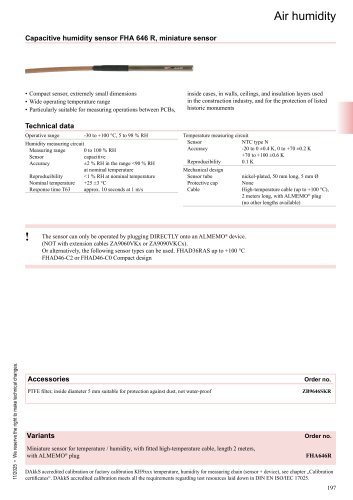 FHA 646 R
1 Page
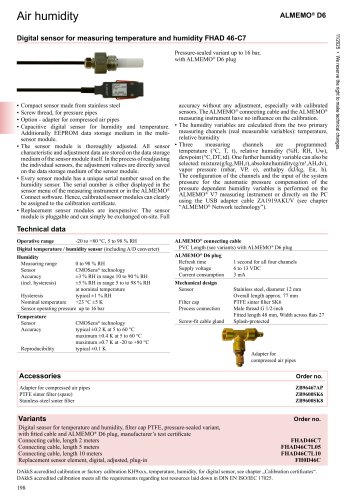 FHAD46-7
1 Page
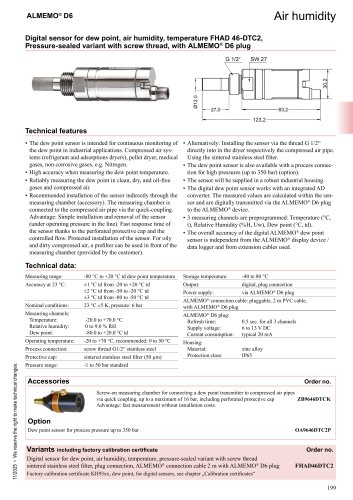 Dewpoint sensor
1 Page
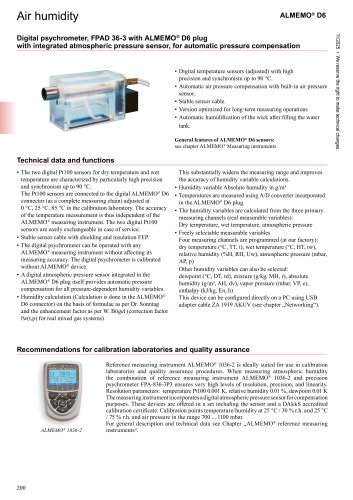 Digital psychrometer
2 Pages
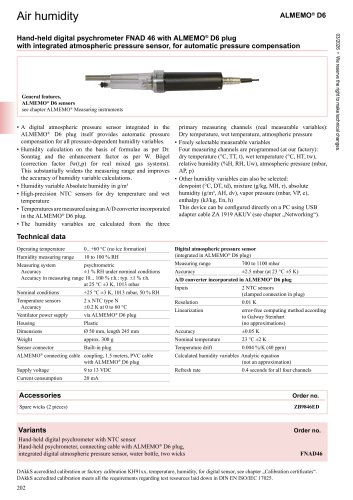 Psychrometer
1 Page
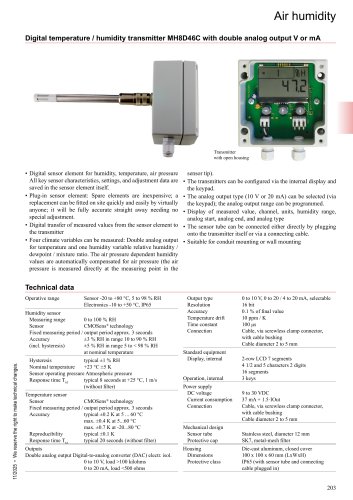 MH8D46
2 Pages
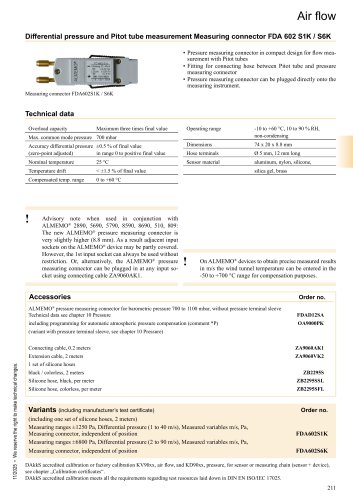 Pitot Tubes
2 Pages
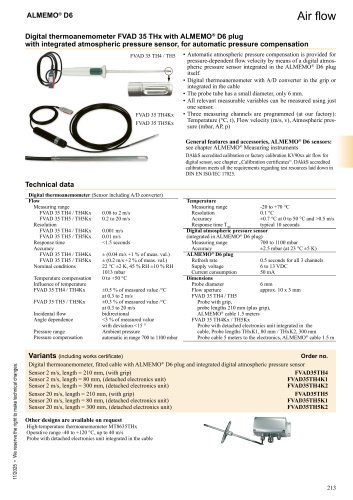 D6 Anemometer
1 Page
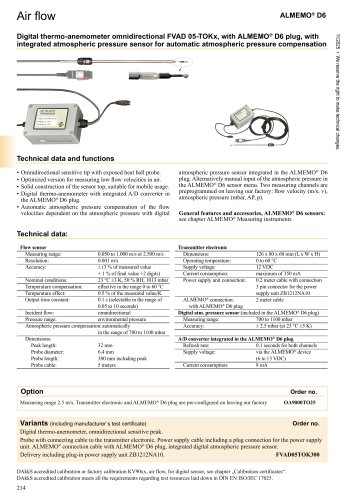 Digital thermo-anemometer
1 Page
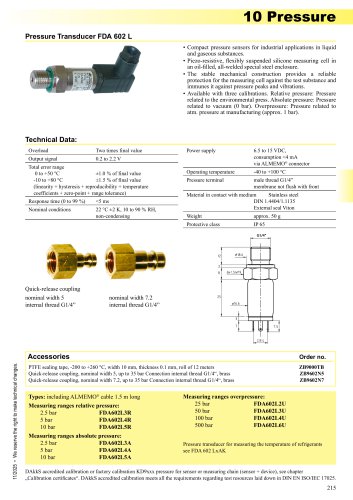 Pressure sensors FDA602L
1 Page
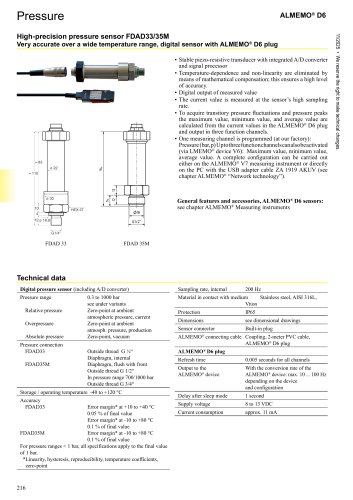 High-precision pressure sensor
2 Pages
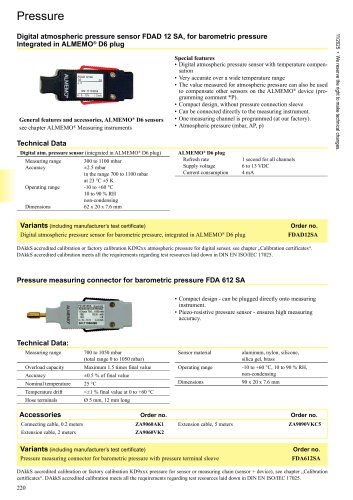 Pressure connector
1 Page
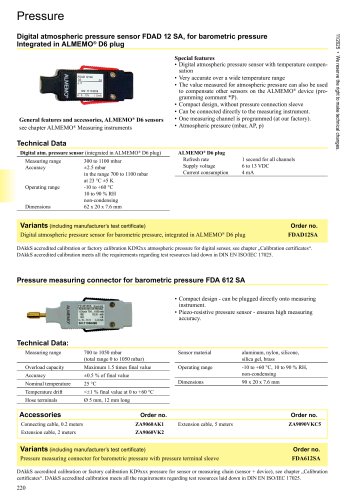 Pressure measuring connector
2 Pages
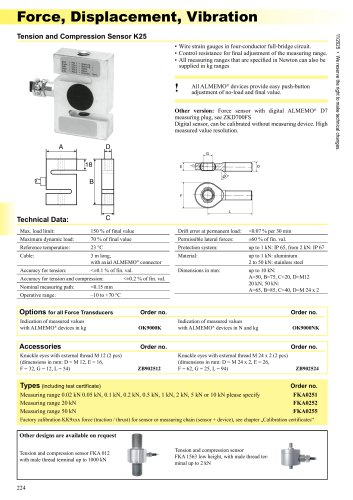 Force
Force3 Pages
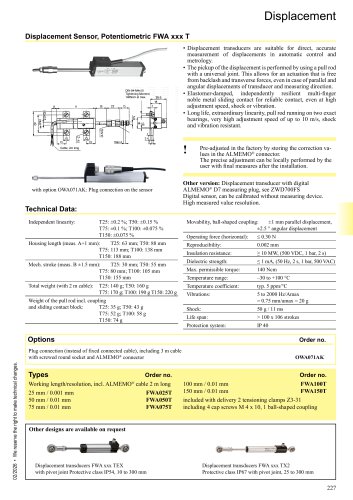 Displacement
2 Pages
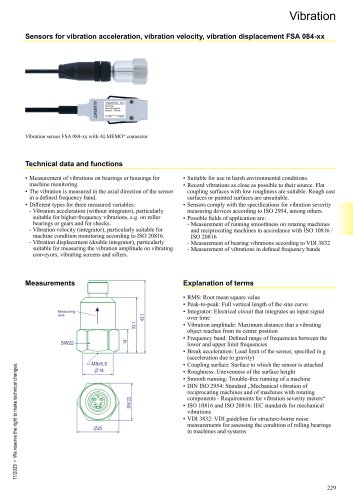 Vibration
2 Pages
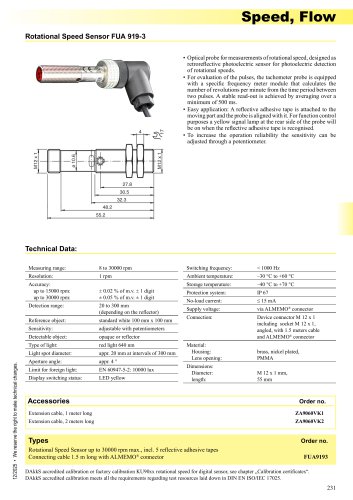 Speed
Speed1 Page
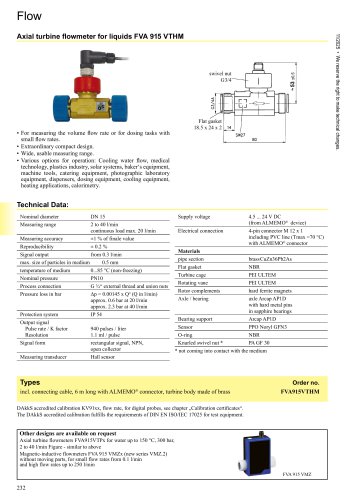 Flow
Flow2 Pages
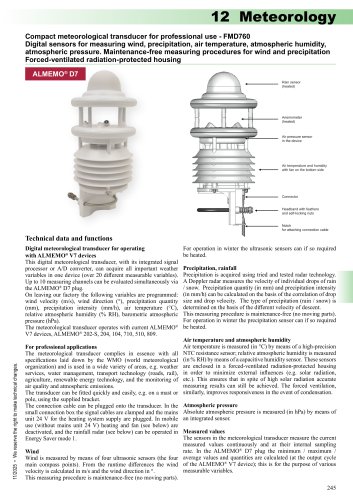 Meteorological transducer
3 Pages
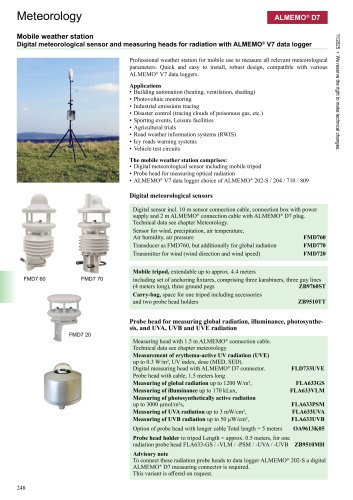 Weather station
3 Pages
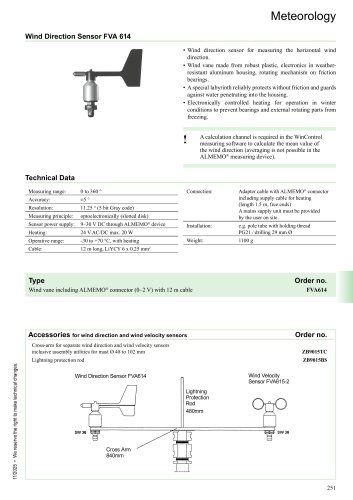 Wind sensor
2 Pages
 Optical radiation
3 Pages
 FLD733UVE
2 Pages
 All-weather housing
2 Pages
 Comfort Index
2 Pages
 Sound Level
1 Page
 Heat Flow Plates
2 Pages
 Equilibrium moisture
1 Page
 Moisture
5 Pages
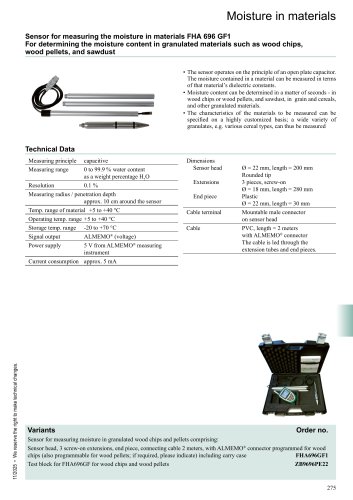 Granulate humidity
1 Page
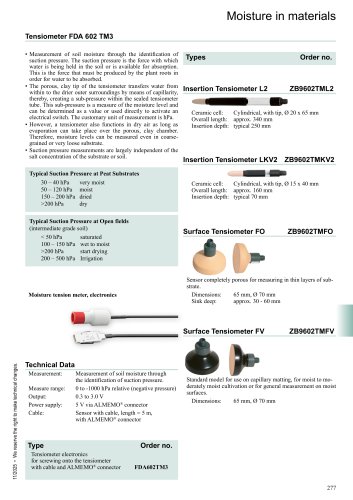 Tensiometer
1 Page
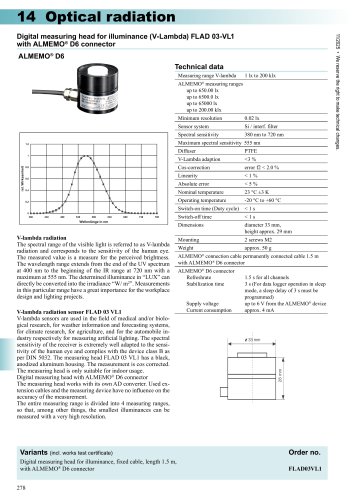 FLAD03VL1
1 Page
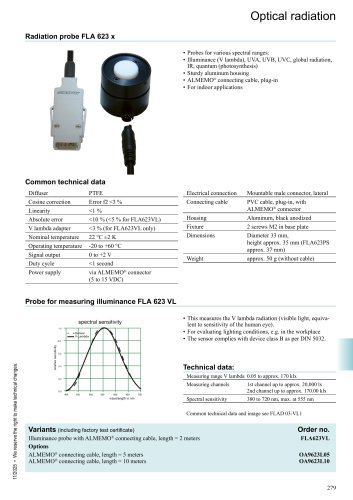 FLA623
3 Pages
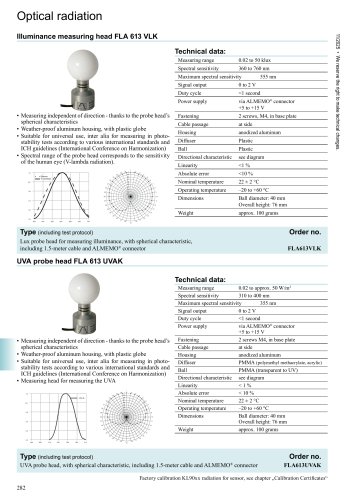 VLambda
1 Page
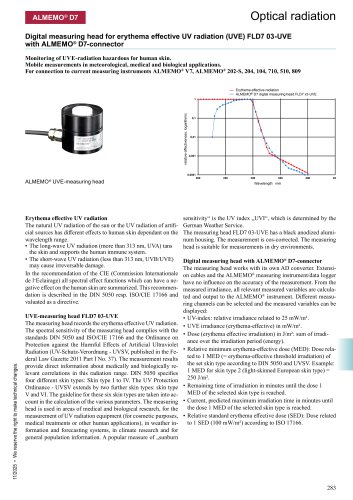 FLD703UVE
2 Pages
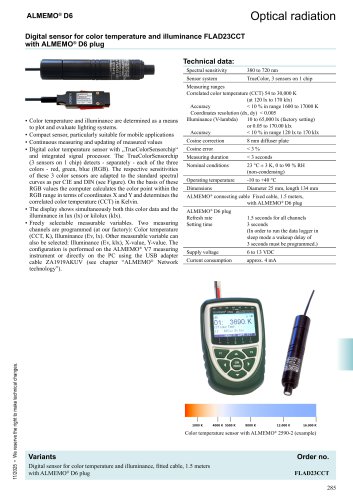 Color temperature
2 Pages
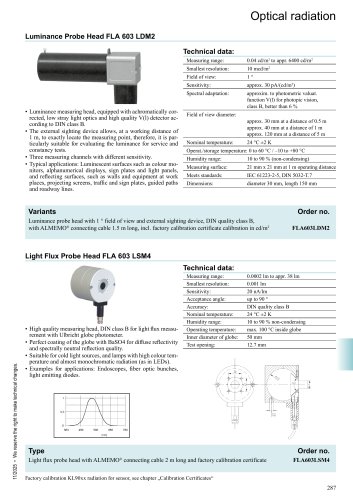 Luminance
1 Page
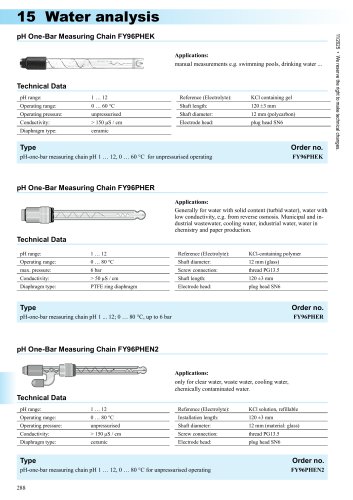 pH
pH4 Pages
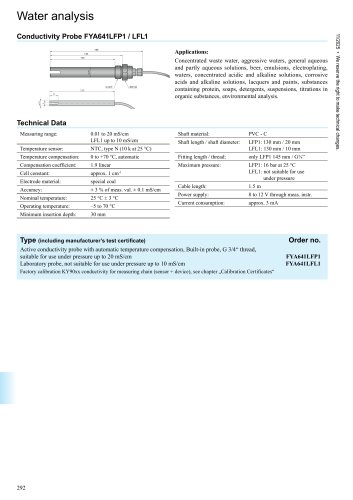 Conductivity
2 Pages
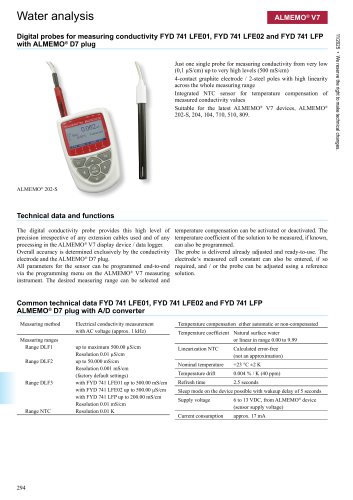 Conductivity D7
3 Pages
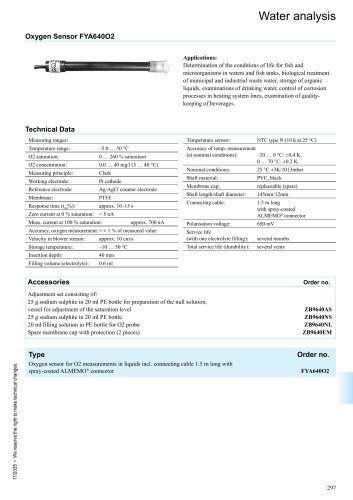 Oxygen Sensor
1 Page
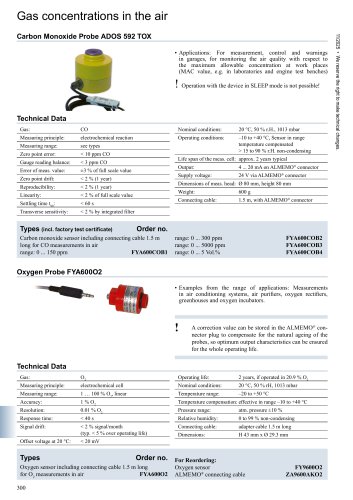 CO sensor
1 Page
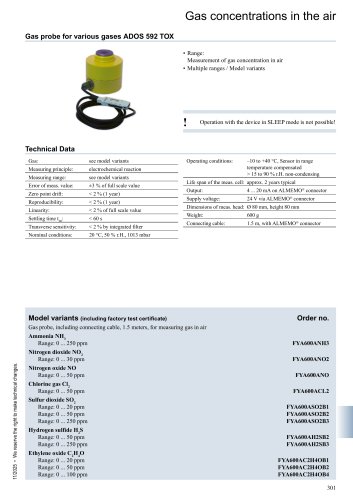 Various gases
1 Page
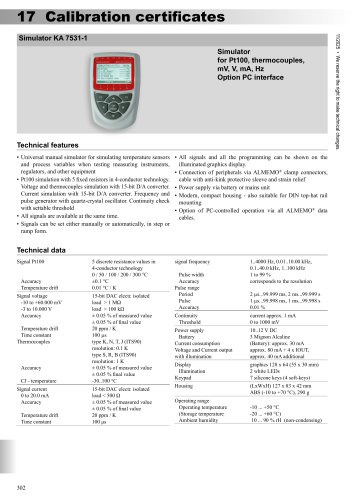 Simulator KA 7531
2 Pages
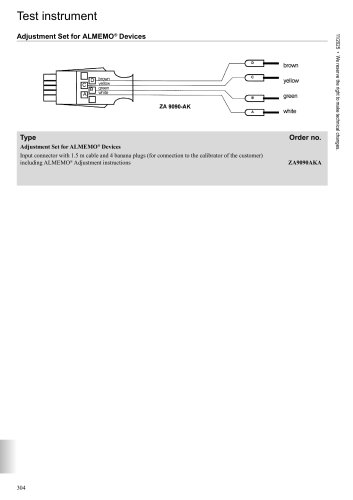 Adjustment cable
1 Page
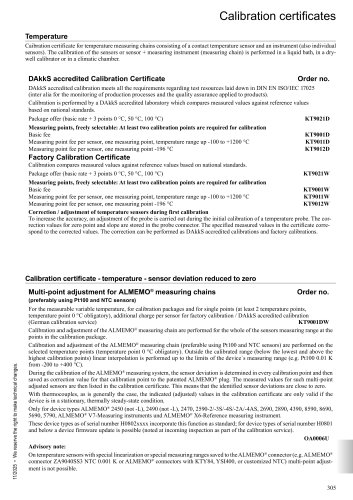 Certificates
7 Pages
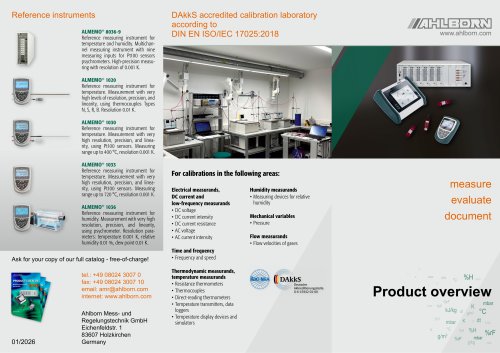 Product overview
2 Pages
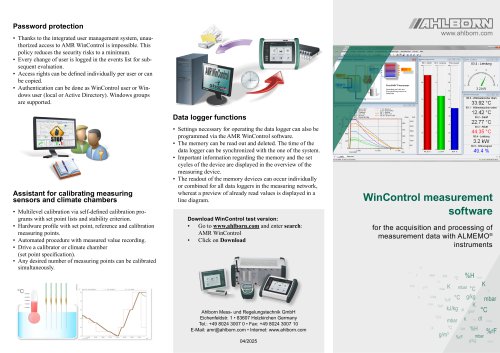 WinControl
2 Pages
 Calibration laboratory
2 Pages
 Multi-point adjustment
2 Pages
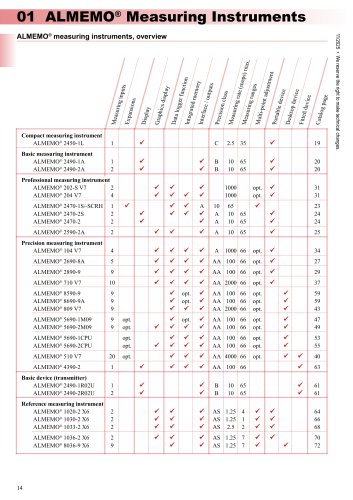

- Ahlborn connector
- Flowmeter
- Ahlborn data connector
- Ahlborn temperature sensor
- Volume flow monitor
- Liquid flow monitor
- Force sensor
- Electrical power supply connector
- Metal connector
- Automation software solution
- Data logger
- Ahlborn resistance temperature sensor
- Analysis software solution
- Pressure transmitter
- Circular connector
- Polymer connector
- Tension/compression force transducer
- Windows software
- Steel load cell