

PUMA
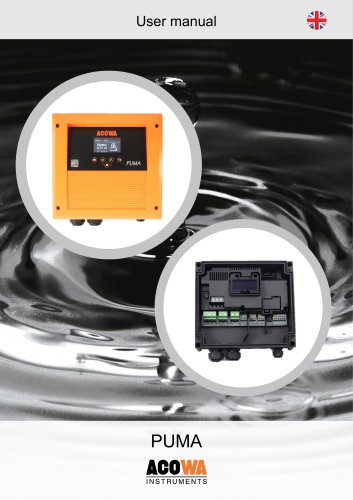
PUMA
PUMA is a versatile pump control system for 1-phase or 3-phase pumps up to 12A (5.5KW), using level switches or 4-20mA analog meters for automatic operation. It features advanced flow calculations, phase sequence detection, and digital I/O for alarms, housed in an IP65 casing with a 2.4” OLED display. Communication options include 4G or NB-IoT modems, configured via AcowaZoo software.
PUMA integrates a modem for SCADA communication, Modbus TCP/IP protocol, and validated flow calculations. It offers high-level control, a power bank for power failure alarms, and varied starting levels to prevent build-up. Configuration is possible locally or remotely.
The controller calculates pump capacity and performance without external equipment, evaluating pump cycles for accurate flow and capacity data, aiding in identifying non-revenue water and system efficiency.
Includes guidelines for handling, installation, operation, and maintenance, emphasizing electric shock risks and the need to switch off power before electrical connections. Compliance with RCD legislation is required.
Designed for sewage wells or reservoirs, suitable for network and main pumping stations, commercial buildings, and municipal systems. Not for use with strong solvents or oil-containing liquids.
Requires 1x230V AC or 3x400V AC supply voltage, 50/60Hz frequency, with a maximum 16A fuse. Grounding is TT, with a power bank for voltage failure alarms.
Dimensions: 237mm x 248mm x 98mm, weight: 1350g, supports 0.5 – 6 mm² wire connections, IP65 enclosure, operating temperature: -20°C to +50°C.
Includes one analog input (0...20 mA / 4…20 mA) and two digital inputs/outputs, with 4 KV insulation voltage.
Features a 2.4” OLED display with push-button navigation, entering pause after 5 minutes of inactivity.
Connects to PC via USB or TCP for configuration, requiring driver installation on Windows 7 or 8, supporting firmware updates.
Ensure power is off before servicing to prevent electric shock. Dispose of according to local regulations, indicated by the crossed-out wheelie bin symbol.
AcowaZoo interface allows loading/saving configurations, establishing TCP connections, and updating firmware. Pump setup includes phase selection, pump current, and sensor types.
Analog inputs include scaling and alarm configurations. Digital I/O can be configured for specific signal ranges and frequencies.
Configurable for high/low limits, labeled for alarms and SMS alerts, with activation levels and delays.
Includes pump control settings, variable start levels, error handling, leak indicators, and interlocking capabilities, with delayed pump start-ups.
Performs flow calculations based on well design and pump capacity, with settings for capacity calculation intervals and flow validation.
Maintenance functions like pump exercise, daily emptying, flushing, and depth pumping can be scheduled for efficiency.
Configurable for pulse counting, dry running indication, and high-level switch activation, supporting alarm signaling with customizable delays.
Relay outputs configurable for pump operation, alarms, and dosing pumps, with constant or timed activation and delays.
Remote control via TCP/IP by entering IP address and port, with configuration saving and retrieval.
Sends daily status and alarm SMS, supports reverse communication for SCADA integration.
Records stormflow events, configurable for "True overflow" or "Conditional overflow" based on criteria.
User manual for ACOWA Instruments, detailing overflow monitoring systems operation and configuration, including specifications and procedures.
Monitors overflow levels and flow rates, with data in specific units, avoiding starting data set with (0,0).
Lists addresses for reading/writing operational data like overflow flow, number, durations, and volumes.
Activates online status window for pump control registers, well and pump status, manual control, clock setting, and modem resetting.
Access full register overview, edit directly, filter specific registers, view online and input values.
Guide to input/output signals, including analog/digital inputs/outputs, pump signals, and system information.
Outlines pump and PUMA status registers, detailing conditions for status, warnings, and alarms.
ACOWA Instruments emphasizes high-quality, future-proof products developed in Denmark, focusing on advanced technology and customer collaboration.
Catalog excerpts
User manual User manual ACOWA Puma / AcowaZoo 062022 1 ACOWA INSTRUMENTS, Industrivej 10, 8305 Samsø - VAT-no: 36562919 – mail: [email protected] – Phone: +45 7221 79
Open the catalog to page 2
User manual 2 ACOWA INSTRUMENTS, Industrivej 10, 8305 Samsø - VAT-no: 36562919 – mail: [email protected] – Phone: +45 7221
Open the catalog to page 3
3 ACOWA INSTRUMENTS, Industrivej 10, 8305 Samsø - VAT-no: 36562919 – mail: [email protected] – Phone: +45 7
Open the catalog to page 4
User manual PUMA About PUMA PUMA pump control is a universal compact one-pump control with the possibility of communication. PUMA can operate both 1-phase or 3-phase pumps up to 12A (5.5KW). PUMA uses either a level switch or standard 4-20mA analog level meter, where it measures the level in the well, and starts and stops the pump automatically. PUMA has integrated standard functions for inlet flow calculation, flow- and capacity calculation as well as high level control via a high level switch. PUMA has a unique function for current measurement on all 3 phases as well as phase sequence detection....
Open the catalog to page 5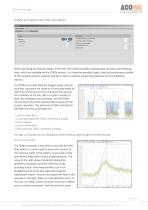
ACOWA INSTRUMENTS PUMA and advanced flow calculation: When specifying the physical design of the well, the PUMA controller subsequently calculates the following data, which are available via the SCADA-system. It is therefore possible to get a load and performance profile of the pumping stations, without having to invest in external measuring equipment for the individual stations. The PUMA controller finds the longest pump cycle for each day, calculates the capacity of the pump based on inlet time and pump-out time and saves this value as the candidate of the day. After a custom number of days,...
Open the catalog to page 6
User manual e.g. 3-4 hours before the increased inlet flow, there would be an indirect inflow, which in most cases is due to drains or seepage of groundwater into the system. With the PUMA pump control, this data will be available for all pumping stations. It will therefore be possible to identify the areas and stations where an effort should be made, as you can now compare the individual stations in a specific area 1:1. 6 ACOWA INSTRUMENTS, Industrivej 10, 8305 Samsø - VAT-no: 36562919 – mail: [email protected] – Phone: +45 7221 79
Open the catalog to page 7
User manual ACOWAINSTRUMENTS Safety instructions These safety instructions give a quick overview of the safety precautions to be taken in connection with any work on this product. Observe these safety instructions during handling, installation, operation, maintenance, service and repair of this product. Keep these safety instructions at the installation site for future reference. Danger Electric shock g R'x Death or serious personal injury - In case of an insulation fault, the fault current may be a DC or pulsating DC. Observe national legislation about requirements for and selection of Residual...
Open the catalog to page 8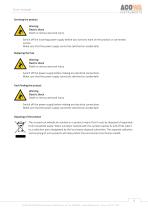
User manual ACOWAINSTRUMENTSServicing the productA Warning Electric shock £ m'x Death or serious personal injury - Switch off the incoming power supply before you start any work on the product or connected pumps. - Make sure that the power supply cannot be switched on accidentally. £ R'X Death or serious personal injury - Switch off the power supply before making any electrical connections. - Make sure that the power supply cannot be switched on accidentally Warning Electric shock £ R'X Death or serious personal injury - Switch off the power supply before making any electrical connections. -...
Open the catalog to page 9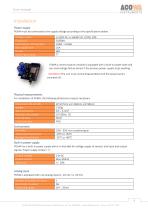
User manual ACOWA INSTRUMENTS InstallationPower supply PUMA must be connected to the supply voltage according to the specifications below. ACOWA INSTRUMENTS, Industrivej 10, 8305 Sams0 - VAT-no: 36562919 - mail: [email protected] - Phone: +45 7221 7979
Open the catalog to page 10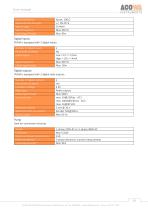
User manual ACOWA INSTRUMENTS ACOWA INSTRUMENTS, Industrivej 10, 8305 Sams0 - VAT-no: 36562919 - mail: [email protected] - Phone: +45 7221 7979
Open the catalog to page 11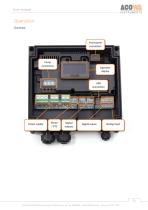
User manual Operation Overview Front panel connection Pump connection Operator display Power supply Digital outputs Digital Inputs Analog input 11 ACOWA INSTRUMENTS, Industrivej 10, 8305 Samsø - VAT-no: 36562919 – mail: [email protected] – Phone: +45 7221 79
Open the catalog to page 12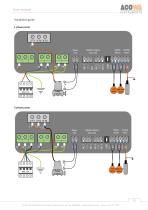
User manual Installation guide 1-phase pump 12 ACOWA INSTRUMENTS, Industrivej 10, 8305 Samsø - VAT-no: 36562919 – mail: [email protected] – Phone: +45 7221 79
Open the catalog to page 13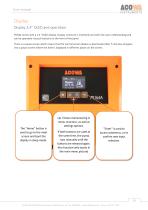
User manual Display Display 2,4” OLED and operation PUMA comes with a 2.4 ”OLED display. Display structure is intuitively and with fast user understanding and can be operated via push buttons on the front of the panel. There is a pause screen which means that the normal screen display is deactivated after 5 minutes and goes into a pause screen where the level is displayed in different places on the screen. The "Home" button is used to go to the main screen and boot the display in sleep mode. Up / Down maneuvering in menu structure, as well as settings options. If both buttons are used at the...
Open the catalog to page 14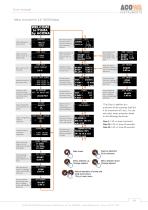
User manual Menu structure for 2,4” OLED Display WELCOME to PUMA by ACOWA Select language for pump control -> ENGLISH DANISH DUTCH Main menu (home) for pump control. Here are shown i.a. pump operation, level etc. Select control for either 1-phase or 3-phase pump. —PUMP DATA— SELECT TRIP CLASS Select trip class* for the pump control. —I TRIP CLASS 5 TRIP CLASS 10 -> TRIP CLASS 20 Manual operation of pump. Use enter r: and go to the sub < PUMP CONTROL START STOP | BLOCK Arrow indicates the desired function. ( Acknowledge with ■ enter. Start = reset pump POMP CONTROL START .rl -> STOP ^ BLOCK Enter...
Open the catalog to page 15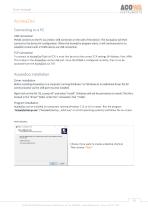
User manual AcowaZoo Connecting to a PC USB connection PUMA connects to the PC via a Micro-USB connector on the side of the device. The AcowaZoo will then connect to the device for configuration. When the AcowaZoo program starts, it will continuously try to establish contact with a PUMA device via USB connection. TCP Connection To connect to AcowaZoo-Tool via TCP, it must first be set to the correct TCP settings (IP Address, Port, APN). This is done in the AcowaZoo via the USB port. Once the PUMA is configured correctly, then it can be accessed from the AcowaZoo via TCP. AcowaZoo Installation...
Open the catalog to page 16All ACOWA INSTRUMENTS catalogs and technical brochures
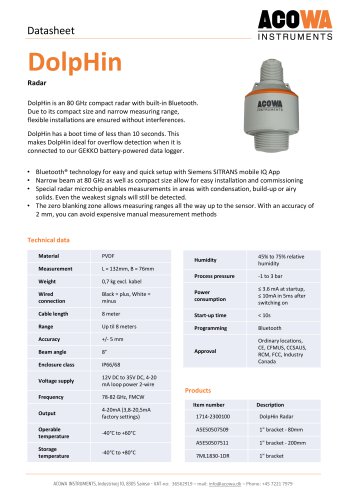 DolpHin
1 Page
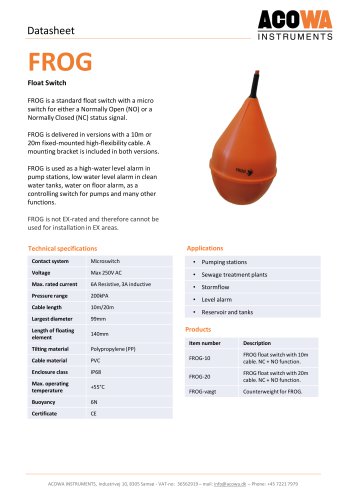 FROG
FROG1 Page
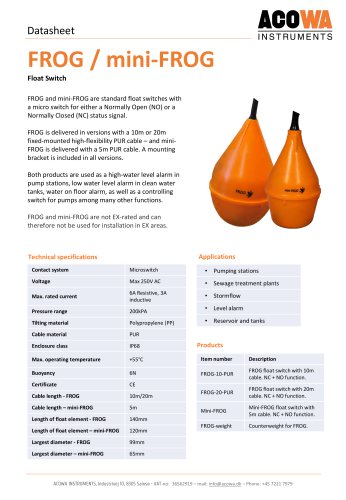 FROG / mini-FROG
1 Page
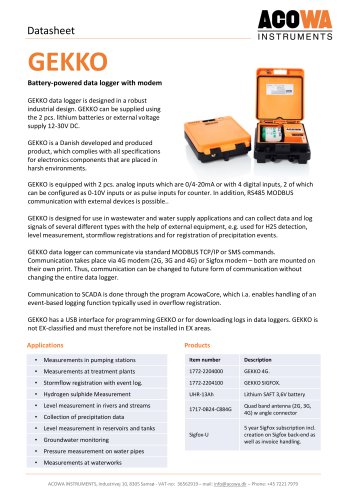 GEKKO Datasheet
3 Pages
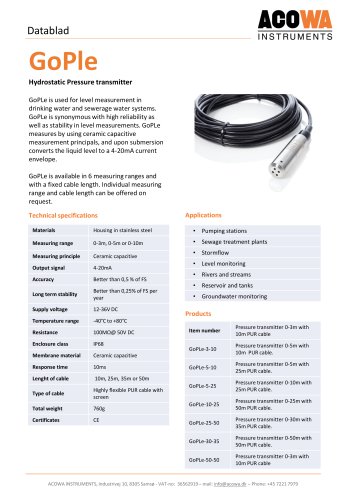 GoPle
GoPle1 Page
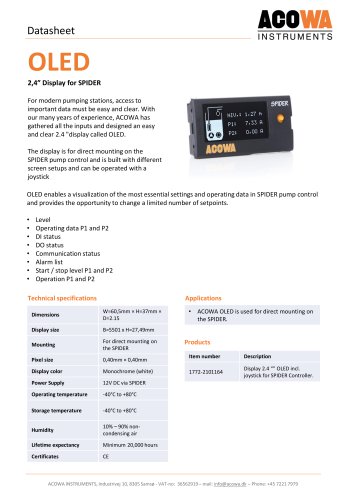 OLED
OLED1 Page
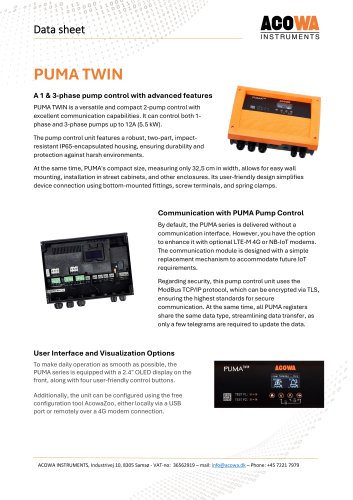 PUMA TWIN
5 Pages
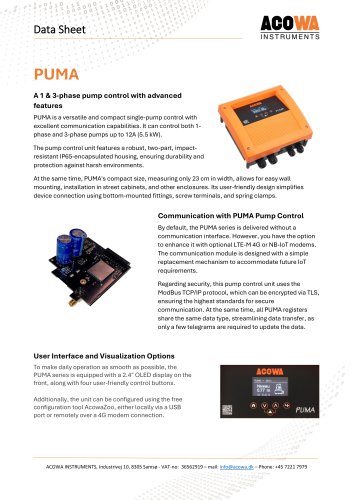 PUMA
PUMA5 Pages
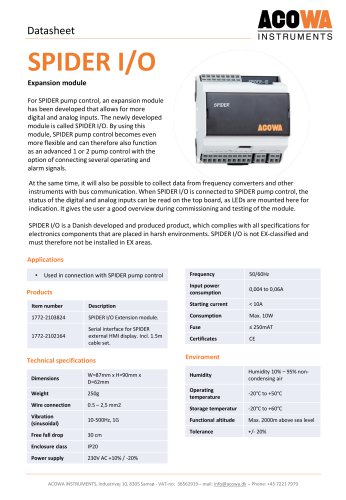 SPIDER I/O
2 Pages
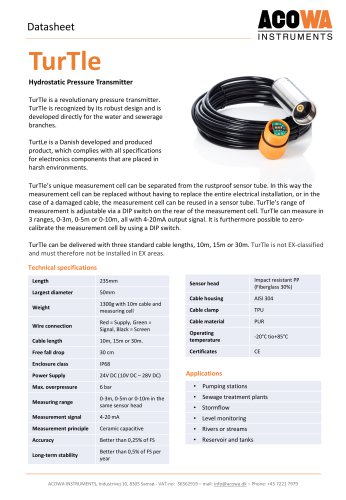 TurTle
2 Pages
 FireFly
13 Pages
 SPIDER
54 Pages
 GEKKO
GEKKO29 Pages
 ACOWA hiVe
28 Pages
 Mini-GoPle
2 Pages
 SPIDER
2 Pages
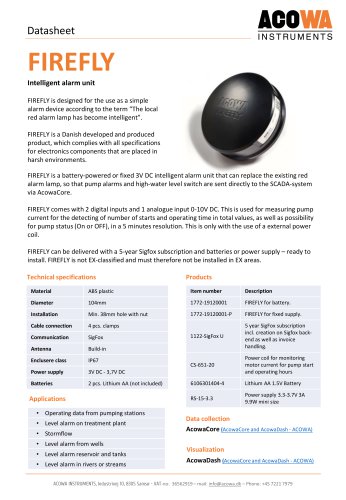 FIREFLY
1 Page
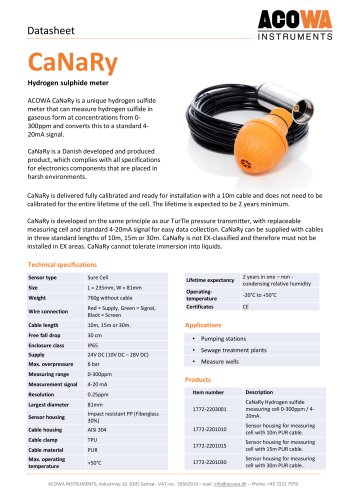 CaNaRy
1 Page
 PRODUCT CATALOG
13 Pages
- Automation software solution
- Management software solution
- Data logger
- Pressure transmitter
- Process software
- Real-time software
- Windows software
- Analog pressure transmitter
- Liquid level detector
- Control software
- Temperature datalogger
- Monitoring software solution
- Waterproof pressure transmitter
- Membrane pressure transmitter
- Stainless steel pressure transmitter
- LED display panel
- Relative pressure transmitter
- Float level switch